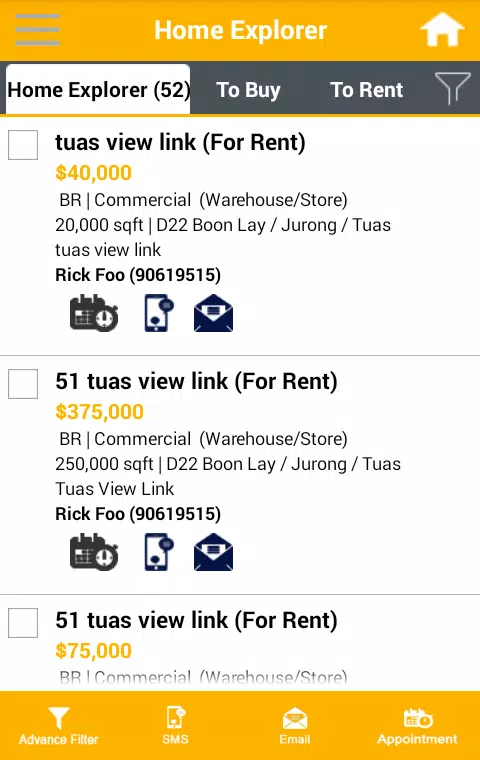
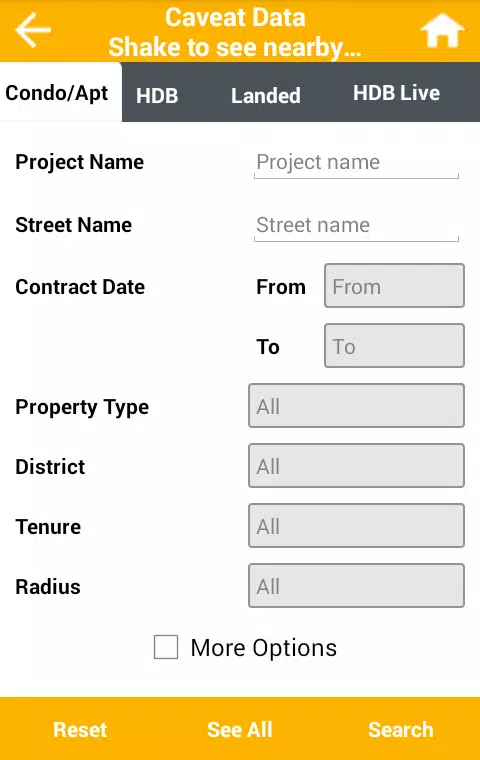
Home Explorer transforms how you map, organize, and visualize living spaces using phone sensors and clear tools for planning renovations, cataloging possessions, or sharing layouts with contractors. The app combines AR measuring, floorplan editing, and photo-based inventory to speed decisions and reduce guesswork in home projects.
At its core, Home Explorer provides a suite of practical utilities aimed at homeowners, renters, interior designers, and small contractors. It bridges measurement tools and visual planning so you can capture a room, turn it into an editable floorplan, and attach photos, notes, or shopping lists to specific areas. The result is a portable project hub that replaces scattered photos, scribbled dimensions, and loose receipts.
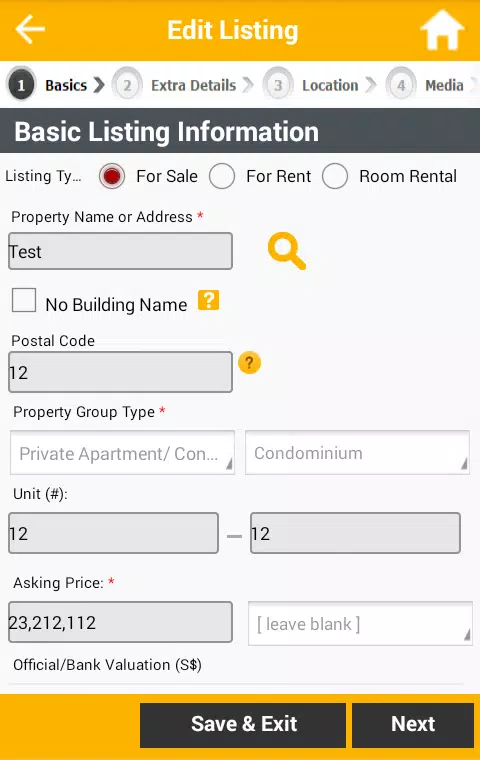
Capture a room in minutes with guided scans that prompt for doorways and corners. After scanning, the floorplan editor translates the data into editable lines and labels. Users can then place photos on the plan, write notes tied to a spot, and generate a checklist for tasks like painting or replacing fixtures. The straightforward flow keeps files organized by project and date, making follow-up work simpler.
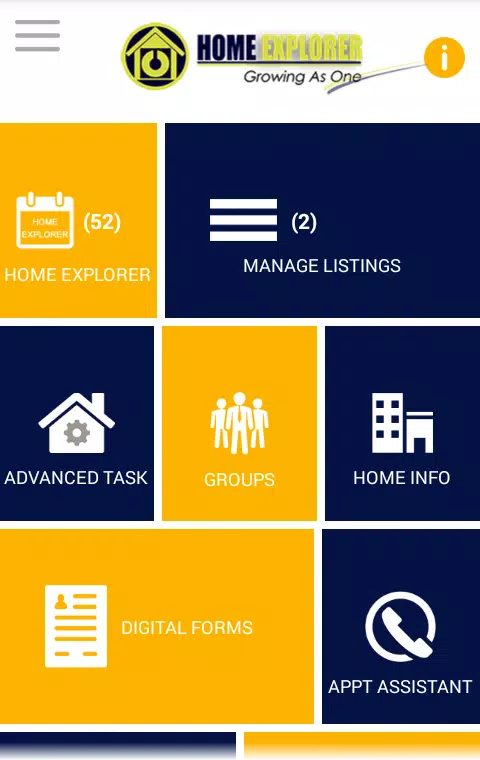
The interface prioritizes clarity: large icons for capturing, an uncluttered editing canvas, and contextual menus that appear only when needed. Home Explorer keeps processor use modest to preserve battery life during extended scans. On modern mid-range and flagship devices the AR alignment and rendering are smooth, while older phones may experience slightly longer processing times when stitching scans into floorplans.
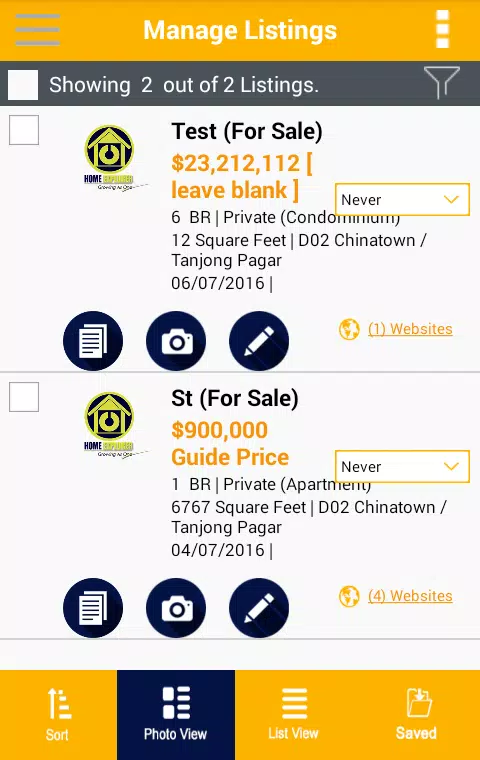
Customization is practical rather than flashy. You can color-code rooms, set custom tags for items (for example: keep, donate, replace), and choose export presets for contractors or insurers. Collaboration features allow project sharing with view-only or editor permissions, letting teams coordinate measurements and notes without long email threads.
Home Explorer fits a wide range of scenarios: planning a kitchen remodel, documenting a rental condition, staging a home for sale, or creating an inventory for insurance. It’s equally helpful for professionals who need quick site records and homeowners preparing materials lists for quotes from contractors or retailers.
Users appreciate the balance between automated scanning and manual edits. The app accepts corrections easily, so small inaccuracies in AR results are fixable. Regular updates have improved stability and broadened export capabilities, and in-app troubleshooting helps diagnose camera or sensor issues quickly.
For anyone managing a home improvement plan or keeping a detailed inventory, Home Explorer reduces administrative overhead and centralizes project data. It’s not a replacement for professional surveys on large structural changes, but for everyday planning and coordination it delivers measurable time savings and clearer communication between homeowners and service providers.
File size: 17.50 M Latest Version: 3.9
Requirements: Android Language: English
Votes: 404 Package ID: com.admirarsofttech.HomeExplorer
Developer: EXperienceIT Pte Ltd


Must Have Home Apps for Android
Make your house a home with our suite of helpful home apps. Discover clever tools to organize closets, streamline chores, and simplify cooking. Take the stress out of cleaning and maintenance with handy checklists and schedules. Enhance security and control appliances and lighting with our smart home integrations. Design, visualize, and renovate like a pro using our 3D planning software.






LIVE A HERO
Retro Hero Mr Kim
Empire of Passion
Arcane Quest Legends
Magic Snap: Momotaro
AllStar Manga Heroes
Lunescape
ONE PIECE Thousand Storm JP
Tap Titans 2