Scan to Download
Egg NS brings Nintendo Switch emulation to compatible Android phones, allowing users to run NSP and XCI titles locally without owning a console. Designed for experienced tinkerers and curious players alike, Egg NS scans and indexes local ROM files, supports zipped archives, and exposes a range of controls and display options so games behave more like their original Switch counterparts on mobile screens. The app emphasizes local playback and offline use, so your library and progress are stored on-device rather than depending on online services.
The core functionality is straightforward: automatic scanning and indexing of NSP/XCI files makes browsing a collection easy, while compressed ROM support reduces storage friction. Multiple quick save and load slots let you capture exact moments in gameplay, which is useful for retrying boss encounters or for practicing difficult platforming sections. Fast-forward emulation speeds up loading, grinding or repetitive sequences, and built-in display simulations such as LCD and CRT give a selectable visual feel for older or stylized titles. These features together keep your focus on the games themselves rather than on technical workarounds.
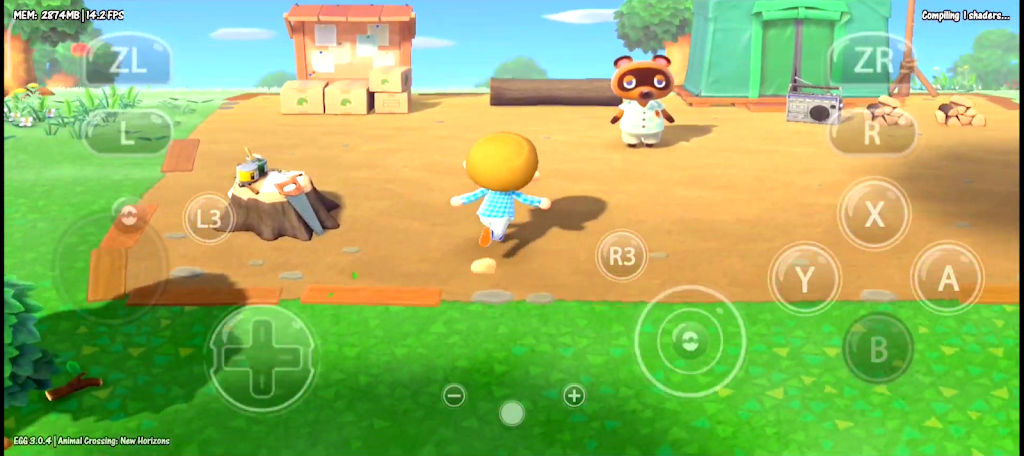
Egg NS offers several control paths so you can tailor input to the game and the device. The on-screen touch layout is optimized for common Switch control schemes and can be repositioned and resized to suit hand placement and screen size. Full Bluetooth controller support enables direct use of gamepads with native-like button mapping, while tilt-to-stick and other sensitivity options let you adapt motion or gyro-enabled mechanics. Remapping and deadzone adjustments are available to refine response, and per-game configurations can be saved so each title remembers its preferred setup.
Performance depends heavily on device hardware and on the complexity of the emulated game. Devices with Snapdragon 855-class chips or better generally reach smoother frame rates, but some titles will still be more demanding or imperfectly compatible. Egg NS exposes performance-related settings such as frame skip and fast-forward to help balance speed and visual fidelity. Because compatibility is not universal, the app provides ways to test and tweak settings per title; however, some games may still run poorly or not at all depending on CPU, GPU, and how a particular game uses Switch-specific hardware features.
Since Egg NS is an emulator rather than a game, it preserves the original progression and level structure of whatever Switch titles you load. Save-state slots supplement in-game saves by letting you store and restore precise moments, which changes how you approach challenges: you can experiment with different strategies, practice difficult segments repeatedly, or speed through predictable sequences with fast-forward. These tools increase replay value by making tough content more approachable and by enabling experimental playthroughs without permanent consequences.
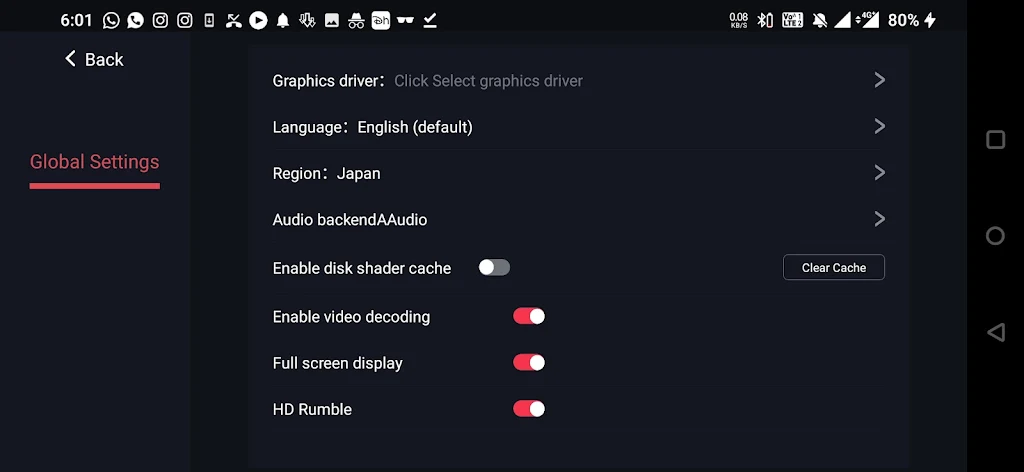
Visual customization helps adapt titles designed for TV-sized displays to handheld screens. Egg NS provides LCD and CRT simulation filters to recreate vintage screen textures, and scaling options help maintain correct aspect ratios or stretch to fill the display. While filters and scaling do not alter gameplay mechanics, they can improve readability, preserve pixel art clarity, or emulate a retro look to match a title's aesthetic. Users can toggle these settings per game to find the most comfortable viewing mode.
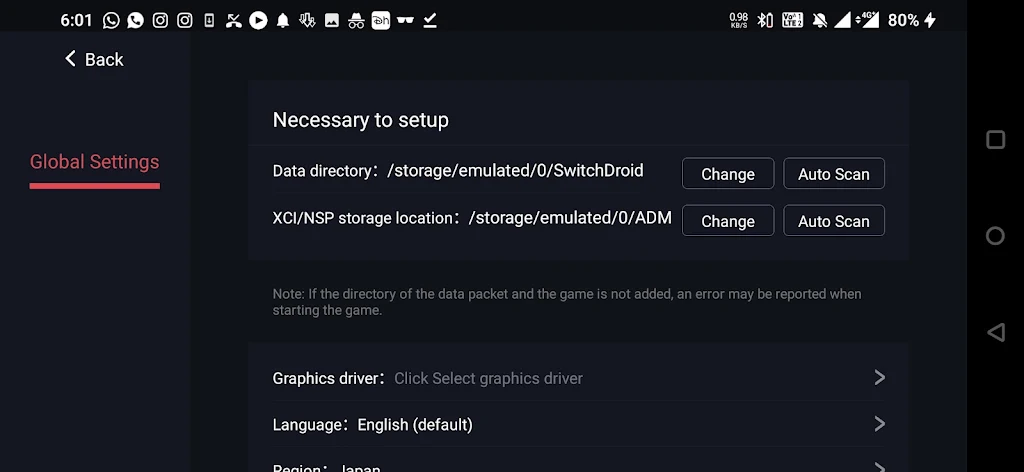
The app is built for local use: all ROM loading, configuration and save data remain on the device, so a stable internet connection is not required to play. Accessibility is addressed through flexible control layouts, adjustable button sizes, remappable inputs and sensitivity settings that work with touch or external controllers. The interface aims to be straightforward for users who have basic knowledge of emulation, but the initial setup can involve manual placement of runtime, key and font files into the app directory, which may feel technical for newcomers. Clear on-screen prompts and labeled options help reduce confusion during configuration.
Getting started usually involves copying your NSP/XCI files into a folder the app can access and allowing Egg NS to scan that directory. For the smoothest performance, use a recent high-end device and keep background apps closed. Save-state usage is recommended for practicing difficult segments, and creating separate control profiles per game keeps layouts consistent across different genres. Remember that legal ownership of game files is your responsibility; Egg NS is a local emulator and does not provide or validate game copies.
File size: 169.90 M Latest Version: 5.1.0
Requirements: Android Language: English
Votes: 471 Package ID: com.xiaoji.gamesirnsemulator
Developer: Stalmate Ltd.

Must Have Tools Apps for Android
Equip yourself with our all-in-one toolbox app for everyday tasks and projects. Instantly convert between units, calculate tips, scan documents, manage files, and more with handy productivity tools. Includes a level, compass, QR code reader, ruler, speedometer, decibel meter, and flashlight. Save frequently used tools to your customizable dashboard for one-tap access. Track billable hours, wages, budgets, and invoices. Annotate screenshots, magnify labels, and sign PDFs on the go.






LIVE A HERO
Retro Hero Mr Kim
Empire of Passion
Arcane Quest Legends
Magic Snap: Momotaro
AllStar Manga Heroes
Lunescape
ONE PIECE Thousand Storm JP
Tap Titans 2










































