
Scan to Download
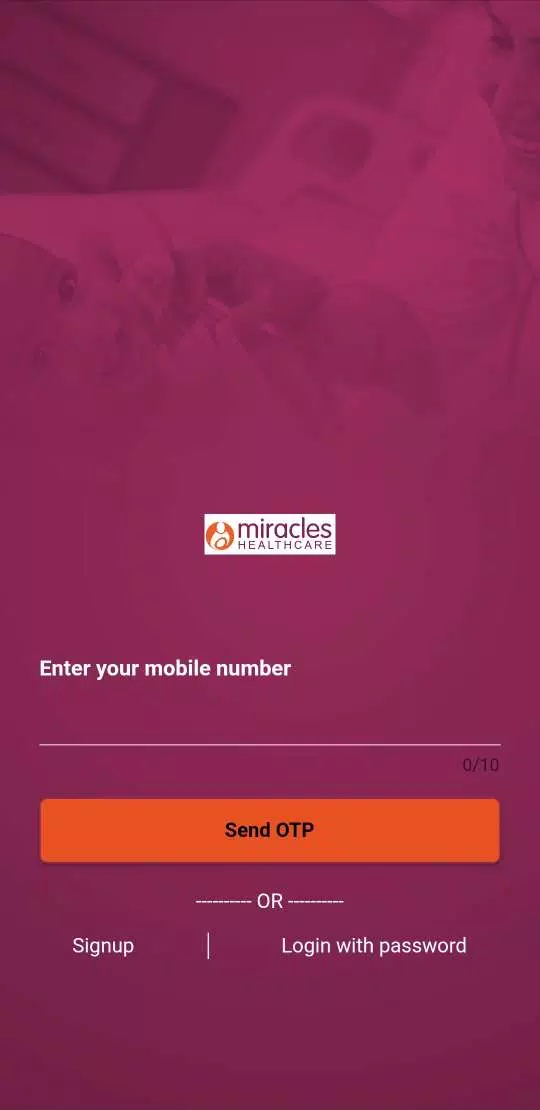
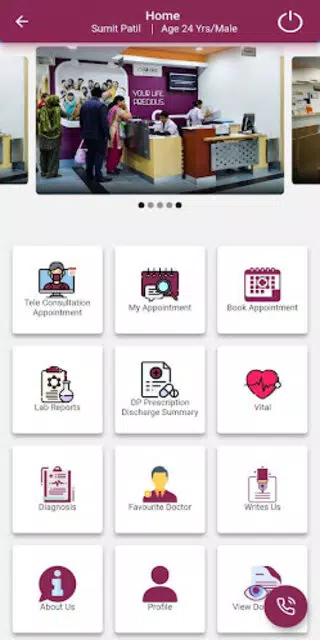
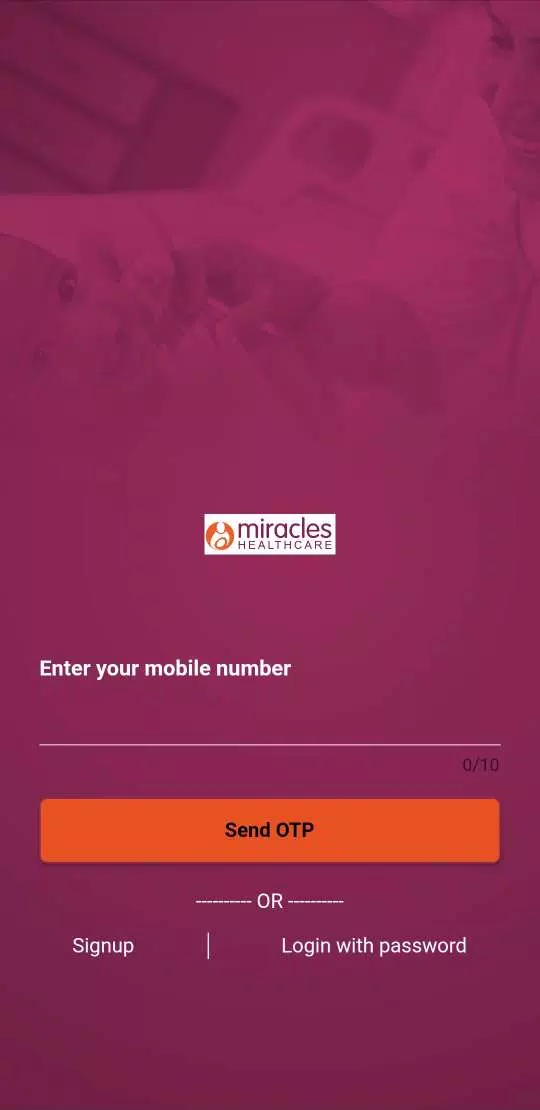
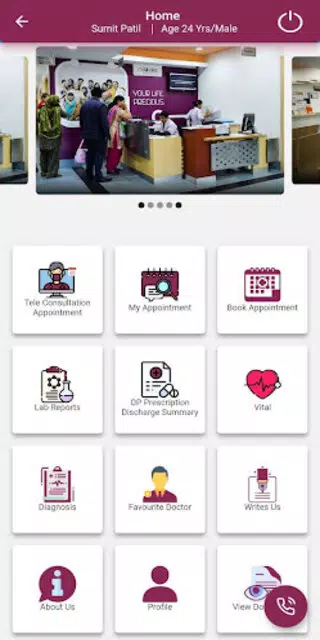
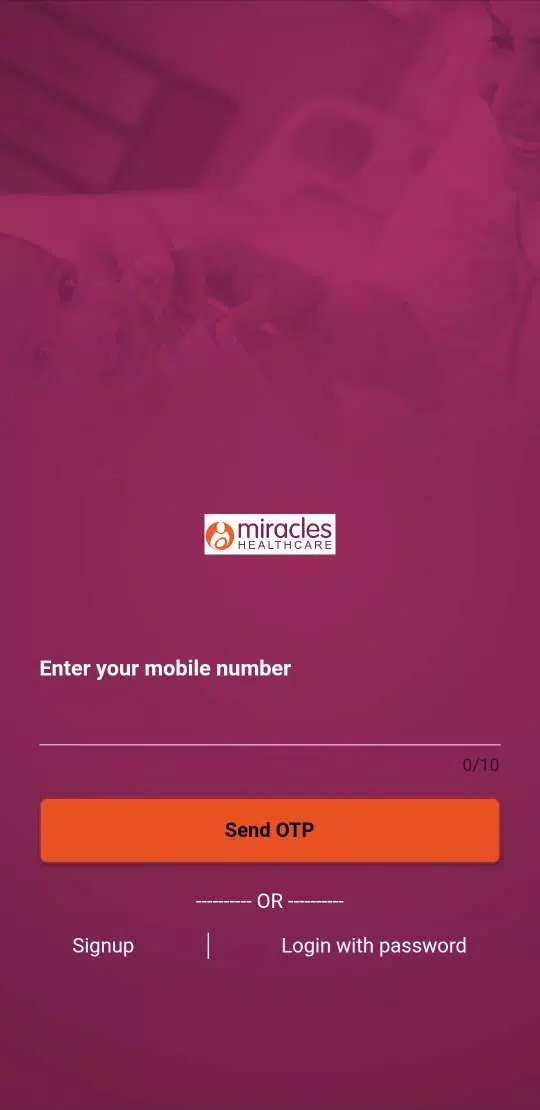
Miracles Patient is a patient-management Android app that streamlines appointments, records, and communication for clinics and solo practitioners. It centralizes medical notes, scheduling, and secure messaging while keeping workflows simple. Designed for mobile practice, it balances quick data entry with compliance-minded features for everyday clinical use.
Miracles Patient targets clinicians who need a compact, reliable tool on their Android device. The app focuses on reducing administrative friction: intake forms, visit notes, and billing codes live inside a single, searchable profile for each patient. Rather than replacing full desktop EHR systems, it complements practice workflows by offering fast access when providers are on the move.
At its core, Miracles Patient emphasizes minimal taps to complete common tasks. Opening a patient card reveals recent visits, active meds, and outstanding tasks. Clinicians can start a visit note with a template, add voice or photo attachments, and finalize documentation in moments. Front-desk staff use the same app to confirm appointments and manage waitlists, keeping the entire team coordinated without switching platforms.
The interface is designed for small screens: large touch targets, clear typography, and a color-coded calendar view. Settings let you adapt the layout for tablets or phones. Performance remains snappy even with hundreds of records because the app prioritizes lightweight local caching and optimized list rendering. A short onboarding sequence walks users through basic setup so new teams can start adapting right away.
Data protection is a priority. Miracles Patient supports device-level encryption and role-based access, so sensitive fields are visible only to authorized team members. Automated backups of encrypted data can be synced to approved cloud storage or exported for archiving. Integration points with common billing tools and referral systems reduce duplicate data entry and make handoffs smoother.
Every practice runs differently, and the app reflects that. Templates for notes and intake forms are editable, and custom fields can capture specialty-specific details. Notification rules allow teams to decide which events trigger patient reminders or alerts for staff. For clinics that need tighter integration, an open API and import/export utilities make it easier to connect Miracles Patient with existing software.
Start small: begin by migrating active patient lists and using the scheduling features first. Create one or two note templates that match your most common visit types to speed adoption. Train front-desk staff on appointment confirmations and use a shared inbox for patient messages to centralize communications. Regularly review security settings and backup schedules to ensure continuity.
Providers cite the app’s simplicity and real-world workflow alignment as primary benefits. It removes the friction of documenting on the go while retaining essential compliance and export features. For solo practitioners and small clinics needing a focused mobile solution, Miracles Patient provides practical functionality without the overhead of larger EHR suites.
The app is a useful addition for teams that value mobility, clear organization, and secure communication. With iterative updates and customizable tools, Miracles Patient adapts to varied specialties and helps reduce the administrative burden of modern practice management.
File size: 209.20 M Latest Version: 1.1.8
Requirements: Android Language: English
Votes: 238 Package ID: com.miracles.flutter_patient_app
Developer: AKHIL SYSTEMS PRIVATE LIMITED




Top Events Free Apps for Android
Discover and share the hottest events around with our intuitive apps. Find local concerts, festivals, shows, and more based on your unique interests. Create customizable calendars of upcoming events to coordinate schedules with friends. Purchase tickets seamlessly from our integrated platforms. Check real-time transit schedules to plan your trip. Access maps, directions, and parking information for any venue.






LIVE A HERO
Retro Hero Mr Kim
Empire of Passion
Arcane Quest Legends
Magic Snap: Momotaro
AllStar Manga Heroes
Lunescape
ONE PIECE Thousand Storm JP
Tap Titans 2










































