
Scan to Download
SUSI EXPRESS is a compact productivity app built to accelerate conversations and file exchange between teams and devices. It combines fast transfers, lightweight chat, and simple encryption into a single interface that emphasizes speed, minimal setup, and low resource use for everyday workflows.
SUSI EXPRESS targets professionals and casual users who need to move messages and documents quickly without juggling complex settings. Unlike bulky collaboration suites, the app keeps tools focused and responsive. The experience centers on rapid sharing, quick replies, and transparent status updates so users can maintain momentum during short tasks or long projects.
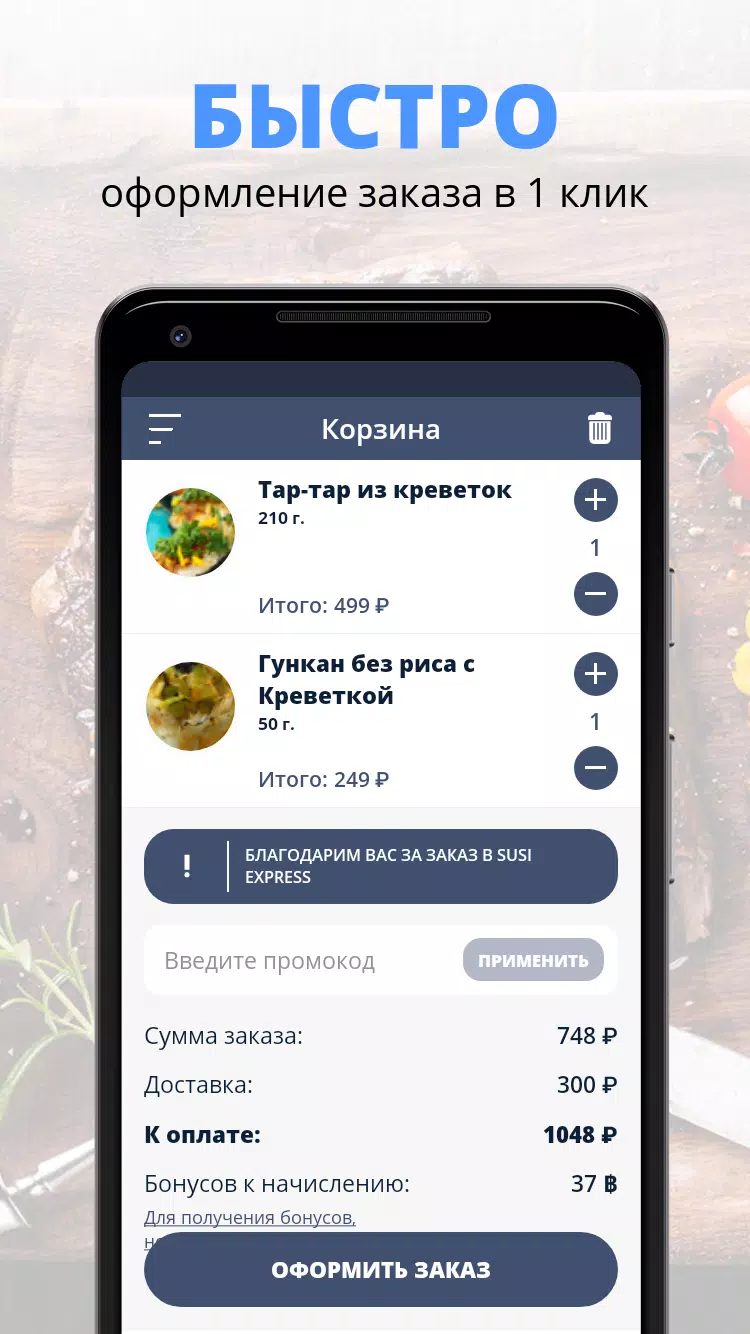
The core workflow in SUSI EXPRESS is straightforward. Create or join a conversation, attach files, and hit send. Files are uploaded in the background while the UI stays responsive. Messages are grouped by topic or recipient to reduce clutter. For teams, the app supports shared links and temporary access tokens so recipients can download large packages without creating accounts.
SUSI EXPRESS exposes a small, focused set of settings that affect daily use. You can set transfer quality for images, enable or disable message read receipts, and choose whether file previews are expanded by default. Notifications are configurable per conversation, which helps maintain concentration during intensive work sessions.
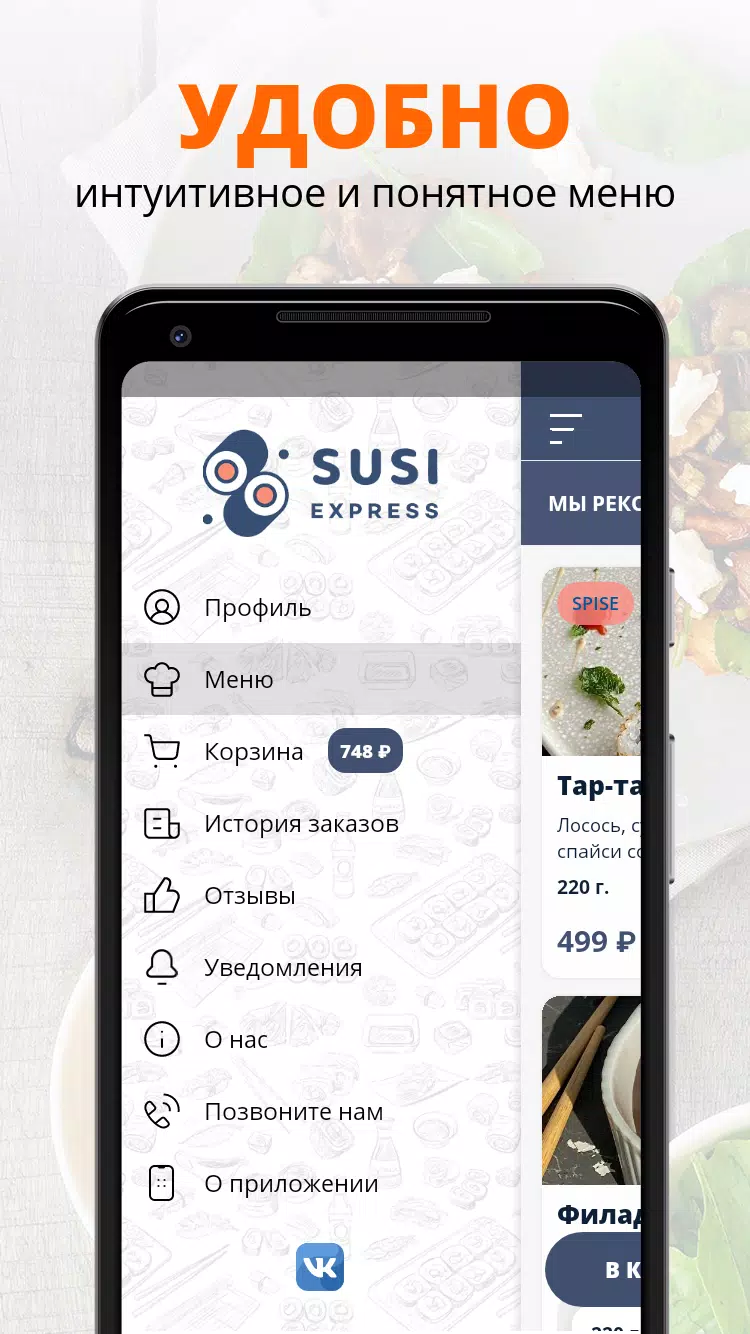
The interface is intentionally minimal. SUSI EXPRESS favors clear typographic hierarchy and large tap targets so users can move quickly even on smaller screens. Animations are subtle and designed to indicate progress without slowing interaction. On mid-range devices the app runs smoothly, consuming modest battery and memory compared to larger competitors.
New users will appreciate how accessible the app feels on first launch. The onboarding covers the essentials in a few screens and invites users to try a demo transfer immediately. For power users, keyboard shortcuts and gesture-based controls speed up navigation. The combination of low friction and reliable transfers creates an experience that supports short interruptions and sustained sessions alike.
What sets SUSI EXPRESS apart is its focus on doing a few things extremely well: fast transfers, clear messaging, and unobtrusive security. It doesn't try to replace full-featured project management tools; instead, it complements them by handling the communication and file exchange tasks that slow down everyday workflows.
Installation is a brief, guided process. SUSI EXPRESS asks only for the permissions required to send files and deliver notifications. Account creation is optional for casual use; signing up unlocks sync features and cross-device continuity. The setup steps are documented within the app for users who prefer to review privacy and sharing options before proceeding.
For teams and individual users who value speed and clarity, SUSI EXPRESS provides a direct, reliable way to share messages and files. The app's pared-down approach reduces friction, helping work move forward with fewer interruptions and predictable performance.
File size: 11.10 M Latest Version: 7.4.8
Requirements: Android Language: English
Votes: 462 Package ID: ru.FoodSoul.TolyattiSusiExpress
Developer: FoodSoul


Must Have Communication Apps for Android
Connect deeper through meaningful conversations with our communication apps. Enjoy crystal-clear calls, video chats, messaging, and file sharing. Find the perfect emojis, GIFs, and stickers to express yourself. Keep the non-stop group banter organized in one place. Block unwanted interactions at the source. Meet new people worldwide through our global community features.






LIVE A HERO
Retro Hero Mr Kim
Empire of Passion
Arcane Quest Legends
Magic Snap: Momotaro
AllStar Manga Heroes
Lunescape
ONE PIECE Thousand Storm JP
Tap Titans 2










































