
Scan to Download
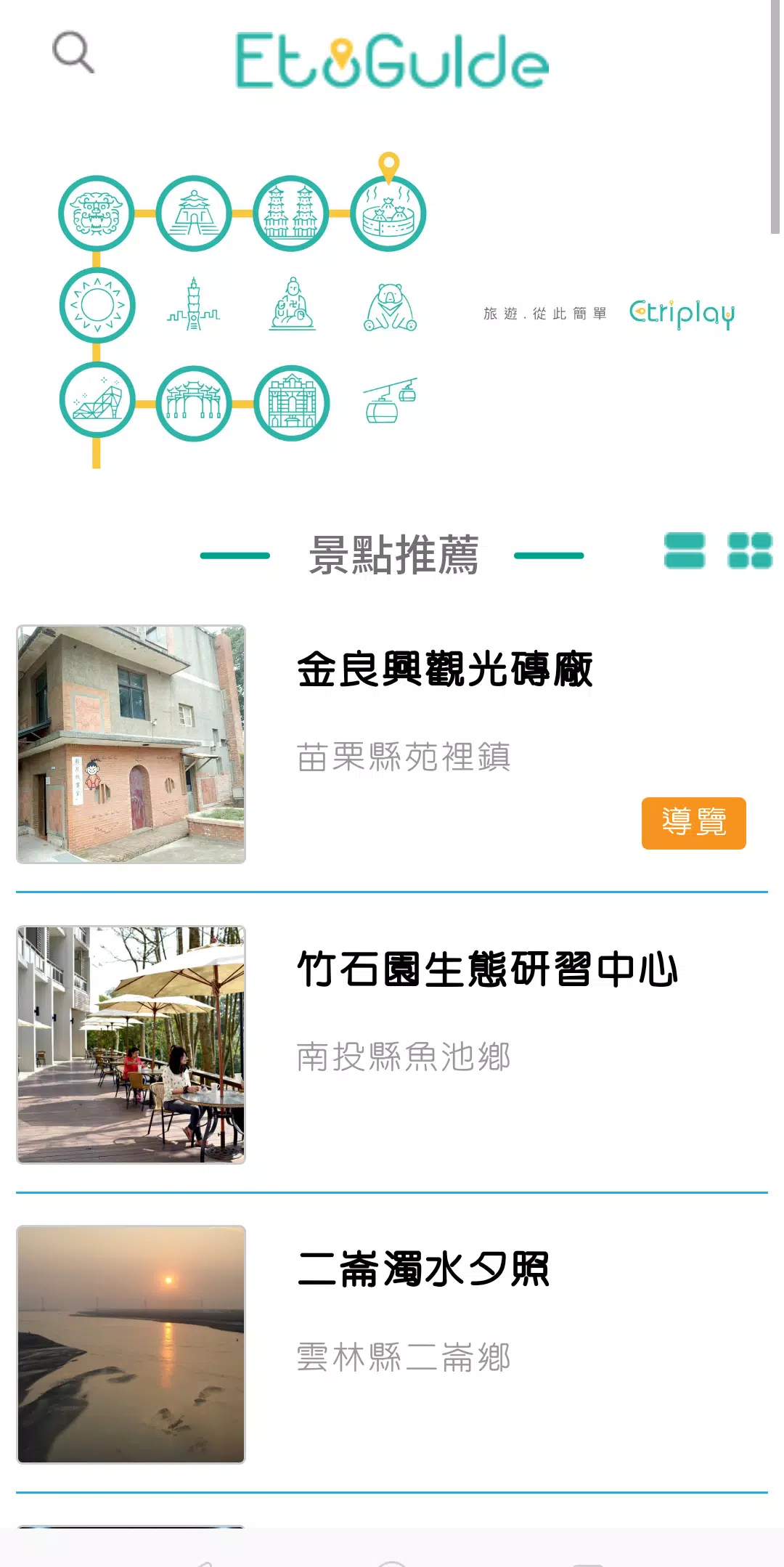
EtoGuide is a compact, practical Android app designed to streamline everyday tasks and deliver clear, step-by-step guidance across productivity workflows. It centralizes tools, templates, and quick-reference material so users can complete tasks faster, reduce errors, and customize routines without swapping between multiple apps.
EtoGuide combines checklist-style instructions with lightweight automation and export options. It targets professionals, students, and power users who need an accessible way to document processes, follow multi-step procedures, or reproduce tasks consistently across devices. The app focuses on clarity: each item is short, actionable, and easy to repeat.
When you open EtoGuide, you pick or create a guide and then follow short steps laid out in a clean, readable interface. Each step can include notes, attachments, or timers. You can assign steps to collaborators, set due dates, or export an entire guide as a PDF. The result is a repeatable process you can share or adapt quickly.
Imagine preparing a client report: choose a report template, attach data files, run through preconfigured validation steps, schedule a review in your calendar, and then export the finished checklist. That single flow reduces cognitive load and keeps stakeholders informed.
EtoGuide presents information with minimal visual clutter. Buttons and controls are placed for one-handed use, and the typography emphasizes readability on small screens. Performance is responsive: loading local guides is instant, and background sync completes without interrupting your work. Dark mode and adjustable text size make the app adaptable for long sessions.
The app supports adjustable contrast and simple navigation patterns so users with different needs can use the same guides effectively. The design choices promote quick scanning of steps rather than long-form reading.
Start with a simple checklist and add one automation at a time. Use tags to organize guides by project or priority, and enable offline mode for fieldwork. Set reminders only for high-priority items to avoid notification overload. Reviewing and pruning guides monthly keeps the library relevant.
Many users appreciate EtoGuide for its balance of structure and flexibility. It removes friction from repetitive tasks without forcing rigid workflows. Teams benefit from consistent documentation that’s quick to update and share, while individuals gain a hub for personal productivity routines.
Data stored locally can be synced to preferred cloud services with encryption options. Sharing controls let you publish a read-only version or enable collaboration, depending on the audience. Regular updates add feature enhancements and security patches.
Download EtoGuide from your app store, open the onboarding tutorial, and import a sample guide to explore features hands-on. Create a test checklist for a routine you already do to learn how templates, timers, and exports work together. The initial setup takes minutes and produces immediate productivity gains.
For users who value concise, repeatable processes, EtoGuide is a practical tool that replaces fragmented notes and scattered reminders with a single, well-organized workspace.
File size: 2.00 M Latest Version: 3.0
Requirements: Android Language: English
Votes: 228 Package ID: com.etriplay.etriplayguide2
Developer: 一起玩智能科技


Must Have Home Apps for Android
Make your house a home with our suite of helpful home apps. Discover clever tools to organize closets, streamline chores, and simplify cooking. Take the stress out of cleaning and maintenance with handy checklists and schedules. Enhance security and control appliances and lighting with our smart home integrations. Design, visualize, and renovate like a pro using our 3D planning software.






LIVE A HERO
Retro Hero Mr Kim
Empire of Passion
Arcane Quest Legends
Magic Snap: Momotaro
AllStar Manga Heroes
Lunescape
ONE PIECE Thousand Storm JP
Tap Titans 2