
Scan to Download
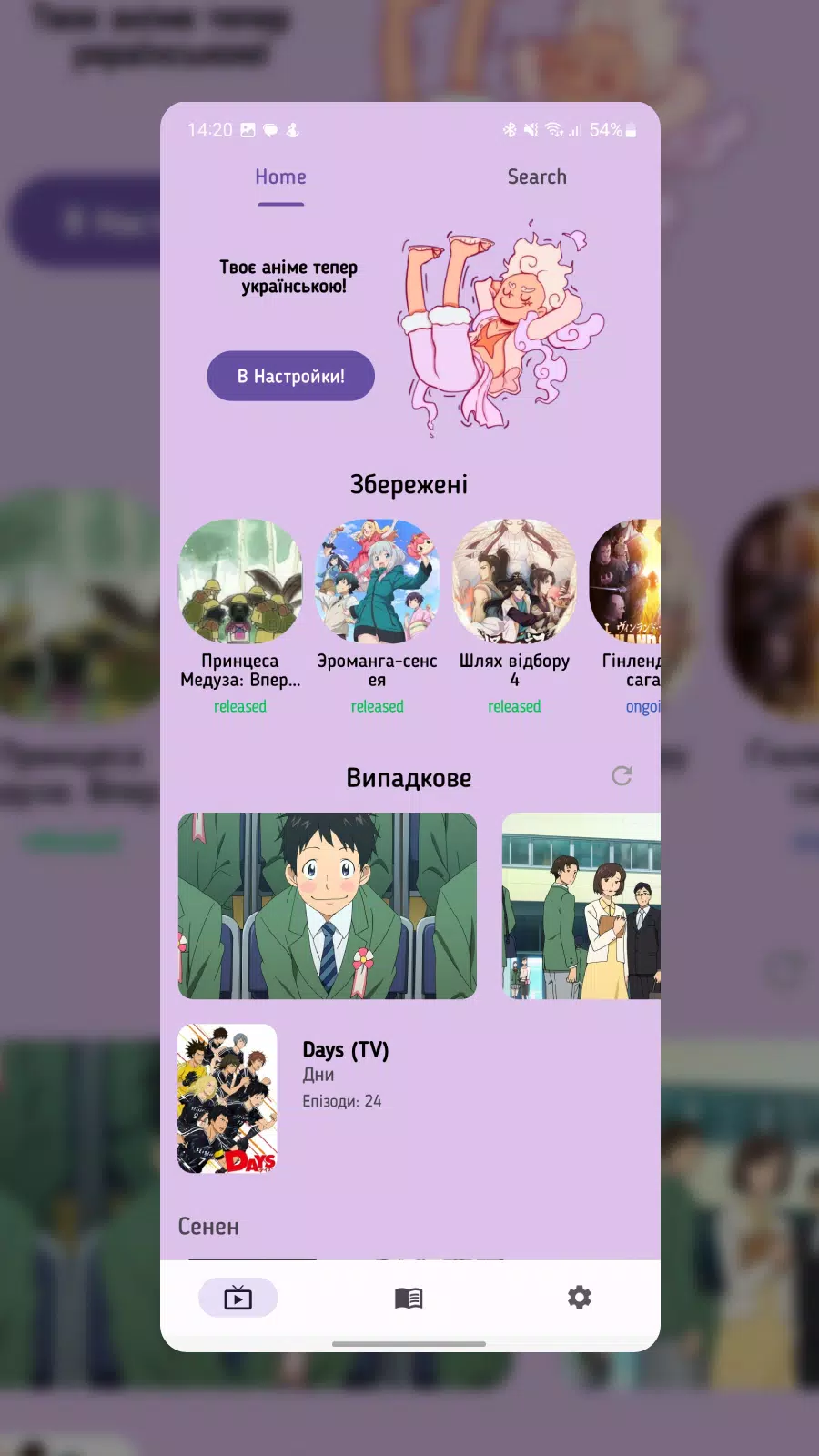
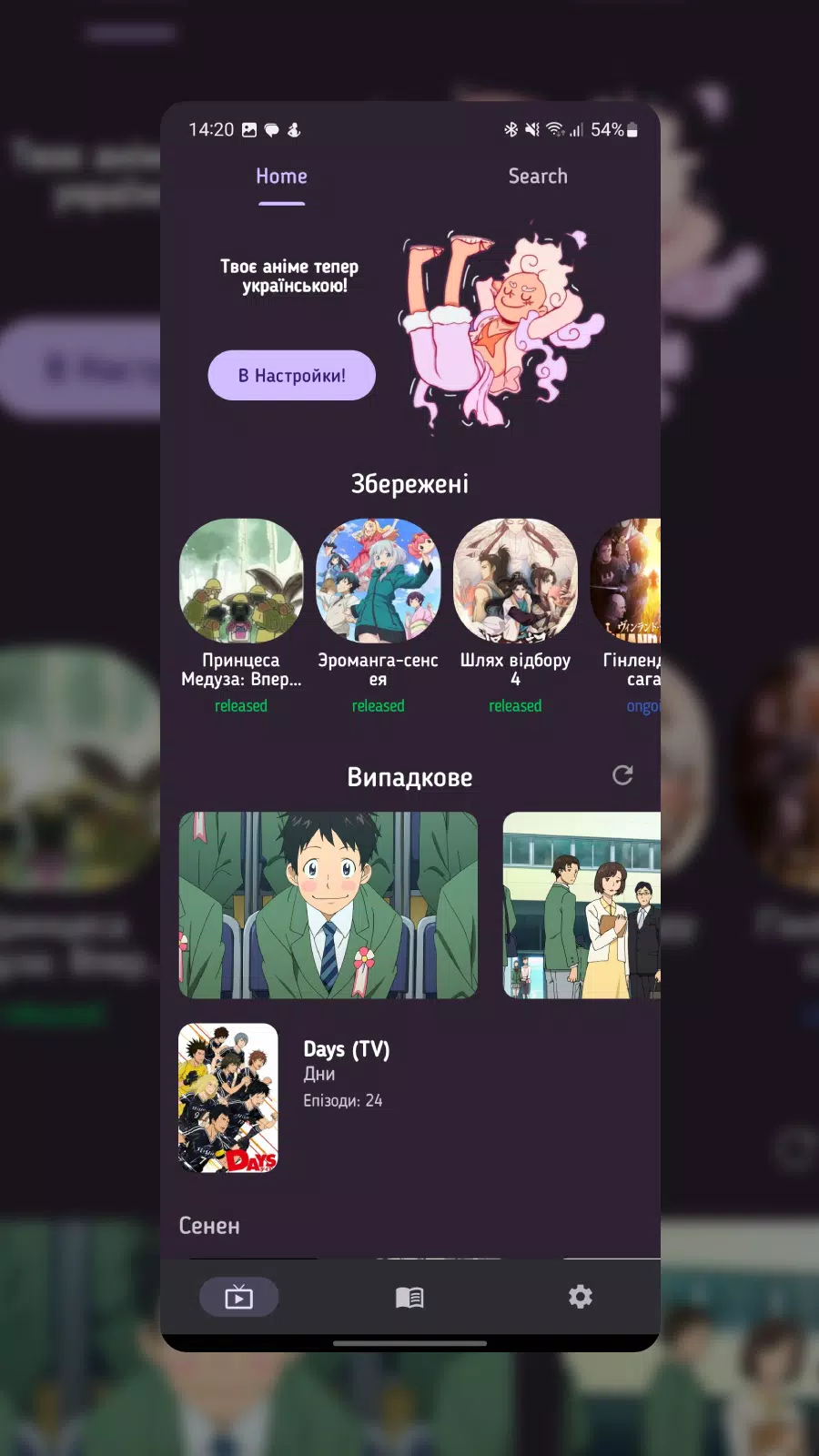
Otaku is a compact companion app for anime and manga fans that puts an extensive, searchable catalogue at your fingertips. Otaku helps you discover series, characters and creators by combining detailed entries with flexible language options, including Ukrainian where available, and a focused discovery workflow that suits both newcomers and long-time enthusiasts. The app organizes background information, creator credits and historical context so you can decide what to watch or read next with clear, reliable metadata and convenient bookmarking tools.
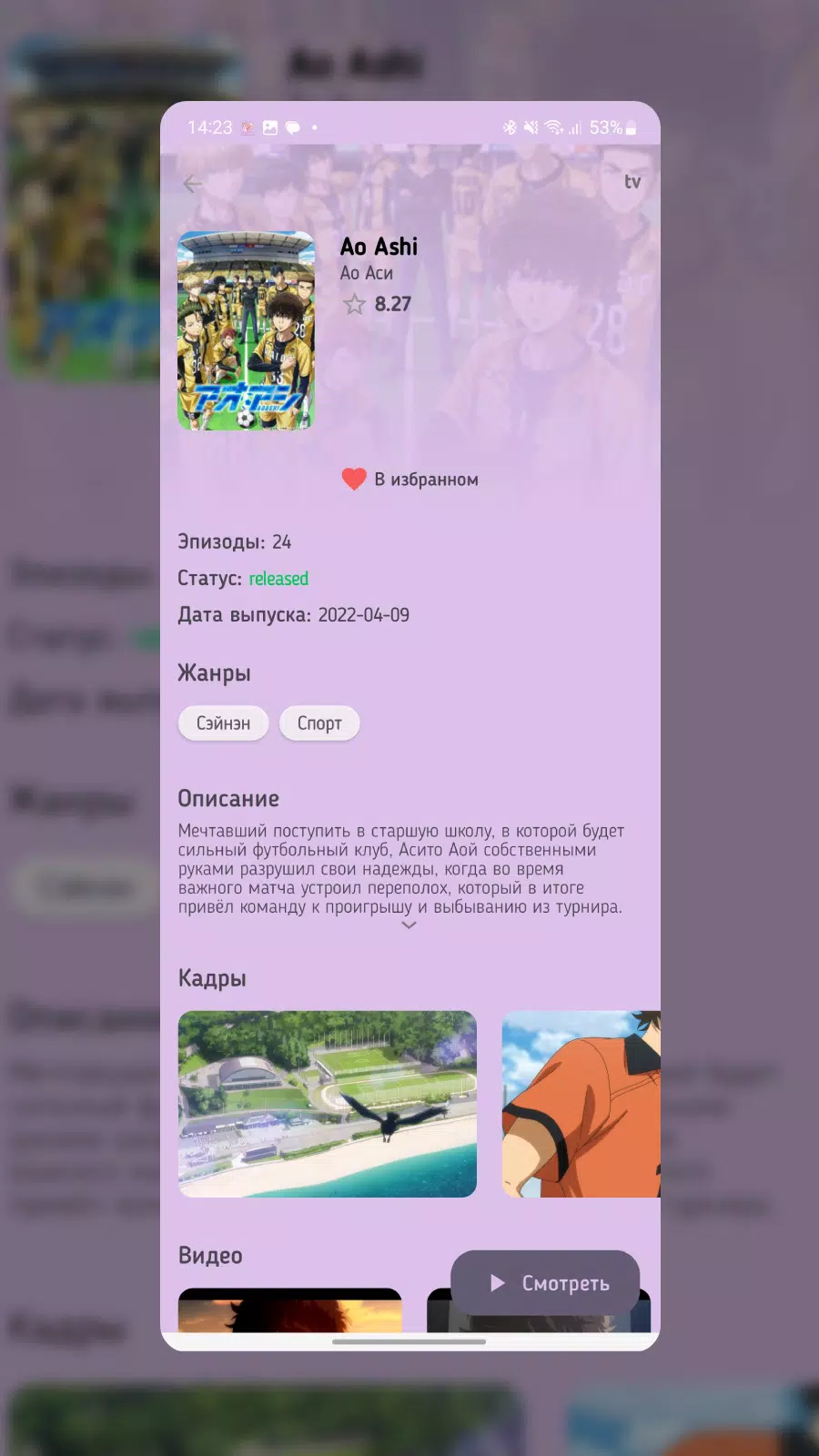
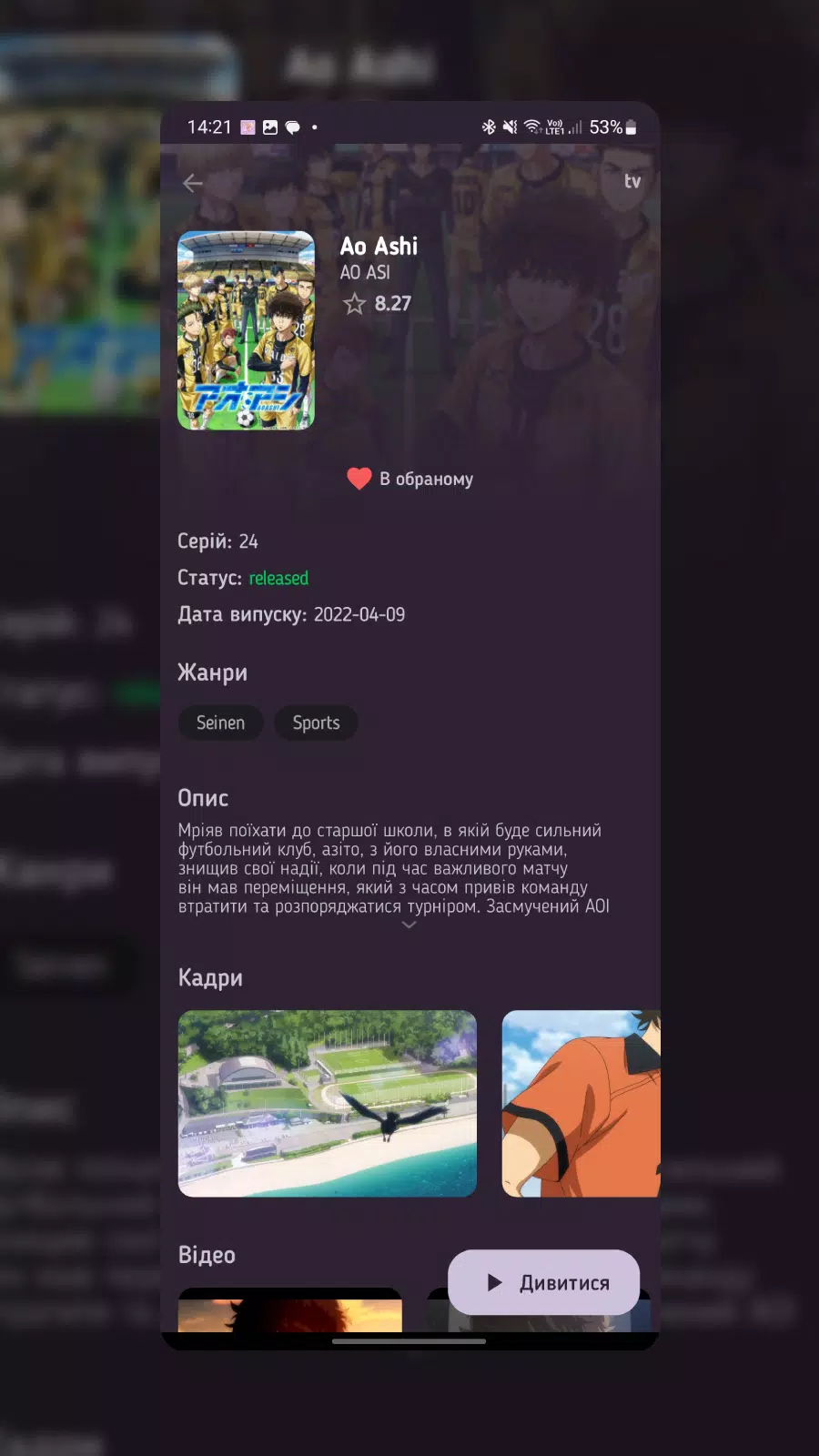
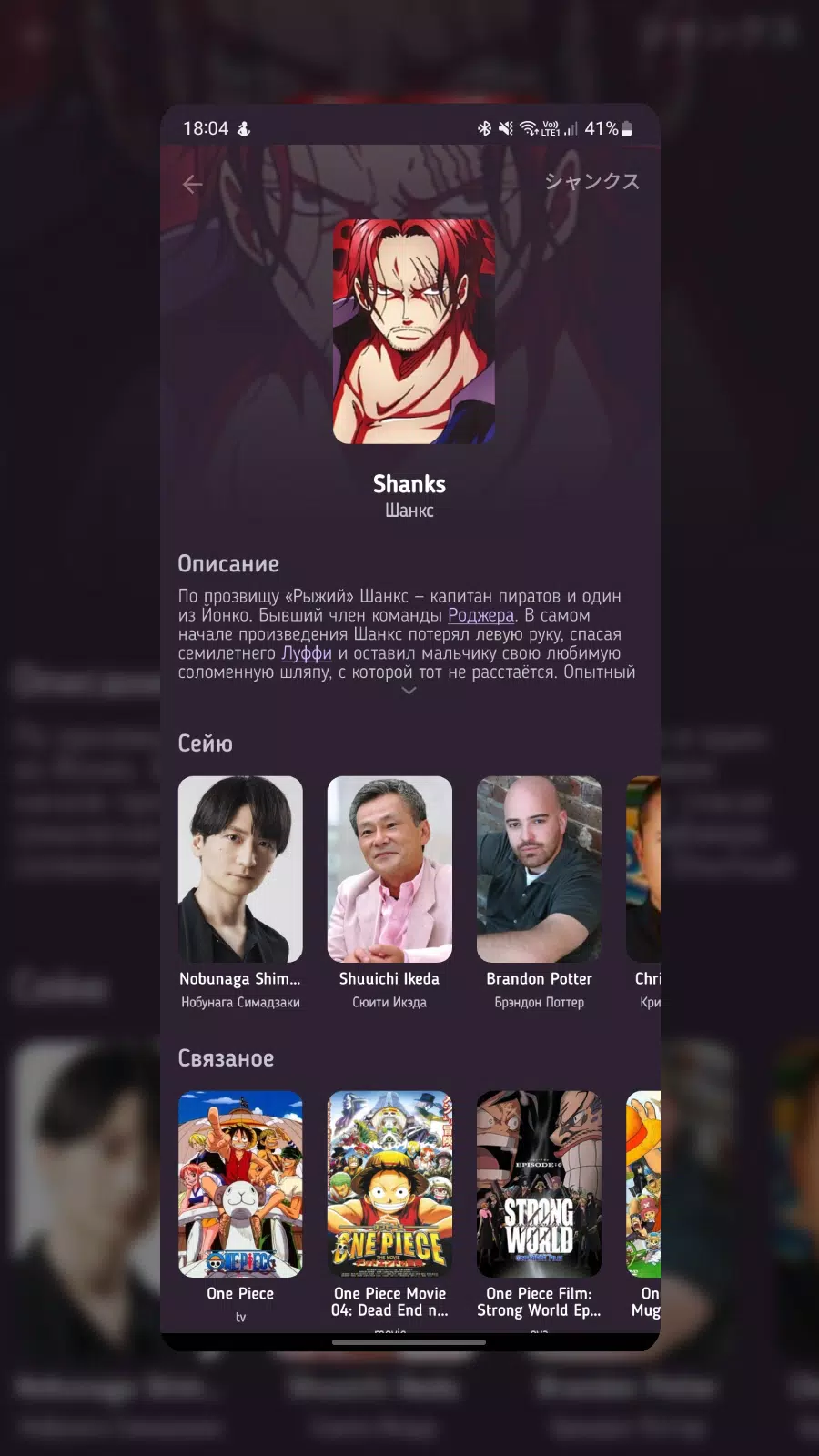
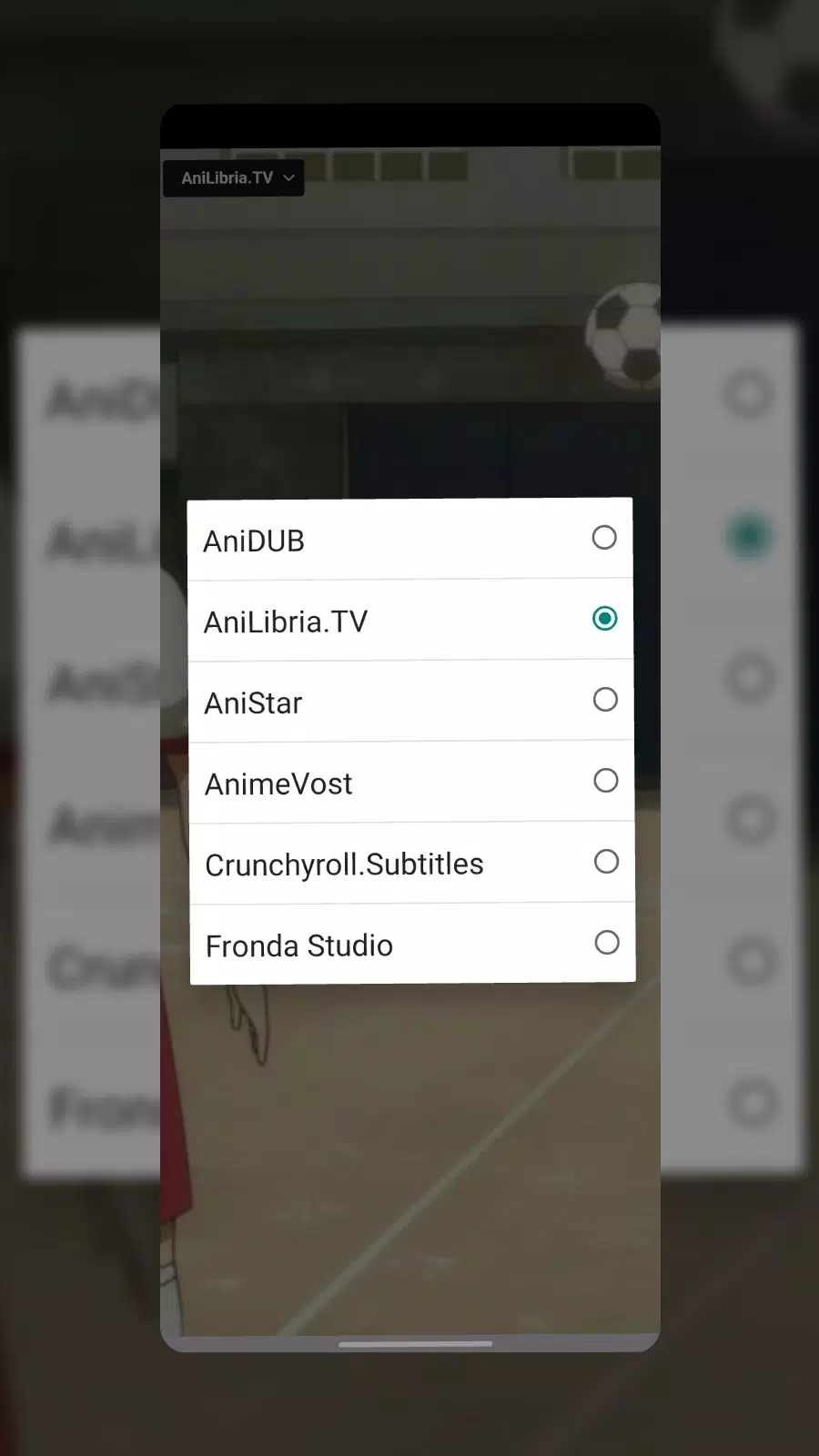
The core of the app is its library of titles and richly annotated entries: each page includes synopsis text, cast and creator credits, production notes and links to related works when available. Search is fast and supports filters by genre, era, format and tags so you can narrow results precisely. Audio and voice acting options are surfaced on entries when multiple tracks exist, and Ukrainian translations are highlighted to reduce language barriers. Otaku also supports personal lists and simple progress markers so you can track where you left off in a series or mark favorites for later.
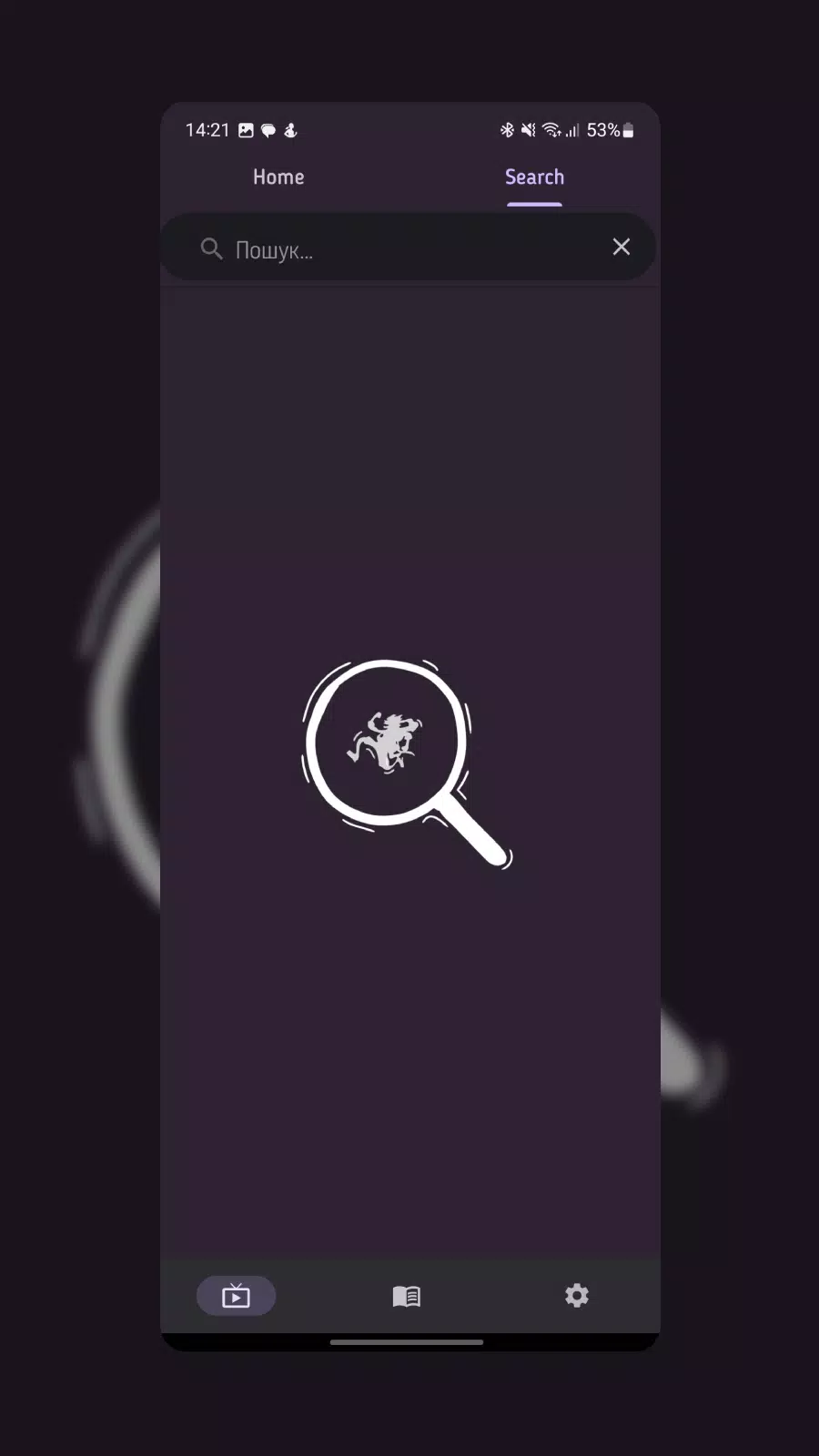
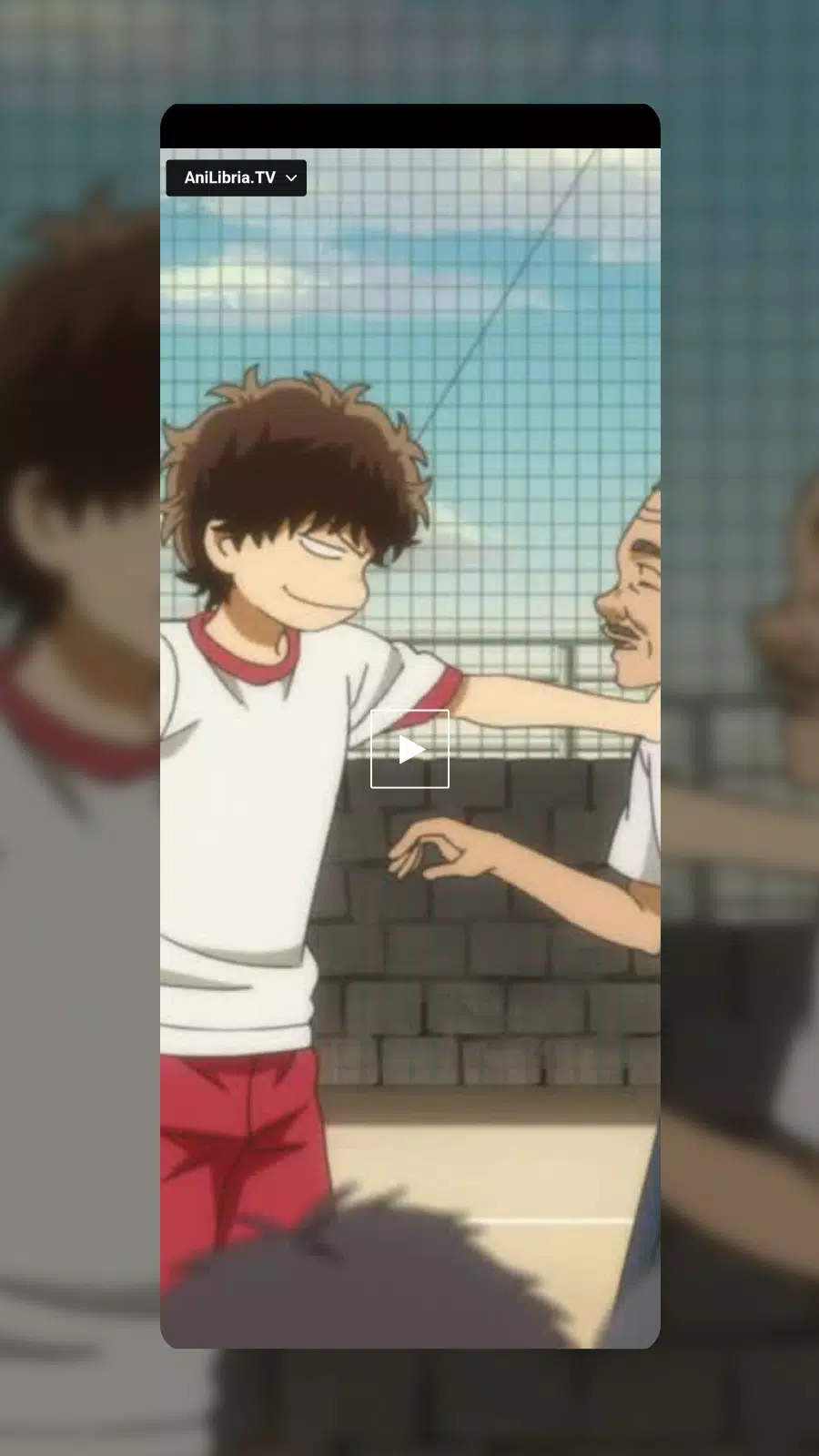
The interface emphasizes quick browsing and low friction navigation. Use the global search box to jump to a title, then swipe through cards or tap sections to expand details. On media pages, playback controls are straightforward: choose available audio tracks, toggle subtitles where provided and switch between synopsis, cast and production tabs without losing your place. Content layout adapts to phone and tablet screens so scrolling remains comfortable; touch targets and gesture support keep common tasks like bookmarking and adding to a watchlist just a single tap away.
Otaku focuses on progression through your own library rather than competitive systems. You can create custom lists for current reads, watch later or themed collections; mark episode or chapter progress to resume quickly; and keep a short history of recent pages for quick reopening. Personalization extends to sorting and filtering preferences, so the app learns how you prefer to view search results and will apply those settings by default. These features are designed to make long-term tracking and collection-building natural without introducing complex or mandatory gamification.
The app favors a clean card-based visual style with readable typography and a neutral palette so artwork and thumbnails stand out. Text size and contrast options make entries easier to read, and Ukrainian localization is available for many interface elements and content descriptions. Where translations are not yet available, concise original-language notes and transliterations are provided to aid comprehension. Accessibility settings include adjustable font sizes and simplified layout options to help users with different needs navigate the catalogue comfortably.
Otaku is designed to be considerate of mobile data and offline access: you can save individual entries, bookmarked lists and short metadata snapshots for offline viewing, which is useful when traveling or in low-connectivity situations. The app lets you control what is cached and how much storage it uses, and sync operations for your personal lists and progress can be limited to Wi‑Fi only. These data controls help you balance convenience with storage and bandwidth constraints.
Repeated use comes from building and refining your collections, revisiting creator pages to follow careers, and exploring curated or algorithmic recommendations as the catalogue updates. The development roadmap includes planned feature additions such as expanded localization, deeper metadata fields and enhanced filtering tools; regular content updates keep the library fresh and increase the chances of discovering forgotten or overlooked titles. The app aims to provide ongoing value without relying on intrusive notifications or aggressive monetization.
Who this is for: Otaku suits readers and viewers who want organized reference material and an easy way to manage what they watch or read next. It is useful as a personal companion for cataloguing interests, tracking progress and accessing background information on series and creators. The app keeps a practical focus on searchability, accessibility and low-friction personalization to make browsing and discovery faster and more convenient on a single device.
File size: 62.00 M Latest Version: 2.0
Requirements: Android Language: English
Votes: 463 Package ID: com.app.otaku
Developer: N1ka

Best Free Books Apps for Your Android Phone
Discover your next great read with our innovative book apps. Access millions of ebooks, audiobooks, and comics on any device. Get personalized recommendations from our advanced algorithms so you always have your next great story lined up. Track your reading habits and browse curated lists for inspiration. Join online book clubs to connect with fellow bibliophiles. Listen to samples and download seamlessly with our integrated stores.






LIVE A HERO
Retro Hero Mr Kim
Empire of Passion
Arcane Quest Legends
Magic Snap: Momotaro
AllStar Manga Heroes
Lunescape
ONE PIECE Thousand Storm JP
Tap Titans 2










































