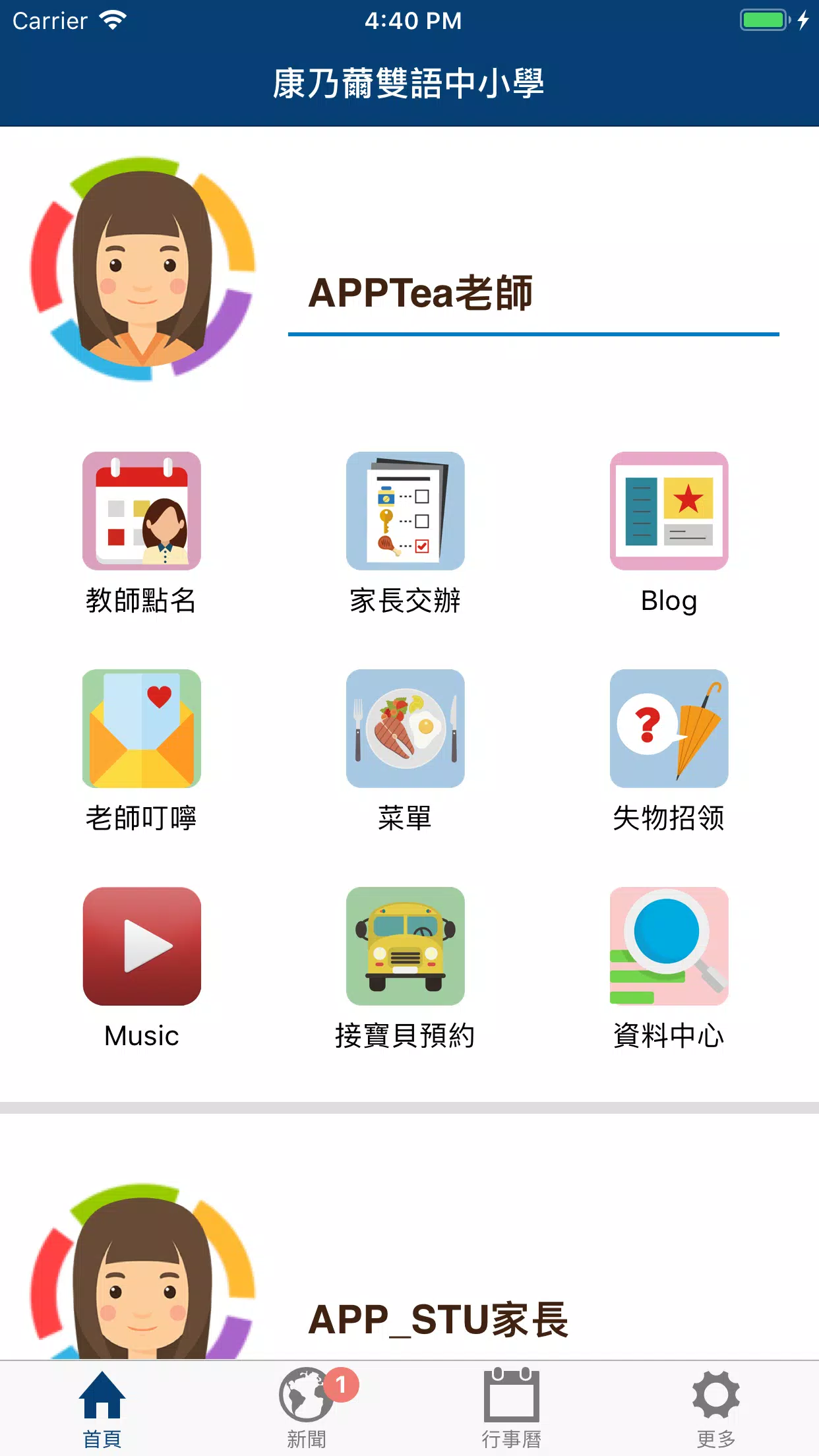
康乃薾雙語中小學 introduces the school's bilingual education model and core philosophy in a compact, easy-to-navigate app designed for parents, students, and educators. The 康乃薾雙語中小學 app presents bilingual summaries of curriculum goals from kindergarten through junior high, clarifies how local culture and international standards are blended, and gives families the context they need to decide whether the program matches their priorities before arranging a visit.
The app collects clear, grade-level overviews and multimedia examples that make program design easy to understand. Short narrated introductions and classroom photo galleries illustrate typical lessons, while sample lesson snippets show how language, arts, and physical education are combined in real classroom sequences. Users can download printable program summaries and family guides, save bookmarks for later review, and switch between Chinese and English narration and labels without changing device settings. Descriptions emphasize whole-child goals such as character education, creative thinking, social-emotional learning, and physical wellness alongside Chinese cultural studies and contemporary international practices.
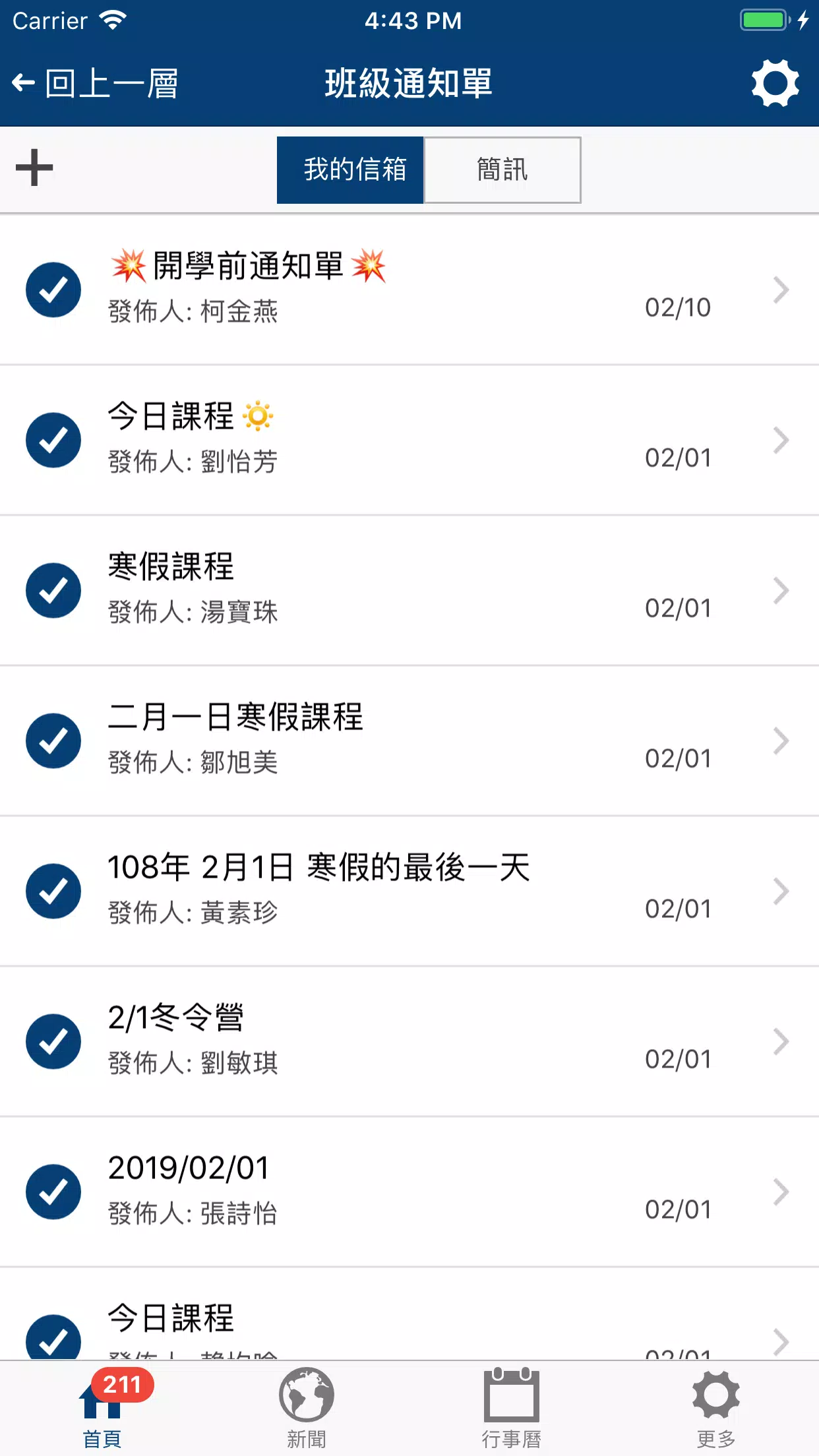
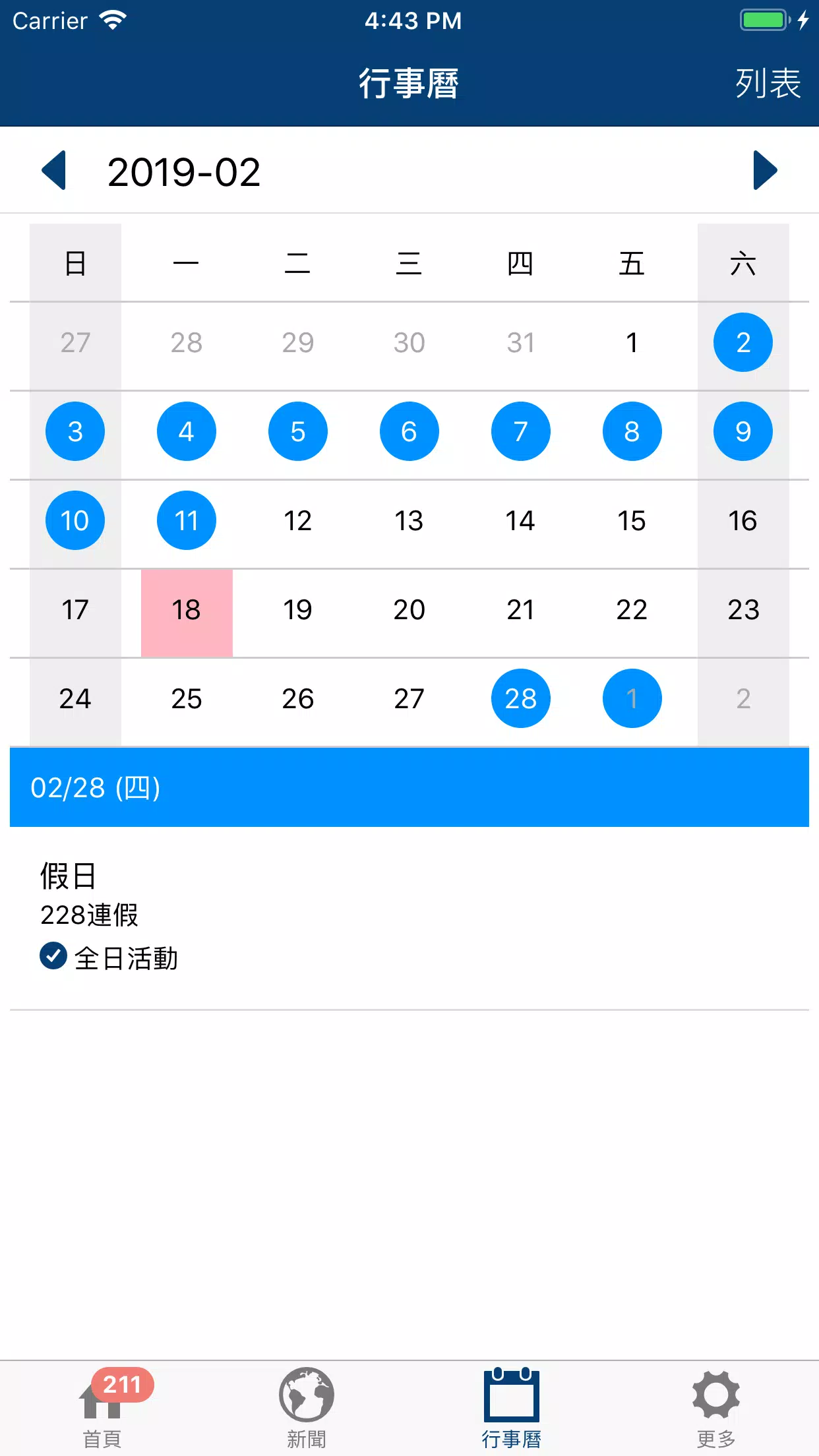
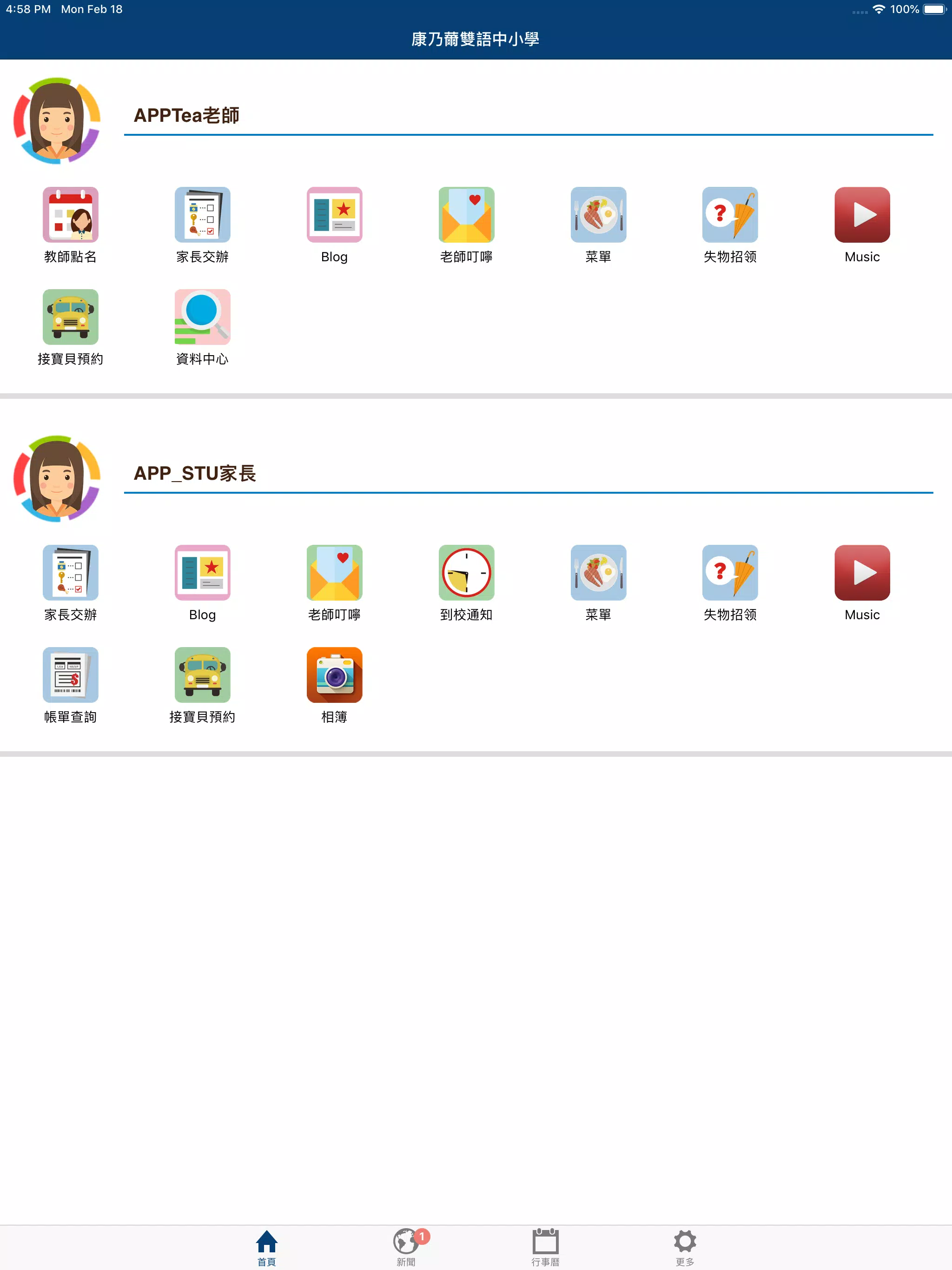
Navigation is organized around grade bands and topic cards so parents can tap to open a level, swipe between subject areas, and expand cards for detailed objectives. The 康乃薾雙語中小學 interface uses simple gestures: tap to open modules, pinch to zoom images in brochures, and a large, clearly labeled back control for comfortable one-handed use. Interactive elements include brief reflective prompts, sample at-home classroom activities with step-by-step instructions, and a bookmarking function that records where families left off. Controls are optimized for both phones and tablets, with large tappable targets and predictable behavior for common gestures.
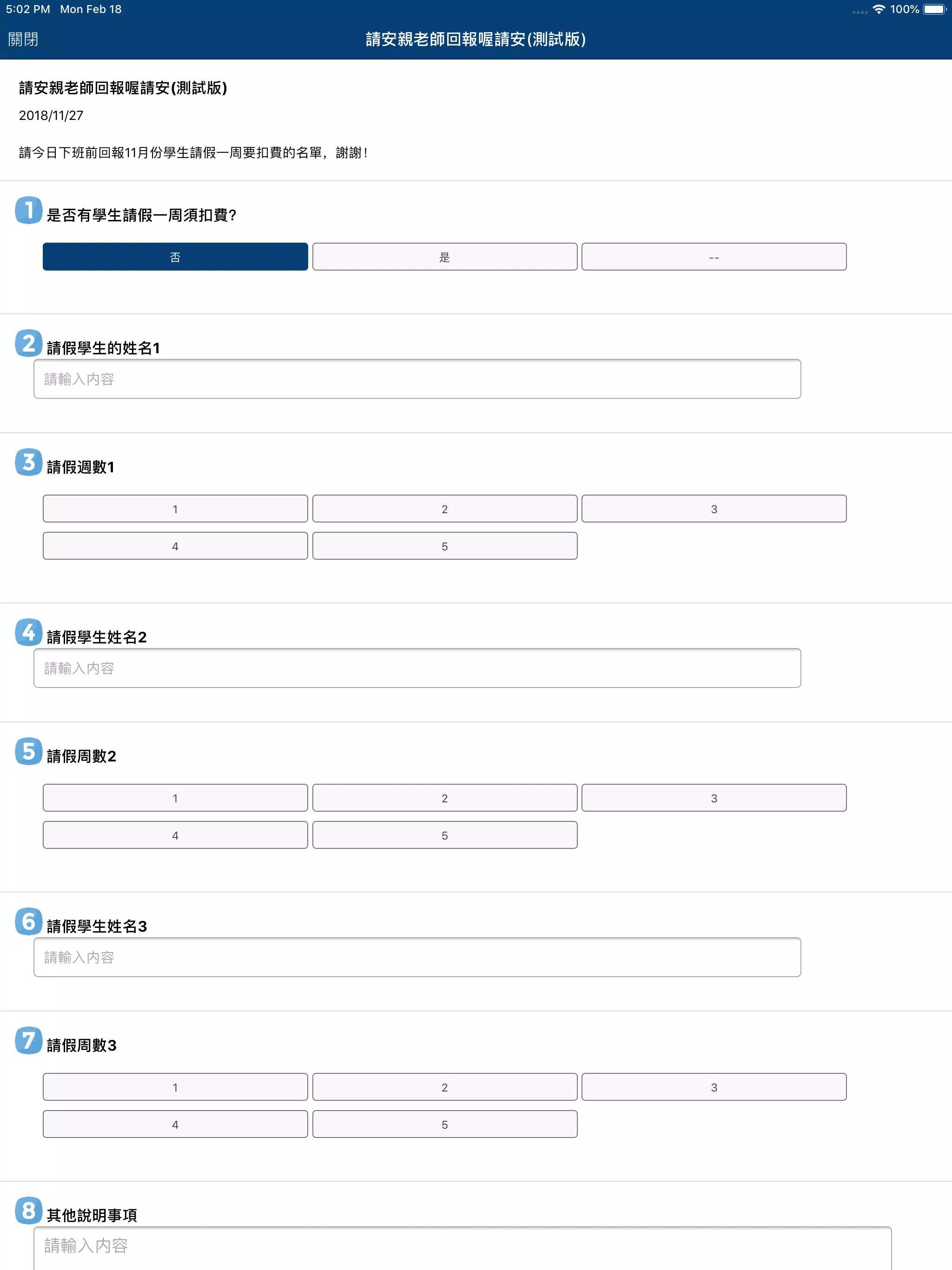
Rather than formal testing, the app describes progression systems and suggested yearly checkpoints by subject. Each grade-level module outlines typical learning outcomes, example projects, and suggested at-home practice tasks that help children reinforce language and creative skills. Short formative exercises and self-check reflection questions give families an informal way to track understanding; these are designed as educational aids, not official evaluations. A non-intrusive progress indicator shows which sections a user has viewed and recommended next steps to follow a natural sequence from early literacy and numeracy to integrated arts and social studies.
Customization options let caregivers tailor the experience to their needs: adjustable font sizes, readable contrast modes, and language toggles make content accessible across ages and reading levels. Parents can choose which brochures to download for offline use and reorder bookmarked pages for quick access to frequently referenced materials. The app supports lightweight user preferences for narration speed and thumbnail sizes so caregivers and teachers can set up a view that suits both guided family reading and quick reference before school visits.
Design choices favor clarity and legibility: clean typography, clear icons, and balanced color contrasts guide users through bilingual content without distraction. Audio playback supports narrated introductions for users who prefer listening, and images and short videos are optimized for low-bandwidth connections. Accessibility features include large tap targets, adjustable reading modes, and simplified navigation to help caregivers browse with young children or users who rely on assistive tools. Where appropriate, captions and transcripts accompany media so content remains useful in silent or noisy environments.
The app supports offline access to downloaded brochures and selected lesson excerpts so families can review core information without a network connection. Regular content updates refresh sample lessons and seasonal activities, giving repeat value for users who return to prepare questions for school tours or to explore new curricular highlights. Replay value comes from rotating multimedia vignettes and practice activities that families can revisit while preparing for school visits or reinforcing classroom topics at home.
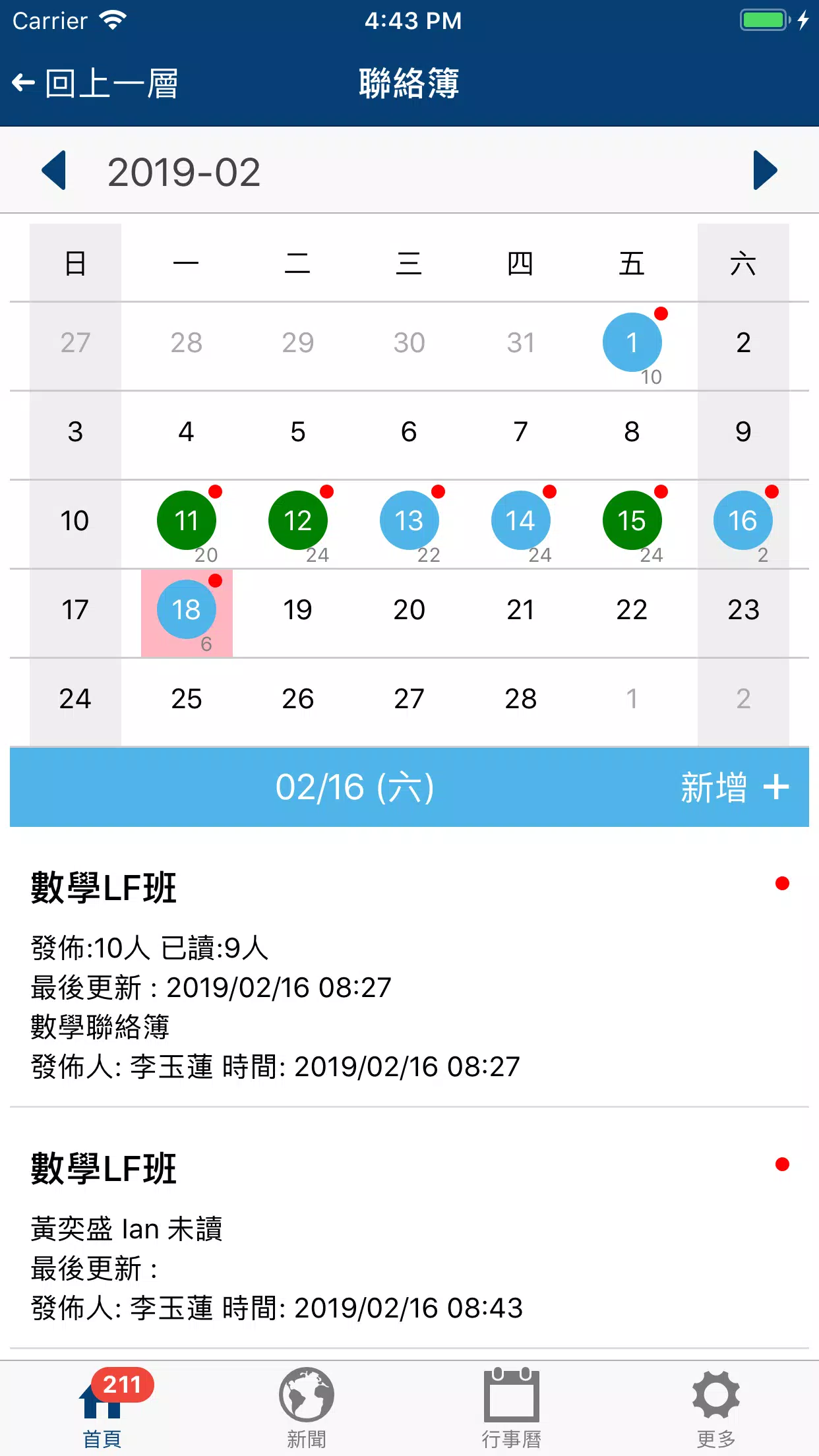
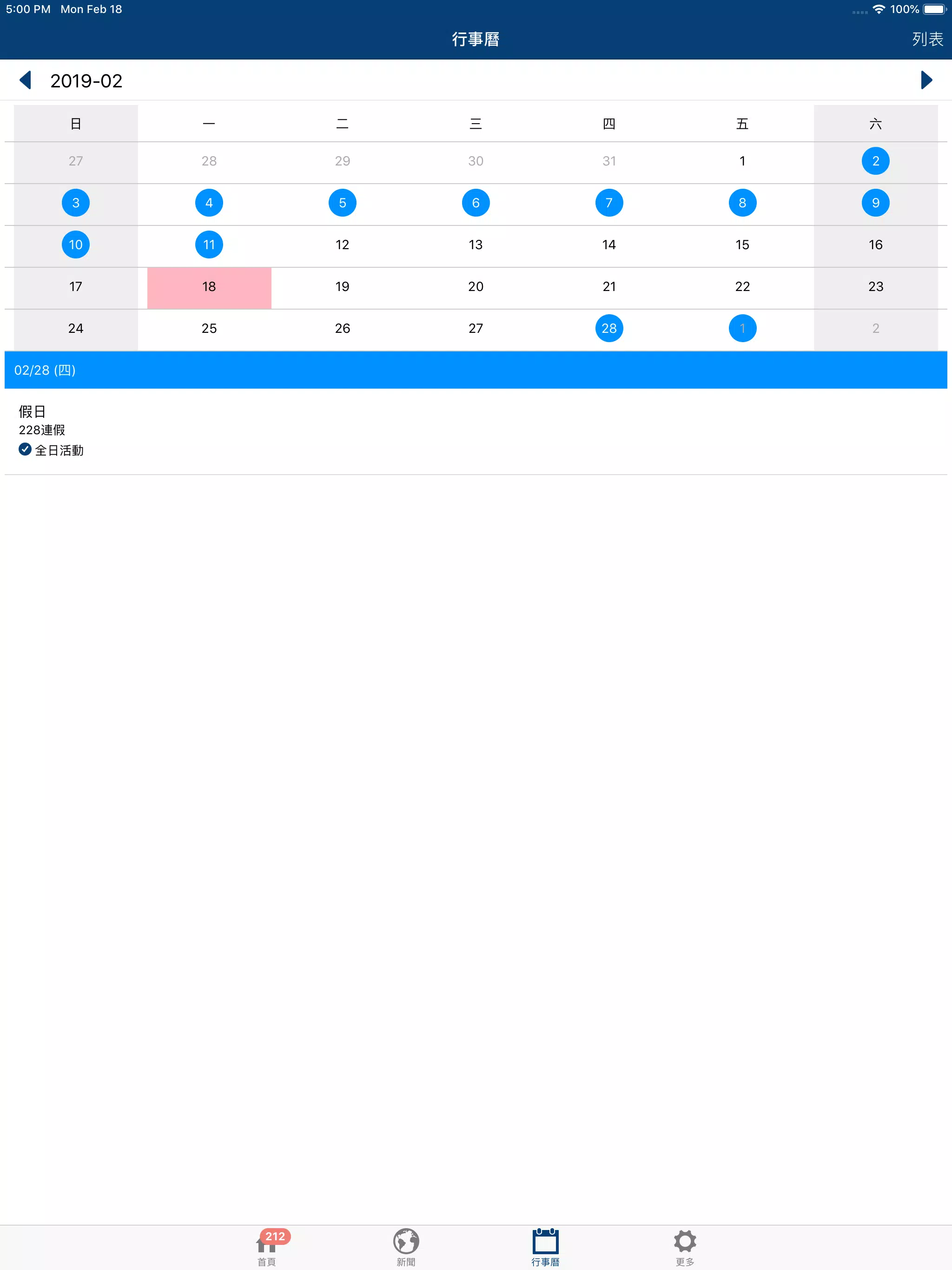
This informational tool is meant to clarify program structure and classroom priorities; it does not substitute for direct conversations with school staff, on-site visits, or formal admissions procedures. For enrollment steps, calendar events, and the most current policies, the app includes contact details so families can follow up directly with the school. If you want a concise, practical overview of bilingual education across early childhood and junior-high stages, the 康乃薾雙語中小學 app is a focused resource to help start that conversation.
File size: 12.50 M Latest Version: 3.3.90
Requirements: Android Language: English
Votes: 200 Package ID: com.phm.korrnell
Developer: Smart School


Must Have Home Apps for Android
Make your house a home with our suite of helpful home apps. Discover clever tools to organize closets, streamline chores, and simplify cooking. Take the stress out of cleaning and maintenance with handy checklists and schedules. Enhance security and control appliances and lighting with our smart home integrations. Design, visualize, and renovate like a pro using our 3D planning software.






LIVE A HERO
Retro Hero Mr Kim
Empire of Passion
Arcane Quest Legends
Magic Snap: Momotaro
AllStar Manga Heroes
Lunescape
ONE PIECE Thousand Storm JP
Tap Titans 2