
Scan to Download
MangaStream Notifier is a lightweight Android utility that helps manga readers stay on top of new chapter releases from their favorite series. Designed for people who follow multiple titles across different hosting sites, MangaStream Notifier performs background checks on popular sources and sends instant push alerts so you can open new chapters immediately in your device browser without hunting for updates manually.
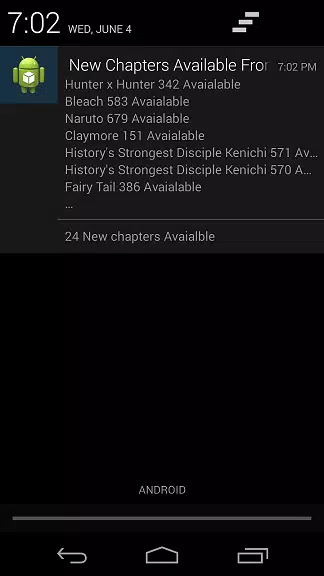
The core function of the app is simple and reliable: monitor source sites for newly published chapters and notify you the moment a release is detected. Notifications include a direct link that launches your default browser and loads the chapter on the original site, preserving the reading experience and any site-specific tools like built-in viewers or translation options. Because the app does not download or store chapter files locally, it keeps your device storage free and leaves the reading experience in the web environment you already trust.
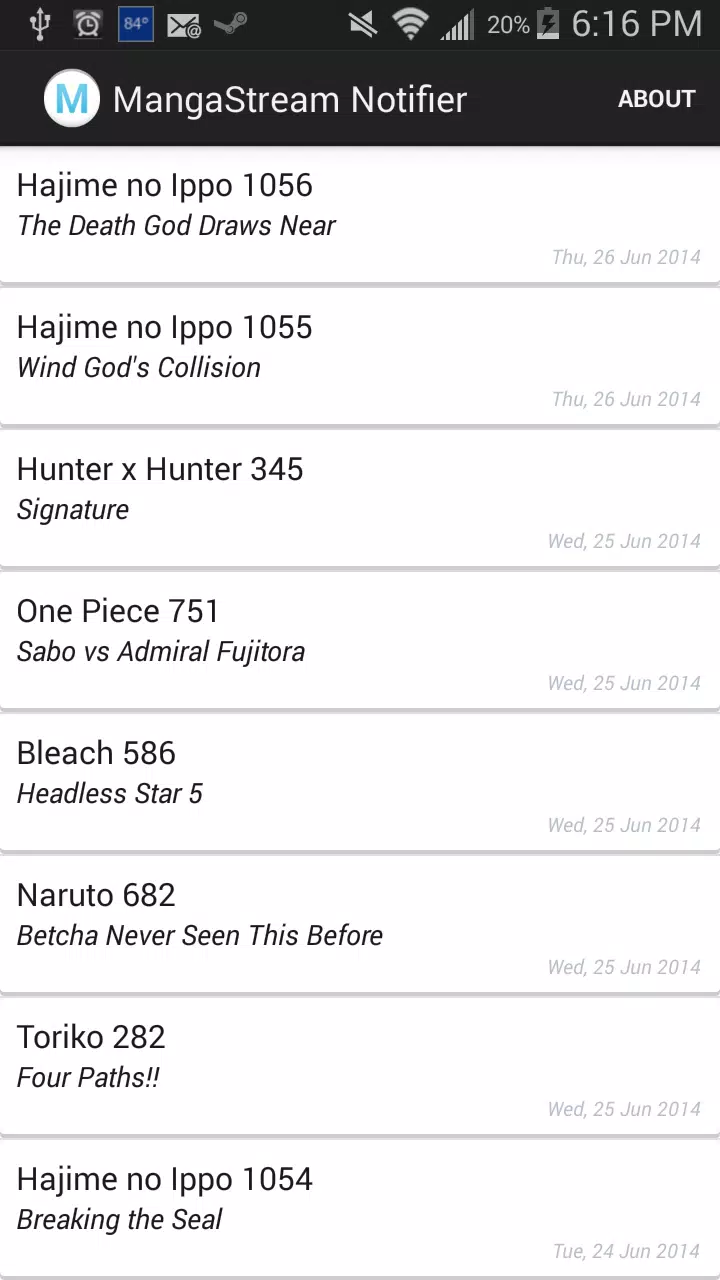
Users can add and organize a personalized list of series to follow, naming each entry so it’s easy to scan your followed titles. The interface focuses on simple controls: add a title by entering the series name or URL, remove or pause tracking for any series, and tap a notification to open the chapter instantly. Settings allow you to tune basic notification preferences and background update behavior so the app works unobtrusively on phones and tablets. The compact design minimizes battery and memory impact while keeping essential controls large and clear for comfortable one-handed operation.
Rather than a game-style progression, the app offers progression of a different kind: a growing, curated reading list that reflects your current interests and long-term subscriptions. You can prioritize certain series, group titles by status or genre in the title field, and archive completed runs to keep your active list concise. Notification preferences act as a customization layer allowing you to receive immediate alerts for priority series while deferring less urgent updates to quieter hours.
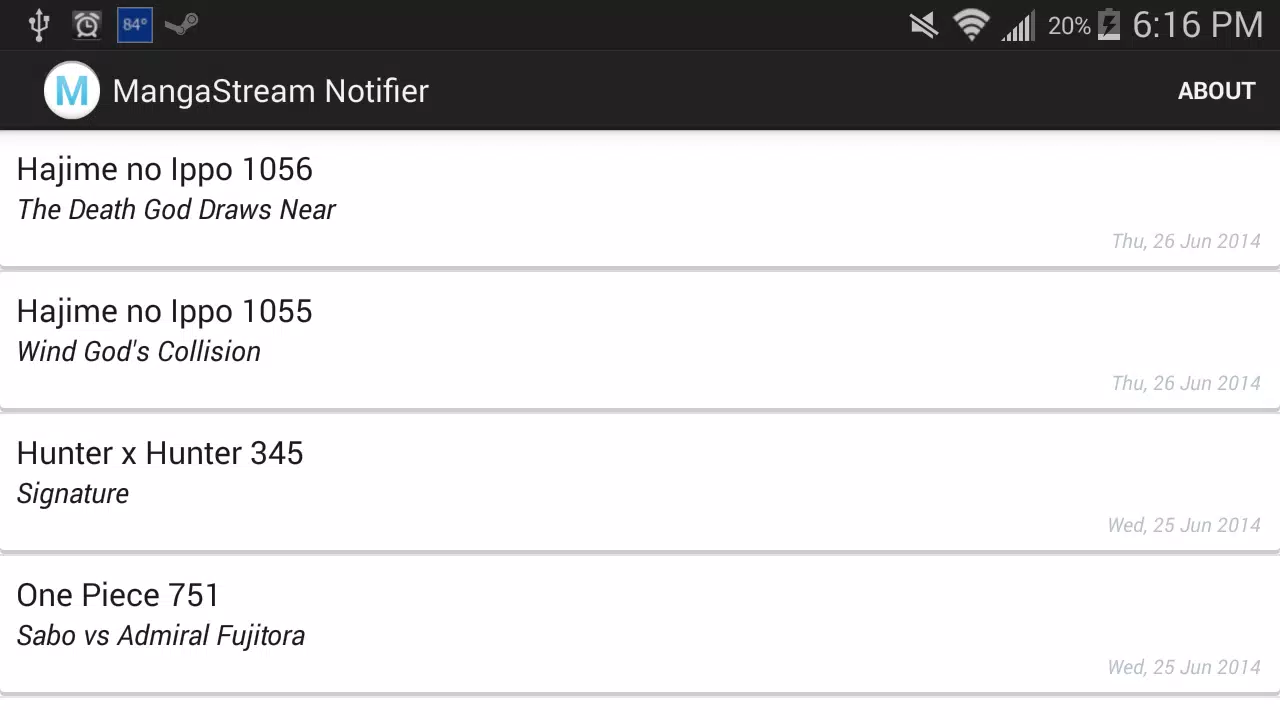
The visual design is intentionally clean and functional: clear typography, high-contrast list items, and straightforward action buttons reduce clutter and make it fast to scan your tracked series. The app leans into a minimal aesthetic so the content you care about—the list of titles and the latest update timestamps—remains prominent. On smaller screens the layout adapts to remain readable, and tap targets are sized to improve accessibility for a broad range of users.
MangaStream Notifier is built to work smoothly on a wide range of Android devices. The simple layout and large touch targets help users with limited dexterity, and the reliance on your browser for reading means many browser-based accessibility tools remain available when you open a chapter. The app also respects system settings for notifications and background activity so it integrates with power-saving modes and accessibility services provided by the device.
Because this app links to chapters on external sites rather than storing content, it requires an active internet connection to detect updates and to open chapters in your browser. There is no offline reading option; if you need saved copies or offline manga libraries you will need a different tool. Notifications and link accuracy are also dependent on the structure and availability of the source sites, so significant changes to those third-party sites may temporarily affect update detection until matching rules are adjusted.
Background update checks are scheduled to balance timeliness with battery impact, and the app keeps a lightweight footprint so it can run continuously without burdening your device. If a source site changes format, the app’s tracking for affected titles may pause until the source is recognized again; in those cases simple re-adding of the title or an app update can restore normal detection. Regular small updates focus on improving source compatibility and keeping notification delivery consistent across devices.
This app is ideal for busy readers who follow long-running series or multiple short titles and prefer quick alerts instead of manually checking several websites. By automating chapter checks and funneling updates into concise notifications, MangaStream Notifier helps you spend less time searching and more time reading, while keeping device storage uncluttered and the reading experience within your chosen browser environment.
File size: 0.80 M Latest Version: 1.0
Requirements: Android Language: English
Votes: 470 Package ID: com.manga.mangastreamnotifier
Developer: TFFW Studios

Empower learning and research with our innovative reference apps. Access dictionaries, thesauruses, encyclopedias, and more with our comprehensive databases. Get homework help, study tips, and writing guides from our academic resources. Learn new skills by browsing how-to videos and manuals. Stay up-to-date with latest news, data, and facts curated by our editors.






LIVE A HERO
Retro Hero Mr Kim
Empire of Passion
Arcane Quest Legends
Magic Snap: Momotaro
AllStar Manga Heroes
Lunescape
ONE PIECE Thousand Storm JP
Tap Titans 2










































