
Scan to Download
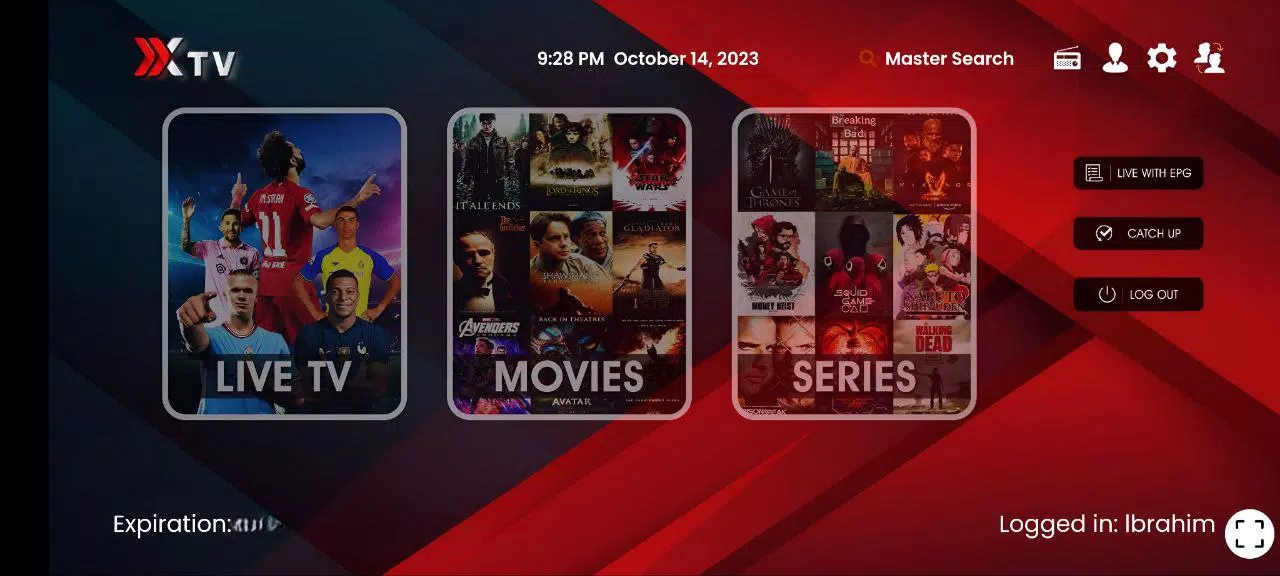
Xiptv Pro is a versatile IPTV player for Android that combines live television, on-demand movies and series into a single, user-friendly app. Xiptv Pro supports multiple streaming formats and protocols so you can connect playlists from different providers, organize channels into favorites and categories, and adapt playback to your device and network. The app’s clean layout and straightforward navigation make it easy to jump between live channels, browse genres, search the library and schedule viewing without a steep learning curve.
The app supports a wide range of IPTV formats and streaming protocols, allowing you to import and manage several playlists side by side. Built-in EPG displays program details and timelines, while search and genre filters speed up discovery across live and on-demand material. Playlists can be rearranged and grouped by provider, language or genre to mirror how you watch, and a favorites area keeps your most-used channels and shows one tap away. Xiptv Pro also exposes playback metadata like title, duration and episode information when the stream provides it, making browsing more informative.
Navigation in Xiptv Pro is optimized for both touch and remote control: standard Android gestures and directional keys work consistently across lists, the EPG grid and the player screen. Playback controls let you pause, seek, change resolution and adjust playback speed where supported by the stream. The player accepts hardware volume buttons, supports external media player handoff for formats that require specialized codecs, and keeps on-screen controls unobtrusive so the viewing experience stays focused.
Video playback includes adjustable resolution options so you can balance quality and data usage depending on your connection. Where streams offer multiple bitrates, Xiptv Pro will let you choose the optimal stream or use the app’s adaptive logic to reduce buffering on slower networks. Offline downloads are available for qualifying on-demand content, enabling viewing without a live connection; downloads and scheduled recordings respect device storage and show file size estimates before downloading to help manage capacity.
The electronic program guide simplifies scheduling and reminders: you can set notifications for upcoming shows, add recordings when supported, and review upcoming programs by channel or genre. Discovery is aided by a combined search across live and on-demand catalogs and by genre browsing that surfaces related titles and series. Watch history and resume playback markers help you pick up where you left off, while a simple recommendations view highlights recent or frequently viewed channels for faster access.
Xiptv Pro offers flexible layout and parental control options so households can tailor the app to different users. Theme and layout choices adjust how channel lists and thumbnails are presented, and parental locks can restrict access to selected channels or recordings. Accessibility features include support for larger text and high-contrast UI elements where available, and subtitles can be selected when a stream includes subtitle tracks. The app is designed to be usable with talkback and remote navigation on Android TV devices as well as on phones and tablets.
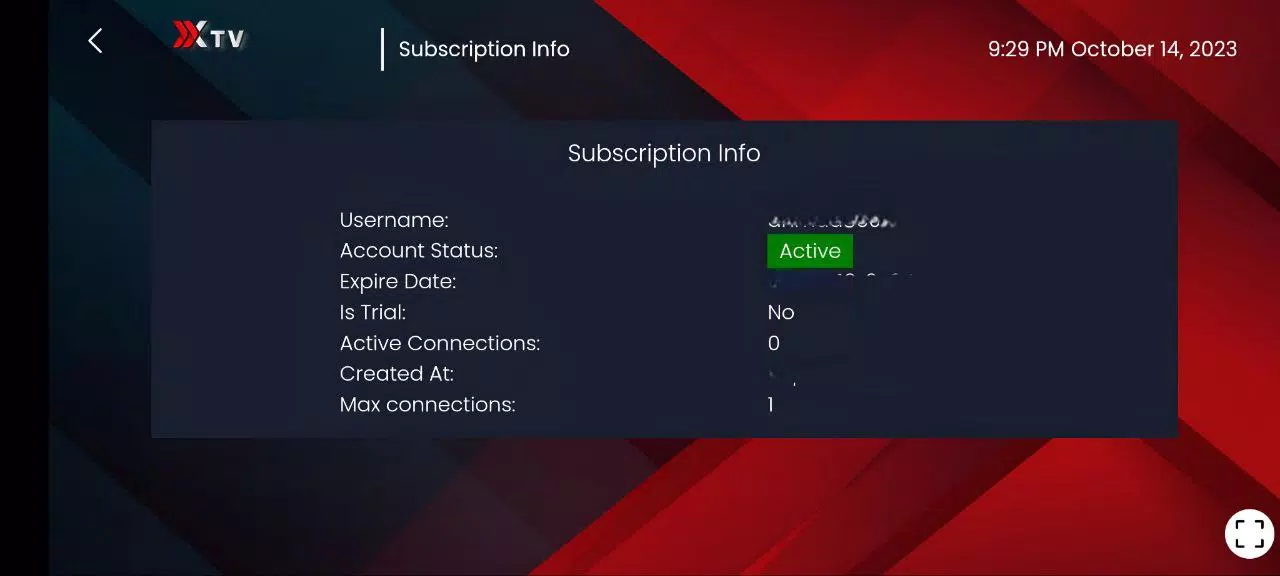
Because Xiptv Pro is a player rather than a content provider, it requires valid IPTV streams or provider credentials to access channels and on-demand libraries. Some advanced formats or DRM-restricted streams may need external players or additional codecs for best playback. Offline downloads and recordings depend on available storage and may be limited by stream permissions. Network conditions affect streaming consistency, and users should verify provider compatibility with the app’s supported protocols for optimal results.
For the smoothest experience verify playlist sources and test playback of a sample channel before doing large downloads or recordings. If a stream fails to play, try switching to an external media player from the playback menu or lowering the selected resolution to reduce buffering. Regularly clear cached data for stale EPG entries and manage downloaded files from the app’s storage settings to keep the app responsive. With these practices Xiptv Pro provides a compact, flexible solution for consolidating live TV and VOD into one accessible Android app.
File size: 19.50 M Latest Version: 1.0
Requirements: Android Language: English
Votes: 483 Package ID: xiptv.pro
Developer: lbrahim salah


Make your house a home with our selection of innovative apps. Discover programs to simplify cleaning, organize closets, and manage home maintenance. Take the hassle out of chores and keep your space running smoothly. Design, visualize, and renovate like a pro using our augmented reality and 3D modeling tools. Enhance security and monitor your property 24/7 with our connected home tech.






LIVE A HERO
Retro Hero Mr Kim
Empire of Passion
Arcane Quest Legends
Magic Snap: Momotaro
AllStar Manga Heroes
Lunescape
ONE PIECE Thousand Storm JP
Tap Titans 2