Scan to Download
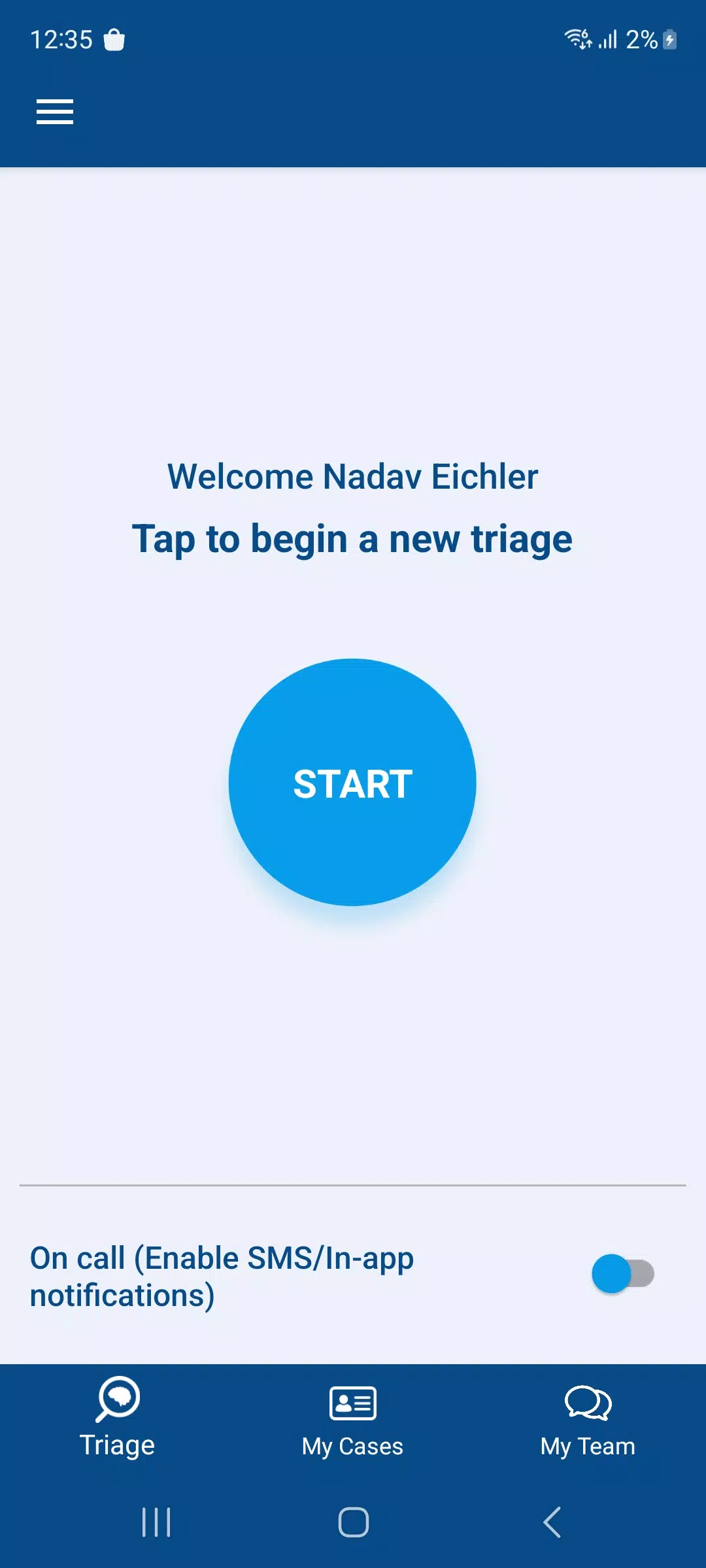
CVA Flow is a medical communication app designed to streamline stroke team workflows by combining secure asynchronous video capture, live video calls and encrypted messaging into a single clinician focused tool. Built for emergency departments, stroke specialists and EMS partners, CVA Flow helps teams coordinate assessments and treatment plans faster by making critical patient multimedia and notes available to the right people at the right time. As a regulated medical device intended for trained clinicians, the app emphasizes privacy, clear access controls and a simplified interface so users can act quickly without compromising compliance or data security.
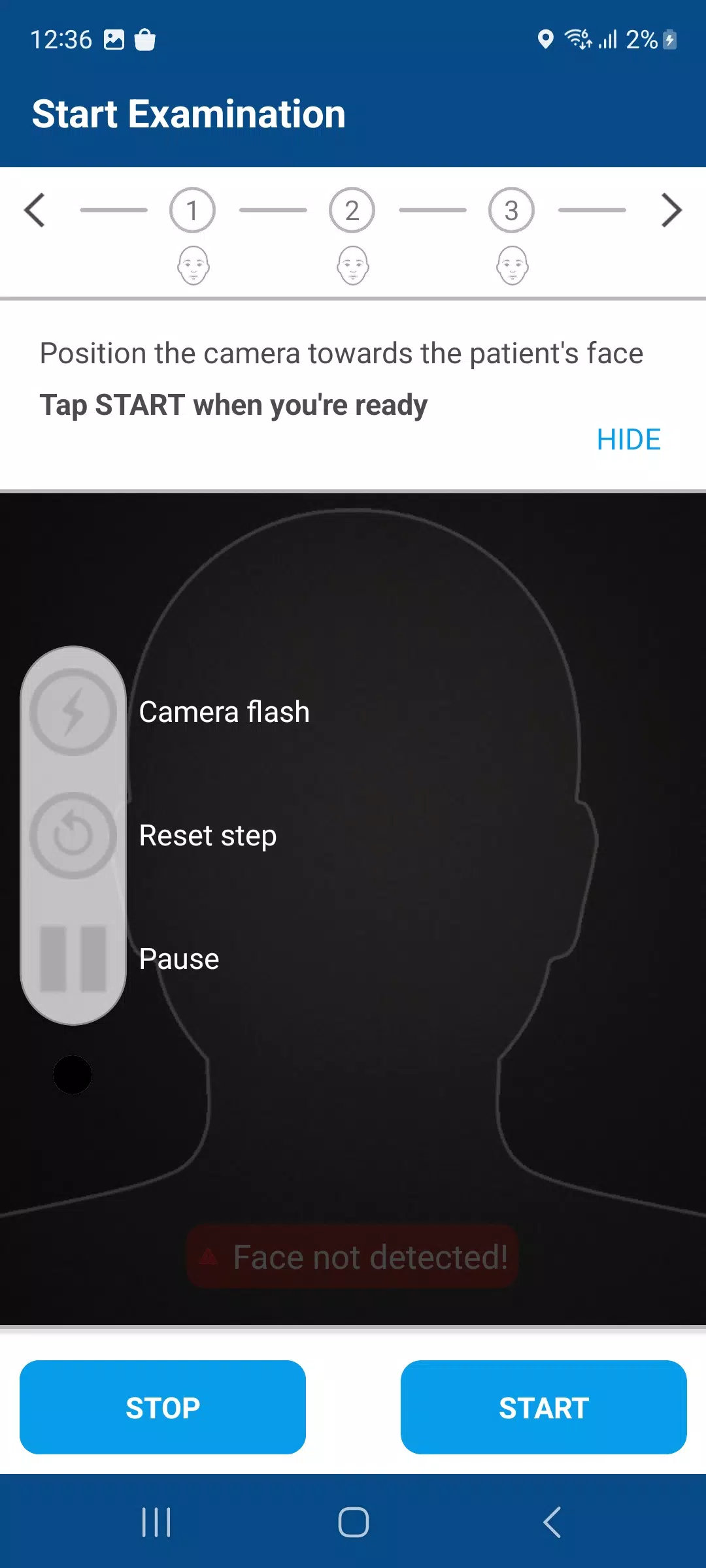
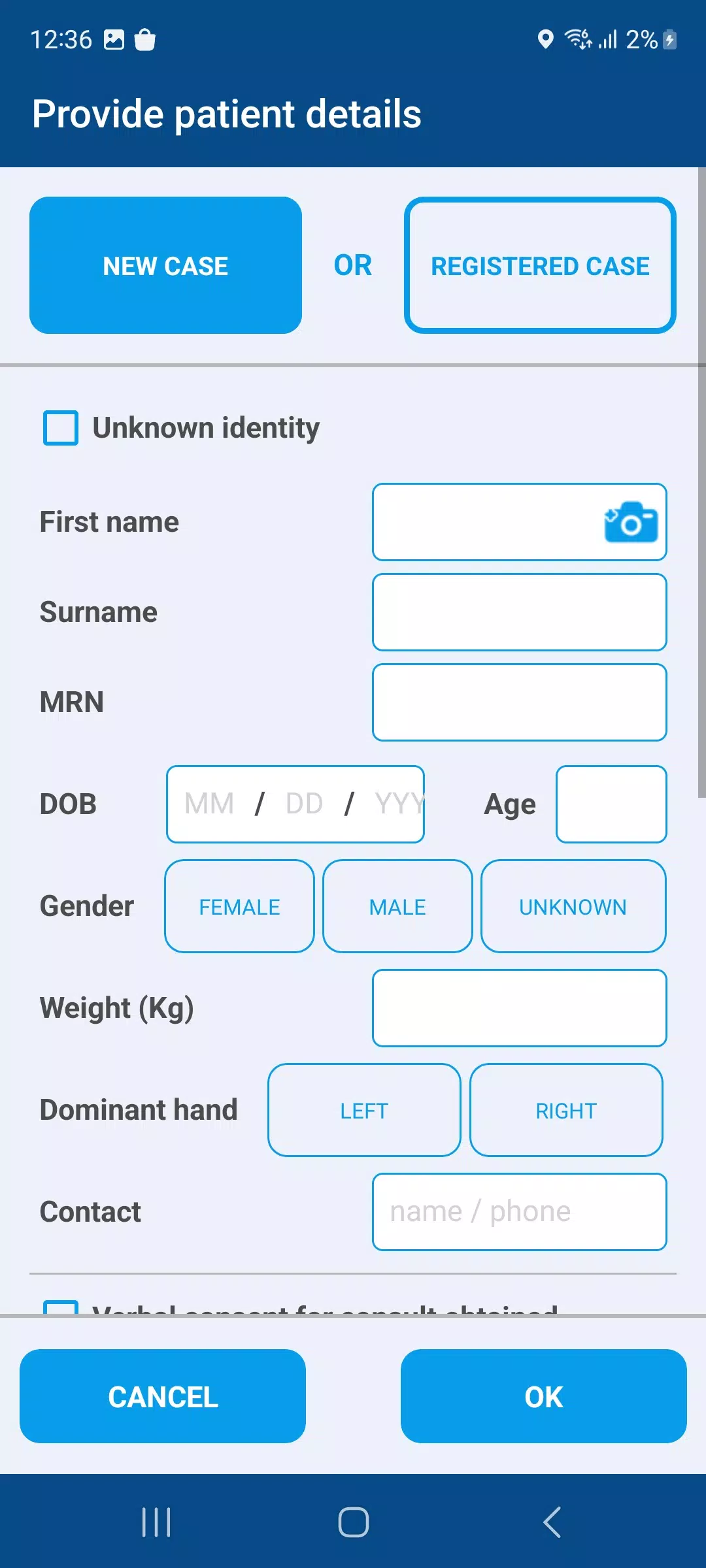
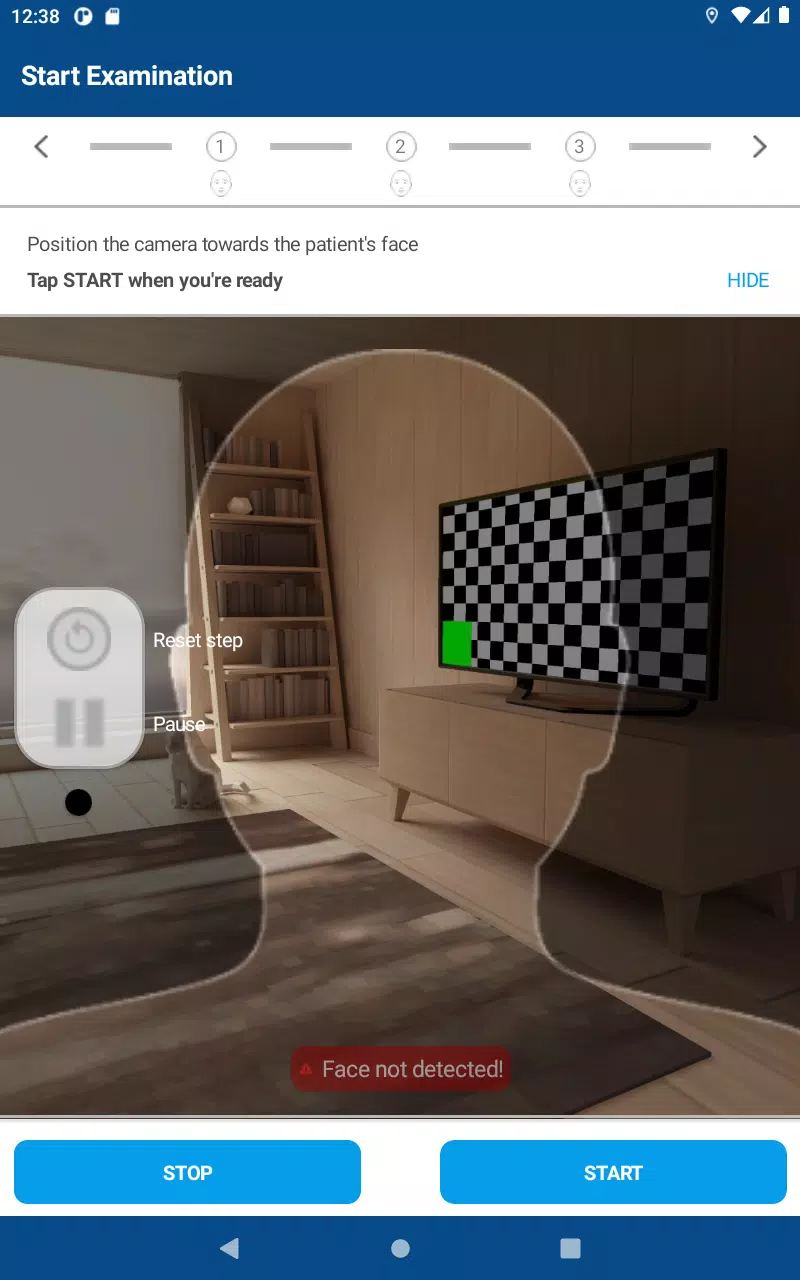
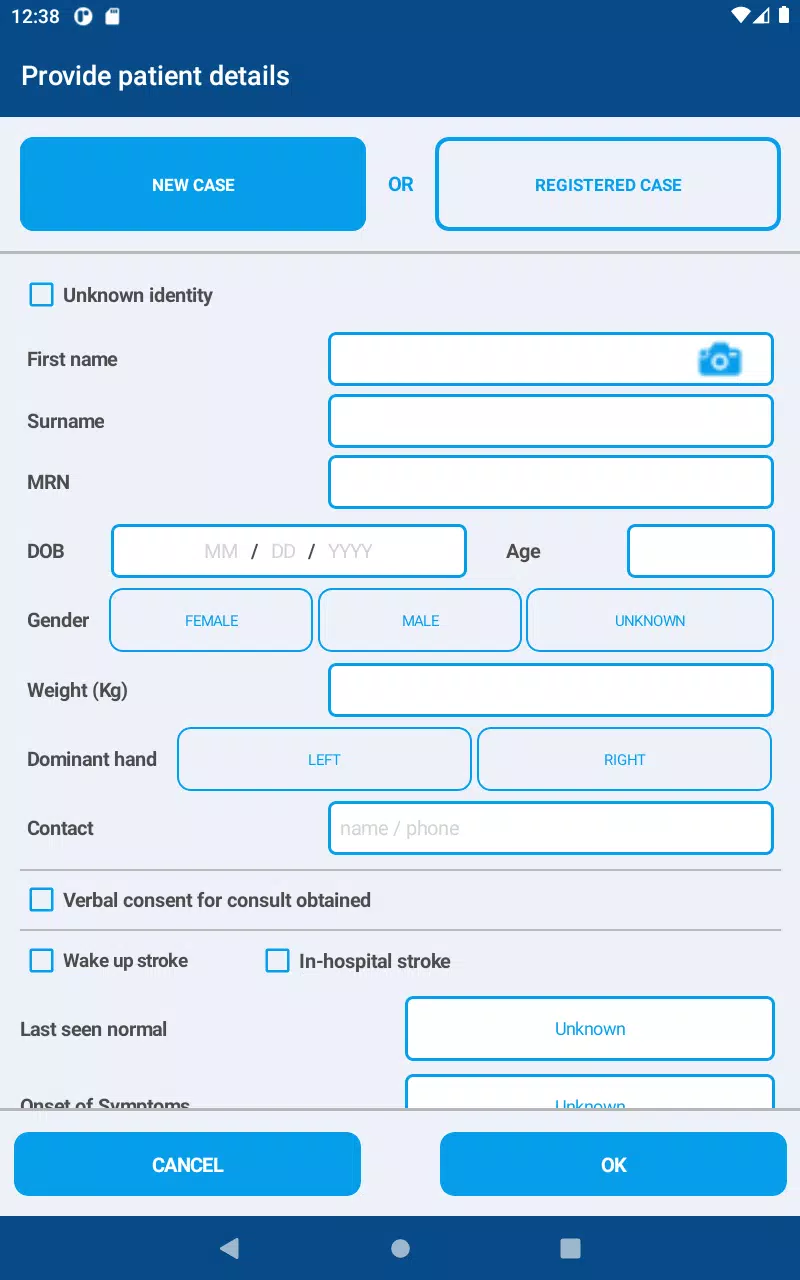
The core interaction model centers on quick capture and clear handoff. Users can record brief bedside assessment clips, attach timestamped notes and transmit those securely to oncall specialists or receiving hospitals. Controls are designed for clinician speed: single tap to record, one swipe to send or queue a case for later upload, and intuitive playback controls for review. Live video conferencing is available for real time consultation, while encrypted chat supports short messages and image sharing. All captured media is stored encrypted on device and can be annotated with short structured fields to capture key clinical findings that support rapid decision making.
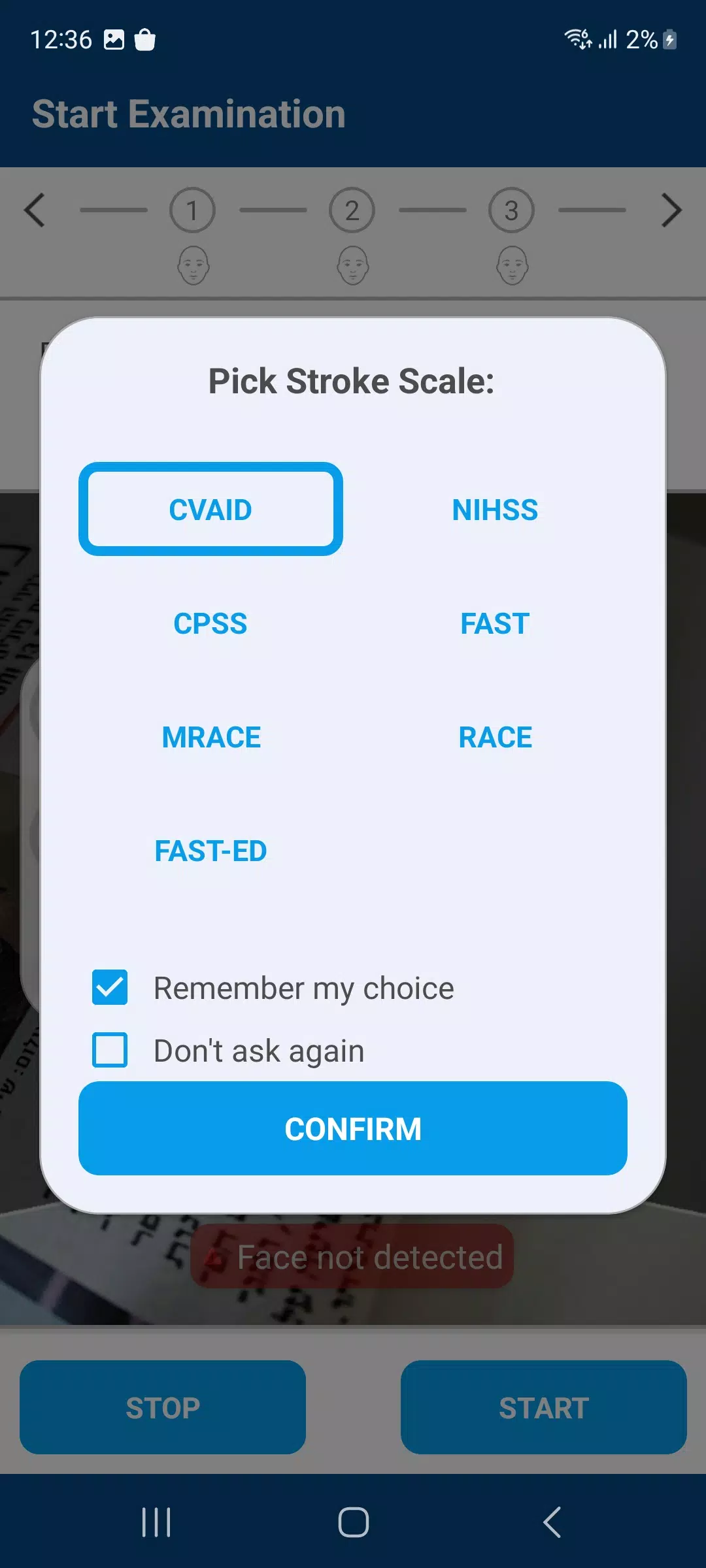
CVA Flow models the typical progression of an acute stroke encounter so teams follow a predictable path from triage to disposition. A case moves through clearly labeled stages such as initial capture, specialist review, treatment decision and transfer coordination. Each stage records timestamps and participant roles so clinicians can quickly see where a case stands and what actions remain. This progression system reduces ambiguity during handoffs and supports faster decision making by highlighting pending tasks and outstanding consults in the case timeline.
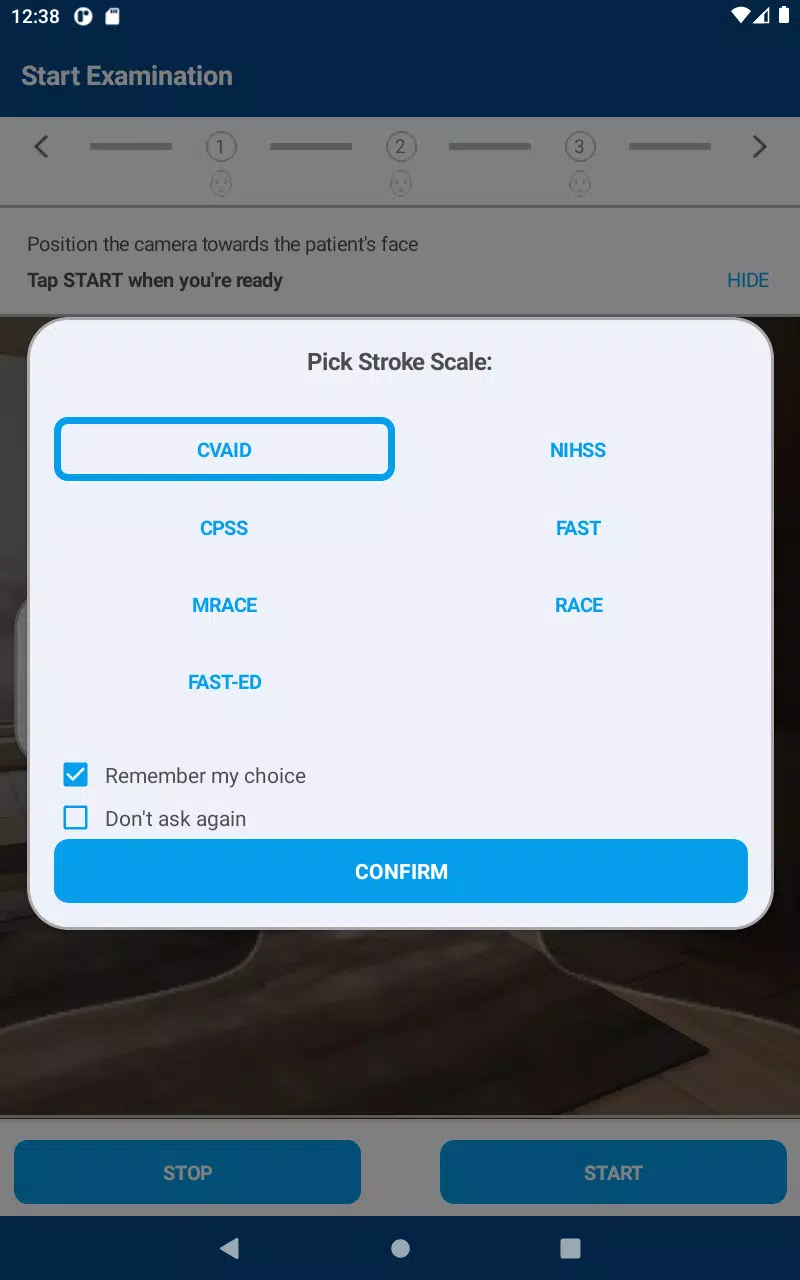
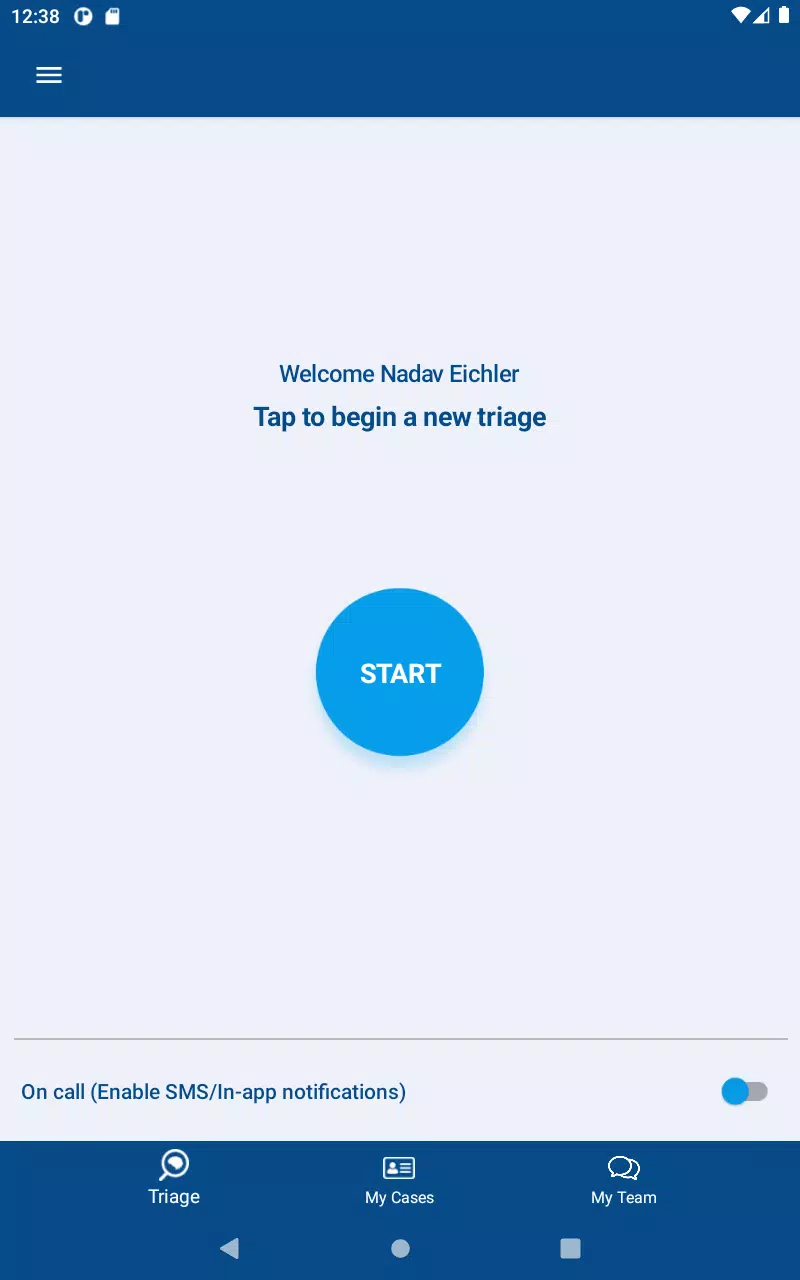
The interface favors clarity over clutter with high contrast text, large touch targets and role based views for EMS, ED clinicians and stroke specialists. Controls support fast clinical use: dedicated record and pause buttons, simple annotation prompts, secure upload toggles and easy access to prior case history. Administrators can configure notification preferences, role permissions and default annotation templates so the app adapts to institutional protocols. The visual style is deliberately clinical and functional to reduce cognitive load during high pressure situations.
Captured assessments can be replayed for clinical review, case discussion and quality improvement without creating extra documentation work. Anonymized playback and structured notes allow teams to review decision points and treatment timing, which preserves learning value and supports protocol refinement. Because the app centralizes multimedia from multiple providers into a single case timeline, it also improves documentation completeness and reduces the need to recollect information after a handoff.
CVA Flow supports offline capture so clinicians can record video and notes when network coverage is poor; media remains encrypted on device and is transmitted automatically when a secure connection is restored. The app includes accessibility features such as large fonts, clear contrast and minimal text entry to accommodate rapid use in noisy environments. Where network conditions limit streaming, the app prioritizes key metadata and still images to ensure essential information reaches receiving teams quickly.
Security is central to the design. CVA Flow uses device level encryption and TLS protected transport for all communications, multi factor authentication and passcode startup options to reduce the risk of unauthorized access. These controls align with regulated medical device requirements and institutional policies, and administrators retain the ability to set retention policies and user privileges. The app records audit logs for each case to support compliance reviews and secure handoffs.
Intended for use by trained clinicians, CVA Flow is not a substitute for direct clinical judgment and must be used in accordance with local protocols and the terms of use. Performance depends on device capability and network availability, and large video uploads may be subject to carrier data charges. Institutions should confirm integration and user training before deploying the app into urgent care pathways to ensure it matches local workflow and documentation requirements.
File size: 142.20 M Latest Version: 2.0.3
Requirements: Android Language: English
Votes: 167 Package ID: com.cvaidmedical.cvaflow
Developer: CVAid

Must Have Communication Apps for Android
Connect deeper through meaningful conversations with our communication apps. Enjoy crystal-clear calls, video chats, messaging, and file sharing. Find the perfect emojis, GIFs, and stickers to express yourself. Keep the non-stop group banter organized in one place. Block unwanted interactions at the source. Meet new people worldwide through our global community features.






LIVE A HERO
Retro Hero Mr Kim
Empire of Passion
Arcane Quest Legends
Magic Snap: Momotaro
AllStar Manga Heroes
Lunescape
ONE PIECE Thousand Storm JP
Tap Titans 2










































