
Scan to Download
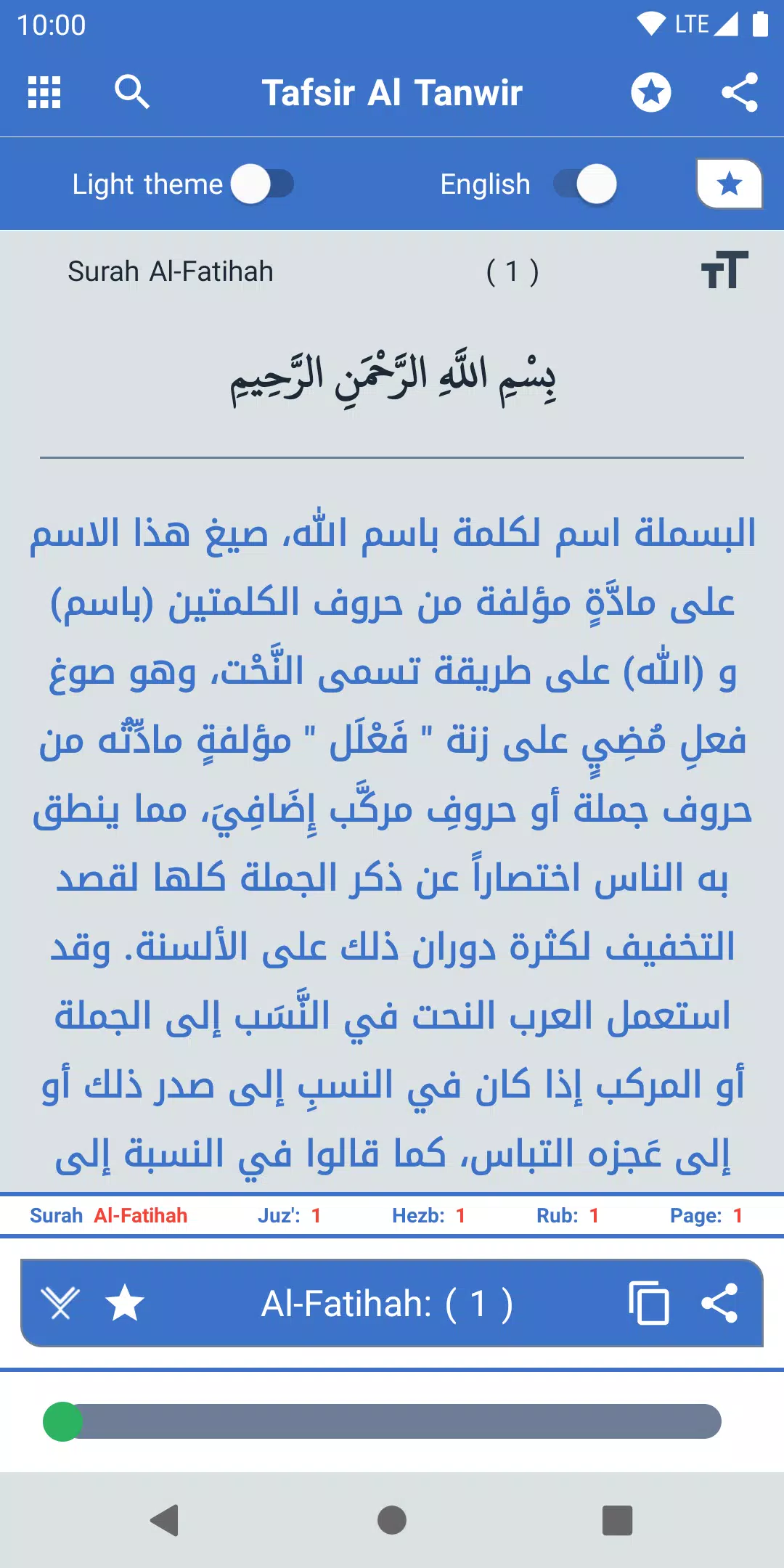
Tafsir Al Tanwir brings a respected classical Quranic commentary to mobile devices in a way that feels familiar and practical for modern study. The Tafsir Al Tanwir app pairs each verse of the Quran with line-by-line explanation so readers can move from a short passage to its full commentary without losing context, and it preserves your place automatically so study sessions can stop and resume with ease.
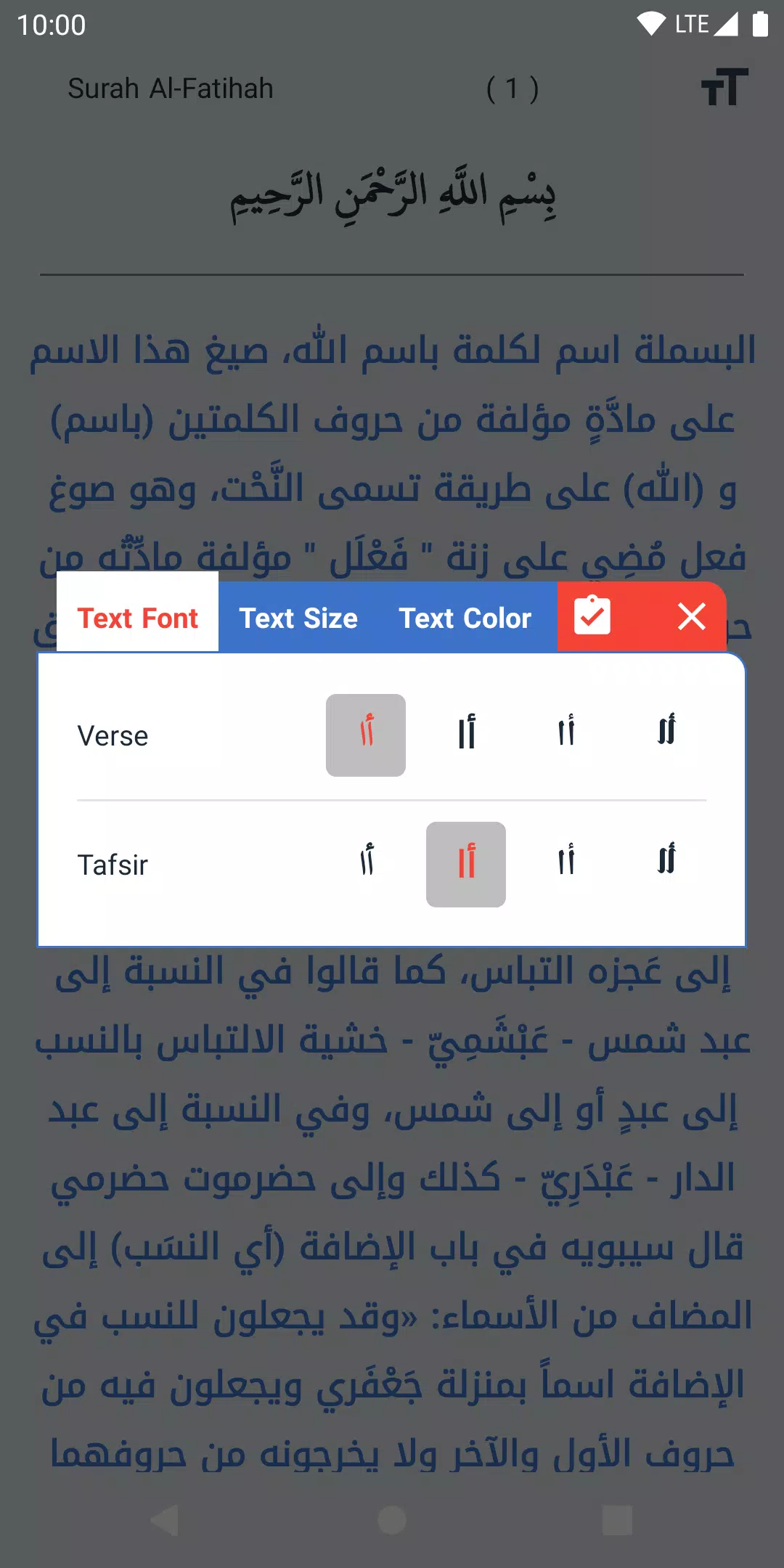
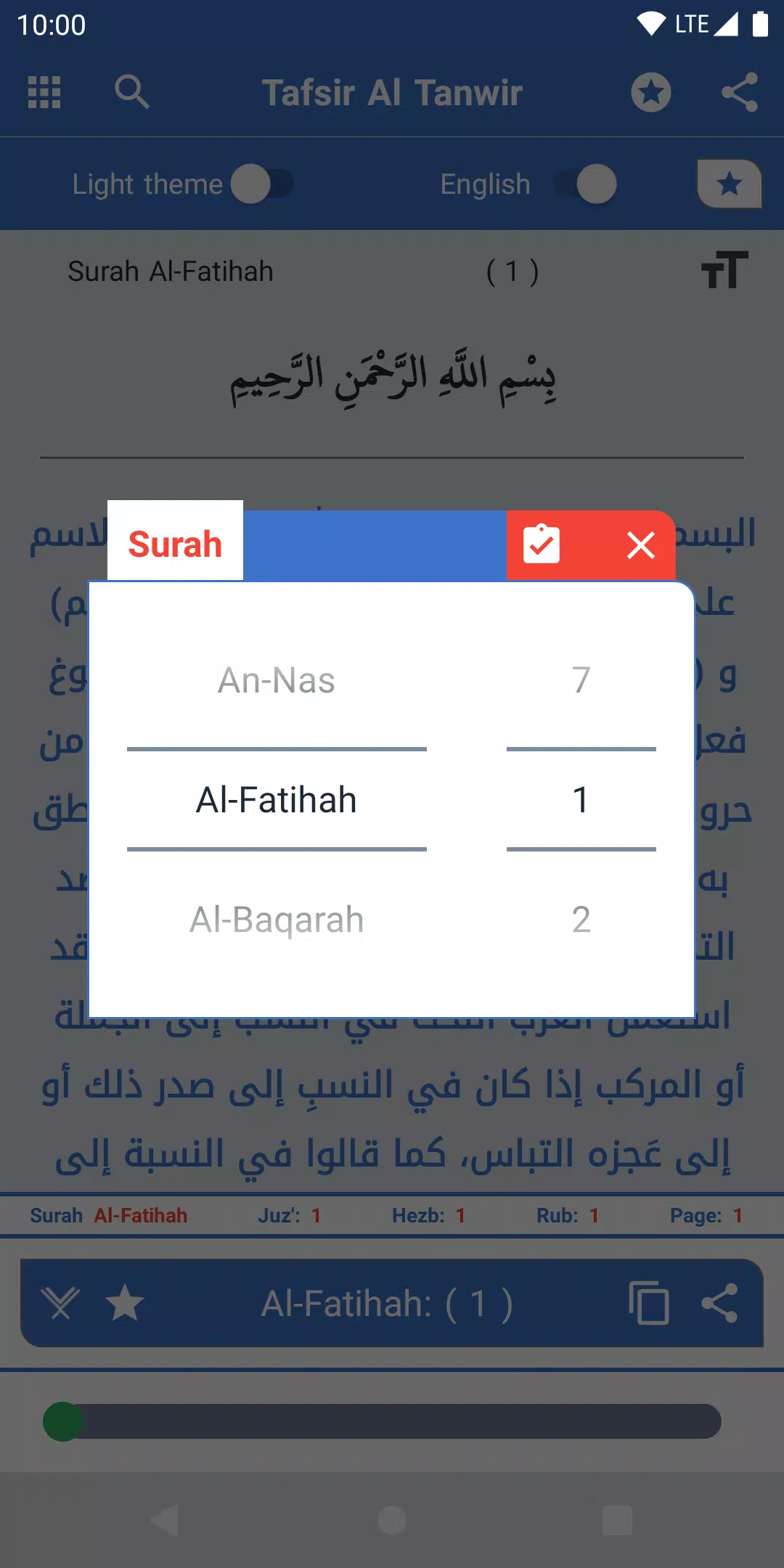
The design centers on verse-by-verse presentation: each Ayah is shown alongside its explanation so readers see the textual context and the exegesis together. A searchable Surah index helps you jump directly to any chapter, while the search engine returns the number of matches so you can refine queries and locate related passages quickly. Save favorites and build a personalized list of verses for repeated study or teaching, and use copy-and-share tools to export passages with their tafsir for notes or discussion. Reading customization includes font size and color adjustments plus four distinct font styles to suit different reading preferences, and the interface intentionally keeps controls simple for focused reading.
The app’s controls are designed to be intuitive: tap to open a verse’s full commentary, use the search field to filter by keyword or chapter name, and navigate between Surahs with on-screen navigation controls. Pagination and quick-jump options let you move through long chapters without scrolling excessively; automatic saving of the last viewed verse means you will return to the exact place you left off. These interaction patterns aim to reduce friction so both short look-ups and extended study sessions are comfortable on phones and tablets.
Tafsir Al Tanwir supports a clear progression through the Quran by matching the level structure of the text: Surah and Ayah boundaries are respected so you can follow chapter-by-chapter study or build a personal sequence from bookmarked passages. Favorites act as a lightweight progression system—collect key commentaries into a curated reading list to follow over days or weeks. Personalization is practical rather than flashy: font choices, color settings, and retained reading position let you tailor the reading flow to your pace without noisy gamification elements.
The visual style emphasizes legibility and calm presentation. Clean typography, clear separation between the Quranic verse and its tafsir, and consistent spacing reduce eye strain during prolonged reading. Adjustable font sizes and color controls address basic accessibility needs, and the four included font styles provide alternate letterforms for readers who prefer different script appearances. The interface avoids unnecessary ornamentation so text and commentary remain the primary focus.
The app is optimized for quick lookups and responsive navigation so searches and chapter jumps feel immediate on a wide range of devices. Saved favorites and the automatically preserved last-viewed verse increase replay value by encouraging repeated review of important passages; returning to the same commentary to compare notes or to prepare a lesson becomes straightforward. While the app is primarily a study and reading tool rather than an interactive game, the ease of revisiting saved items and annotations gives it lasting value for students and teachers alike.
The user experience focuses on study, teaching, and reflection: clean presentation, fast search, and predictable navigation make the app suitable for classroom preparation and private study. Potential limitations are candidly stated—the app concentrates on a single classical commentary, so readers seeking comparative tafsir across multiple exegeses will need additional resources. Customization is functional but limited to the four listed font styles and basic color controls, which may not satisfy readers who want extensive theme and layout options.
Tafsir Al Tanwir is aimed at students, teachers, and anyone who wants clear, readable commentary alongside Quranic verses. If you value verse-level explanation, a searchable index, the ability to save and share passages, and a simple set of customization tools, this app is designed to support sustained study and lesson preparation. The emphasis remains on making the classical Tafsir Al Tanwir commentary accessible in a streamlined mobile format while keeping the reading experience focused and reliable.
File size: 17.90 M Latest Version: 1.2.2
Requirements: Android Language: English
Votes: 334 Package ID: azhari.tafsiraltanwir
Developer: Azhari Studio.inc






Best Free Books Apps for Your Android Phone
Discover your next great read with our innovative book apps. Access millions of ebooks, audiobooks, and comics on any device. Get personalized recommendations from our advanced algorithms so you always have your next great story lined up. Track your reading habits and browse curated lists for inspiration. Join online book clubs to connect with fellow bibliophiles. Listen to samples and download seamlessly with our integrated stores.






LIVE A HERO
Retro Hero Mr Kim
Empire of Passion
Arcane Quest Legends
Magic Snap: Momotaro
AllStar Manga Heroes
Lunescape
ONE PIECE Thousand Storm JP
Tap Titans 2










































