
Scan to Download
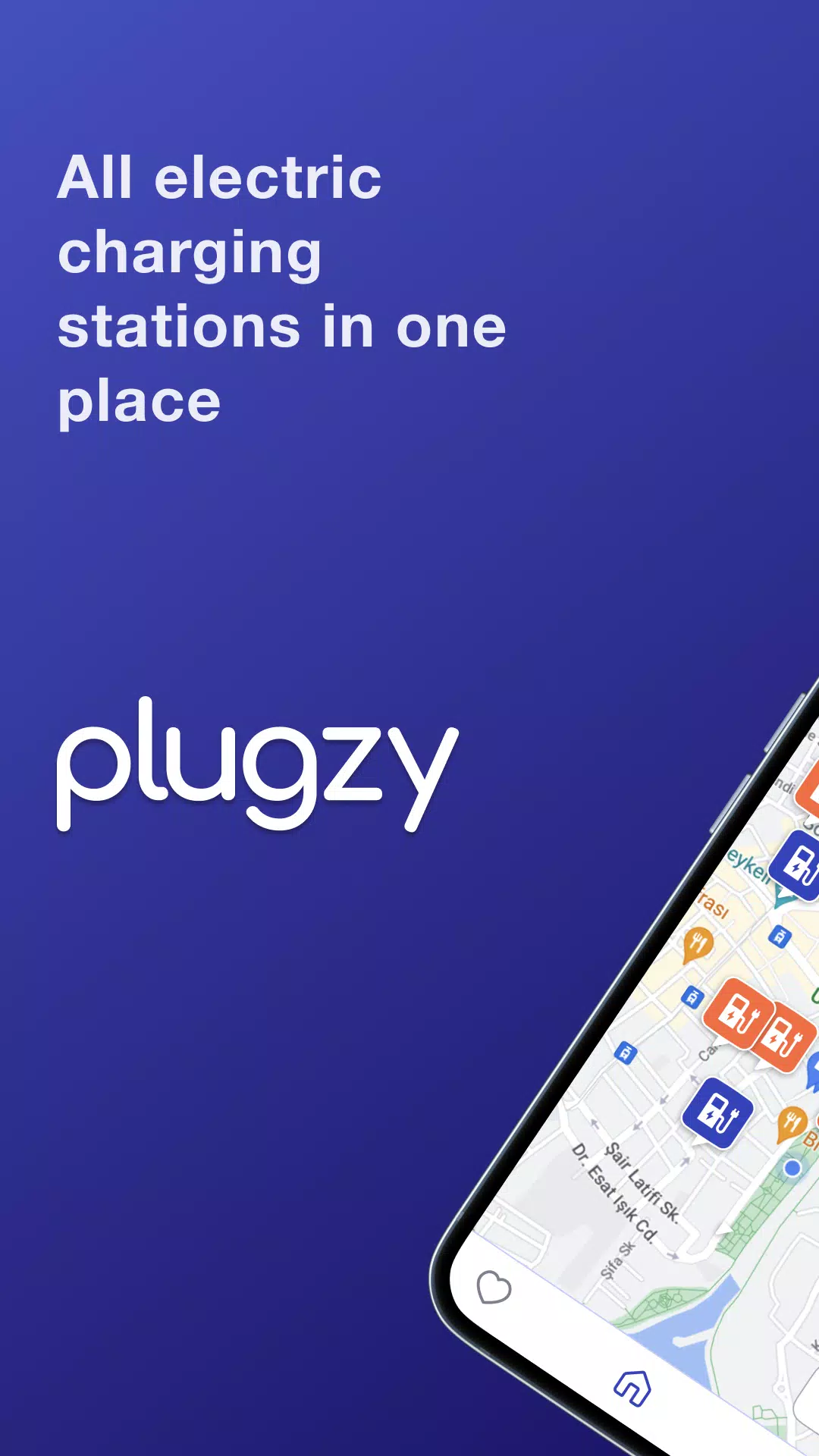
Plugzy is a practical navigation and charging assistant designed for electric vehicle drivers, helping you find nearby charging stations with GPS guidance and integrated live station data. Plugzy combines clear map displays, route-aware charger suggestions and saved favorites to reduce range anxiety whether you commute in the city or take longer highway trips. The app emphasizes a simple interaction model and careful data handling so you spend less time searching for power and more time on the road.
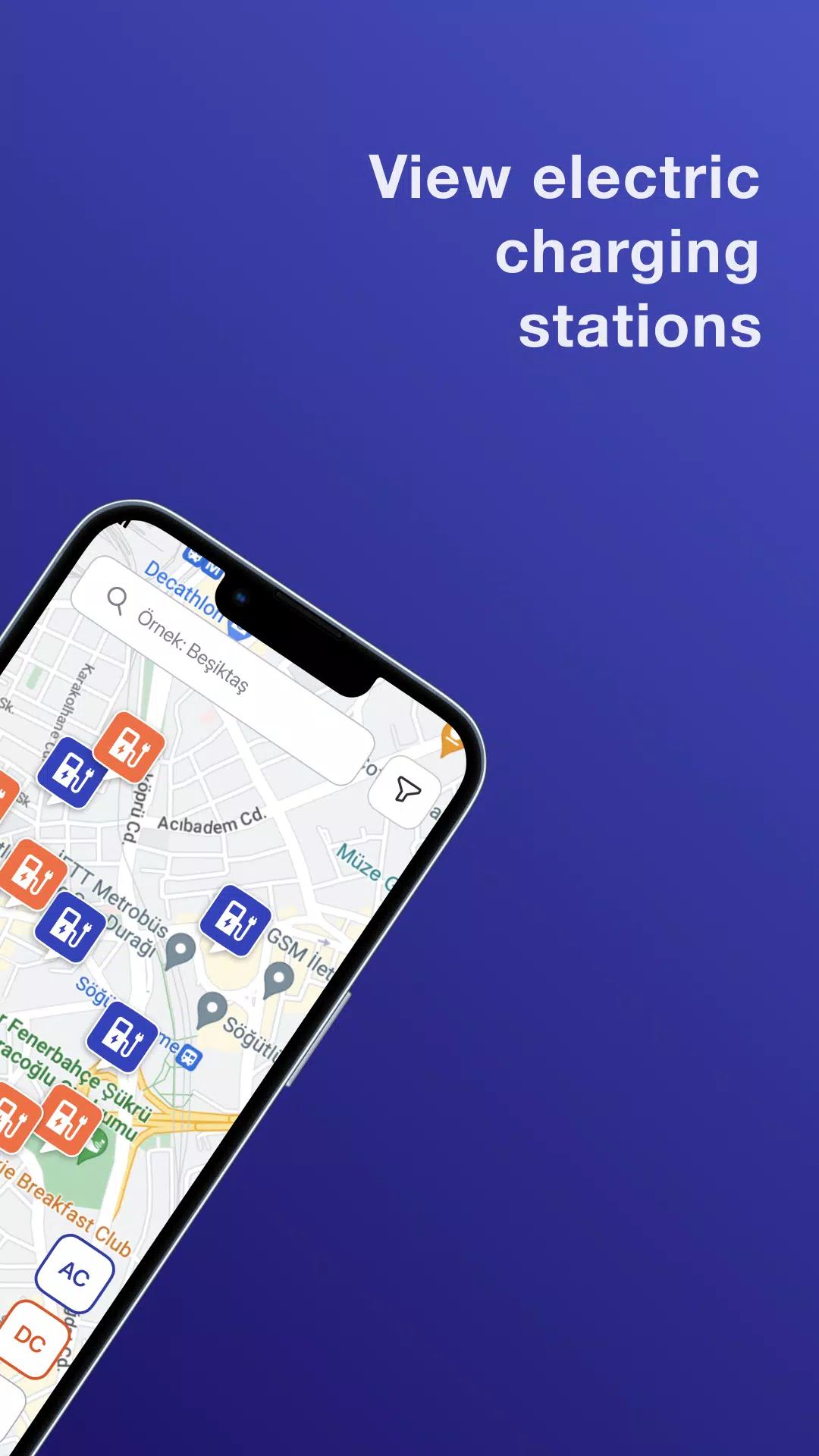
Plugzy locates charging points using your device’s GPS and aggregates information from a network of public and commercial operators across Turkey. The app shows station location, connector types, typical charging speeds and reported status when available, then highlights chargers that match your vehicle profile. Behind the scenes it prioritizes nearby, on-route and higher-confidence stations so planning a stop becomes a single tap: view details, start navigation and save the location for later. The discovery flow is designed to be predictable and fast even when you’re in motion.
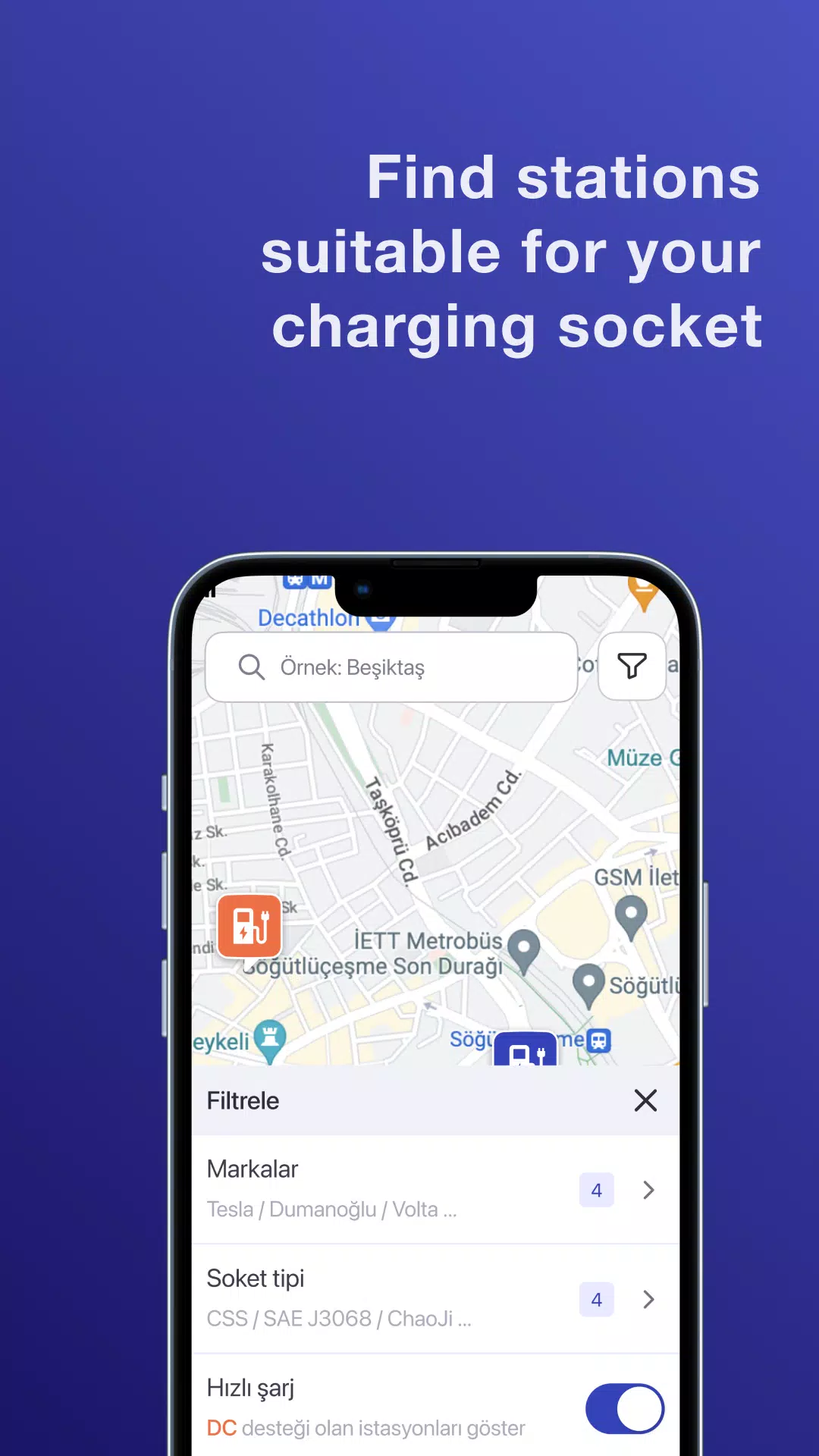
The interface centers on an interactive map with touch gestures for pan and zoom, plus a search bar and filters to narrow results by connector type, charging power and distance. Tap a station marker to reveal more details and quick actions such as ‘Save’ or ‘Navigate’. Map layers let you switch between standard and satellite views, while simple icons and consistent color coding communicate station availability and charger capabilities at a glance. Controls are intentionally large and spaced for easy use while preparing to drive.
Plugzy supports step-by-step trip planning by suggesting charging stops based on route distance and common travel patterns. As you plan a trip, the app identifies feasible charging windows and suggests stops that minimize detours. It also tracks your saved locations and recent searches so frequently used chargers appear first in results. Over time, the app adapts to your patterns—showing preferred stations and making it faster to build recurring routes, which is especially useful for commuters and regular longer journeys.
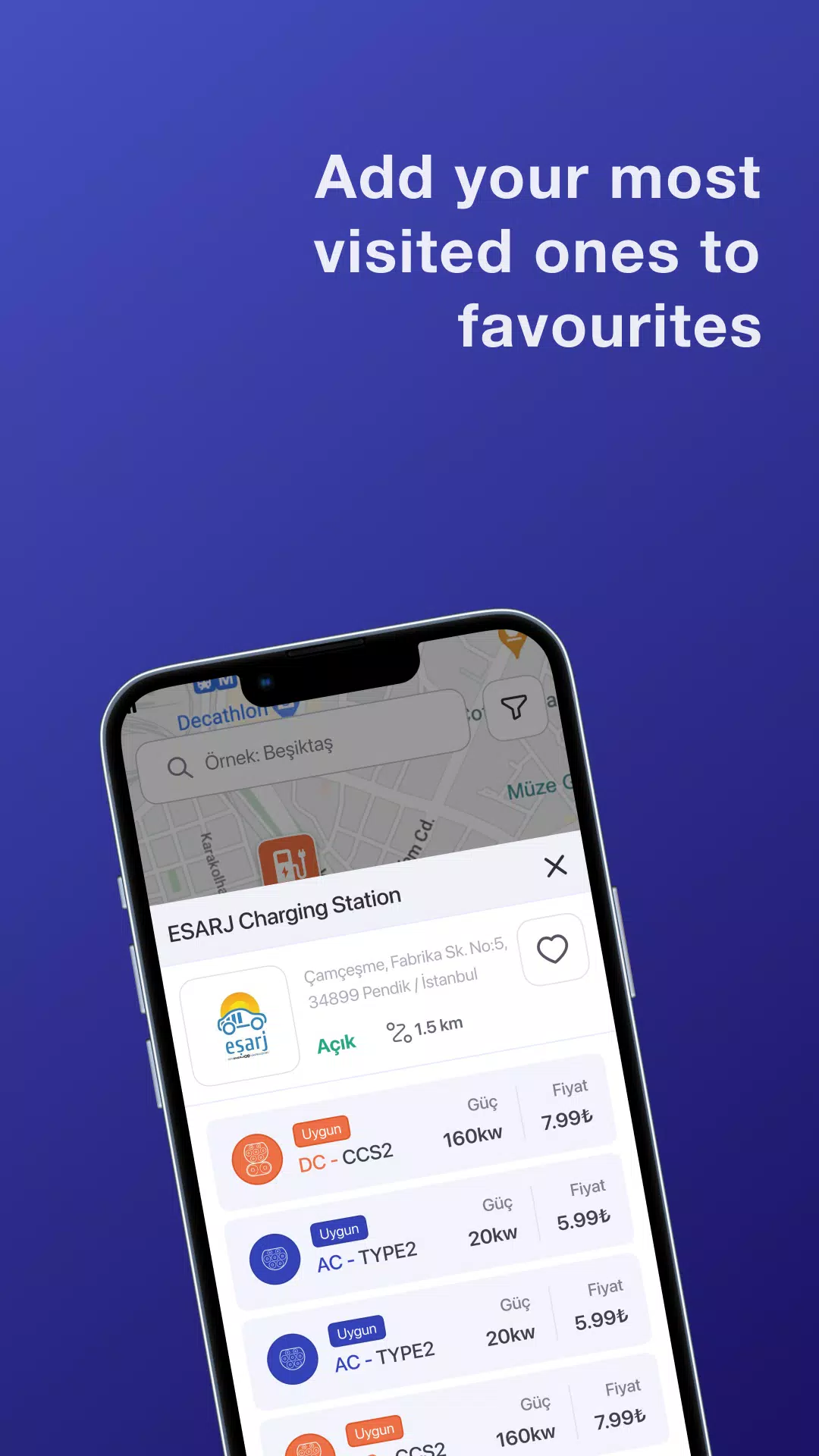
The app uses a clean, map-first visual style with readable typography and clear iconography to reduce visual clutter. You can customize display units (kW, kWh, distance formats), toggle map themes and set preferred connector types to tailor the map results to your vehicle. Saved favorites are presented as a personalized list and on the map for quick access. These customization options let drivers prioritize the information they care about without overwhelming the main navigation view.
Plugzy aims to be accessible with high-contrast map markers, scalable text and touch targets sized for easy interaction. The app can cache recently viewed map areas and your list of saved stations so basic lookups remain available when connectivity is limited. While live availability and new station searches require an online connection, cached data and stored favorites provide a fallback that supports planning in low-coverage areas or during roaming.
One of Plugzy’s core goals is to reduce the practical challenge of range planning. The app highlights high-confidence chargers and flags locations where reported availability may be stale, so you can make informed choices. Real-time reliability varies with what station operators share; Plugzy displays the data source and last-update time so you can assess risk and choose alternatives when necessary. This transparency helps manage uncertainty rather than hiding it.
Privacy is treated as a priority: Plugzy minimizes unnecessary data collection and keeps personal lists such as saved stations and recent trips locally on your device unless you explicitly choose otherwise. The app requests only the permissions required for core features, such as location for navigation, and provides clear in-app explanations for each permission. This approach is intended to give you control over what is shared and to reduce exposure of personal route information.
Plugzy’s station network and live data coverage are strongest in Turkey, where most integrated operators provide information. Coverage outside Turkey may be limited and real-time availability depends on operator integrations—sometimes availability reports can lag. If you travel internationally or into sparsely populated regions, it’s advisable to verify critical charging stops in advance and maintain a buffer for energy and time.
Because charging needs recur regularly, Plugzy offers strong replay value for daily commuters and frequent travelers alike: saved favorites, predictable routing and cached map data make repeated planning fast and low-friction. The combination of on-route suggestions and personalization makes it practical for drivers to rely on the app as part of their regular vehicle routine.
File size: 4.40 M Latest Version: 1.1.1
Requirements: Android Language: English
Votes: 170 Package ID: com.nextlua.plugzy
Developer: Nextlua

Best Free Travel Apps for Your Android Phone
Make travel planning effortless with our all-in-one trip companion app! Get insider tips from locals on top attractions, hidden gems, restaurants, and accommodations at your destination. Book flights, rental cars, and hotels at the lowest prices. Access maps offline; track bookings, itineraries, and reservations; create shared group trips; and auto-translate menus, signs, and conversations abroad. Our clever algorithms surface personalized recommendations everywhere you go.






LIVE A HERO
Retro Hero Mr Kim
Empire of Passion
Arcane Quest Legends
Magic Snap: Momotaro
AllStar Manga Heroes
Lunescape
ONE PIECE Thousand Storm JP
Tap Titans 2