Scan to Download
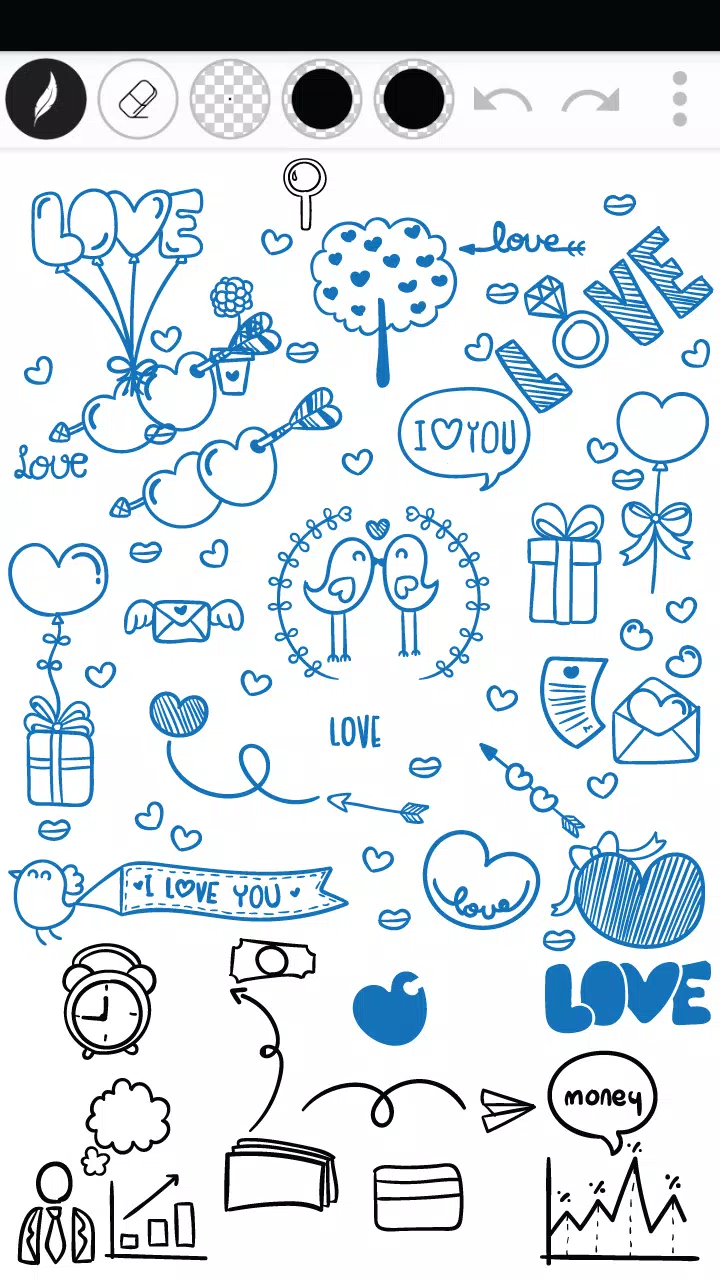
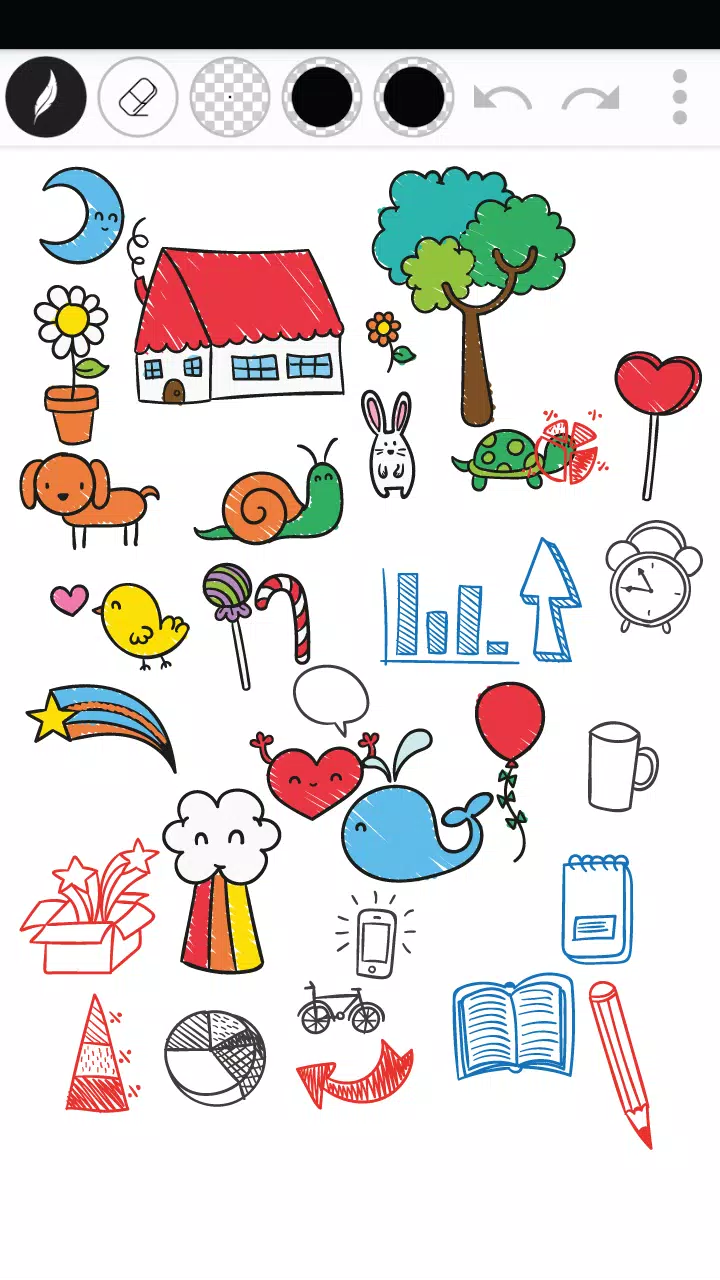
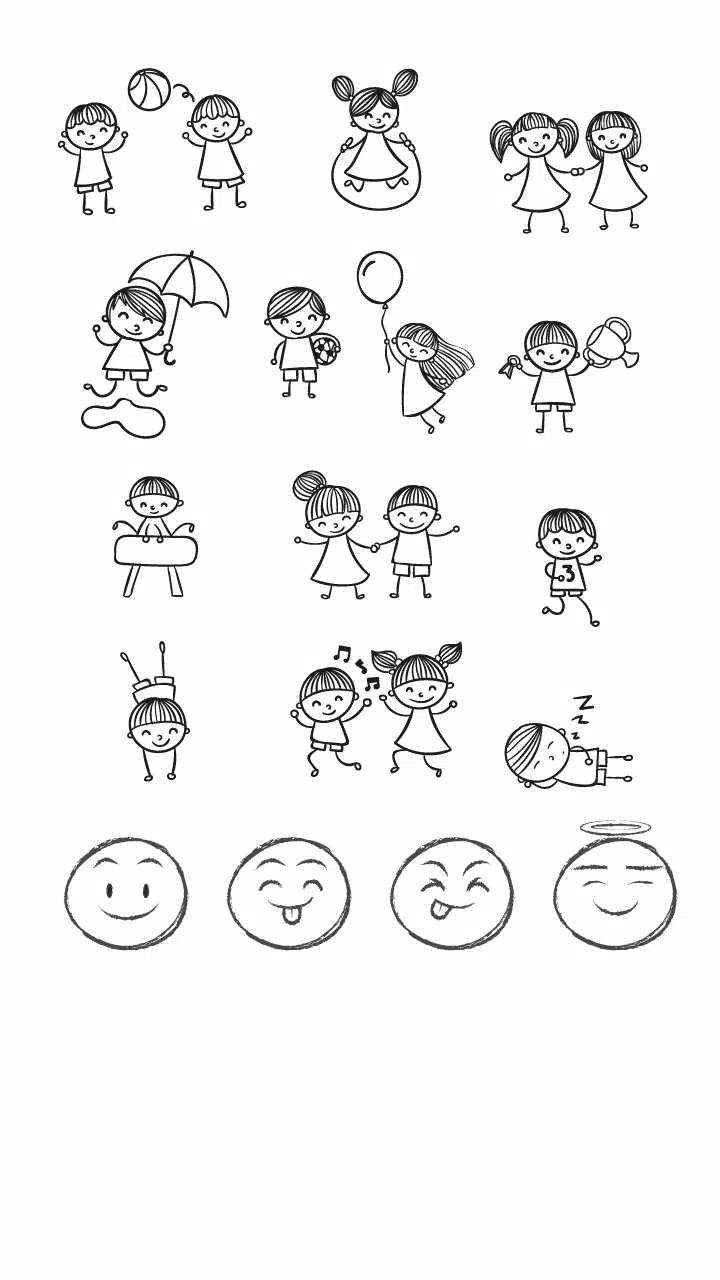
Draw Doodle Art puts a compact doodling studio on your device, letting anyone sketch, color and experiment with playful drawings in a few taps. The app focuses on providing a clean, intuitive interface and a curated set of drawing tools so beginners and casual creatives can start immediately without a steep learning curve. Choose from several pen styles and thicknesses, adjust brush size and transparency, erase mistakes and use undo/redo while you work. Finished pieces can be saved to your device or shared instantly to social channels, making it simple to preserve and show off your creations.
⭐ Draw Doodle Art includes multiple pen styles and thicknesses for varied doodle effects.
⭐ An easy-to-use eraser lets you correct mistakes without interrupting your flow.
⭐ Adjustable pen size and transparency (alpha) give precise control over detail and layering.
⭐ A flexible color palette enables vibrant combinations and custom hues.
⭐ Undo and redo functions keep editing non-destructive and easy to manage.
⭐ Save drawings to your device or share them directly to social networks.
✅ Simple, intuitive interface makes Draw Doodle Art accessible to users of all ages and skill levels.
✅ Toolset balances ease of use with enough customization to produce polished doodles.
✅ Quick save and share options speed up the process of preserving and showing your work.
✅ Lightweight feature set keeps the app fast and focused for casual creative sessions.
❎ Focused on doodling and simplicity, so it may not replace advanced digital art suites.
❎ Editing tools are essential but fairly basic for users seeking professional-level controls.
File size: 1.60 M Latest Version: 2.0.1
Requirements: Android Language: English
Votes: 465 Package ID: com.nes.drawdoodleart
Developer: Nes Prasit Singzom




Must Have Tools Apps for Android
Equip yourself with our all-in-one toolbox app for everyday tasks and projects. Instantly convert between units, calculate tips, scan documents, manage files, and more with handy productivity tools. Includes a level, compass, QR code reader, ruler, speedometer, decibel meter, and flashlight. Save frequently used tools to your customizable dashboard for one-tap access. Track billable hours, wages, budgets, and invoices. Annotate screenshots, magnify labels, and sign PDFs on the go.






LIVE A HERO
Retro Hero Mr Kim
Empire of Passion
Arcane Quest Legends
Magic Snap: Momotaro
AllStar Manga Heroes
Lunescape
ONE PIECE Thousand Storm JP
Tap Titans 2