
Scan to Download
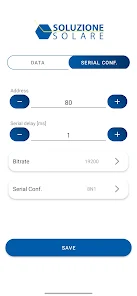
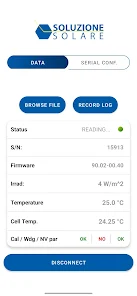
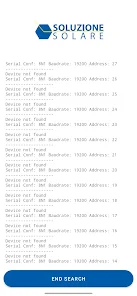
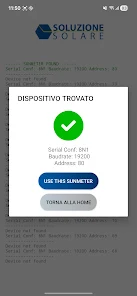
SMConfig is a compact configuration tool for Android that helps you create and apply device and app settings profiles. It simplifies common tasks such as toggling features, grouping preferences, and saving reusable profiles. The app is lightweight and provides straightforward controls for customizing device behavior without complex steps.
SMConfig lets you create and manage configuration profiles and apply saved profiles to adjust multiple settings at once. You can import and export profile files for backup and sharing, schedule profiles or trigger them from shortcuts and widgets when supported by your device, and use the clear interface with straightforward controls and undo where applicable.
Open SMConfig to create a new profile, select the settings you want to include, save the profile, and apply it when needed. Available settings depend on your Android version and device permissions; if the app requests permissions, follow the system prompts to enable the desired functionality.
File size: 12.00 M Latest Version: 1.0.3
Requirements: Android Language: English
Votes: 451 Package ID: cloud.falcom.smconfig
Developer: Soluzione Solare SRL

Empower learning and research with our innovative reference apps. Access dictionaries, thesauruses, encyclopedias, and more with our comprehensive databases. Get homework help, study tips, and writing guides from our academic resources. Learn new skills by browsing how-to videos and manuals. Stay up-to-date with latest news, data, and facts curated by our editors.






LIVE A HERO
Retro Hero Mr Kim
Empire of Passion
Arcane Quest Legends
Magic Snap: Momotaro
AllStar Manga Heroes
Lunescape
ONE PIECE Thousand Storm JP
Tap Titans 2



































