
Scan to Download
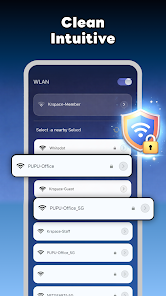
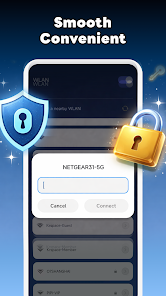
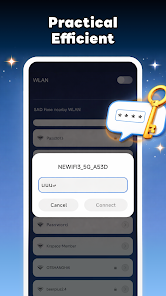
My WiFi Info is a compact, easy-to-use utility that displays useful WiFi and network information on your device, letting you quickly view connection details, network status, and other helpful data. If you want a straightforward way to check whether you're connected, confirm basic network information, or keep an eye on connection status during daily use, My WiFi Info offers a clean, easy-to-understand interface that surfaces the essentials without unnecessary complexity. It's ideal for users who prefer a no-frills tool to inspect their current network at a glance.
⭐ My WiFi Info provides quick access to connection details, making essential information available in seconds.
⭐ Clear display of network status so you can see whether your device is connected and how the connection is behaving.
⭐ Easy-to-understand interface that keeps navigation simple for everyday checks.
⭐ Consolidated presentation of useful network information to save time during routine monitoring.
✅ My WiFi Info is lightweight and focuses on the details users need most, avoiding clutter.
✅ My WiFi Info lets you confirm connection status quickly, which is helpful for everyday troubleshooting and routine checks.
✅ The straightforward layout reduces the time spent searching through menus for network information.
✅ Useful for non-technical users who want a simple way to view network details without setup.
❎ Limited to viewing information; it does not offer advanced network management or configuration tools.
❎ May lack in-depth diagnostics that power users or technicians might require.
❎ Designed for simplicity, so users expecting extensive customization may find it basic.
File size: 3.00 M Latest Version: 1.0
Requirements: Android Language: English
Votes: 158 Package ID: my.wifi.info
Developer: Vcoders

Must Have Tools Apps for Android
Equip yourself with our all-in-one toolbox app for everyday tasks and projects. Instantly convert between units, calculate tips, scan documents, manage files, and more with handy productivity tools. Includes a level, compass, QR code reader, ruler, speedometer, decibel meter, and flashlight. Save frequently used tools to your customizable dashboard for one-tap access. Track billable hours, wages, budgets, and invoices. Annotate screenshots, magnify labels, and sign PDFs on the go.






LIVE A HERO
Retro Hero Mr Kim
Empire of Passion
Arcane Quest Legends
Magic Snap: Momotaro
AllStar Manga Heroes
Lunescape
ONE PIECE Thousand Storm JP
Tap Titans 2