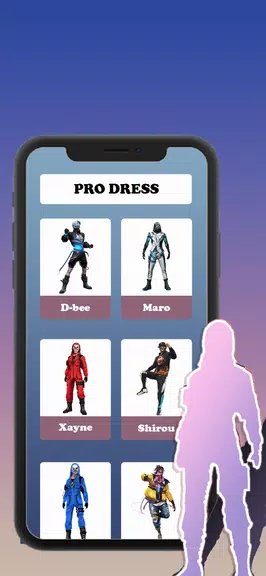
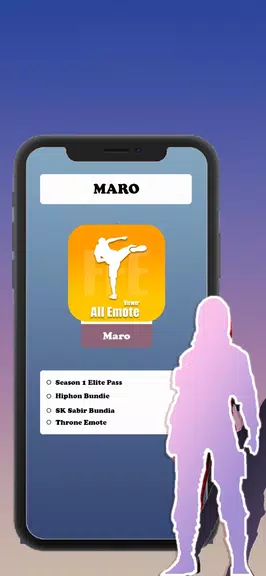
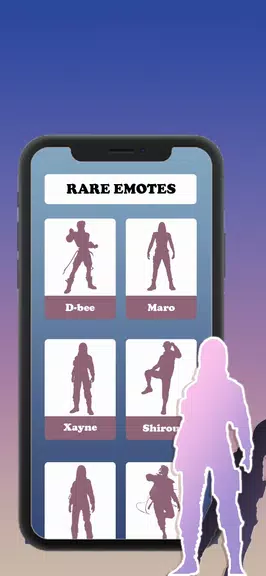
FFF FF Skin Tool is a lightweight skin editor for customizing character appearances in compatible Android games. The app lets you preview and adjust textures, save versions, and export files in common formats for personal customization and local use.
This application provides local editing tools without requiring an account sign-in, focusing on simple image-based edits, previews, and file management. It does not modify game servers or include in-game purchases; compatibility depends on the target game and its support for imported skins.
FFF FF Skin Tool offers a preview mode to view skins on a configurable model, basic paint and color adjustment tools for quick edits, the ability to store versions and export to common image or skin file formats, and a local gallery to organize saved skins. The design is intended to be lightweight so it runs with modest device resource use.
Open a skin or template in FFF FF Skin Tool, make edits with the provided tools, preview your changes on the model, then save or export the final file; consult the in-app instructions for format-specific guidance and confirm that your target game supports imported skins before attempting to apply them.
File size: 29.66 M Latest Version: 36.0
Requirements: Android Language: English
Votes: 459 Package ID: com.ffffskintool.myskin
Developer: Gamonus

Must Have Tools Apps for Android
Equip yourself with our all-in-one toolbox app for everyday tasks and projects. Instantly convert between units, calculate tips, scan documents, manage files, and more with handy productivity tools. Includes a level, compass, QR code reader, ruler, speedometer, decibel meter, and flashlight. Save frequently used tools to your customizable dashboard for one-tap access. Track billable hours, wages, budgets, and invoices. Annotate screenshots, magnify labels, and sign PDFs on the go.






LIVE A HERO
Retro Hero Mr Kim
Empire of Passion
Arcane Quest Legends
Magic Snap: Momotaro
AllStar Manga Heroes
Lunescape
ONE PIECE Thousand Storm JP
Tap Titans 2