
Scan to Download
Microsoft 365 (Office) brings Word, Excel, PowerPoint, PDF tools and AI assistance together in one productivity app so you can create, edit and manage documents on the go. The app helps you scan paper into editable files, open and modify spreadsheets, build presentations and handle PDF signing and conversions, making it a practical choice for professionals, students and home users who want fewer apps and a smoother workflow. With integrated templates, cloud access and AI features, Microsoft 365 (Office) reduces friction when working across devices and formats.
⭐ Microsoft 365 (Office) includes Copilot as an AI assistant to help draft, summarize and troubleshoot content for eligible work and school accounts.
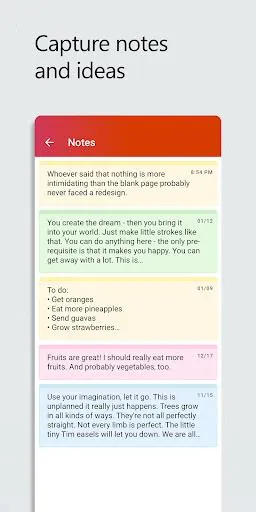
⭐ Built-in Word, Excel and PowerPoint editors with mobile-optimized templates and tools such as Presenter Coach for rehearsing slides.
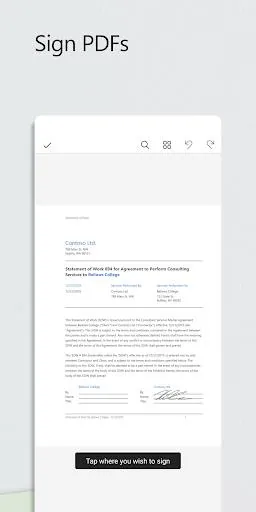
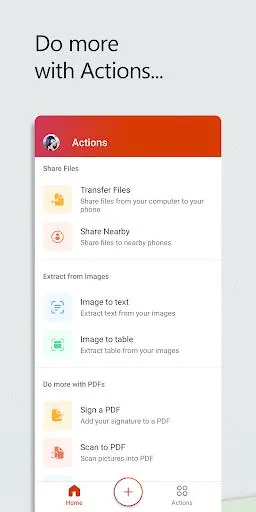
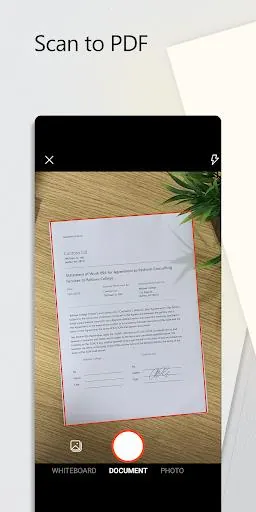
⭐ PDF capabilities to scan documents, convert PDFs to editable Word files, edit, fill and sign PDFs directly on your device.
⭐ Designer uses AI to create layouts and edit photos quickly (available for personal Microsoft accounts and with some premium restrictions).
⭐ Connect to OneDrive, SharePoint or third-party cloud storage to access and save files from anywhere.
✅ Consolidates multiple Office tools into a single interface, reducing the need to switch between apps.
✅ Fast scanning and reliable PDF conversion streamline paper-to-digital workflows.
✅ AI features like Copilot can boost productivity and surface useful insights for eligible subscribers.
✅ Templates and mobile-first features make it easy to produce polished documents and presentations on the move.
❎ Copilot access is limited to certain business, academic and SMB subscriptions tied to work or school accounts.
❎ Designer and some advanced features require a personal account and may need a Microsoft 365 subscription to use fully.
❎ Premium functions unlock only after signing in with a Microsoft account and may be restricted by subscription status.
Microsoft Corporation develops Microsoft 365 (Office); the company is the long-standing creator of the Office productivity suite and continues to evolve its mobile tools for business and consumer use.
Latest release: version 16.0.18227.20130, updated on November 28, 2024. The app requires Android 10.0 or later and offers in-app subscription options that renew automatically unless cancelled.
File size: 361.11 M Latest Version: 16.0.17425.20122
Requirements: Android Language: English
Votes: 257 Package ID: com.microsoft.office.officehubrow
Developer: Microsoft Corporation

Must Have Home Apps for Android
Make your house a home with our suite of helpful home apps. Discover clever tools to organize closets, streamline chores, and simplify cooking. Take the stress out of cleaning and maintenance with handy checklists and schedules. Enhance security and control appliances and lighting with our smart home integrations. Design, visualize, and renovate like a pro using our 3D planning software.






LIVE A HERO
Retro Hero Mr Kim
Empire of Passion
Arcane Quest Legends
Magic Snap: Momotaro
AllStar Manga Heroes
Lunescape
ONE PIECE Thousand Storm JP
Tap Titans 2