Scan to Download
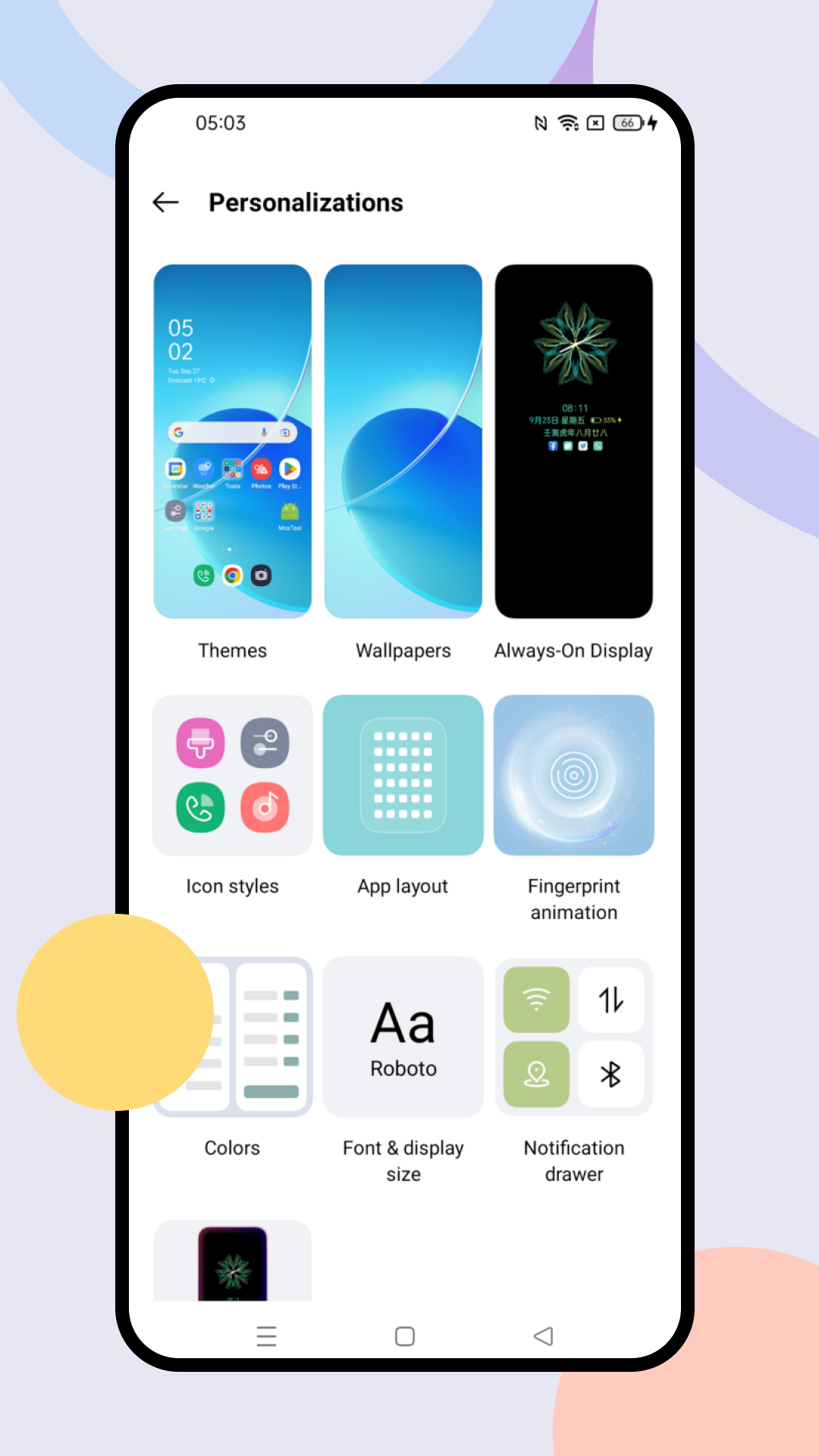
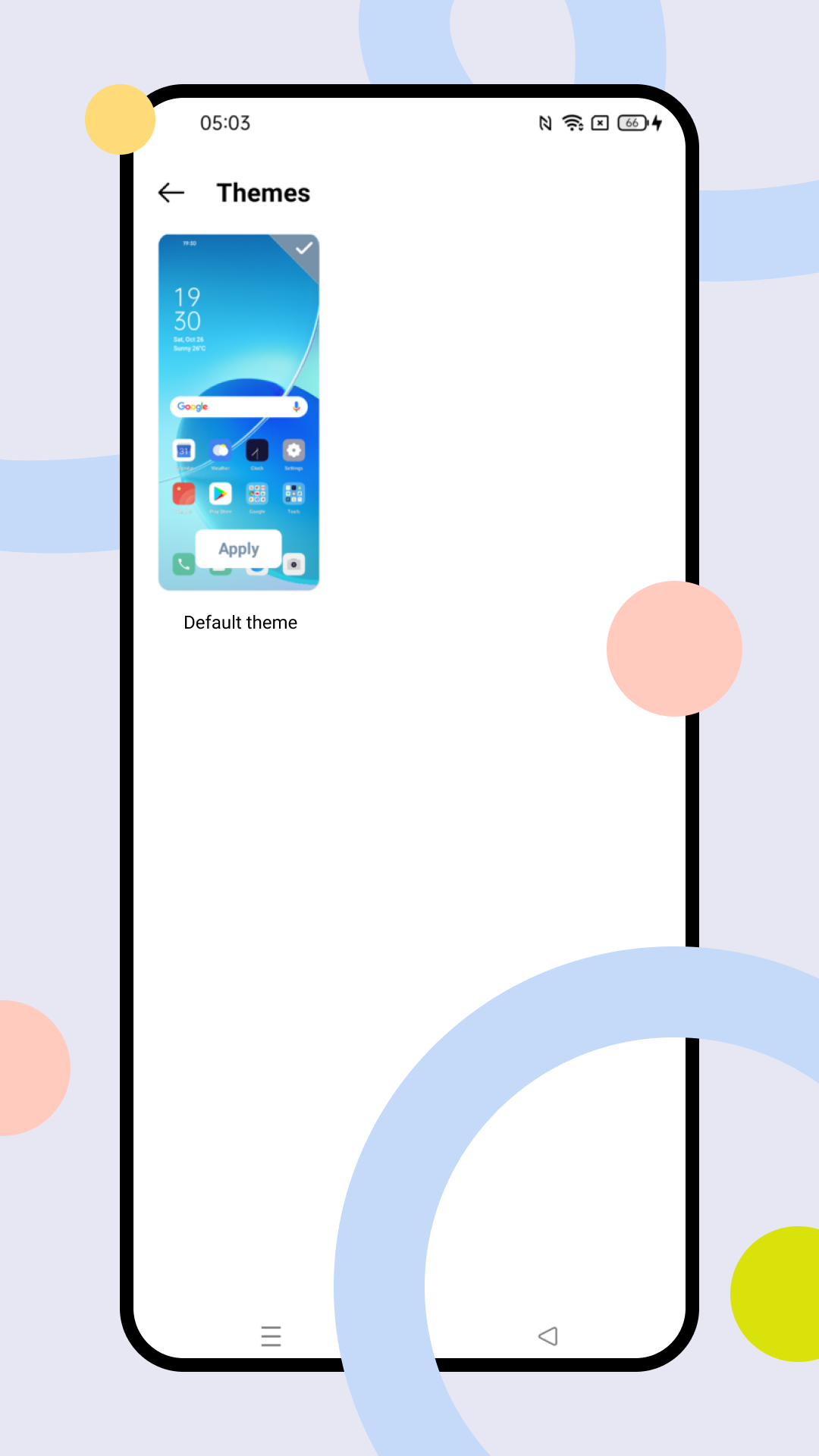
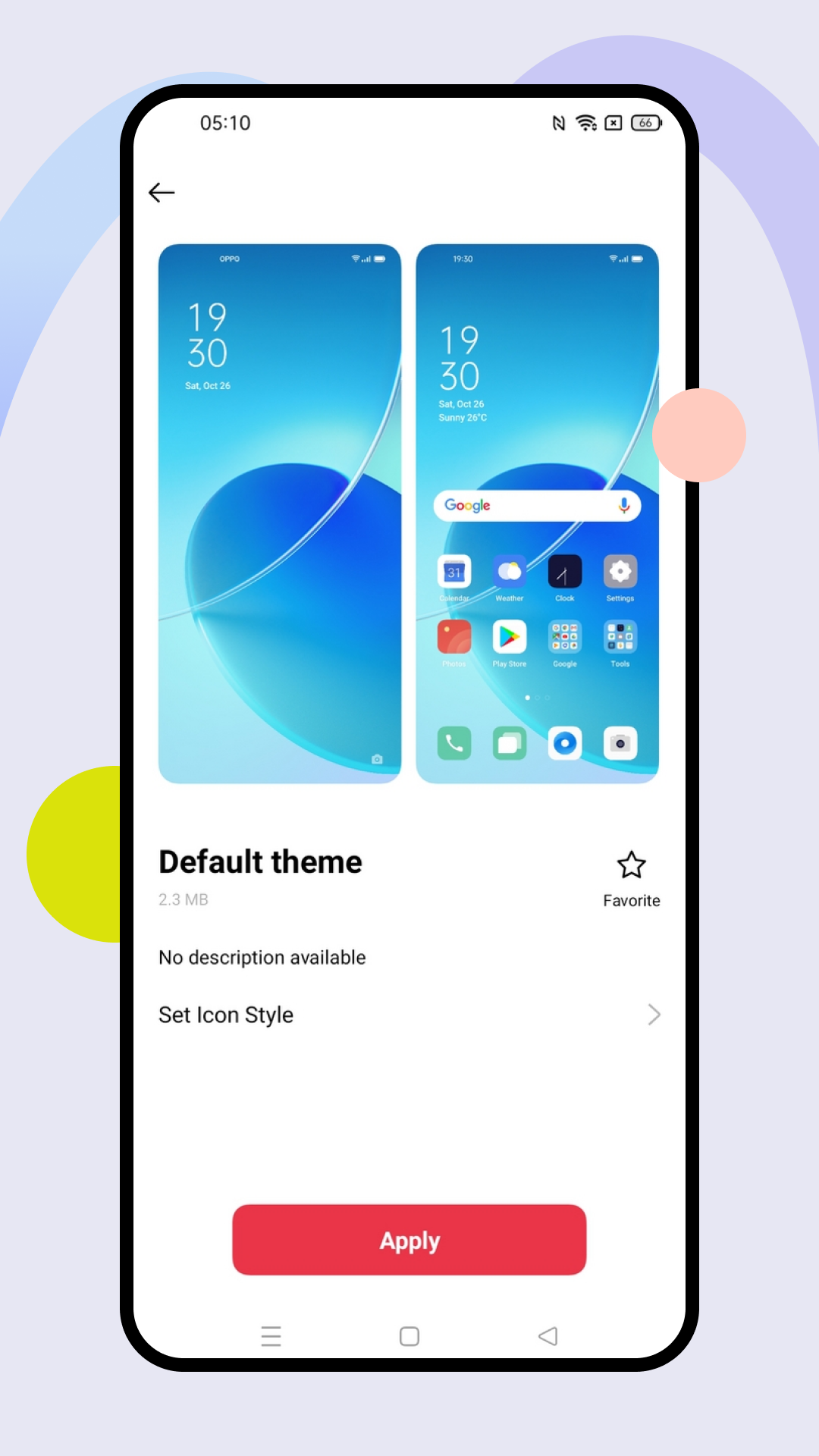
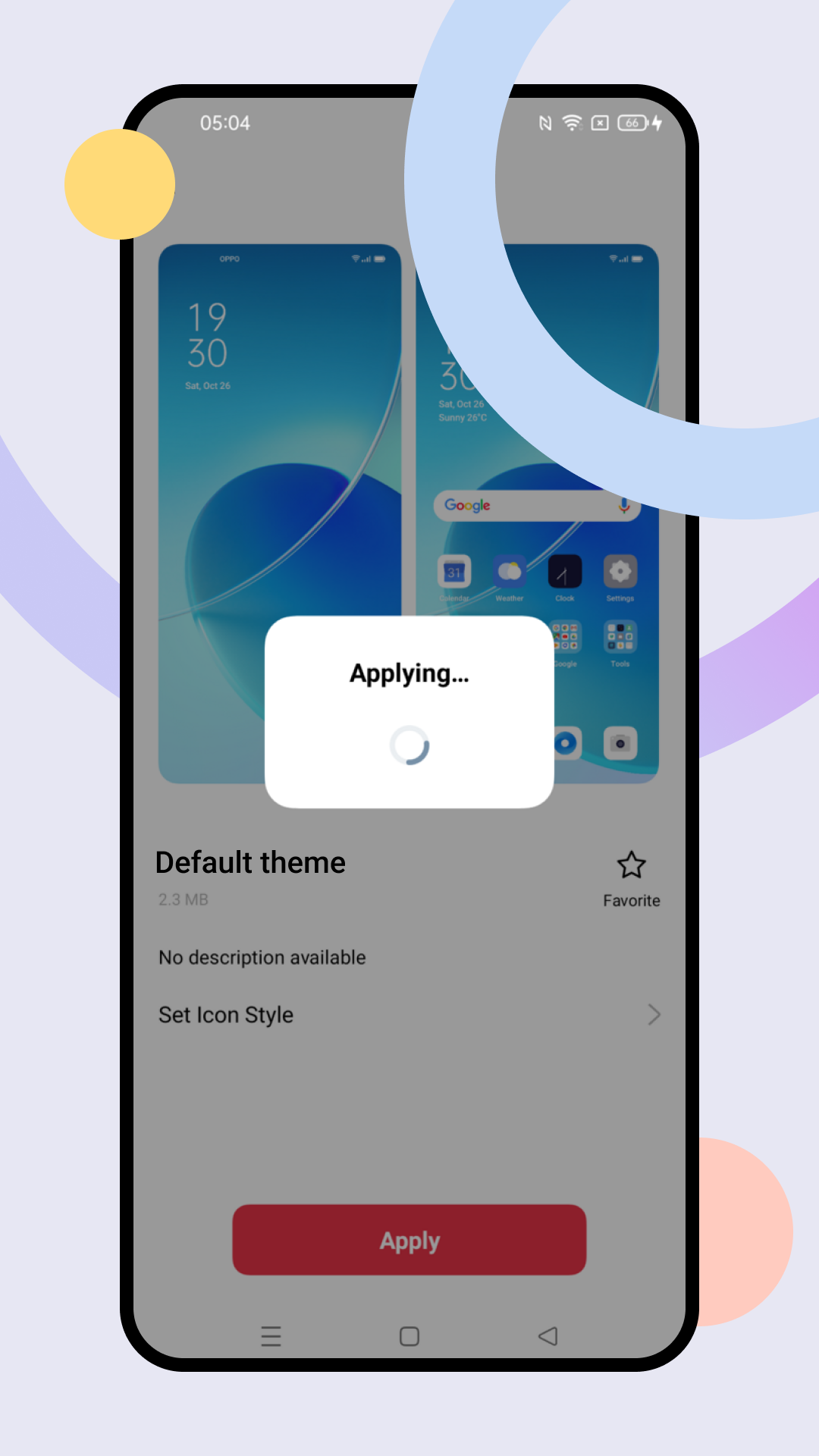
Theme helps you personalize every visible part of your Android device, from wallpapers and fonts to icons and the Always-On Display, so your phone reflects your individual style. Theme presents wallpapers (static, live, or your photos), customizable Always-On Display options including text and different clock styles, icon shape and size adjustments, app arrangement tools, and a Personalizations area for fonts, stickers, and other UI elements without requiring deep digging into system settings.
In Theme you can browse a large selection of wallpapers and use your own images, customize the Always-On Display with text, images or patterns, change icon shapes and organize apps to suit your layout, and manage downloads and liked items through account sync so resources can be reapplied across devices; the Personalizations section provides additional controls for fonts, stickers and related UI elements.
Theme centralizes creative controls so you can change wallpapers, icons, fonts and lock-screen elements from one place, provides a simple interface that makes it easy to preview and apply styles, supports a range of devices and keeps a record of downloaded resources tied to your account, and offers a mix of free and premium content which helps support creators while still providing many no-cost options.
Some premium themes require payment because paid designs support creators, a small number of themes may be incompatible with particular device models or formats and therefore cannot be applied, and available features and visuals can vary by device model and region so not every option will appear the same for all users.
File size: 62.30 M Latest Version: 15.6.0_expt
Requirements: Android Language: English
Votes: 446 Package ID: com.heytap.themestore

Must Have Tools Apps for Android
Equip yourself with our all-in-one toolbox app for everyday tasks and projects. Instantly convert between units, calculate tips, scan documents, manage files, and more with handy productivity tools. Includes a level, compass, QR code reader, ruler, speedometer, decibel meter, and flashlight. Save frequently used tools to your customizable dashboard for one-tap access. Track billable hours, wages, budgets, and invoices. Annotate screenshots, magnify labels, and sign PDFs on the go.






LIVE A HERO
Retro Hero Mr Kim
Empire of Passion
Arcane Quest Legends
Magic Snap: Momotaro
AllStar Manga Heroes
Lunescape
ONE PIECE Thousand Storm JP
Tap Titans 2