Category: Photography Date:2026-03-26 10:18:01
Rating: 4 Tags: Video Editor
Scan to Download
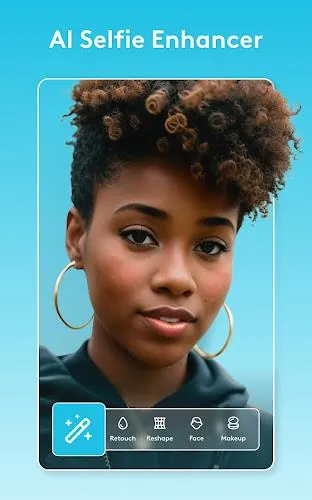
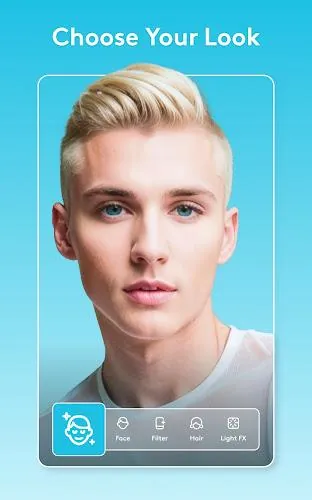
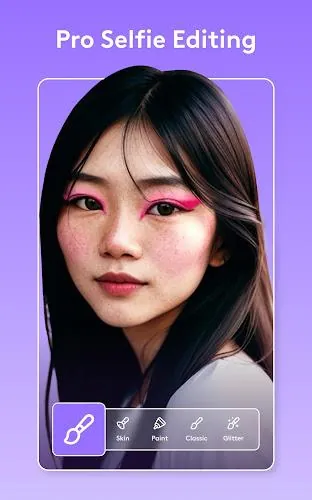
Facetune AI Photo/Video Editor is an AI-driven toolkit for enhancing photos and selfie videos, offering quick one-tap fixes and precise manual controls to help users produce polished, natural-looking images and short clips for social posts and professional use.
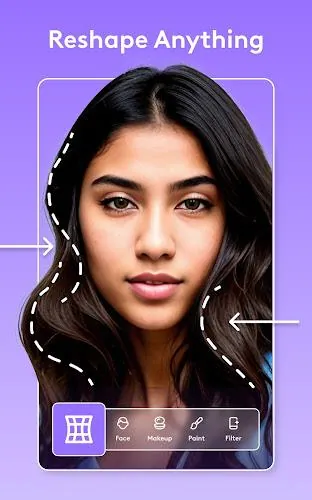
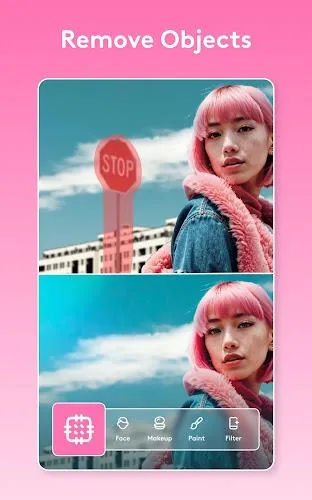
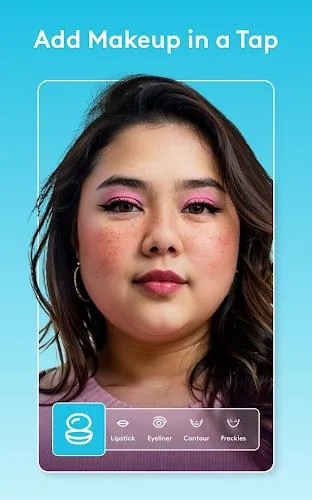
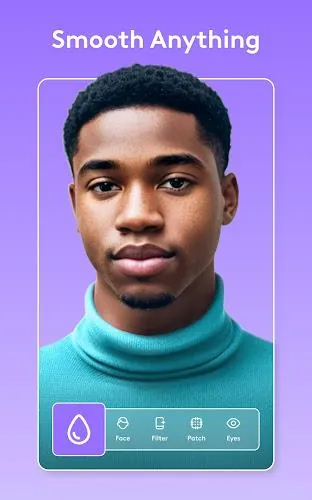
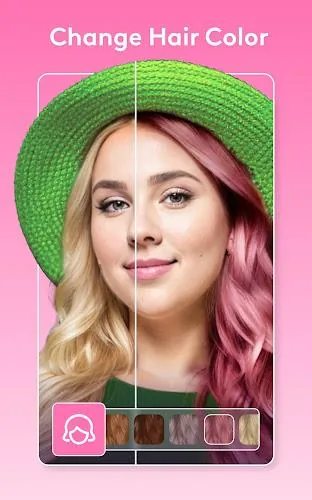
One-tap photo editing and a variety of glam filters transform whole images instantly, while AI-powered tools such as a selfie generator, clothes swap, photo enhancer, and headshot generator support a range of creative needs. Video retouching lets you edit a single frame and apply changes across a clip for consistent results, and precise manual adjustments enable reshaping of brows, lips and hair, whitening teeth, smoothing skin, and refining makeup. Background editing and lighting controls include blur, replacement, and ring-light eye effects to help focus attention where you want it.
Facetune AI Photo/Video Editor combines photo and video editing in one app to simplify workflow and maintain consistency between stills and clips. Its AI features speed up routine tasks like enhancement and headshot creation while robust manual tools let experienced users fine-tune details for more natural, professional-looking output.
Certain advanced features and effects may only be available on specific device models, so functionality can vary across phones and tablets. Getting the most natural results may take some practice with manual controls rather than relying entirely on automatic edits.
Facetune AI Photo/Video Editor is developed by Lightricks and is part of the company’s Creative Suite of image and video tools, which includes complementary photo and video editors designed to work together.
File size: 93.00 M Latest Version: 2.43.0.4-free
Requirements: Android Language: English
Votes: 351 Package ID: com.lightricks.facetune.free
Developer: Lightricks Ltd.
Top Free Video Editors Necessary Apps for Android
Unleash your inner filmmaker with our easy yet powerful mobile video editor! Trim, splice, and arrange clips with a simple drag-and-drop timeline. Easily apply stylish filters, text captions, transitions, visual effects, and audio tracks to customize your video. Built-in tools help stabilize shaky footage and adjust color and lighting. When your masterpiece is complete, export to popular formats and aspect ratios.






LIVE A HERO
Retro Hero Mr Kim
Empire of Passion
Arcane Quest Legends
Magic Snap: Momotaro
AllStar Manga Heroes
Lunescape
ONE PIECE Thousand Storm JP
Tap Titans 2