Scan to Download
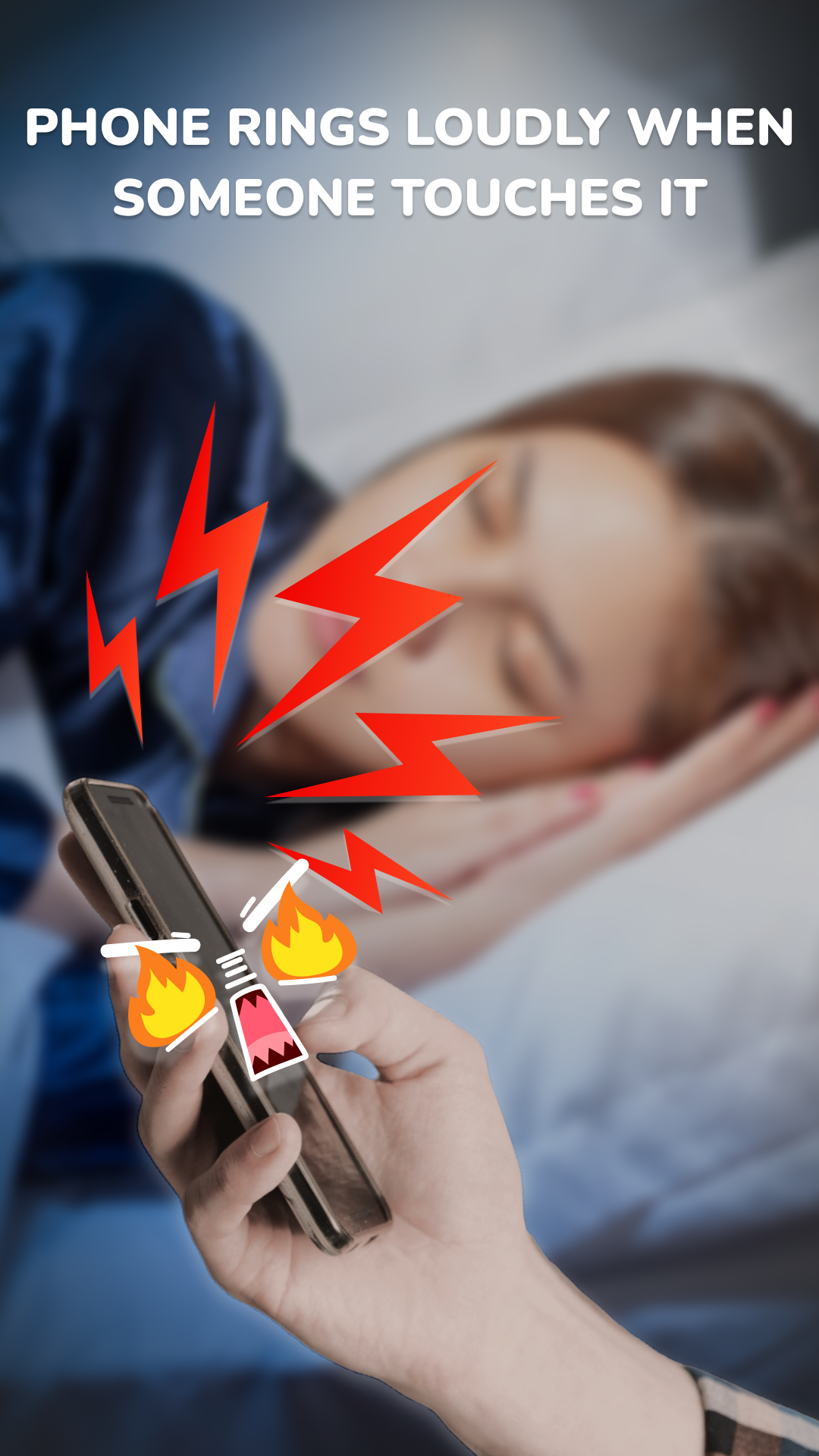
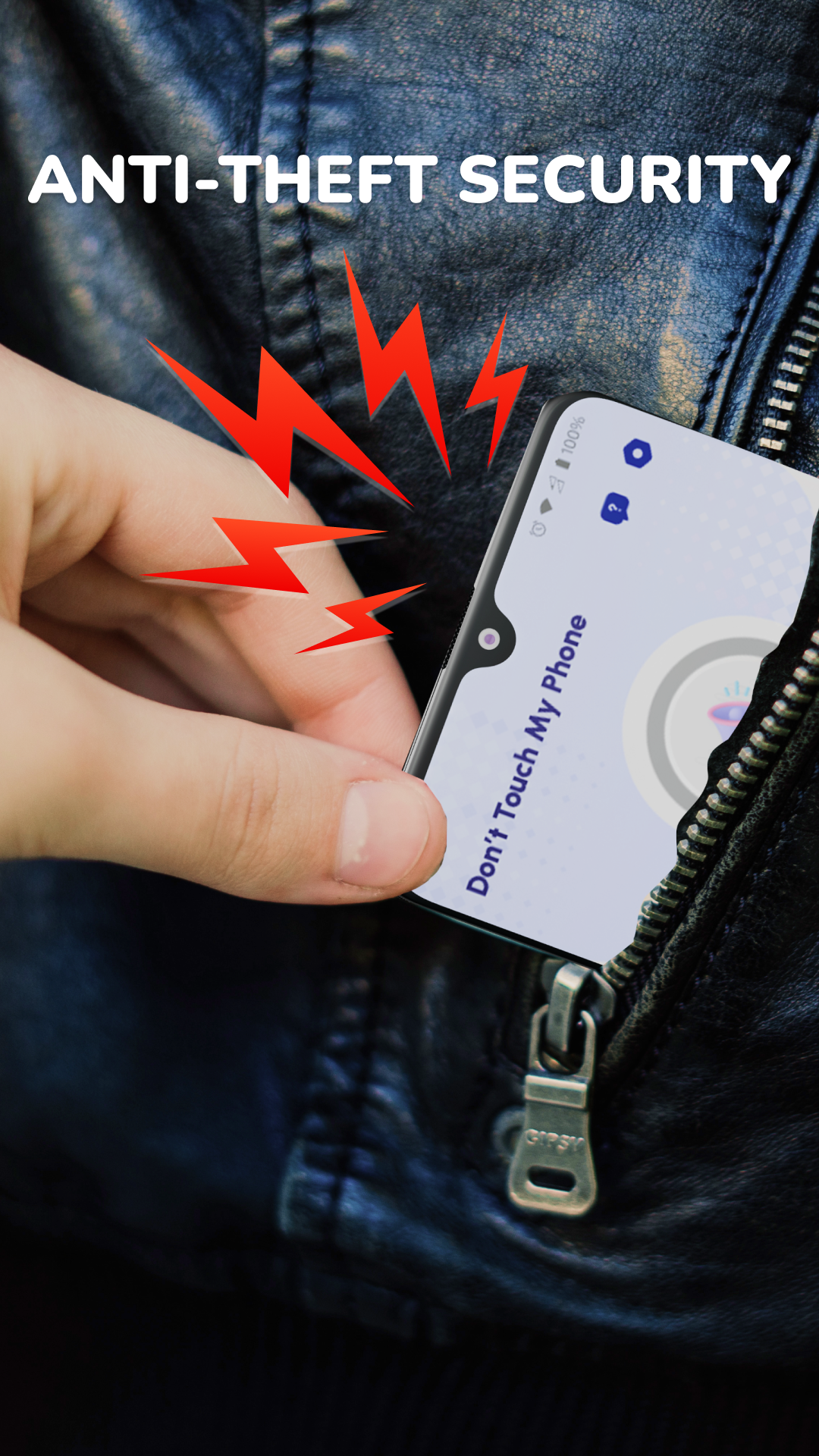
Anti Theft & Don't Touch Phone is a security app designed to protect your phone from theft and unauthorized access. The app uses a combination of motion detection, alarms, and alerts to help you keep your device safe in situations where it might be at risk, such as when you’re in public or leave it unattended. If someone attempts to touch your phone or remove it from a specific location, the app triggers a loud alarm to alert you or those around you. It’s perfect for anyone concerned about phone theft or unauthorized access, offering peace of mind in everyday scenarios like while traveling, at the gym, or even at home.
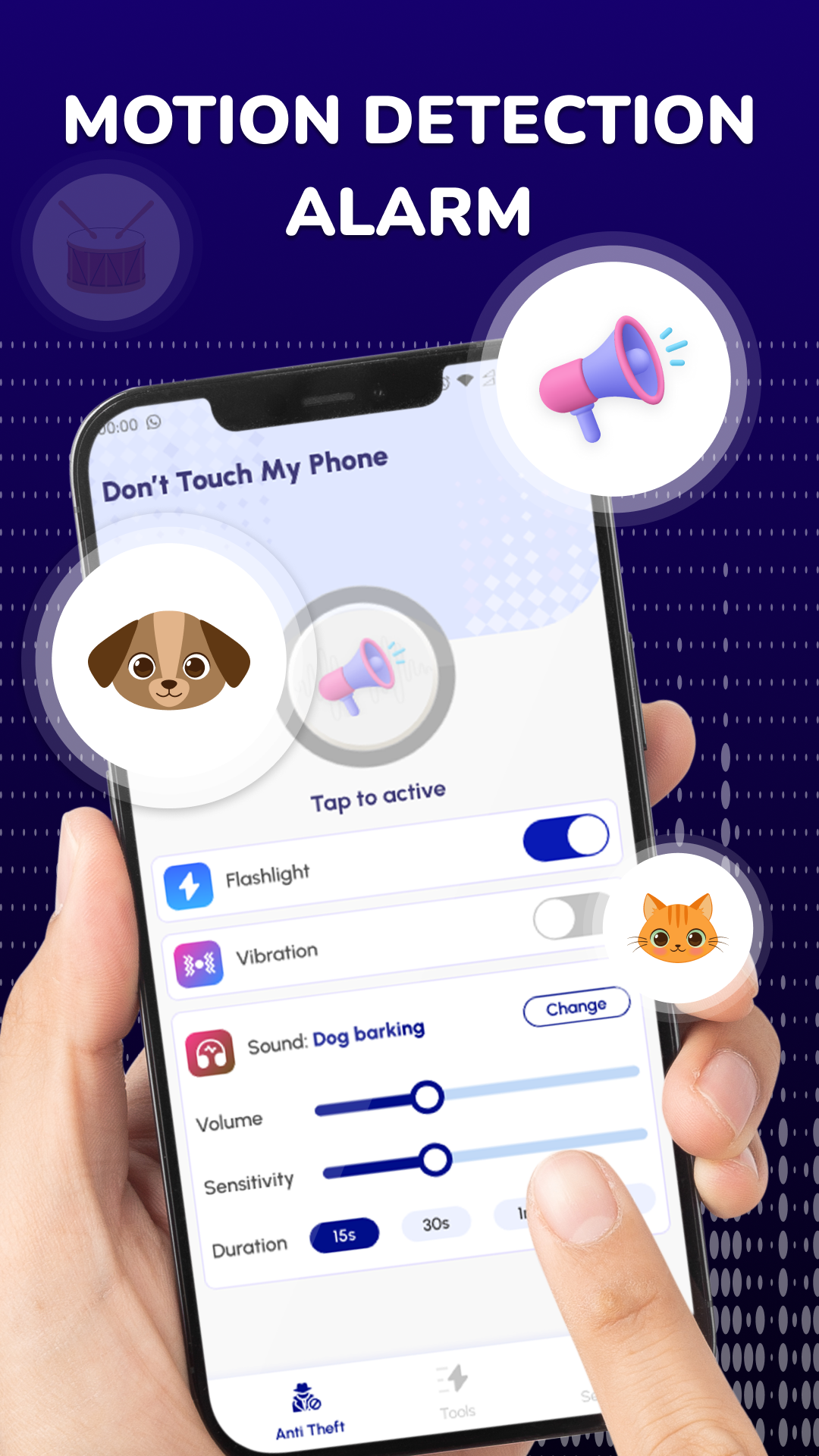
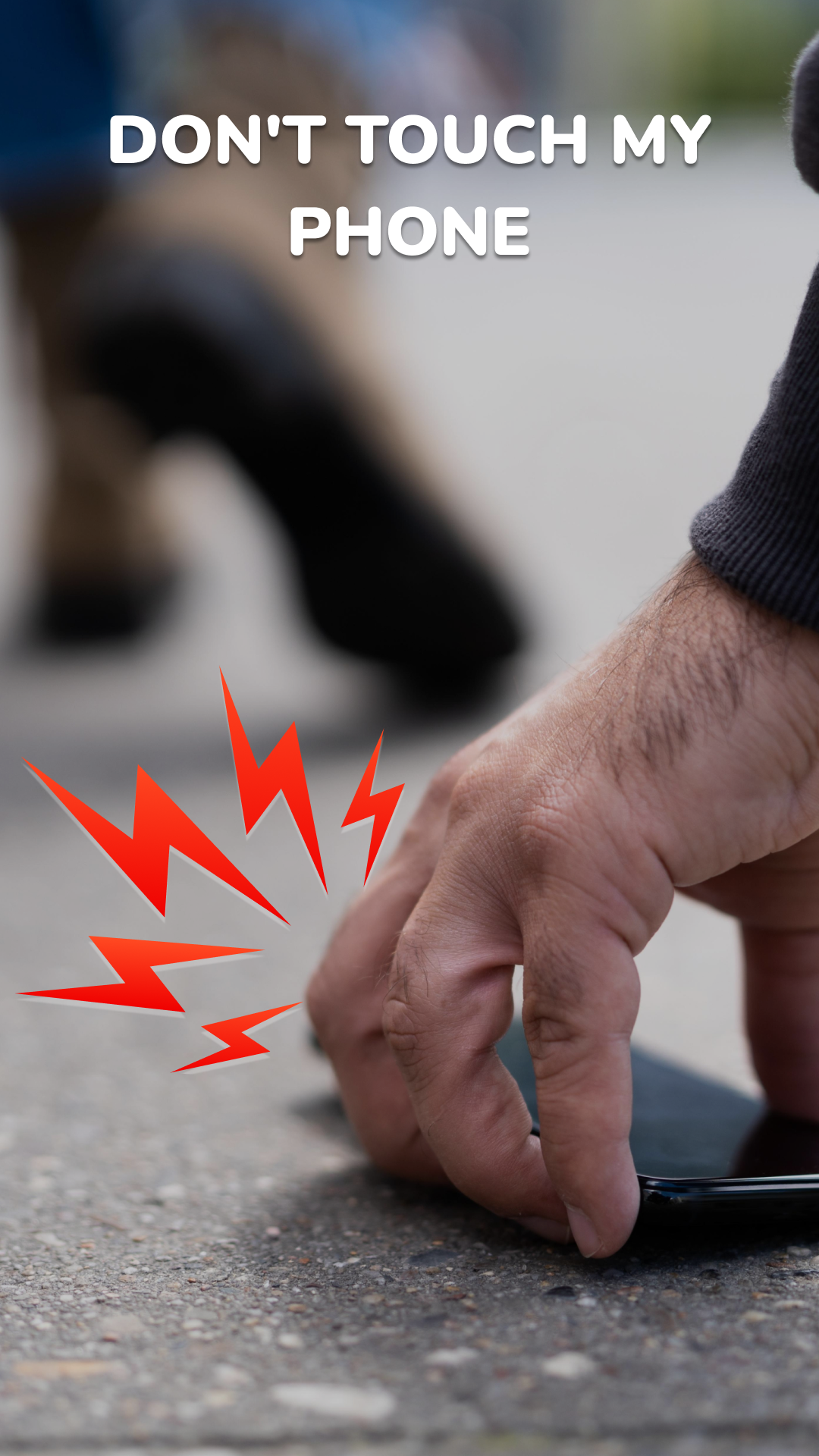
1. Motion Detection Alarm: The app features a motion detection system that automatically triggers an alarm if it detects any movement near your phone. This is ideal for situations where you leave your phone on a table or desk and someone tries to pick it up without your consent.
2. Anti-Theft Alerts: Anti Theft & Don't Touch Phone sends you immediate alerts if someone tries to touch your device. The app helps prevent unauthorized access by notifying you whenever an attempt is made to tamper with or unlock your phone.
3. Loud Security Alarm: Once an attempt to move or touch your phone is detected, the app activates a loud alarm that can easily be heard, warning you or those nearby about potential theft or unauthorized access.
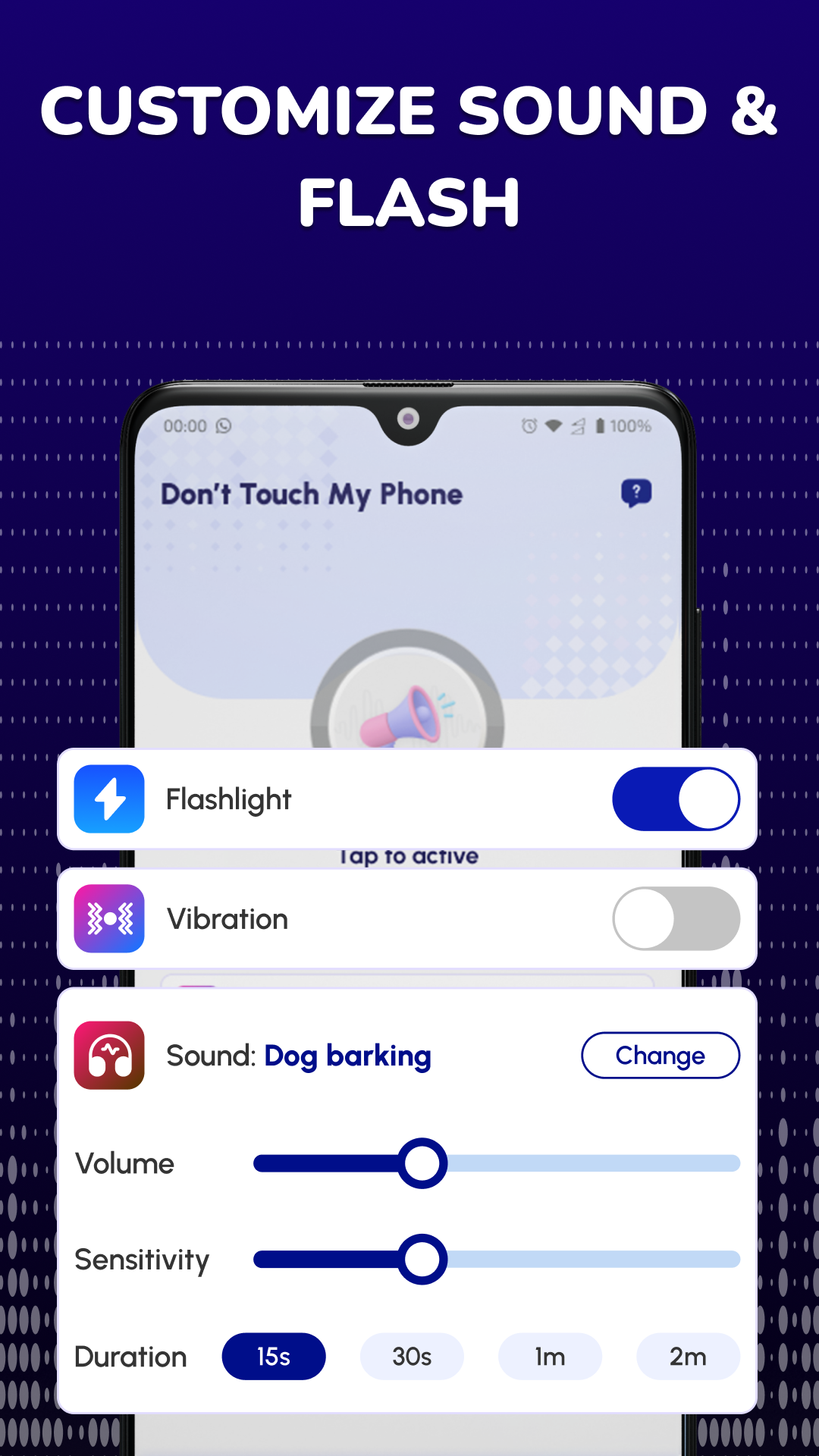
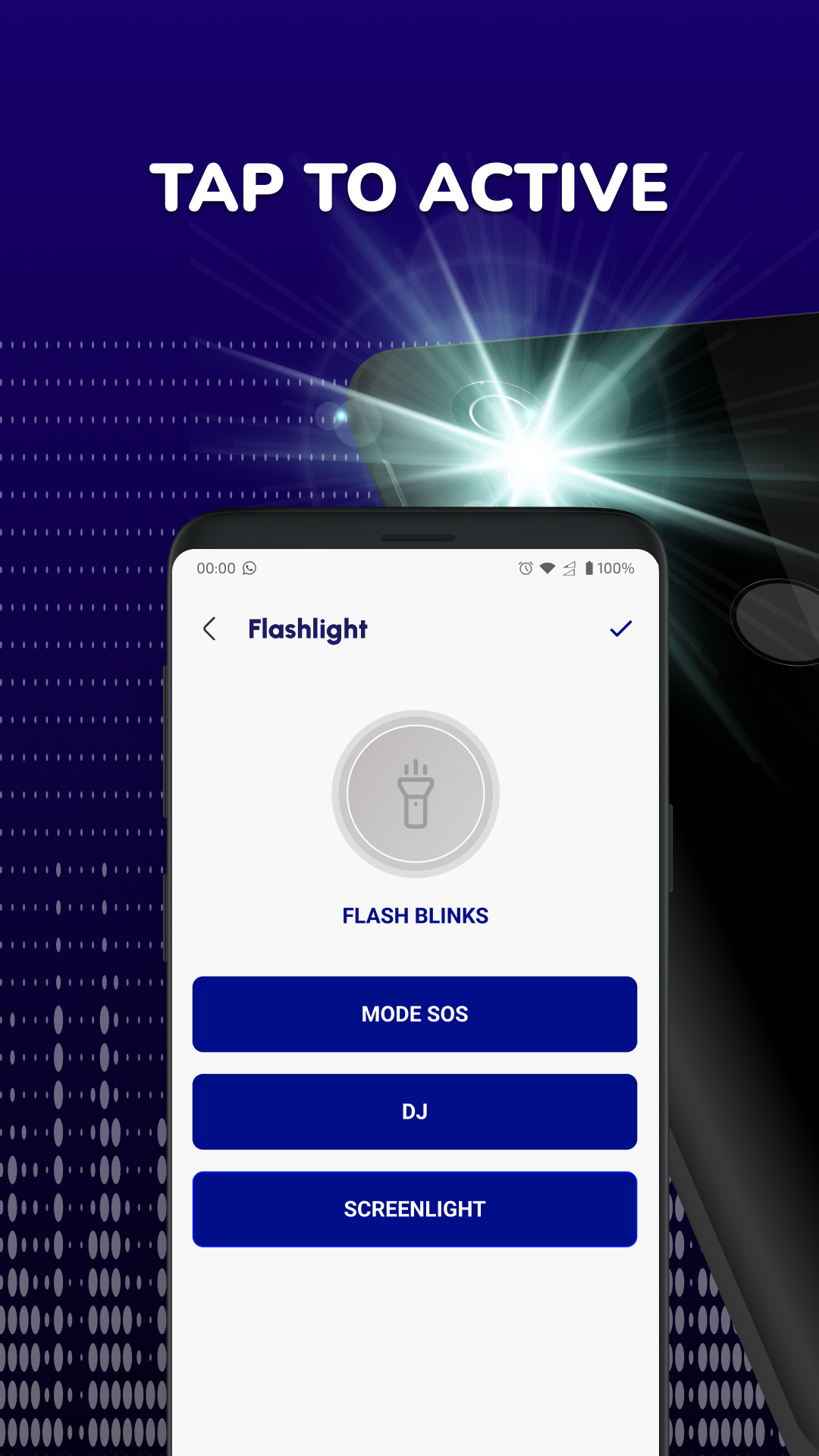
4. Customizable Settings: You can customize the app’s settings according to your needs. For example, you can adjust the sensitivity of motion detection, choose different alarm sounds, and even set the app to be discreet when not in use, ensuring it doesn’t interfere with other activities.
5. Simple Activation: The app’s interface is user-friendly, allowing for quick activation and deactivation. Simply enable the protection mode when you're in situations where you need extra security, and disable it when you no longer need it, such as when you're at home or carrying your phone on you.
1. Is Anti Theft & Don't Touch Phone free to use?
- Yes, the app is free to download and use with its core features. There may be in-app purchases available for premium features or additional customization options, but the basic anti-theft functions are accessible without spending money.
2. How do I activate the motion detection alarm?
- To activate the motion detection alarm, simply open the app, enable the security mode, and set it to your preferred sensitivity level. Once activated, the app will automatically start monitoring for any movement or touch near your device.
3. Can I use this app if my phone is locked?
- Yes, the app continues to function even if your phone is locked. The motion detection and alarm system will still work to alert you in case someone tries to touch or move your phone, providing protection regardless of the phone's lock status.
4. Does the app drain my phone's battery quickly?
- The app is designed to use minimal battery power while running in the background. However, if you keep the alarm and motion detection features on for extended periods, it may use slightly more power. It’s always recommended to turn it off when not in use to conserve battery life.
5. Is this app effective in all situations?
- Anti Theft & Don't Touch Phone is highly effective in public or semi-public spaces, such as cafes, gyms, or while traveling. However, it may not be as useful in completely secure environments where there’s little risk of someone touching or tampering with your phone, such as when you’re holding it or have it in a secure place.
Anti Theft & Don't Touch Phone is a practical and effective tool for anyone looking to add an extra layer of security to their mobile device. Its motion detection, customizable alerts, and loud alarm make it a great choice for preventing theft or unauthorized access in public settings. The app is simple to use and doesn't require constant attention, offering peace of mind while you're away from your phone. However, if you're someone who rarely leaves their phone unattended, the app may not be necessary. Overall, it's an excellent option for those who want to protect their device from being tampered with or stolen in busy environments.
File size: 29.20 M Latest Version: 1.1.5
Requirements: Android Language: English
Votes: 473 Package ID: com.donottouch.phone.thief.alarm
Developer: LG apps

Must Have Home Apps for Android
Make your house a home with our suite of helpful home apps. Discover clever tools to organize closets, streamline chores, and simplify cooking. Take the stress out of cleaning and maintenance with handy checklists and schedules. Enhance security and control appliances and lighting with our smart home integrations. Design, visualize, and renovate like a pro using our 3D planning software.






LIVE A HERO
Retro Hero Mr Kim
Empire of Passion
Arcane Quest Legends
Magic Snap: Momotaro
AllStar Manga Heroes
Lunescape
ONE PIECE Thousand Storm JP
Tap Titans 2