Scan to Download
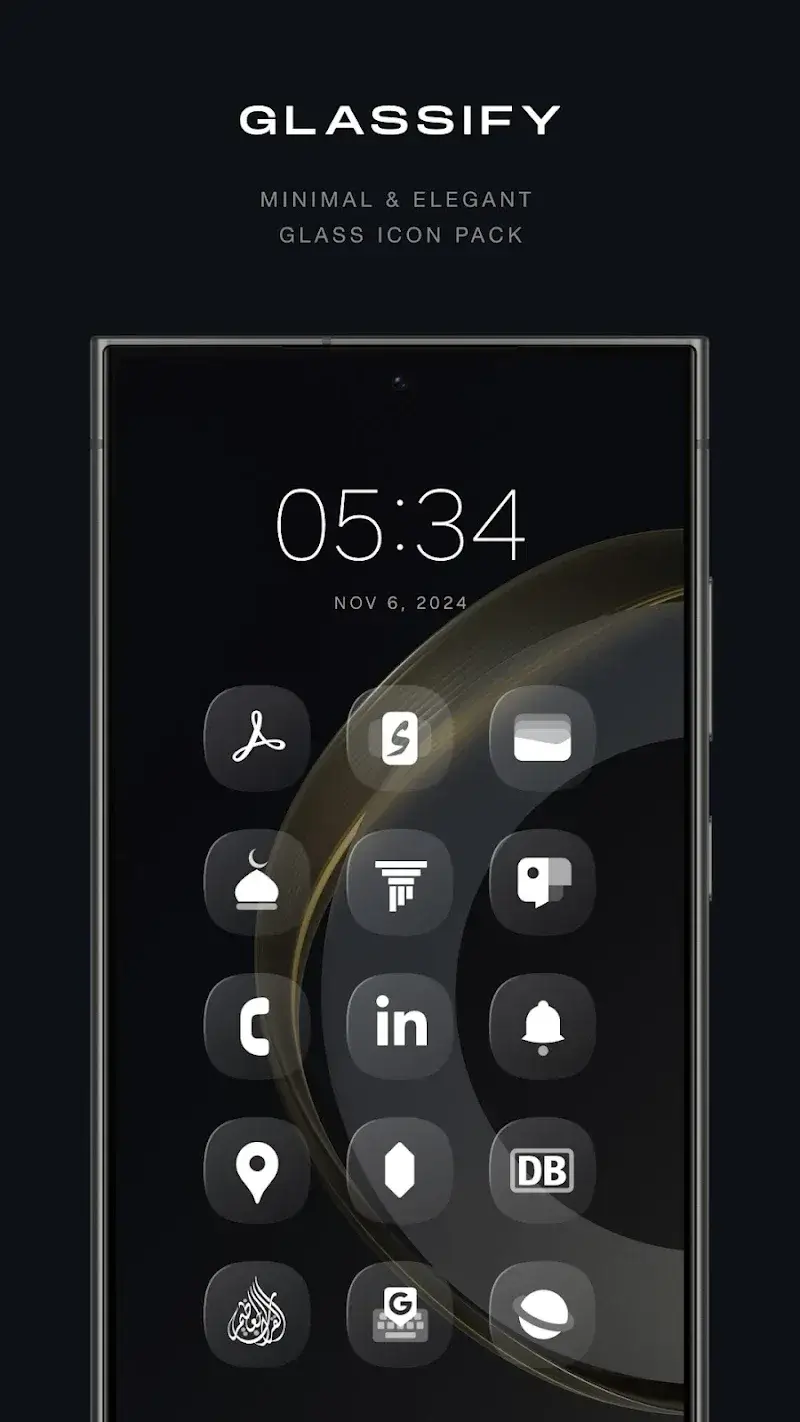
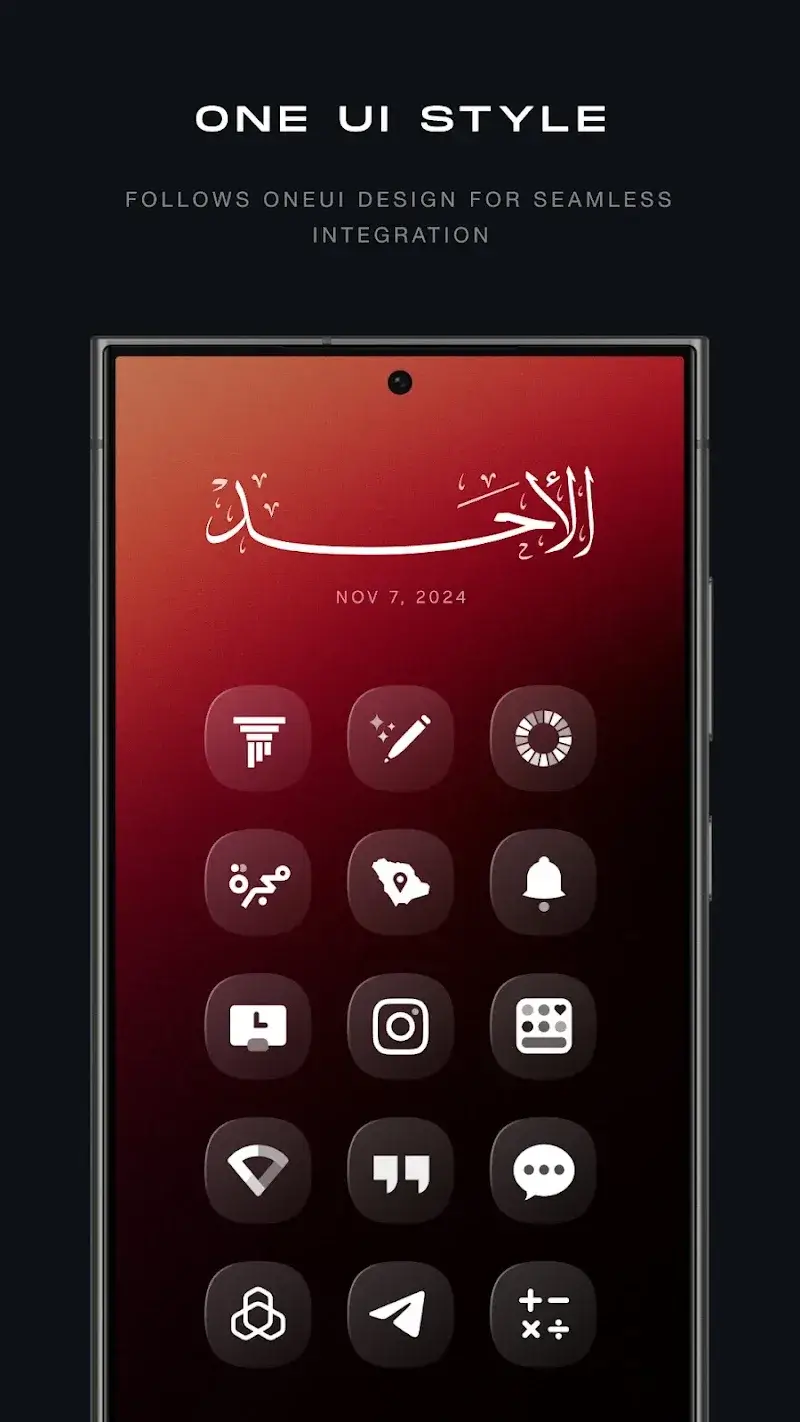
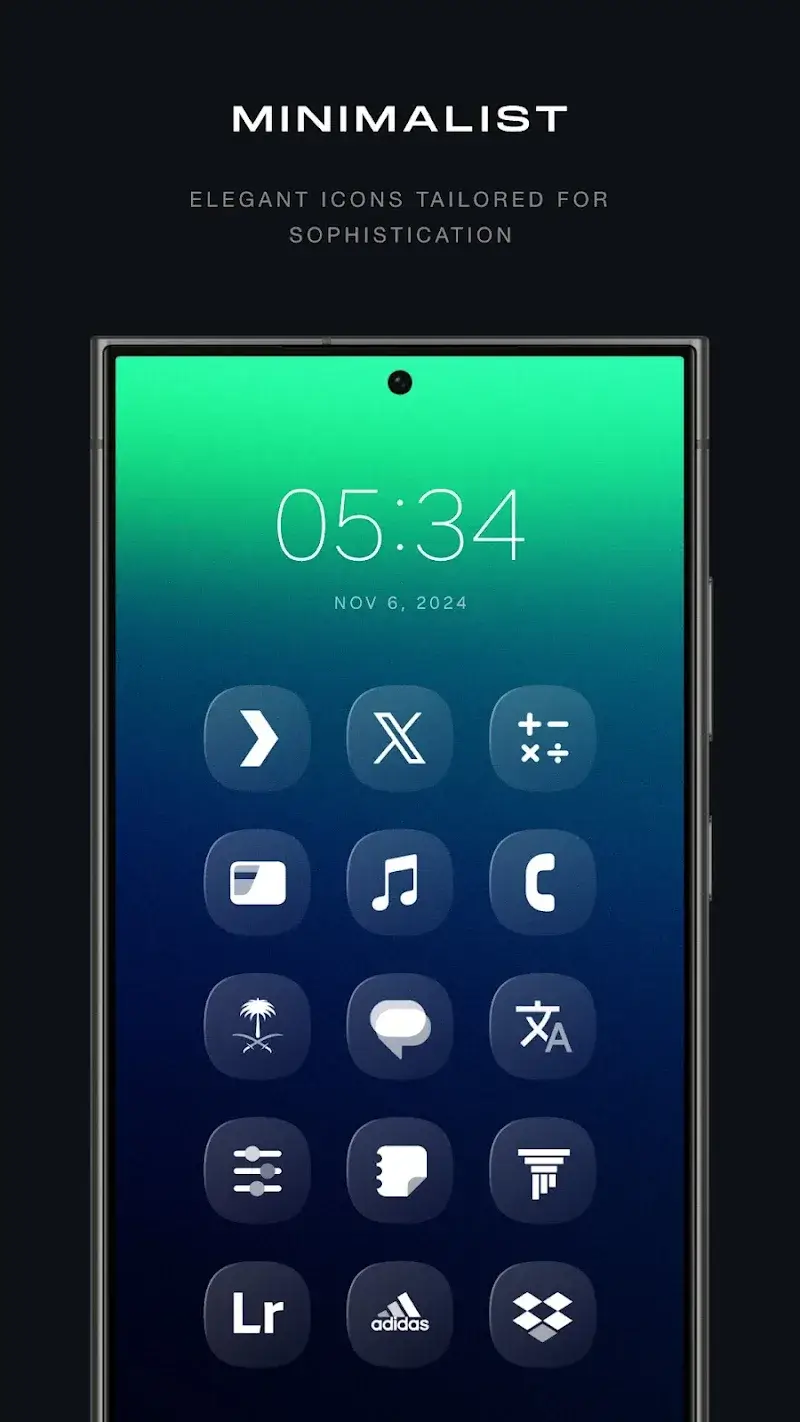
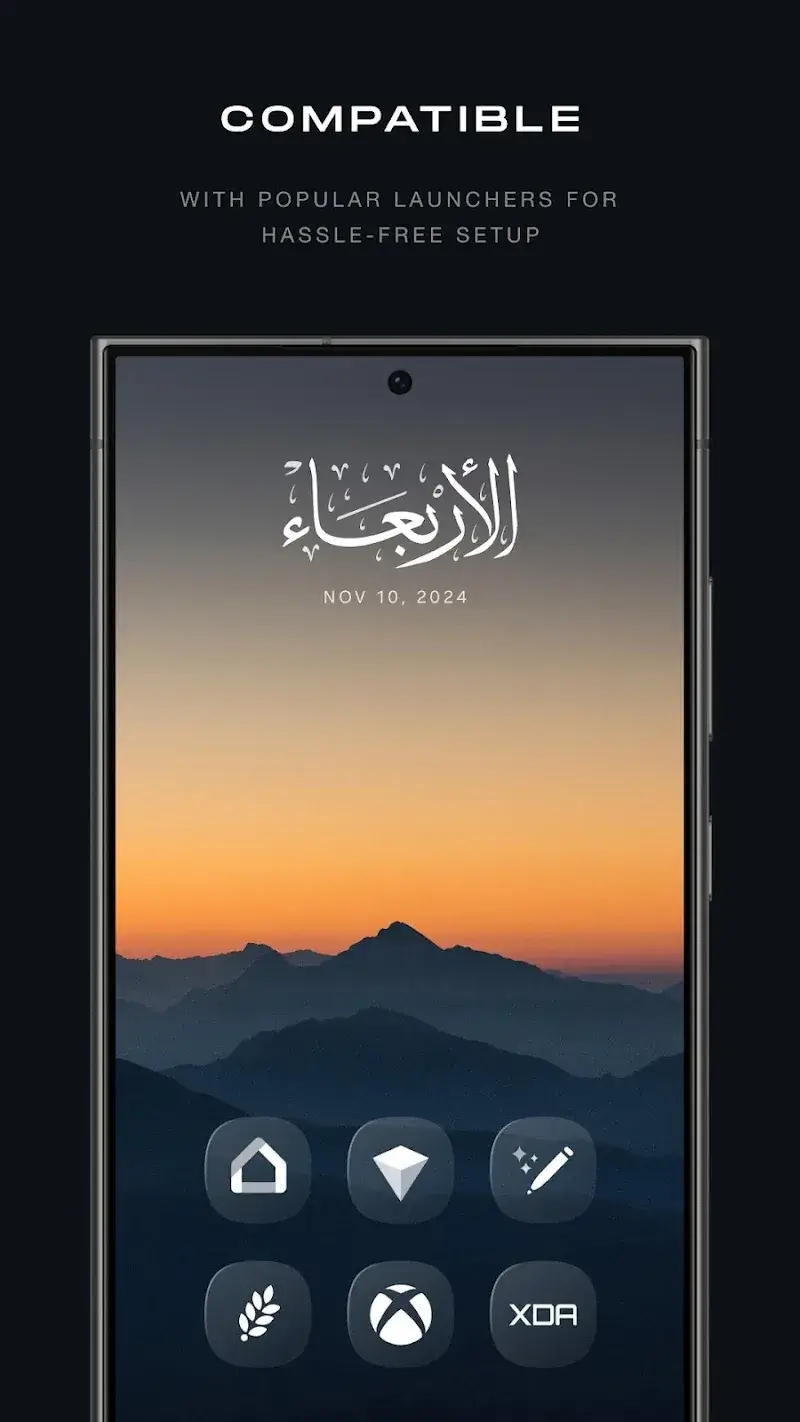
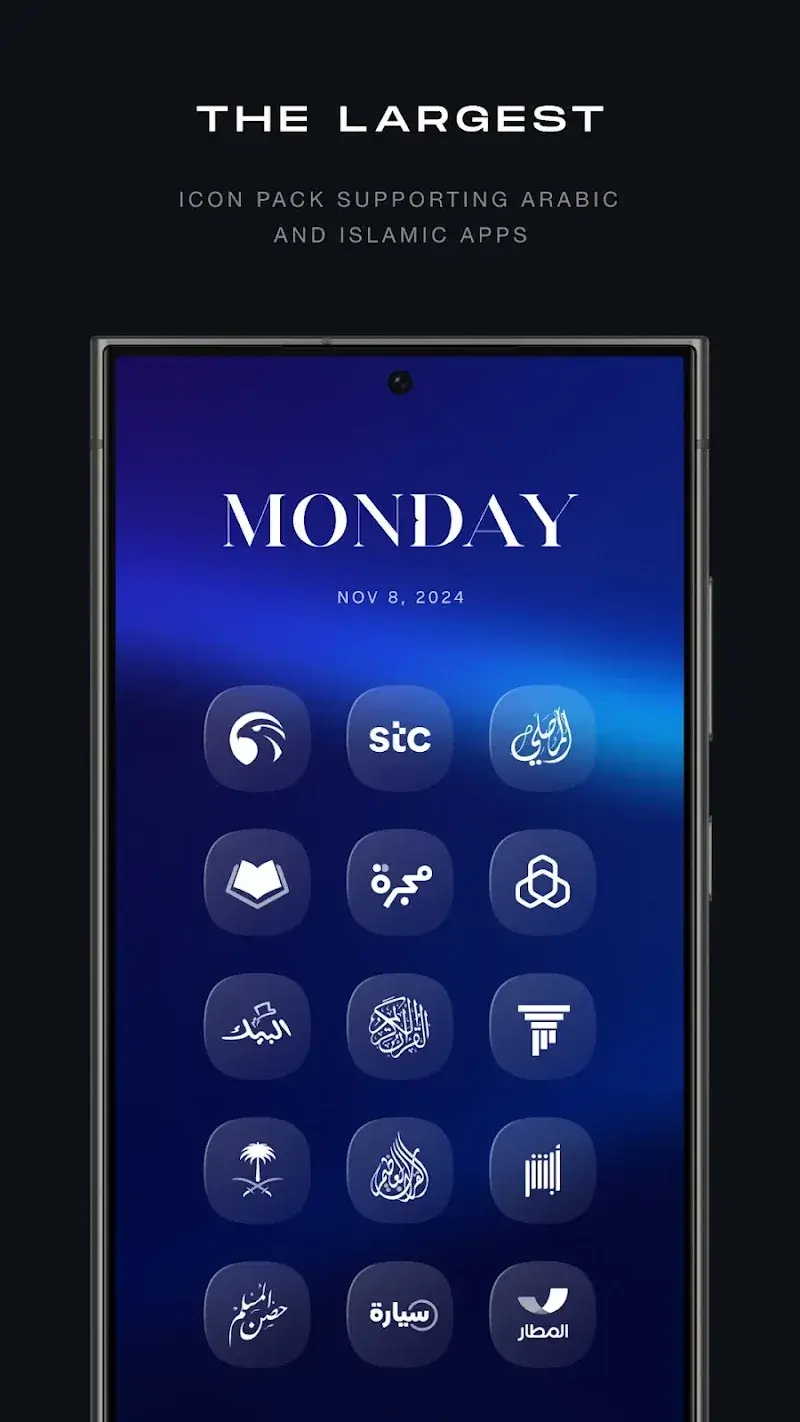
Glassify Icon Pack is a sleek and modern icon pack designed to give your Android device a fresh and stylish look. With its elegant glass-like design, this icon pack transforms your home screen into a visually stunning and sophisticated display. Featuring hundreds of icons for your favorite apps, Glassify Icon Pack offers a unique, high-quality aesthetic with a smooth, shiny finish. Whether you want to personalize your device or give it a more futuristic appearance, Glassify is a perfect choice to make your home screen stand out. It’s compatible with many popular launchers, making it easy to apply and customize.
- Glass-Like Design: The icons feature a smooth, shiny glass effect, offering a unique and polished appearance that enhances your device’s look.
- Over 3,000 Icons: Glassify comes with a large collection of icons, covering most of the popular apps, ensuring your entire device is well-themed.
- Regular Updates: The icon pack is frequently updated, adding new icons and features to ensure it stays current and compatible with new apps.
- Customizable Wallpapers: Along with the icons, Glassify provides matching wallpapers that complement the icon style, helping you achieve a cohesive and aesthetically pleasing home screen.
- Support for Multiple Launchers: Glassify is compatible with many major Android launchers, including Nova Launcher, Apex Launcher, and Action Launcher, offering flexibility in how you apply the icons.
- Explore the app’s icon request feature to get icons for apps that aren’t included by default in the pack.
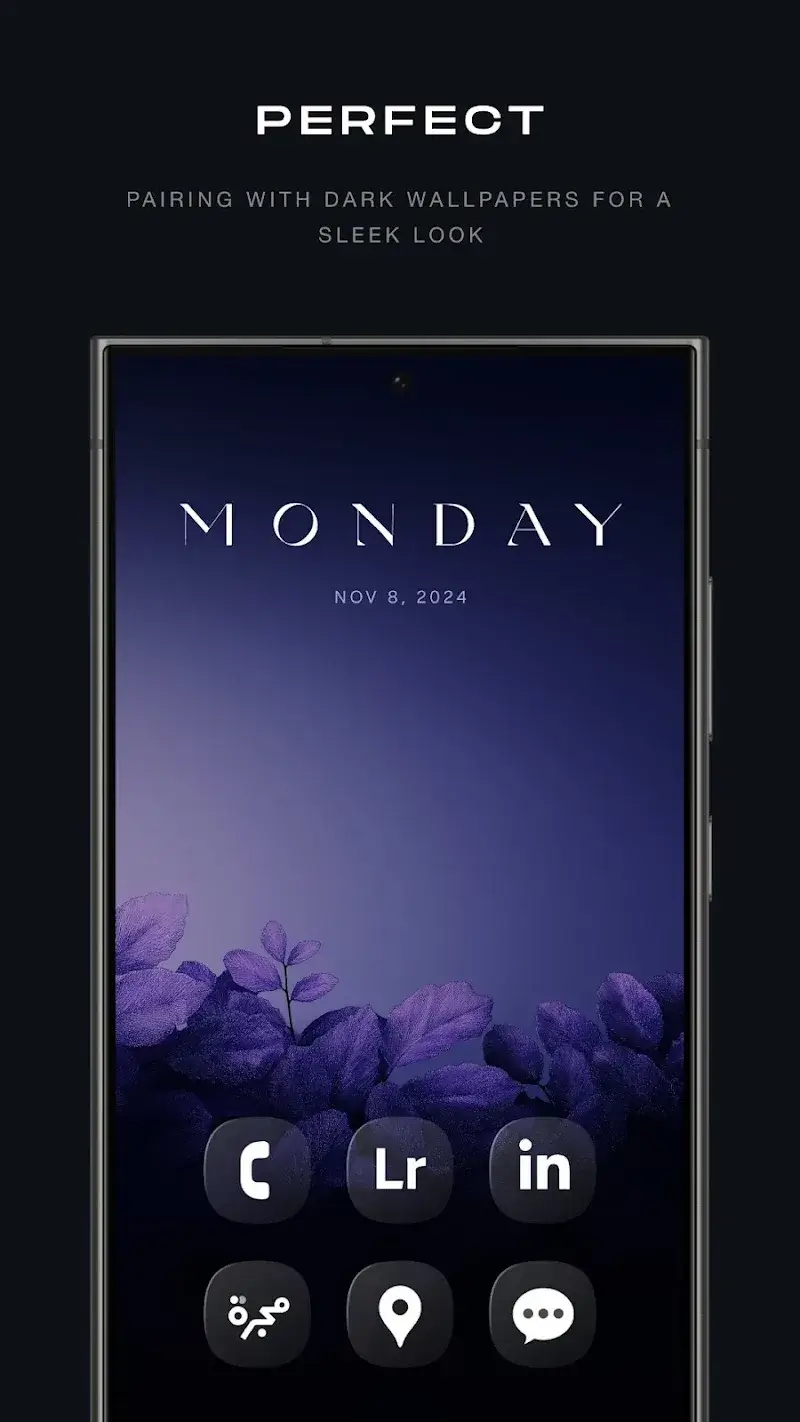
- Try pairing the icon pack with a dark or minimal wallpaper to highlight the glassy effect and make your icons pop even more.
- Customize individual app icons by using your launcher’s icon change feature, giving your home screen a truly personalized touch.
- Use the included widgets and wallpapers to create a unified look across your device, ensuring that both your icons and background complement each other.
- Keep an eye out for regular updates to the icon pack, as new apps and icons are added, keeping your home screen fresh and up-to-date.
Glassify Icon Pack is the perfect way to give your Android device a sleek, modern, and glass-inspired look. With its large collection of high-quality icons, customizable wallpapers, and regular updates, it ensures that your home screen always looks stylish and up to date. Whether you’re a fan of minimalist aesthetics or just want to refresh your device’s appearance, Glassify delivers an elegant solution that’s easy to apply and customize. Its compatibility with a wide range of launchers also adds to its appeal, making it a top choice for anyone looking to elevate their smartphone’s design.
File size: 40.00 M Latest Version: 2.6
Requirements: Android Language: English
Votes: 460 Package ID: com.mahmoudzadah.app.glassifypro
Developer: Mahmoud Zadah

Top Wallpaper Free Apps for Android
Personalize your device and delight your eyes with our stunning live wallpapers. Choose from a spectacular selection of animated backgrounds with smooth, seamless motion. Enjoy gorgeous themes like drifting clouds, rippling water, or galloping horses. Set a serene mood with our nature landscapes and zen designs. Express your personality with artistic, abstract, and fantasy options.




LIVE A HERO
Retro Hero Mr Kim
Empire of Passion
Arcane Quest Legends
Magic Snap: Momotaro
AllStar Manga Heroes
Lunescape
ONE PIECE Thousand Storm JP
Tap Titans 2