
Scan to Download
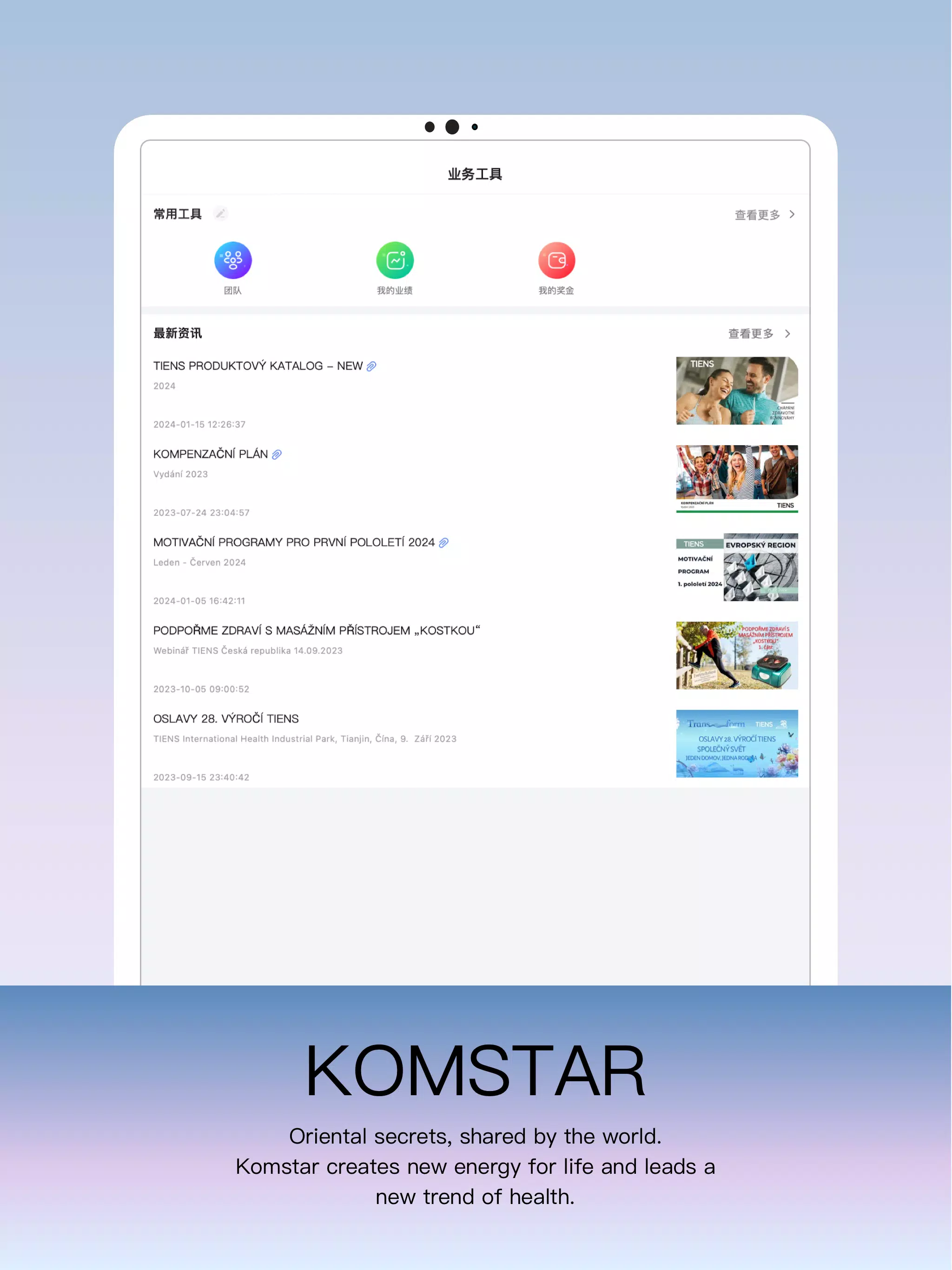
Komstar is a compact productivity app designed to centralize communication, tasks, and file sharing for teams on Android. It brings messaging, project boards, and calendar integration into a single, mobile-friendly workspace so small teams and freelancers can manage daily work without toggling between multiple apps.
Komstar combines familiar workplace tools into a lightweight package. Core features include real-time chat channels, threaded conversations for topic-focused discussion, shared task lists with deadlines and priorities, and simple file uploads that sync across devices. Built-in calendar views show task due dates and scheduled events, while push notifications keep you informed without overwhelming your device.
The interface in Komstar is intentionally pared down to reduce friction. A tabbed layout separates Chats, Tasks, Files, and Calendar so users can jump to the right context quickly. Tasks use drag-and-drop reordering and quick-edit gestures, and message threads offer inline actions like pinning or converting a message into a task. The UI emphasizes clarity with readable typography and a restrained color palette that highlights actionable items.
Komstar focuses on team coordination. Shared boards let members assign tasks, comment on progress, and attach documents. Presence indicators and read receipts help teams see who’s active, and @mentions bring attention to specific people. For meetings or quick syncs, temporary group channels can be created and archived, keeping the main workspace uncluttered.
While Komstar keeps things lightweight, it supports several practical integrations to fit existing workflows. You can link calendar entries with external services, import contacts, and connect cloud storage for larger files. The file manager displays recent uploads and allows quick previews for common document types so you can scan attachments without switching apps.
Optimized for Android, Komstar runs smoothly on a wide range of devices, from midrange phones to tablets. Background sync is engineered to be efficient to preserve battery life, and adaptive layouts make sure content remains legible on different screen sizes. The app offers offline access for recently viewed messages and tasks so you can continue working when network coverage is spotty.
Komstar includes basic safeguards to protect team data. Encrypted connections protect messages in transit, and granular permission settings let administrators control who can create channels, manage tasks, or export files. Local data can be protected with device-level lock options, and account sessions can be reviewed and revoked from inside the app.
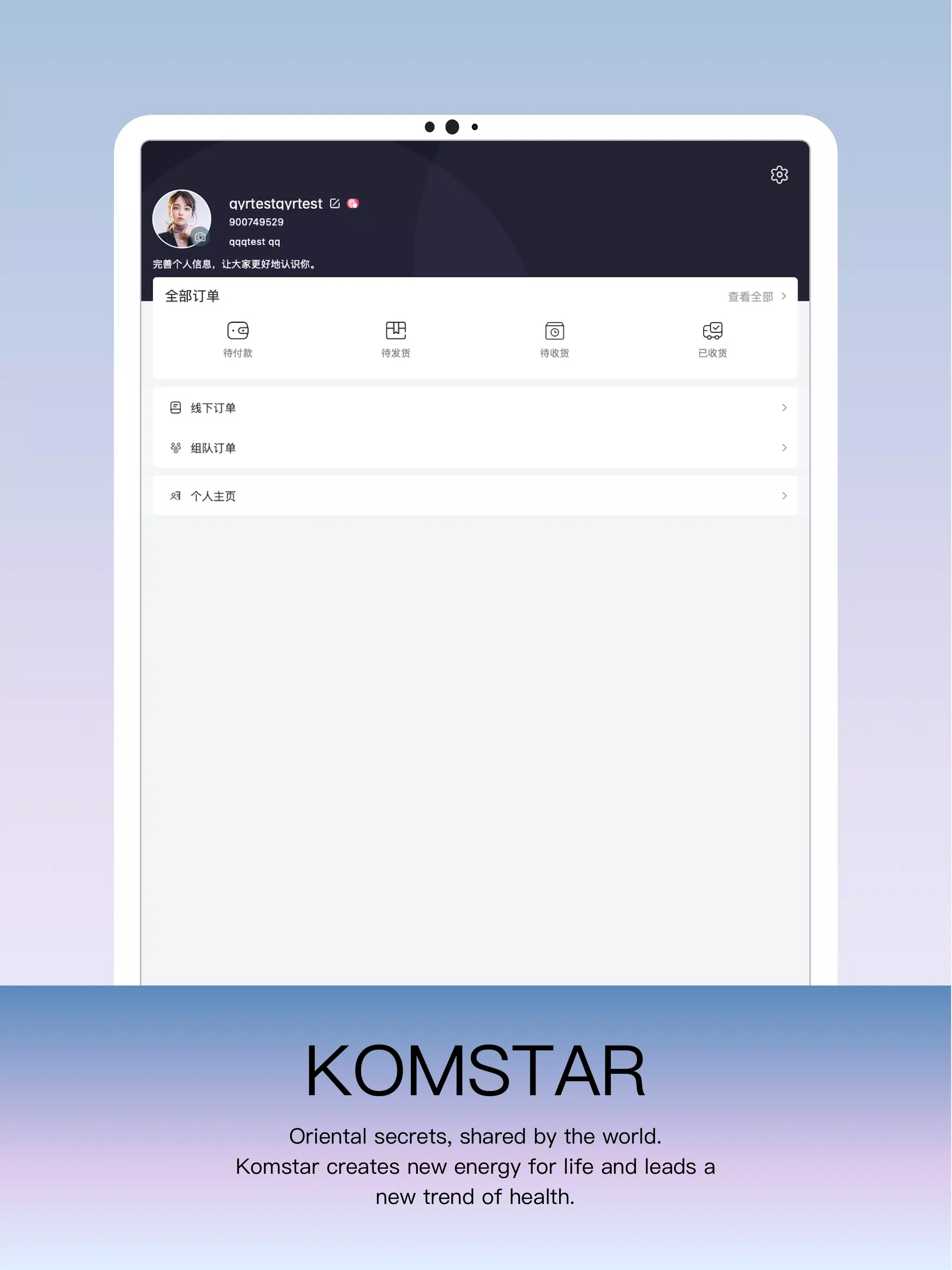
Personal settings in Komstar let users tailor notifications, choose a compact or spacious message layout, and set default task reminders. Teams can apply a custom color accent and organize channels with custom tags to reflect departmental or project structures. These small adjustments help the app feel personalized while keeping the overall experience consistent across team members.
On first launch, Komstar guides users through account setup with an onboarding tour that highlights key areas: creating a channel, adding a task, and uploading a file. New teams are encouraged to import contacts or invite members via email links. The onboarding also suggests creating a sample project board to demonstrate how messages and tasks interact in a real workflow.
Whether you need a compact collaboration hub for a small team or a personal organizer to keep track of projects, Komstar offers a balanced mix of features that prioritize clarity and responsiveness. Regular updates add new integrations and performance improvements, keeping the app aligned with evolving mobile workflows.
File size: 109.80 M Latest Version: 6.2.0
Requirements: Android Language: English
Votes: 312 Package ID: com.tiens.komstar
Developer: Tiens Group


Top Events Free Apps for Android
Discover and share the hottest events around with our intuitive apps. Find local concerts, festivals, shows, and more based on your unique interests. Create customizable calendars of upcoming events to coordinate schedules with friends. Purchase tickets seamlessly from our integrated platforms. Check real-time transit schedules to plan your trip. Access maps, directions, and parking information for any venue.






LIVE A HERO
Retro Hero Mr Kim
Empire of Passion
Arcane Quest Legends
Magic Snap: Momotaro
AllStar Manga Heroes
Lunescape
ONE PIECE Thousand Storm JP
Tap Titans 2










































