
Scan to Download
BHLink is a lightweight Android companion designed to simplify device connectivity and data synchronization across Bluetooth and local networks. It provides fast pairing, secure file exchange, and real-time status monitoring in a compact, user-friendly package that fits both everyday use and specialist workflows.
BHLink focuses on reliable connections and clear controls. Key features include rapid device discovery, encrypted transfer channels, background sync schedules, and an activity log that tracks transfers and connection history. The app supports multiple simultaneous links so you can manage several devices without switching screens, and includes customizable notifications for transfer completion or connection loss.
Pairing with BHLink begins with a straightforward scan of nearby Bluetooth and LAN-enabled devices. Once a device is recognized, the app offers a one-tap pairing option or an advanced setup for static IP addresses and reserved ports. File transfers use resumable sessions and chunked uploads to improve stability on intermittent networks. Transfer speeds and progress are displayed in real time, with options to pause and resume individual jobs.
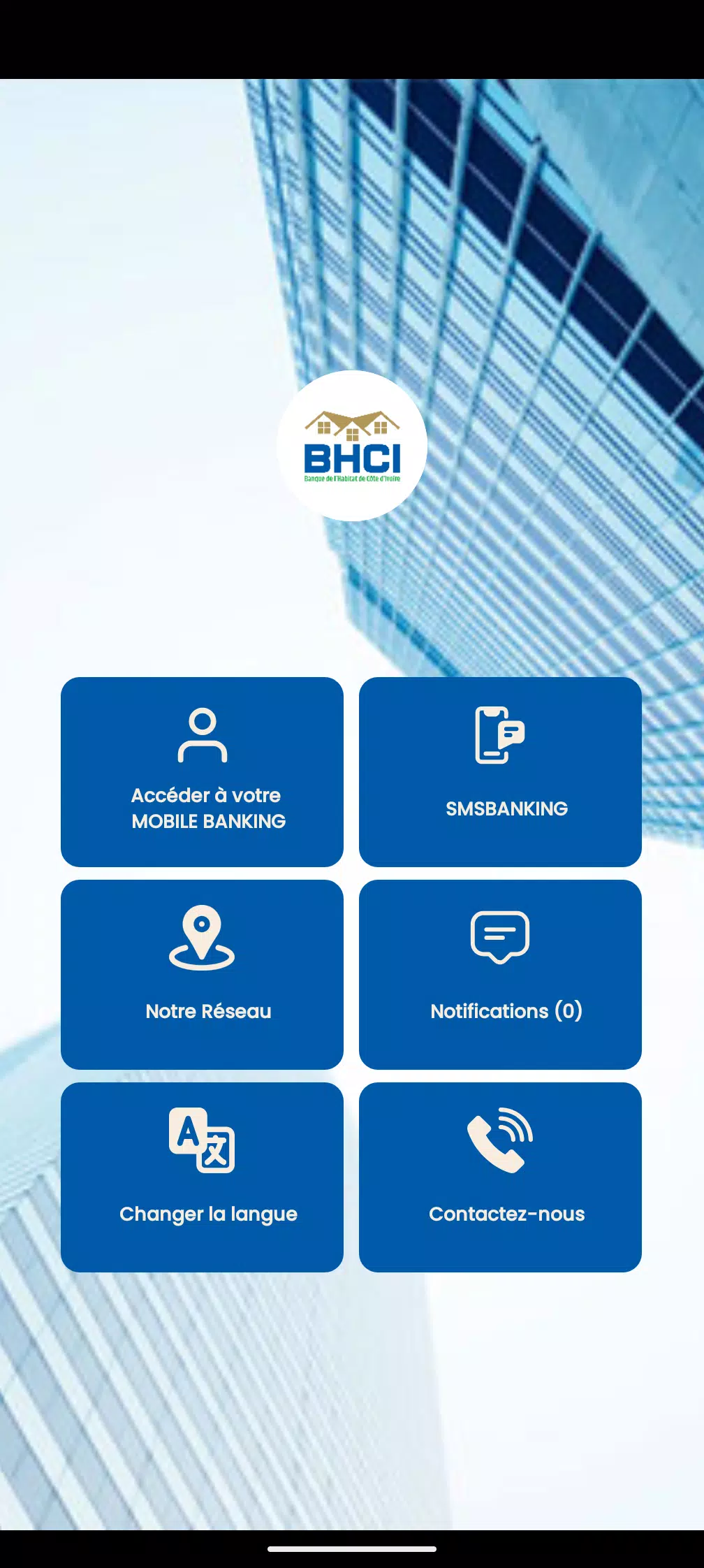
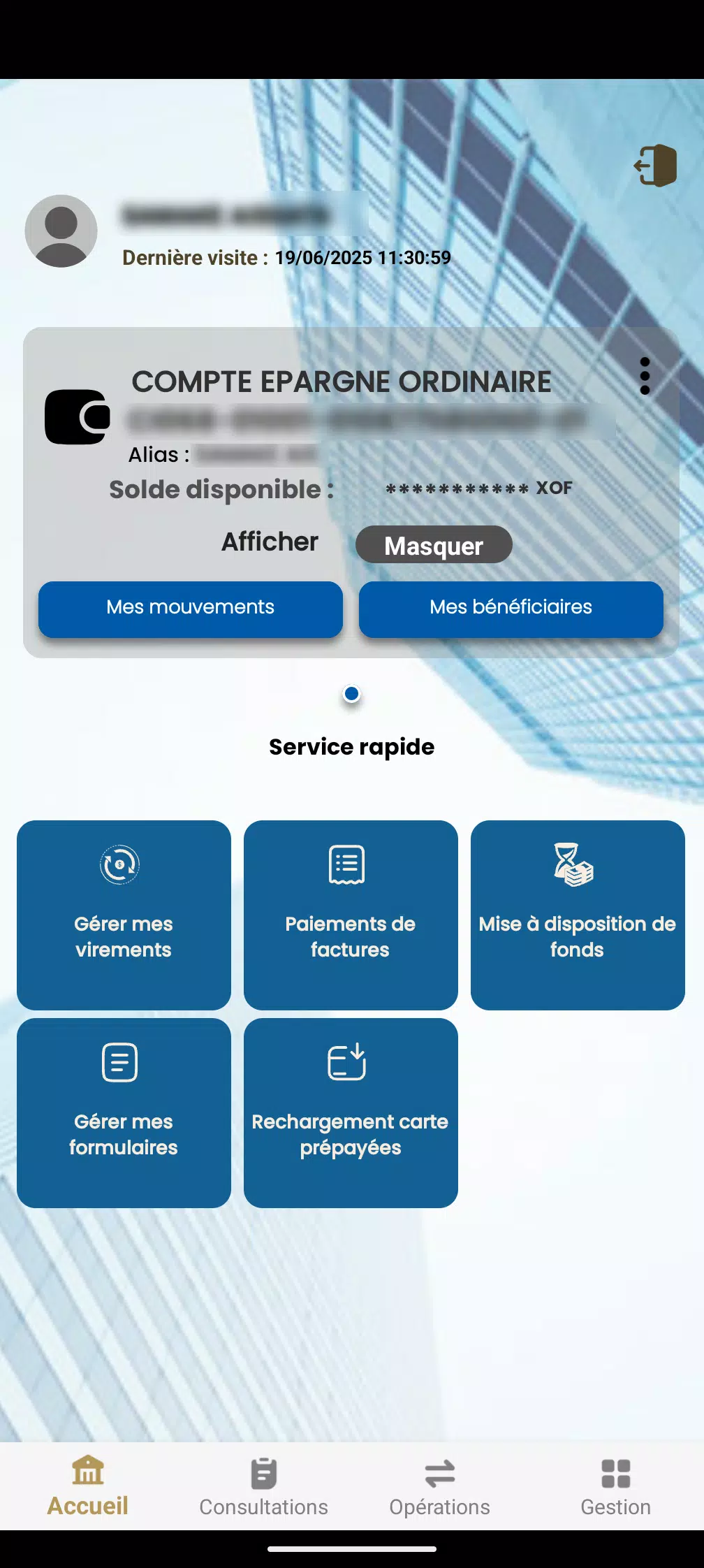
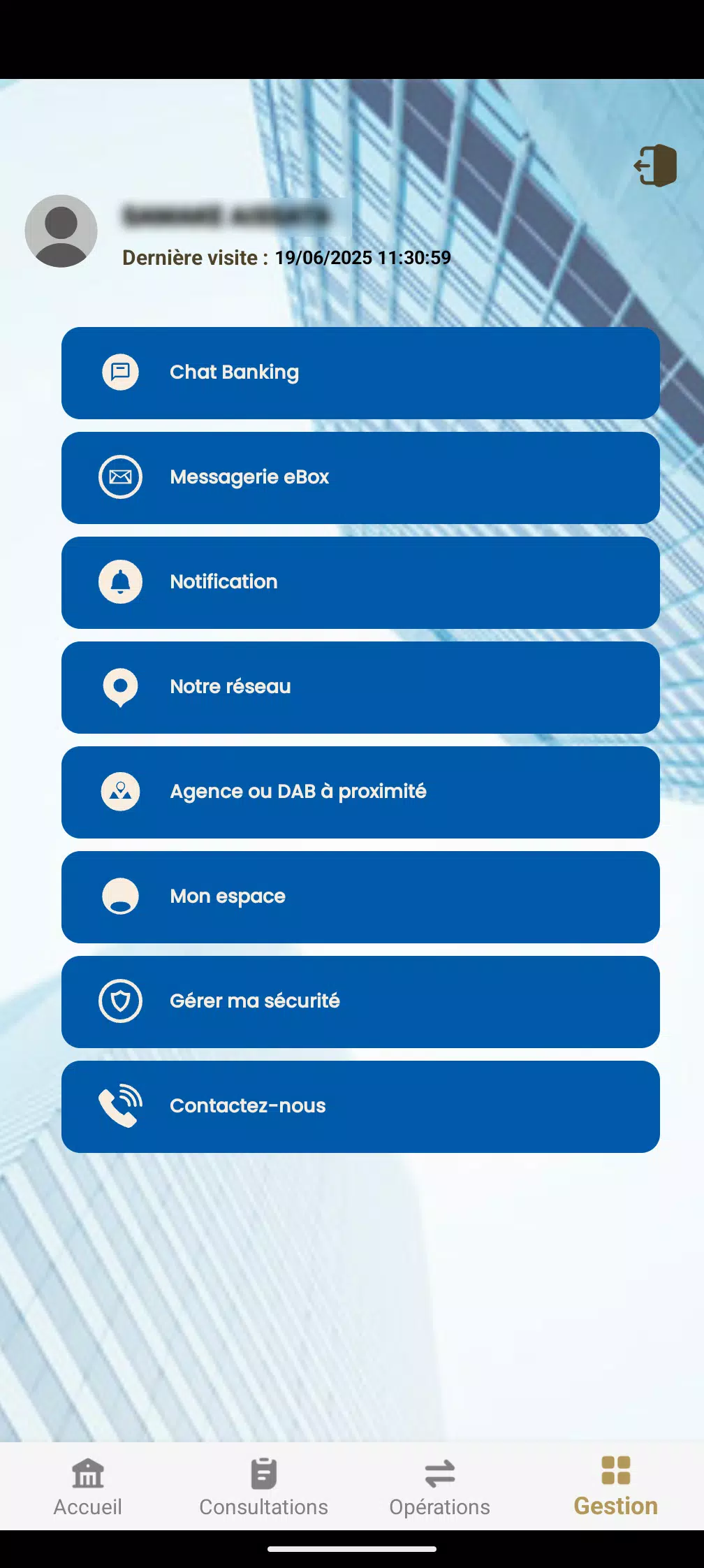
The interface emphasizes clarity and short workflows: a home overview shows active links and recent transfers, a devices pane lists paired hardware with status badges, and a transfer manager aggregates current jobs with priority controls. BHLink minimizes taps by presenting common actions on one screen and uses badges and color cues to indicate connectivity, battery level, and available storage on connected devices.
Security is built into core operations. BHLink uses industry-standard encryption for file transfers and supports local-only modes that prevent data from leaving the local network. Permissions are requested in context, with clear explanations so users can control access to contacts, storage, and Bluetooth. Optional passphrases for pairing and time-limited access links help protect sensitive exchanges.
BHLink is optimized for low CPU and memory overhead so it runs smoothly on a wide range of Android devices. The app supports Bluetooth classic and BLE profiles, as well as common LAN discovery protocols. Battery-conscious options throttle background activity while preserving essential monitoring, and a lightweight engine reduces hitching during large transfers or when many devices are active.
For power users, BHLink includes fine-grained controls: designate transfer folders, set maximum concurrent transfers, and define schedules to run synchronizations during off-peak hours. Notification preferences cover vibration, sound, and silent logs. The theming options allow dark mode and adjustable font sizes to match personal preferences and accessibility needs.
BHLink fits both personal and professional scenarios: move photos and videos between devices without cloud upload, sync configuration files to IoT hardware on a local network, or quickly hand off documents during meetings. Field technicians can use the app to pair diagnostic tools and archive logs, while families can share media within a Wi-Fi network without creating online accounts.
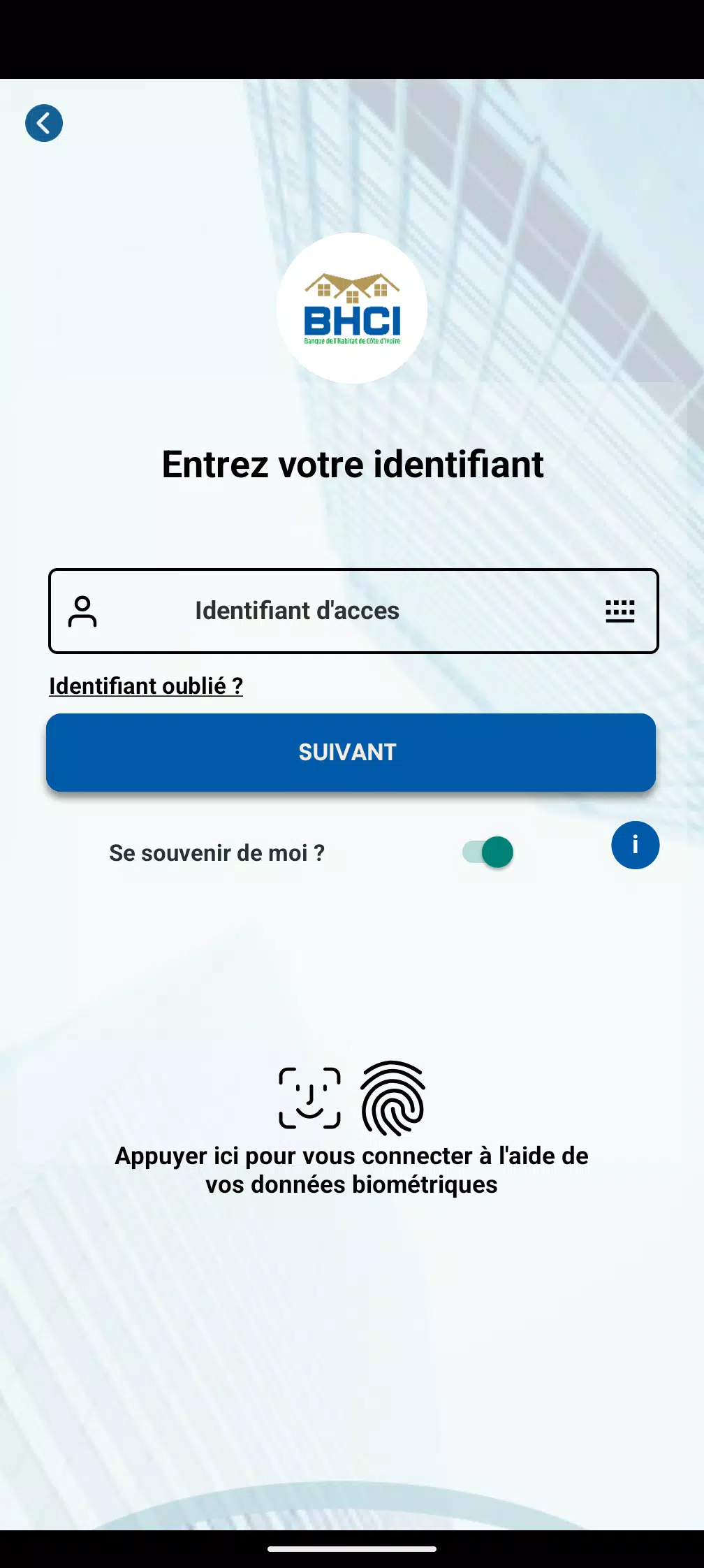
Begin by installing BHLink and granting the necessary permissions when prompted. Open the device scanner and tap to pair, or use the advanced menu to enter static addresses for fixed installations. A built-in tutorial walks through the first transfer and how to configure recurring syncs. The activity log helps verify successful exchanges and troubleshoot failed attempts.
To maximize reliability, keep both devices within recommended Bluetooth range and ensure Wi-Fi connections are stable for LAN transfers. Use scheduled syncs for large batches overnight and prefer resumable transfers for unreliable networks. Regularly clear the activity log to maintain performance, and enable encrypted local backups if you keep sensitive data on connected devices.
BHLink delivers a practical balance between ease of use and technical control, making it a solid choice for anyone who needs dependable local connectivity. With clear settings, robust security, and efficient performance, BHLink helps streamline device workflows while keeping data under your control.
File size: 39.30 M Latest Version: 4.3.3.1
Requirements: Android Language: English
Votes: 190 Package ID: com.mediasoft.bhci
Developer: MEDIASOFT LAFAYETTE

Must Have Home Apps for Android
Make your house a home with our suite of helpful home apps. Discover clever tools to organize closets, streamline chores, and simplify cooking. Take the stress out of cleaning and maintenance with handy checklists and schedules. Enhance security and control appliances and lighting with our smart home integrations. Design, visualize, and renovate like a pro using our 3D planning software.






LIVE A HERO
Retro Hero Mr Kim
Empire of Passion
Arcane Quest Legends
Magic Snap: Momotaro
AllStar Manga Heroes
Lunescape
ONE PIECE Thousand Storm JP
Tap Titans 2










































