Scan to Download
ASUS AiCloud brings remote access, file synchronization, and media streaming to users connected to ASUS routers. This mobile companion links your home network storage with smartphones and tablets, letting you browse, back up, and share files securely while on the go, without relying on third-party cloud subscriptions.
ASUS AiCloud is designed to turn your compatible ASUS router and attached storage into a personal cloud. It focuses on private access, allowing you to manage files stored on USB drives or NAS devices connected to the home network. The app makes it simple to reach documents, photos, and music remotely while preserving network control and local storage limits.
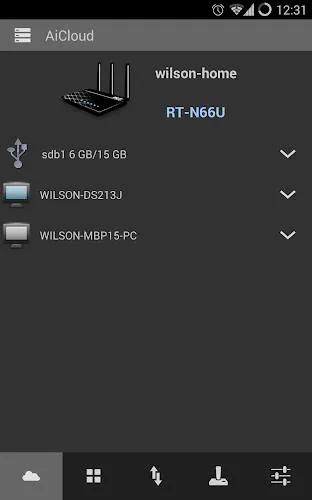
The app connects to your ASUS router using an account or a direct IP address, then exposes the storage linked to that router. Once the hardware and firmware are configured, ASUS AiCloud discovers available shares and presents them in a mobile-friendly interface. Transfers happen over your internet connection and can be restricted to Wi-Fi or allowed over cellular, depending on your preferences.
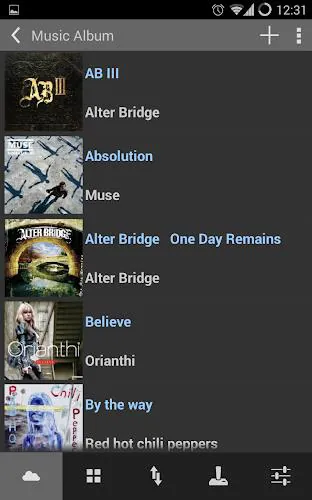
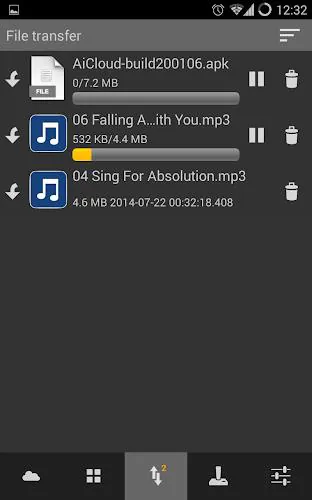
Navigation in ASUS AiCloud favors straightforward lists and thumbnail previews for media. The interface is focused on speed: thumbnails load first, followed by metadata, and downloads begin with a single tap. Performance depends on router model, attached storage speed, and your uplink bandwidth, but the app is optimized to minimize latency for common browsing tasks.
ASUS AiCloud is useful across several everyday scenarios:
Getting started requires a compatible ASUS router with storage attached and the latest firmware. After installing ASUS AiCloud on your device, link it via the router’s cloud account or set up a direct remote access name. Confirm permissions, enable synchronization for chosen folders, and test access from a different network to verify remote reachability.
To keep your files safe, enable strong router passwords, apply firmware updates, and use the app’s password protection for shared links. Consider limiting remote access to specific accounts and configuring automatic logout or two-step verification where supported by your router model.
ASUS AiCloud provides a practical blend of convenience and control for users who want private cloud capabilities without relying on external services. With sensible setup and routine maintenance, it can serve as a reliable hub for file access, media streaming, and automated backups directly tied to your home network.
File size: 27.73 M Latest Version: 2.1.0.1.12
Requirements: Android Language: English
Votes: 242 Package ID: com.asustek.aicloud


Must Have Home Apps for Android
Make your house a home with our suite of helpful home apps. Discover clever tools to organize closets, streamline chores, and simplify cooking. Take the stress out of cleaning and maintenance with handy checklists and schedules. Enhance security and control appliances and lighting with our smart home integrations. Design, visualize, and renovate like a pro using our 3D planning software.






LIVE A HERO
Retro Hero Mr Kim
Empire of Passion
Arcane Quest Legends
Magic Snap: Momotaro
AllStar Manga Heroes
Lunescape
ONE PIECE Thousand Storm JP
Tap Titans 2










































