Category: Lifestyle Date:2026-10-15 20:36:01
Rating: 4.5 Tags: Weather
Scan to Download
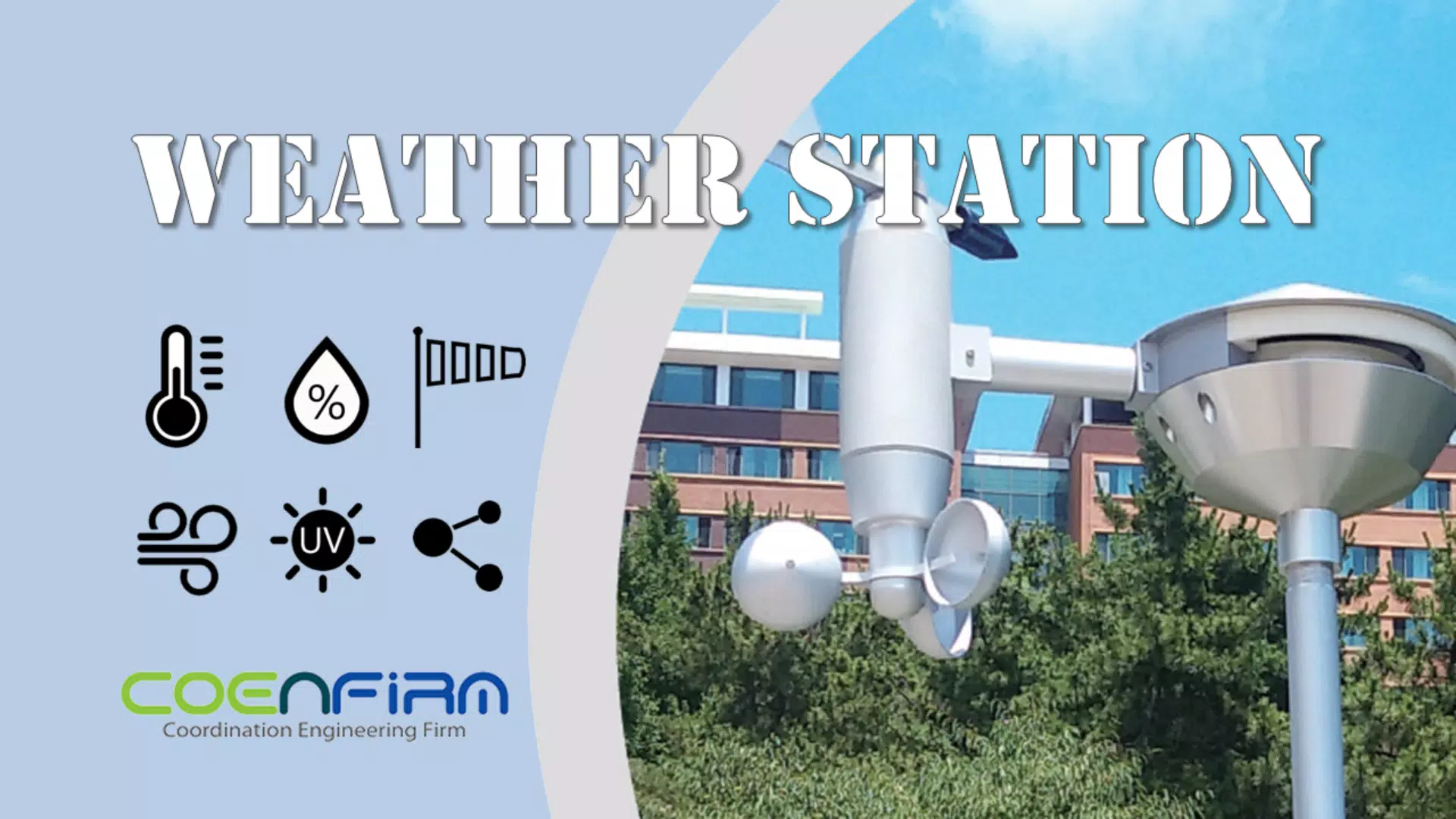
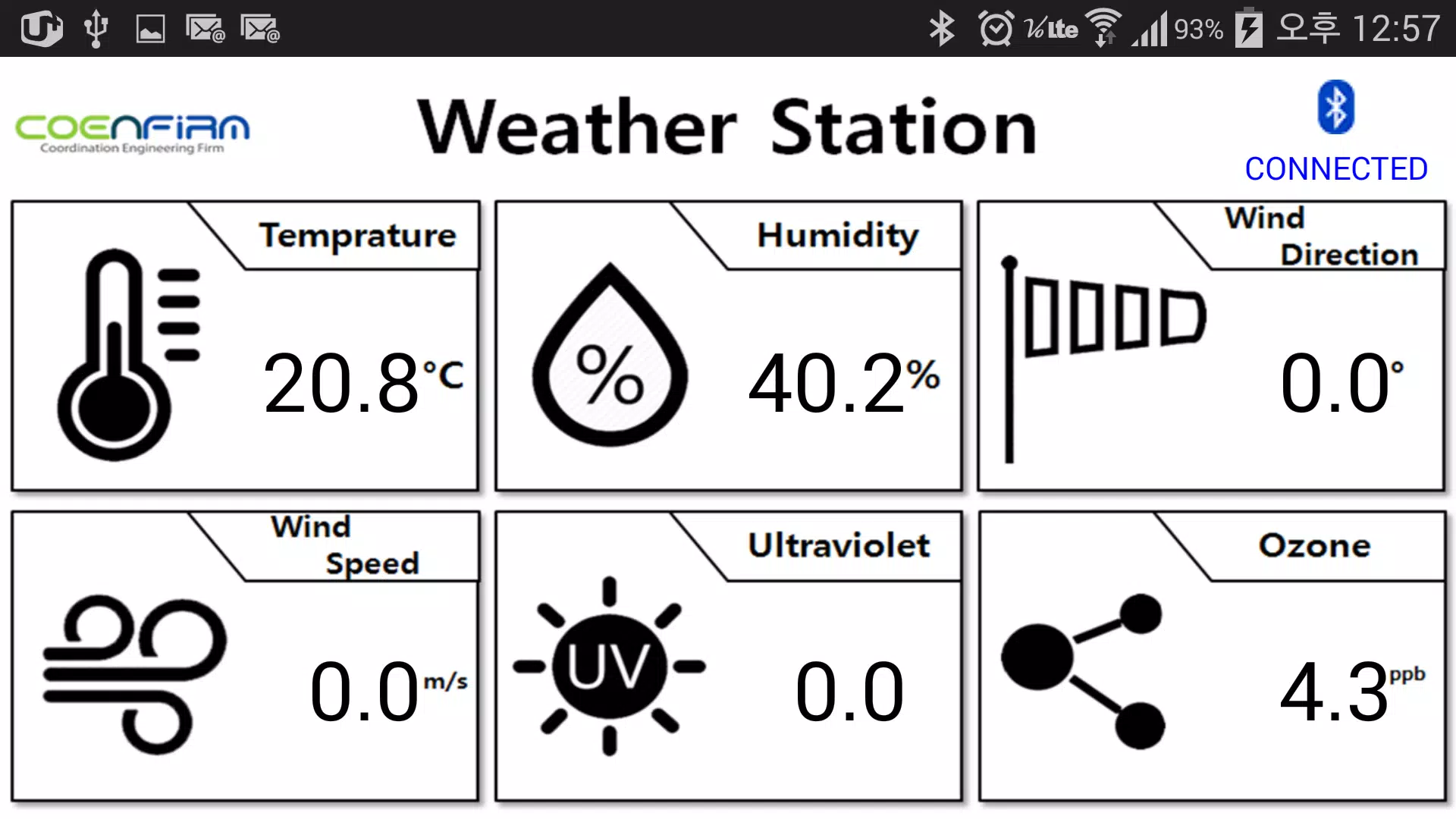
Weather Station - Data Manager is a practical mobile application for collecting, organizing, and reviewing environmental sensor readings from both personal and professional weather hardware. Weather Station - Data Manager centralizes inputs from multiple sensors into a searchable timeline and flexible visualizations so researchers, hobbyists, and station operators can inspect trends, export data, and keep accurate records without juggling separate tools. The app name appears here early so you can confirm the exact tool described and locate it reliably on app stores and documentation.
This application aggregates readings from temperature, humidity, wind, rainfall, and barometric sensors and presents them in a continuous timeline that supports both live and historical inspection. Sensor feeds from HTTP(S), MQTT, and Bluetooth Low Energy are normalized into a consistent data model so you can compare values from different manufacturers. Built-in anomaly detection highlights values outside expected ranges and lets you flag or tag entries for follow-up, while CSV and common statistical export options enable deeper analysis in spreadsheets or specialized tools.
Interaction is touch-first but flexible: tap to expand a station summary, swipe to navigate time ranges, pinch to zoom on charts, and long-press to edit tags or annotations on a specific reading. Inline editing on the compact data manager page allows correction of timestamps and values while preserving the original raw record, and contextual menus surface common actions like export, share, and apply correction templates. Controls are designed to minimize accidental edits and to support field use with large buttons and confirmation steps.
Progression in the app comes from expanding a deployment: start with a single site and a handful of sensors, refine sampling intervals and calibration rules, then scale to multiple stations across different microclimates. As you grow a deployment, templates and presets help maintain consistent dashboards and reporting formats; alert rules and retention policies scale with your needs so small gardens and small research teams both benefit. Weather Station - Data Manager makes it straightforward to move from initial setup to a reproducible processing workflow that supports seasonal comparisons and long-term studies.
The app offers several visualization types—time-series line charts, heat maps, histograms, and geospatial overlays—to reveal temporal patterns and spatial differences. Dashboards are organized into hierarchical levels: site summaries, per-station views, and individual sensor histories with raw samples. Replay value comes from the ability to re-run visualizations with different filters, to apply alternative calibration rules, and to generate comparative reports across date ranges or station groups for repeated seasonal analysis.
Customizable dashboards, report templates, unit conversion rules, and mapping layers let you tailor displays for specific tasks such as wind analysis or rainfall accumulation. Calibration tools permit offsets or scaling per sensor and save corrections as non-destructive rules layered on top of raw records, preserving provenance for audits or research. Users can save and share templates to speed onboarding and maintain consistency across multiple deployments.
Offline caching keeps readings stored locally during connectivity loss and synchronizes automatically when networks return to minimize data gaps. Performance options let you balance polling frequency, battery usage, and bandwidth; large datasets are paginated or summarized to keep the interface responsive. Raw readings remain immutable and any user-applied corrections or annotations are recorded separately to ensure transparency and reproducibility for later review.
Administrators can define retention policies per station, schedule automated archives, and enable encrypted synchronization to cloud or private servers. Role-based access controls let teams restrict who can edit records, create alert rules, or perform exports, supporting collaborative workflows while protecting sensitive datasets. Audit trails surface who made changes and when, which is useful for scientific projects and operational monitoring alike.
The interface emphasizes readability with high-contrast color palettes for graphs, adjustable font sizes, and clear iconography to help users scan dense datasets quickly. Quick filters, keyboard and external input support, and contextual onboarding templates reduce the learning curve for newcomers, while advanced users can jump straight to configuration panels and scripting-friendly export formats. This combination of accessibility and depth ensures the app is useful for backyard enthusiasts, educators, agronomists, and small organizations monitoring environmental conditions.
File size: 2.20 M Latest Version: 1.01
Requirements: Android Language: English
Votes: 312 Package ID: com.coenfirm.weatherinfo
Developer: 코엔펌 앱 개발팀
Must Have Weather Apps for Android
Be prepared and plan your days better with our new weather app. Get real-time hyperlocal forecasts, customizable alerts and widgets, and detailed hourly projections. Beautiful photo backgrounds change dynamically based on conditions. Intuitive radar and satellite imagery help you visualize storms and patterns. Get humidity, precipitation probability, pollen count, and other useful data at a glance. Save favorite locations like home, work, or travel destinations for quick access.



LIVE A HERO
Retro Hero Mr Kim
Empire of Passion
Arcane Quest Legends
Magic Snap: Momotaro
AllStar Manga Heroes
Lunescape
ONE PIECE Thousand Storm JP
Tap Titans 2










































