
Scan to Download
The NET Bible® app delivers a modern, study-focused Bible reading experience that emphasizes clear translation notes, robust search functions, and offline access. Designed for students, pastors, and curious readers, the app combines scholarly translation tools with a clean interface to support reading, study, and sermon preparation on Android devices.
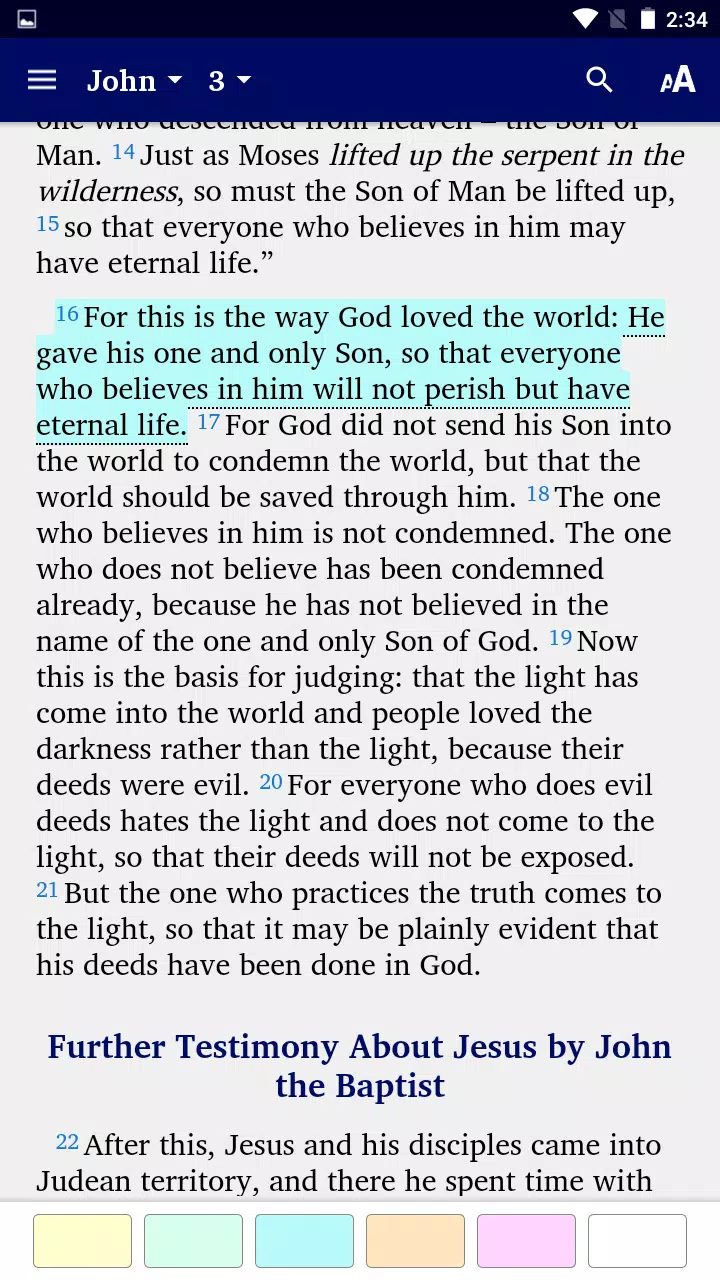
The NET Bible® brings together a suite of tools intended to make scripture study efficient and flexible. Find verses quickly with full-text search, compare multiple translations, and view extensive translator notes that reveal linguistic and textual background. Offline downloads let you access the complete text without an internet connection, and bookmarking, highlighting, and note-taking keep your research organized.
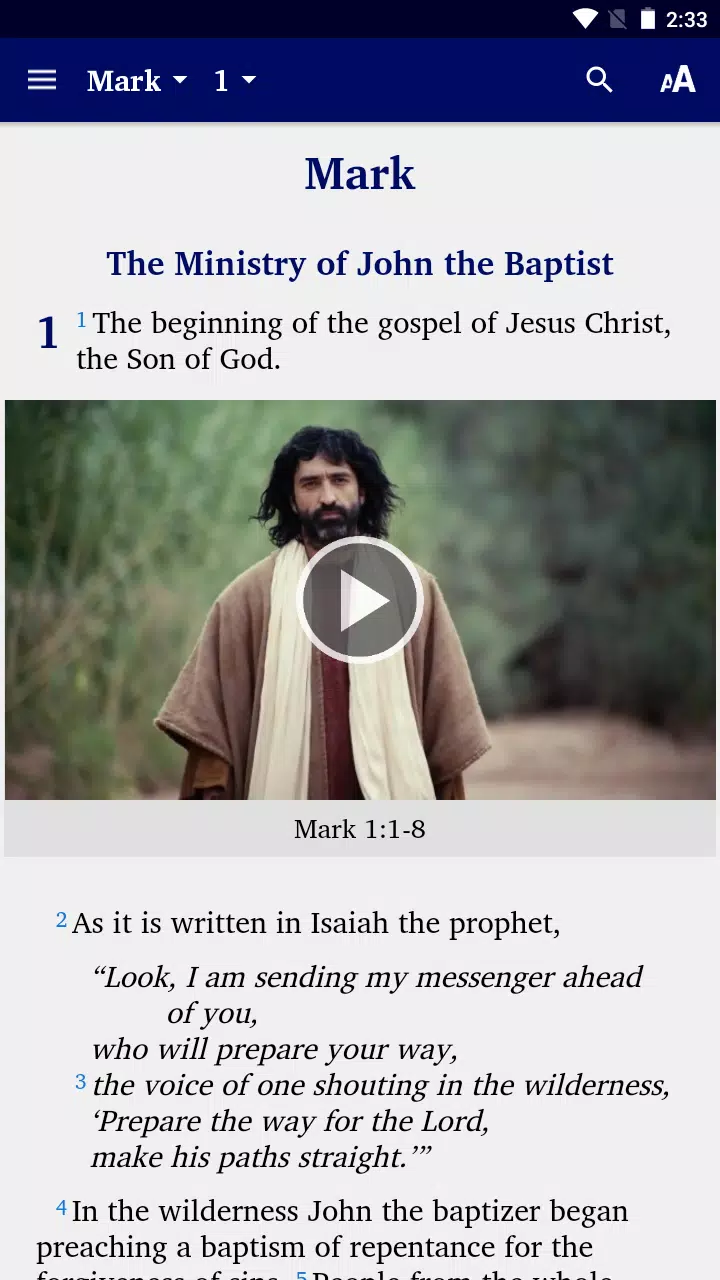
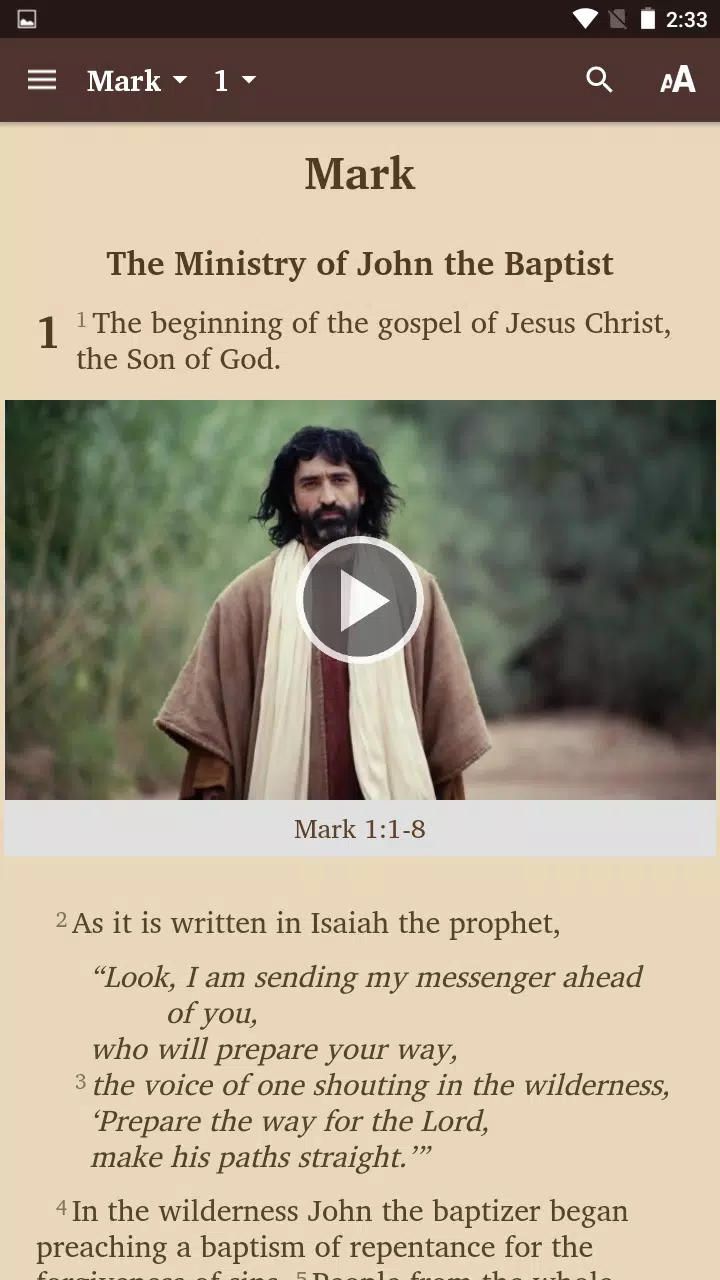
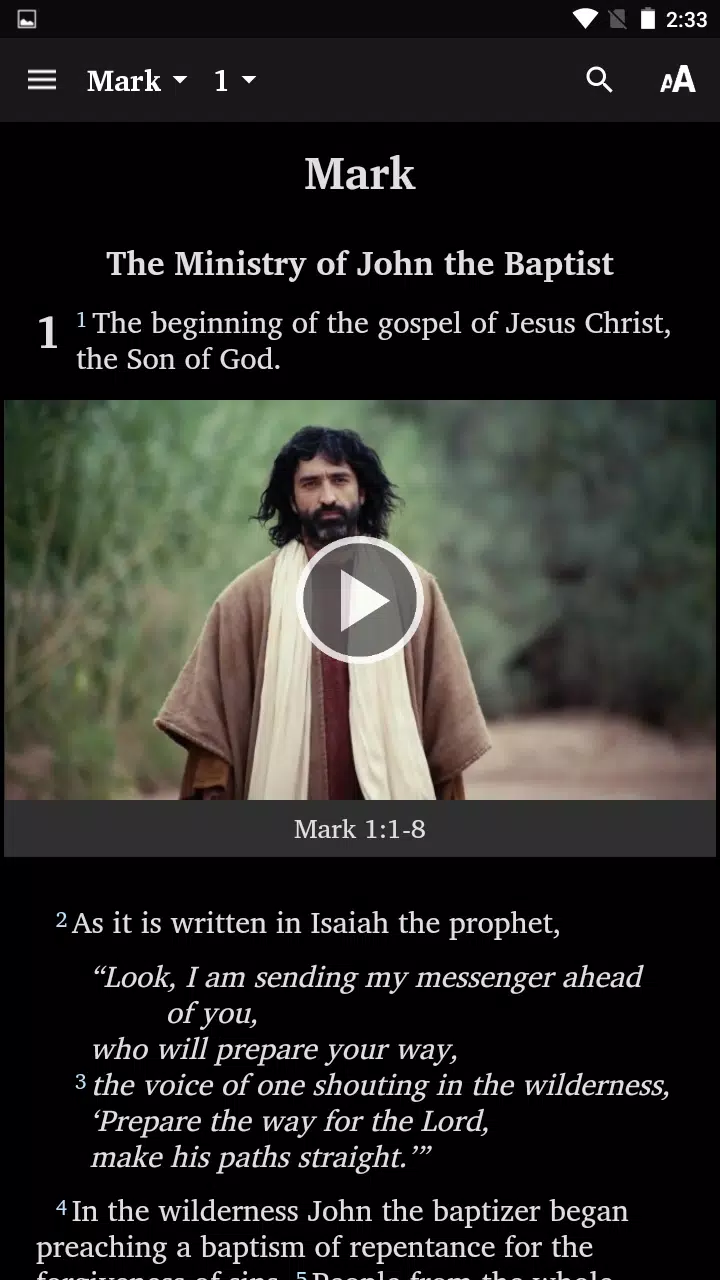
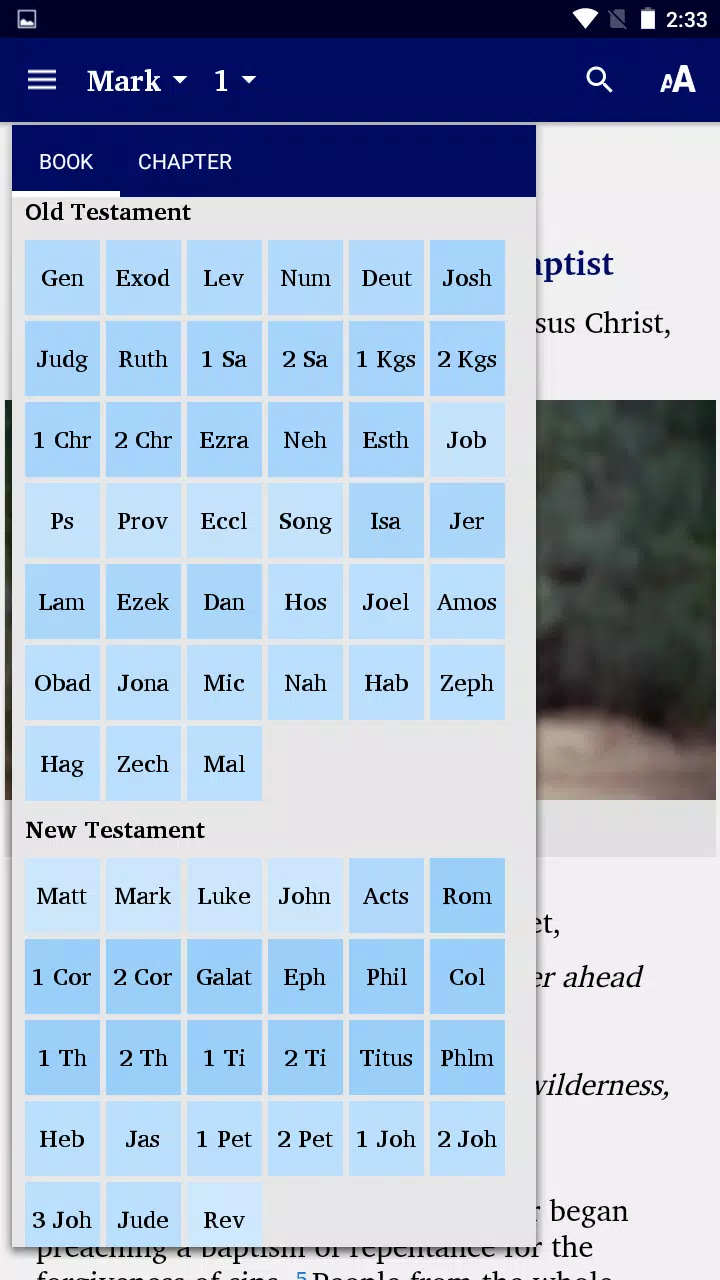
The design focuses on legibility and speed. Adjustable font sizes, line spacing, and contrast modes (light, sepia, dark) let you create a comfortable reading environment for long study sessions. The split-screen mode supports side-by-side comparisons of the NET translation with other versions, and a continuous scrolling view makes long passages easier to follow. Navigation is optimized for touch — swipe gestures move between chapters while a chapter index provides one-tap access to any book.
Translation notes are a distinguishing element. Each verse includes concise commentary on translation choices, manuscript evidence, and alternative renderings. Cross-references link related passages and provide contextual connections across the canon. For deeper research, integrated Strong's tagging and lexical references help you trace key Hebrew and Greek terms. These resources make the app suited to sermon preparation, academic study, and personal enrichment.
Powerful search capabilities let you locate phrases, filter by testament, and search within notes. Save queries for recurring research tasks. Create collections of highlighted verses and attach personal notes to passages. The app’s tagging system helps categorize bookmarks and notes — useful for sermon series, topical studies, or memory work. Export options support sharing passages or notes via email or other apps, streamlining collaboration with study groups.
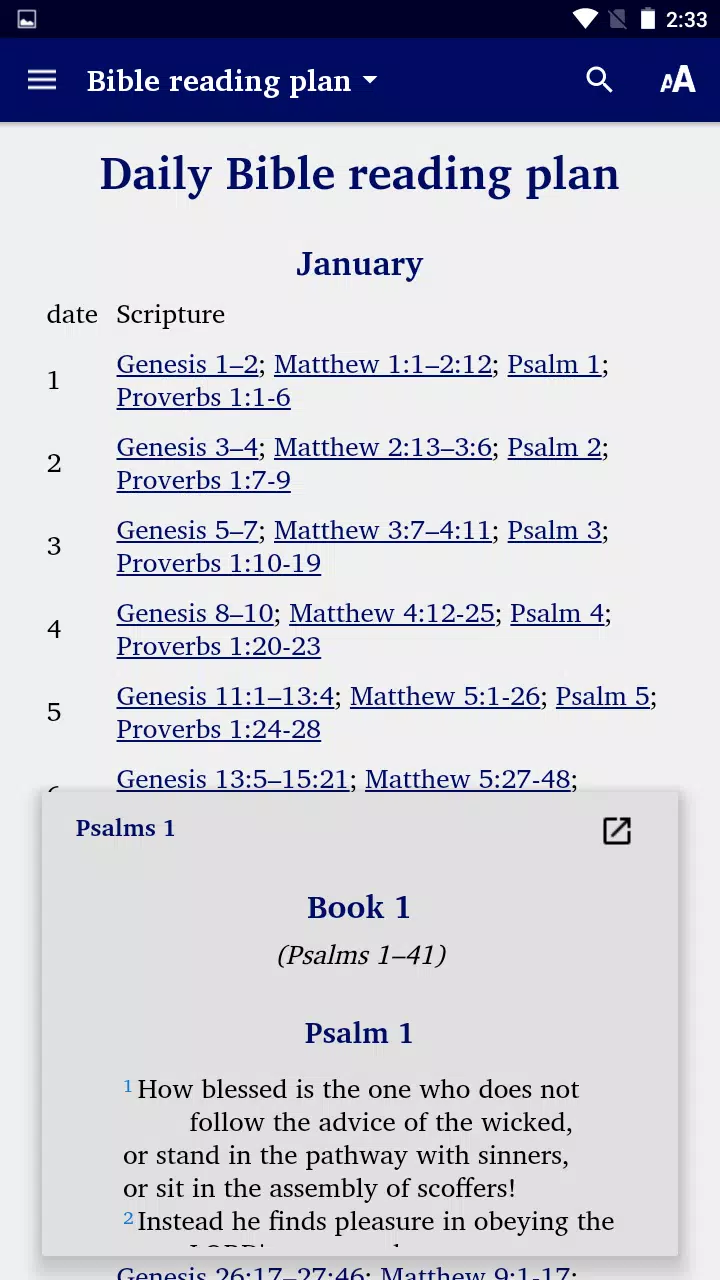
Customize how content appears and behaves. Choose between paragraph or verse-by-verse formats, toggle verse numbers, and switch between compact or expanded note displays. Personalize highlight colors and note categories to establish a consistent study system. Users can set up daily reading plans and track completion progress, which helps maintain regular engagement with scripture.
Optimized for Android, the app runs smoothly on a wide range of devices. Local caching reduces load times for frequently viewed passages. Audio playback is available for many books, offering a hands-free option for listening during commutes or tasks. The developers keep memory use efficient to avoid slowdowns on older devices, and regular updates address compatibility with new Android releases.
Share snippets, verses, or study notes directly to social platforms or messaging apps. Integration with cloud services enables backup of highlights and notes so your study data transfers across devices. For teachers and group leaders, exporting study material into common formats simplifies lesson preparation and distribution.
Begin by installing the app and choosing which modules to download for offline access. Explore the tutorial overlay that introduces search, bookmarking, and notes. Import or create reading plans to shape a study routine, and customize display settings to match your preference. With a short setup, you’ll have a personalized study environment tailored to your needs.
Students of scripture, pastors preparing sermons, and readers seeking an annotated, transparent translation will find the NET Bible® especially useful. Its combination of translator notes, search tools, and offline functionality supports both casual reading and in-depth research without overwhelming new users.
Whether you need a reliable digital text for study, preaching, or daily devotion, the NET Bible® balances scholarly resources with user-friendly design to make scripture accessible on the go.
File size: 26.70 M Latest Version: 12.5
Requirements: Android Language: English
Votes: 198 Package ID: org.wycliffe.eng.newenglishtranslation.bible
Developer: Scripture Earth



Best Free Books Apps for Your Android Phone
Discover your next great read with our innovative book apps. Access millions of ebooks, audiobooks, and comics on any device. Get personalized recommendations from our advanced algorithms so you always have your next great story lined up. Track your reading habits and browse curated lists for inspiration. Join online book clubs to connect with fellow bibliophiles. Listen to samples and download seamlessly with our integrated stores.






LIVE A HERO
Retro Hero Mr Kim
Empire of Passion
Arcane Quest Legends
Magic Snap: Momotaro
AllStar Manga Heroes
Lunescape
ONE PIECE Thousand Storm JP
Tap Titans 2










































