Scan to Download
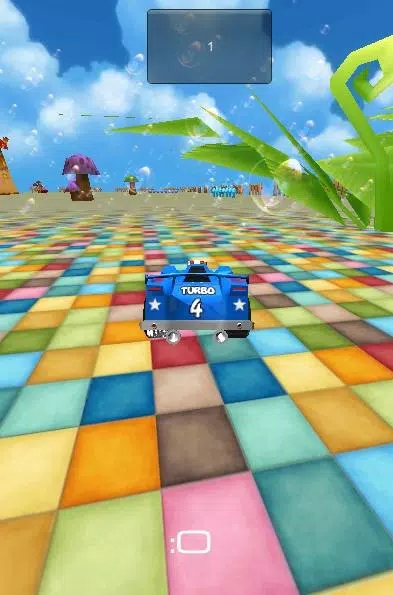
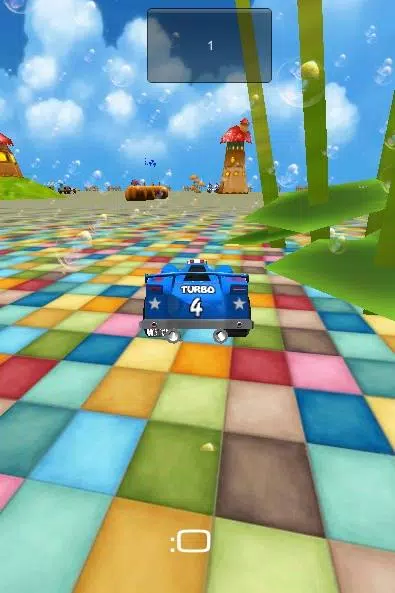
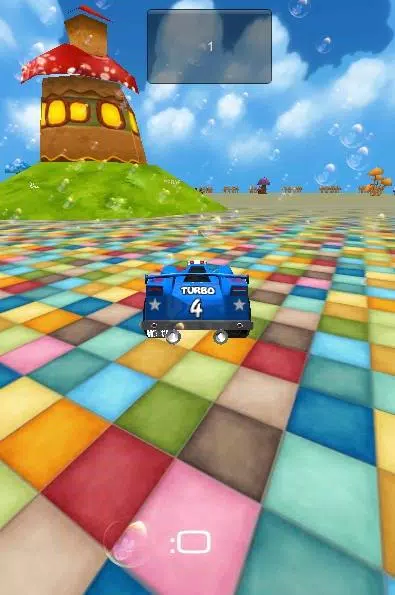
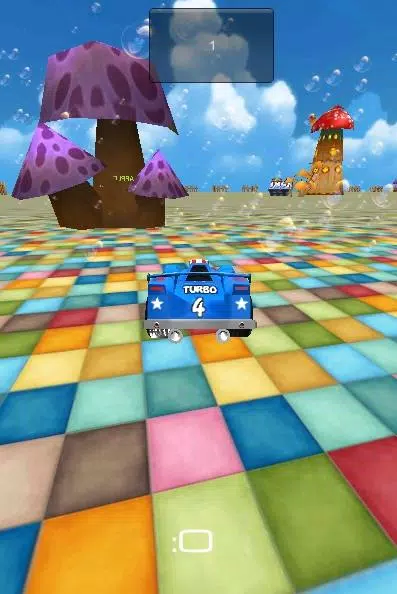
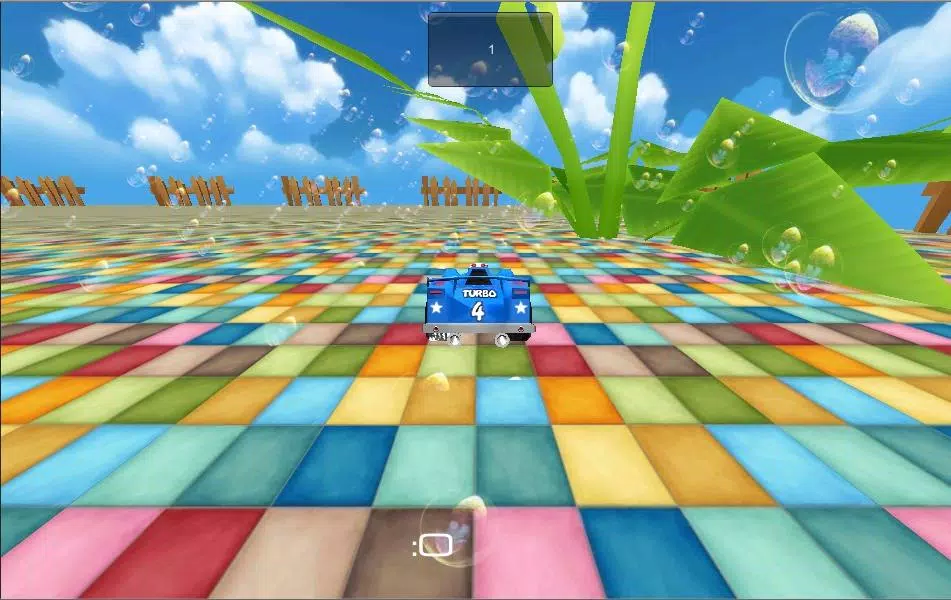
123 3D Learner is an interactive educational app designed to teach basic concepts with immersive three-dimensional visuals and hands-on activities. It combines touch-driven mini-games, progressive lessons, and rewards to help children and beginners grasp numbers, shapes, and simple problem-solving in a playful yet structured environment.
At its core, 123 3D Learner focuses on clarity and engagement. The app balances guided lessons with open-ended play so learners move from recognition to application. Content is segmented into short sessions, making it suitable for brief learning bursts or longer practice periods depending on a child's attention span and goals.
The learning path is adaptive: initial activities assess a user’s starting level, then dynamically tailor difficulty and pacing. This helps avoid frustrated learners or those who find tasks too easy. Each module concludes with a review and a simple reward system to reinforce progress.
Teachers and parents can use the app to supplement lesson plans or to assign focused practice. Built-in timers and optional session limits help structure usage. The straightforward interface reduces the need for adult supervision once learners understand basic gestures.
Each session opens with a warm-up activity that warms up motor skills and pattern recognition. Learners then progress through short tasks—matching, sequencing, counting, and simple puzzles—that reinforce the same concept in different contexts. Immediate feedback guides corrections, and small rewards like stickers encourage continued engagement.
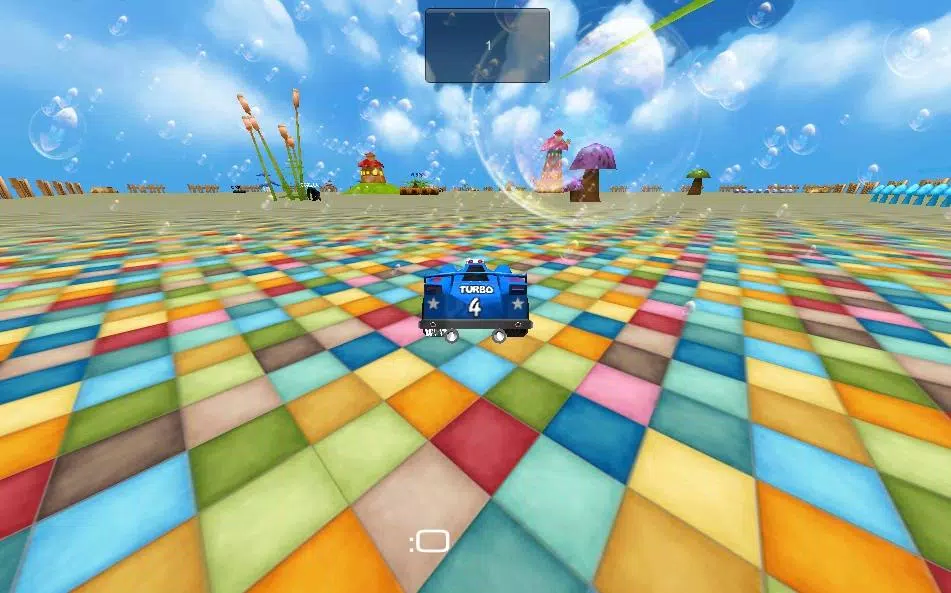
123 3D Learner uses clean, high-contrast visuals with child-friendly typography. Performance is optimized for a wide range of Android devices, from older phones to modern tablets. Animations are lightweight to avoid lag, while graphics scale to match screen resolution and aspect ratio.
Memory use is reasonable; larger content packs can be downloaded selectively to manage device storage. Touch responses are immediate, which is important for maintaining the feel of real-world manipulation.
Users can personalize avatars, reward styles, and the pace of lessons. A parental section lets adults set daily time limits, choose which lesson tracks are active, and export progress reports. Audio narration and hint levels can be toggled to suit different learning preferences.
Color contrast and text size adjustments, along with simple audio cues, make the app more accessible. The design aims to support early readers and non-readers through icons and spoken instructions.
Many appreciate how 123 3D Learner turns abstract ideas into manipulable objects, making early math and spatial skills more tangible. The mix of guided lessons and playful activities keeps learners motivated, while progress tracking provides actionable insight for adults.
Installation is straightforward: download, complete a brief setup with profile and age settings, and run the initial assessment. Regular updates add new modules and polish performance. With a gentle learning curve and intuitive controls, 123 3D Learner is suited for both home practice and classroom support.
File size: 22.70 M Latest Version: 1.0
Requirements: Android Language: English
Votes: 498 Package ID: com.hk601.androidkhan
Developer: Lotustech.org

Must Have Home Apps for Android
Make your house a home with our suite of helpful home apps. Discover clever tools to organize closets, streamline chores, and simplify cooking. Take the stress out of cleaning and maintenance with handy checklists and schedules. Enhance security and control appliances and lighting with our smart home integrations. Design, visualize, and renovate like a pro using our 3D planning software.






LIVE A HERO
Retro Hero Mr Kim
Empire of Passion
Arcane Quest Legends
Magic Snap: Momotaro
AllStar Manga Heroes
Lunescape
ONE PIECE Thousand Storm JP
Tap Titans 2