
Scan to Download
SHOOTOUT COSMOS FOOTBALL brings realistic penalty shootout scenarios to your Android device, focusing on timing, angle control and quick decision-making in compact, session-friendly matches. This app recreates the tension of one-on-one shootout moments with simple controls and immersive 3D visuals, making it suitable for casual players, fans who want targeted practice, and anyone looking to sharpen finishing and goalkeeping instincts during short play sessions. With three distinct modes and a lightweight design, SHOOTOUT COSMOS FOOTBALL is optimized to run smoothly on a wide range of devices while still delivering satisfying gameplay depth.
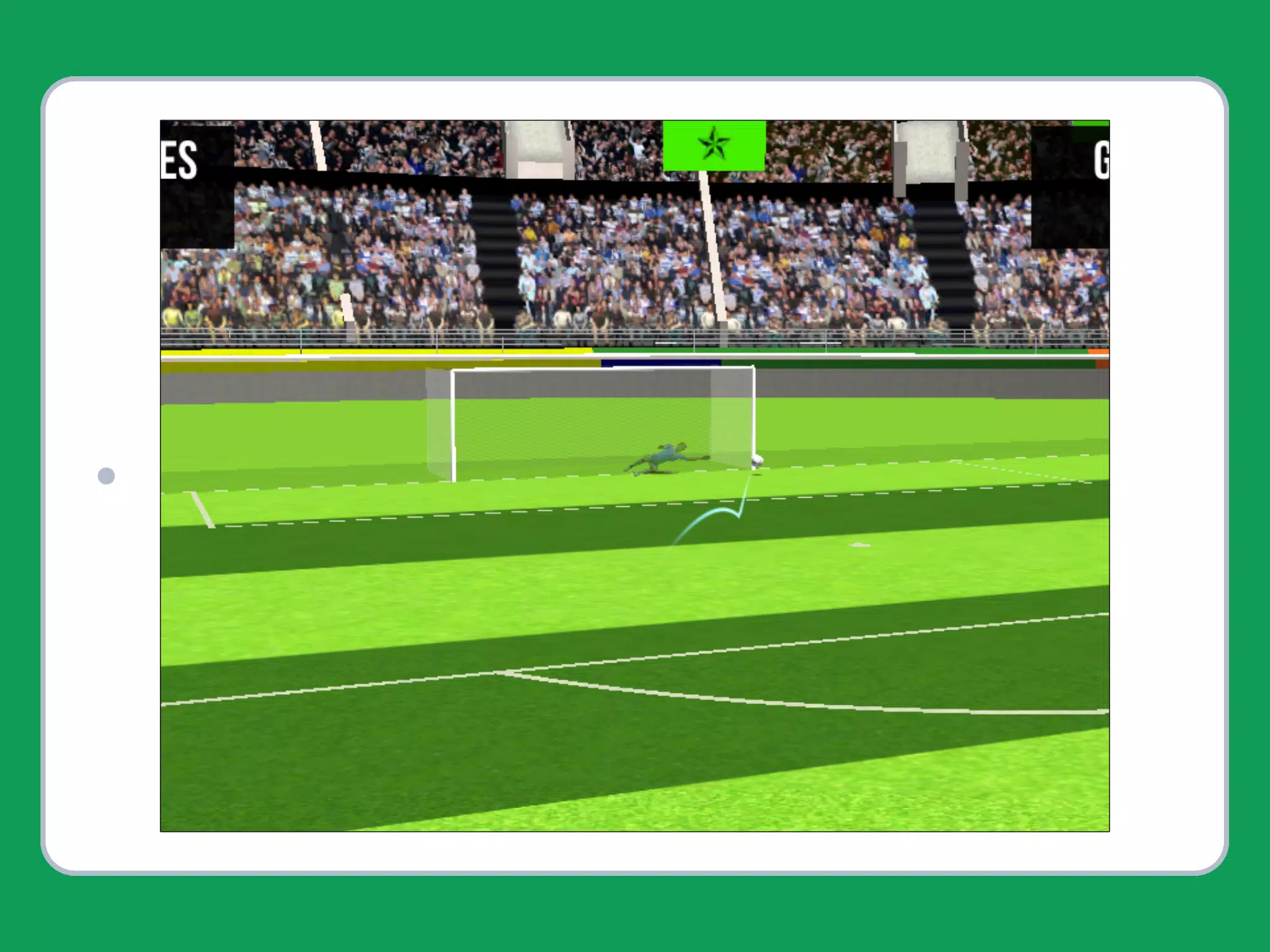
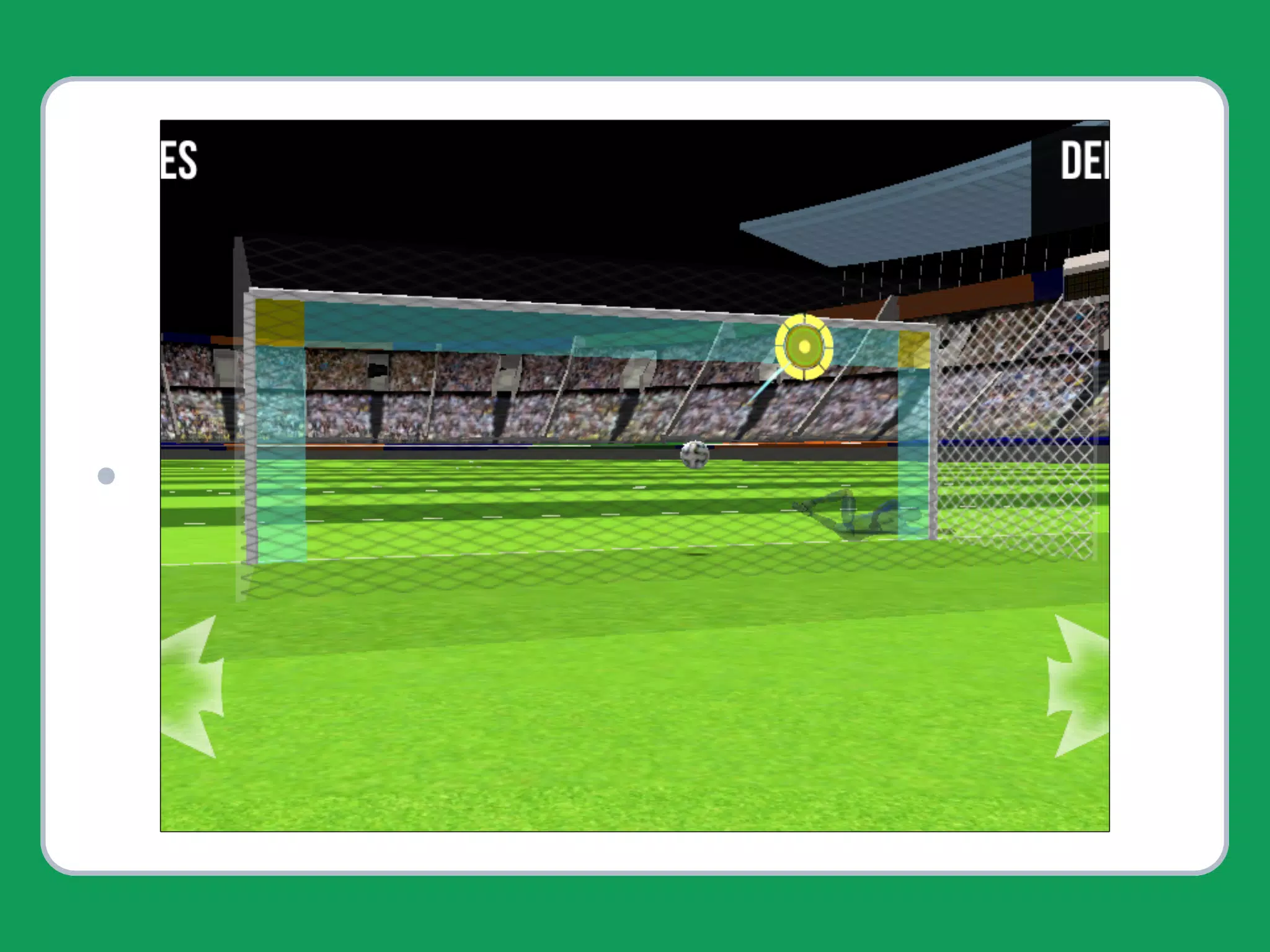
Gameplay centers on shootout situations where the player alternates between taking penalties and defending the goal. The mechanics emphasize realistic trajectories: you control shot power and direction when attacking, and timing and lateral movement when defending. The game rewards reading the goalkeeper and choosing the correct shot placement rather than relying on rapid taps, so practice improves both muscle memory and situational judgment. Difficulty increases gradually, introducing faster goalkeepers, tighter angles, and environmental variables that require adjusted timing and strategy.
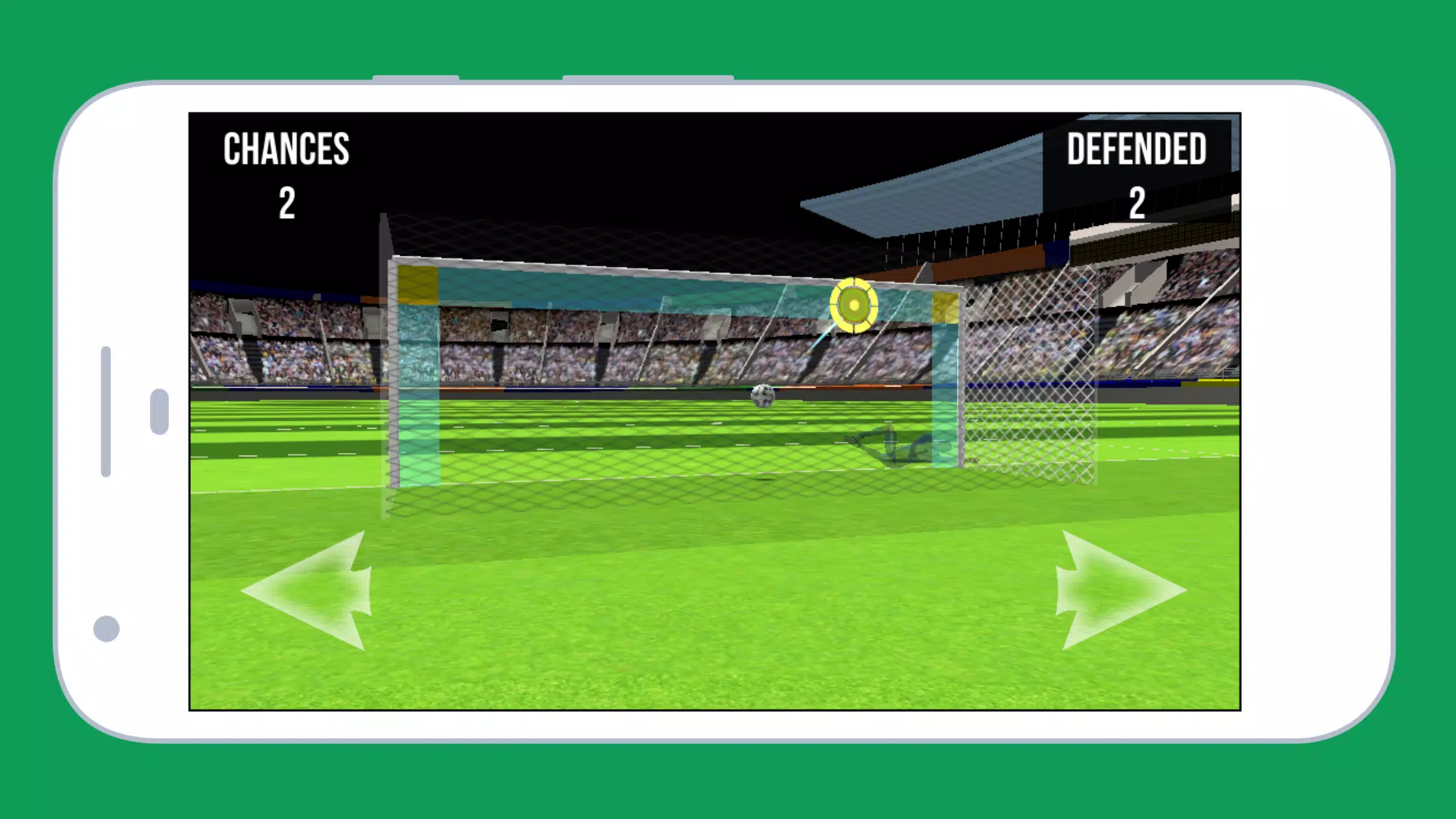
The control scheme is intentionally minimalist so sessions remain accessible on touchscreens. Shooting uses a simple drag-and-release or swipe gesture to set direction and power, while goal defense relies on short taps or swipes to dive and reposition. Response windows are tuned for mobile play: input is forgiving enough for casual use yet precise enough for players aiming to refine technique. Controls can be used comfortably in portrait or landscape orientation depending on your device and play preference.
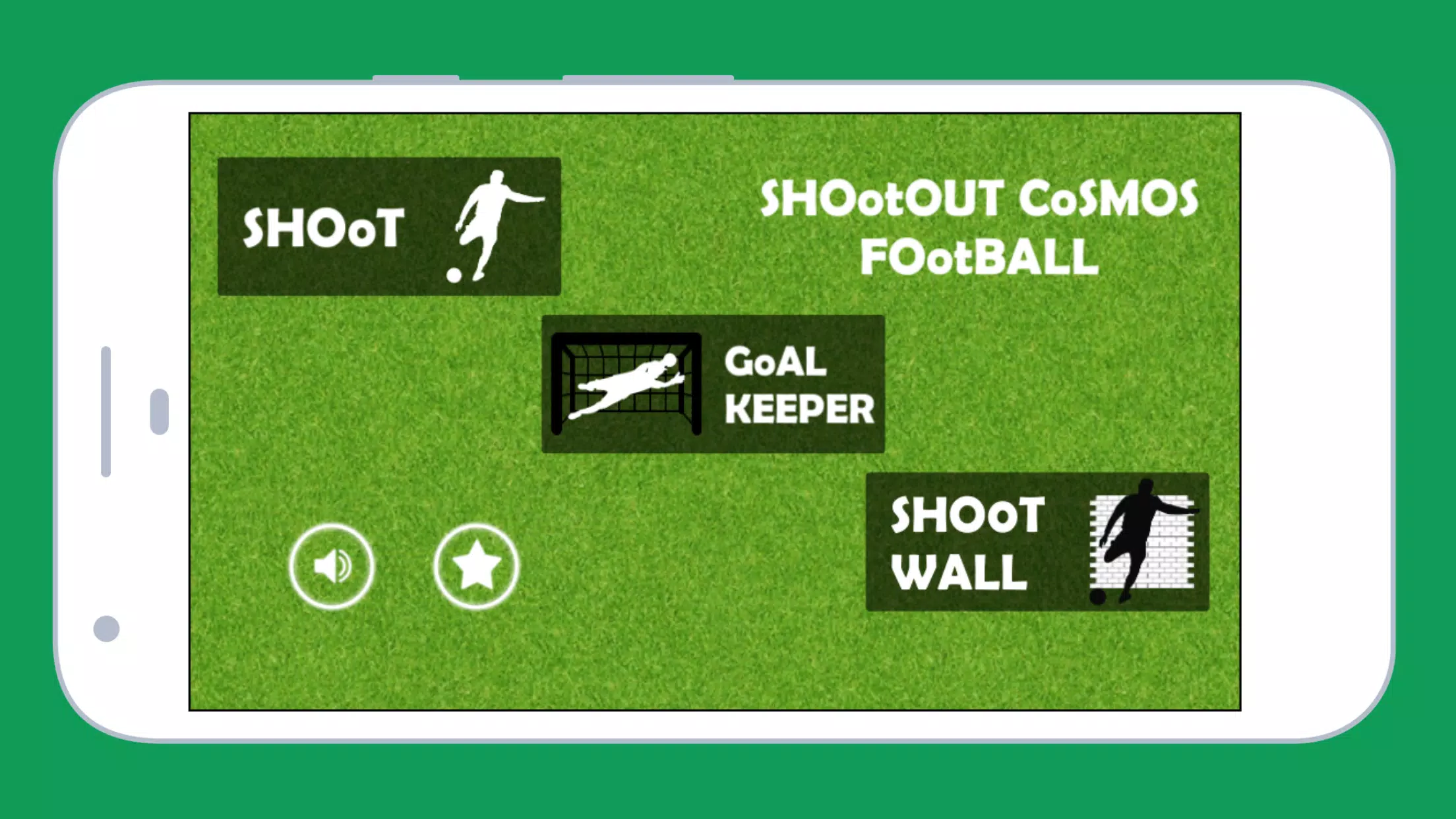
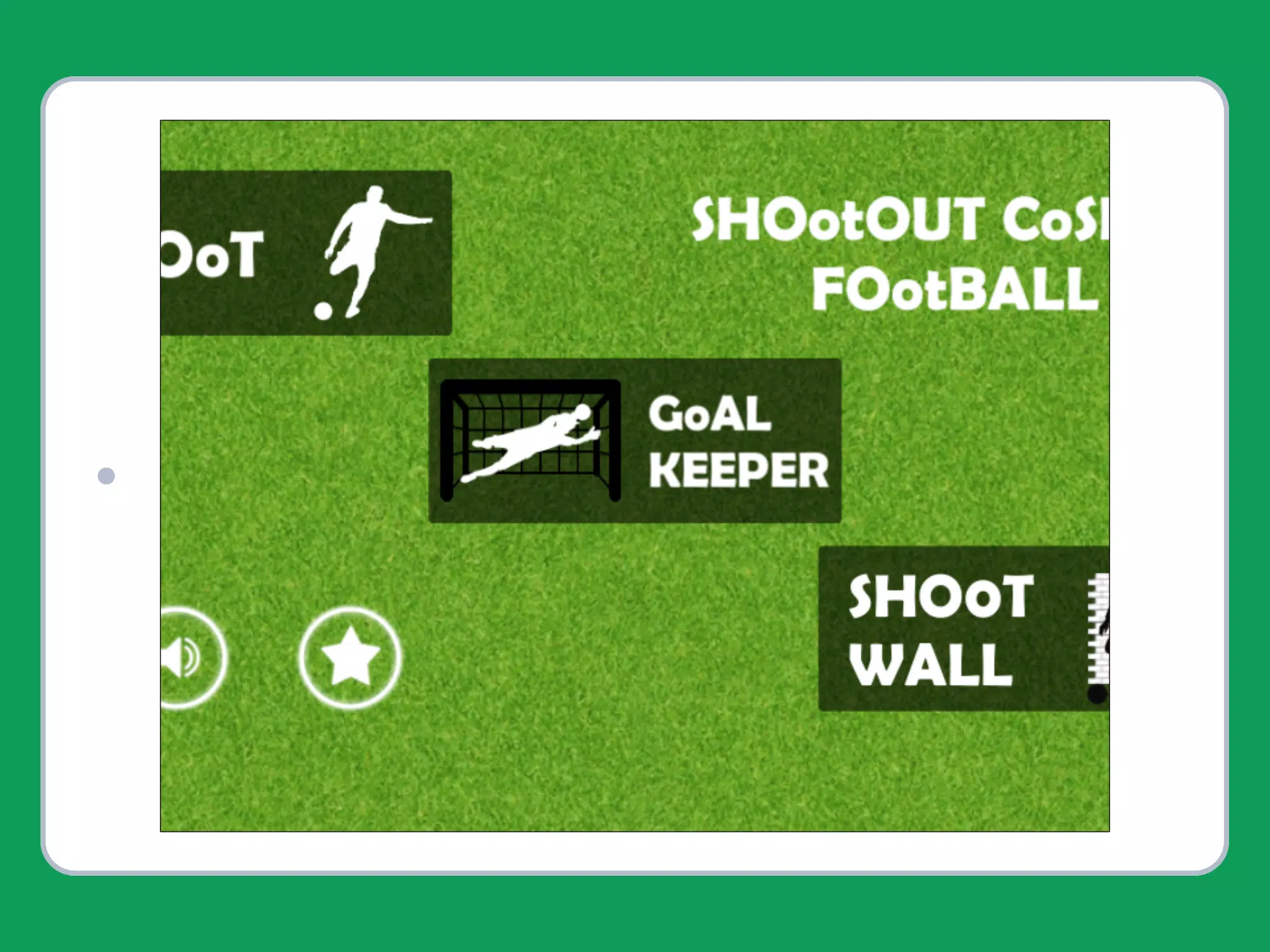
The three core modes provide different practice goals: a single-player challenge against progressively tougher AI, a high-score mode for repeated attempts to beat your best totals, and a focused training mode that isolates specific situations such as low-angle shots or one-on-one sprints. Progression is structured around levels and rounds rather than open-world advancement; as you complete rounds you unlock harder goalkeepers and more constrained scenarios. This level-based structure makes it easy to pick up for a five-minute practice or commit to longer sessions aimed at steady improvement.
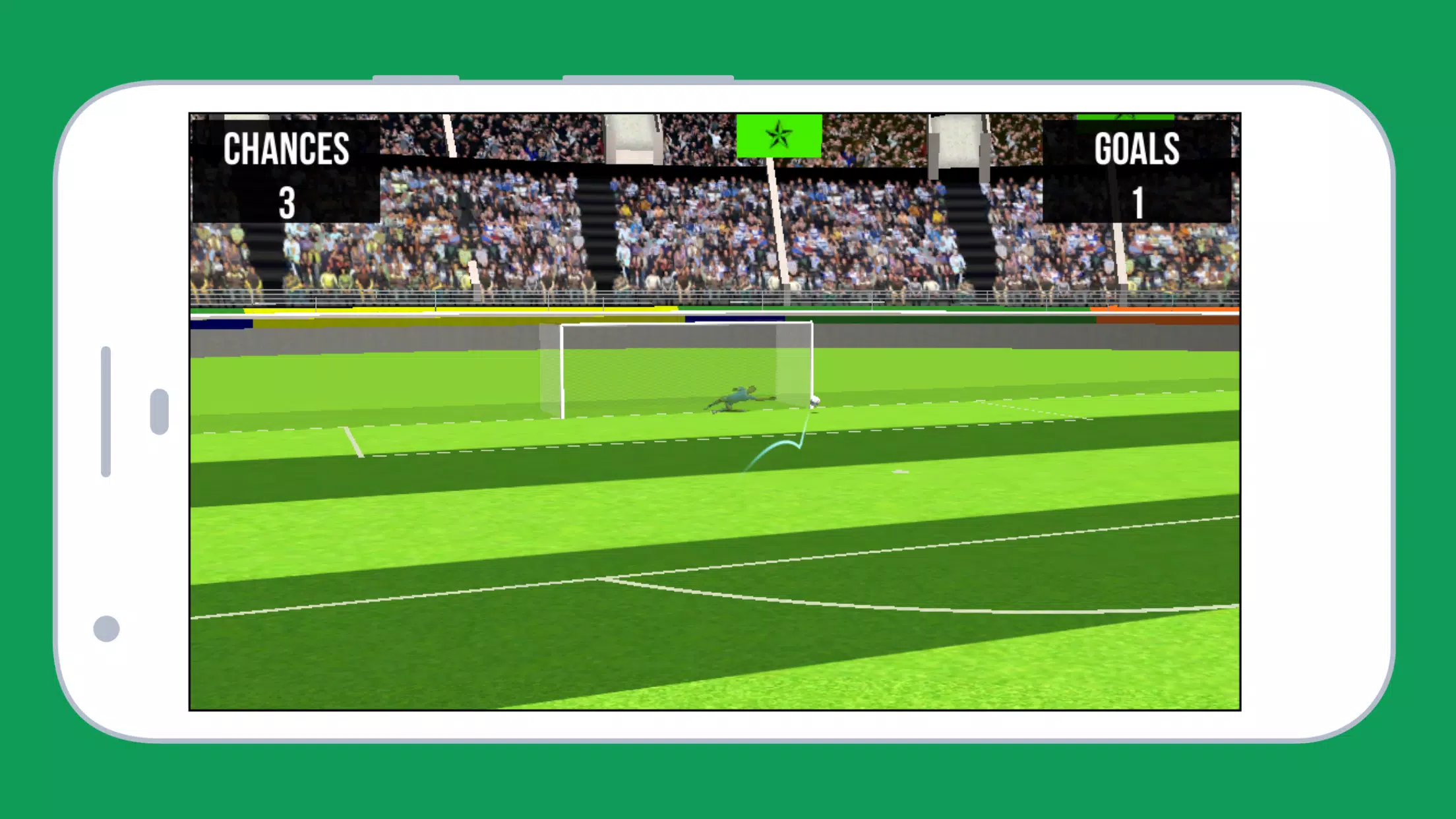
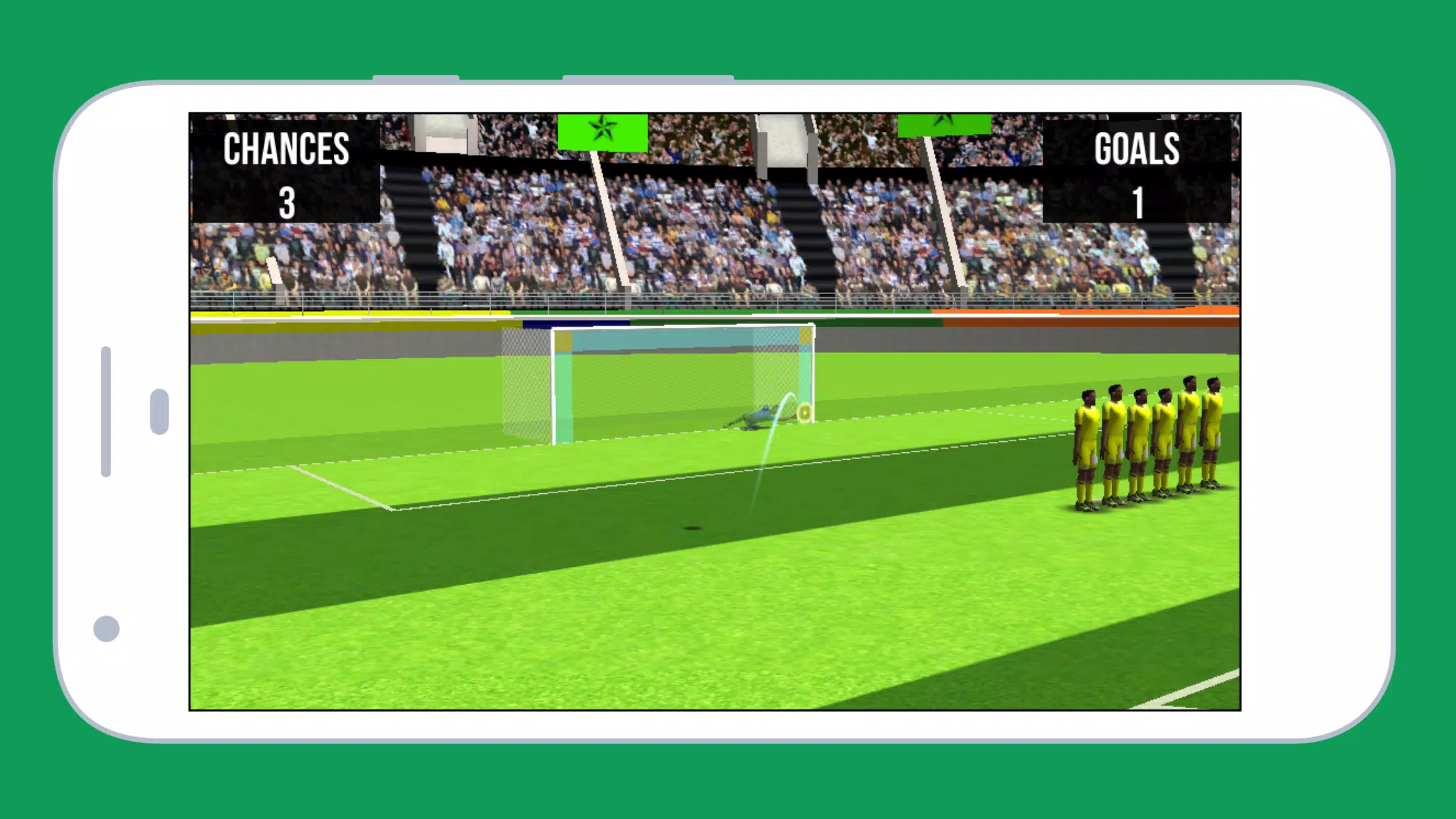
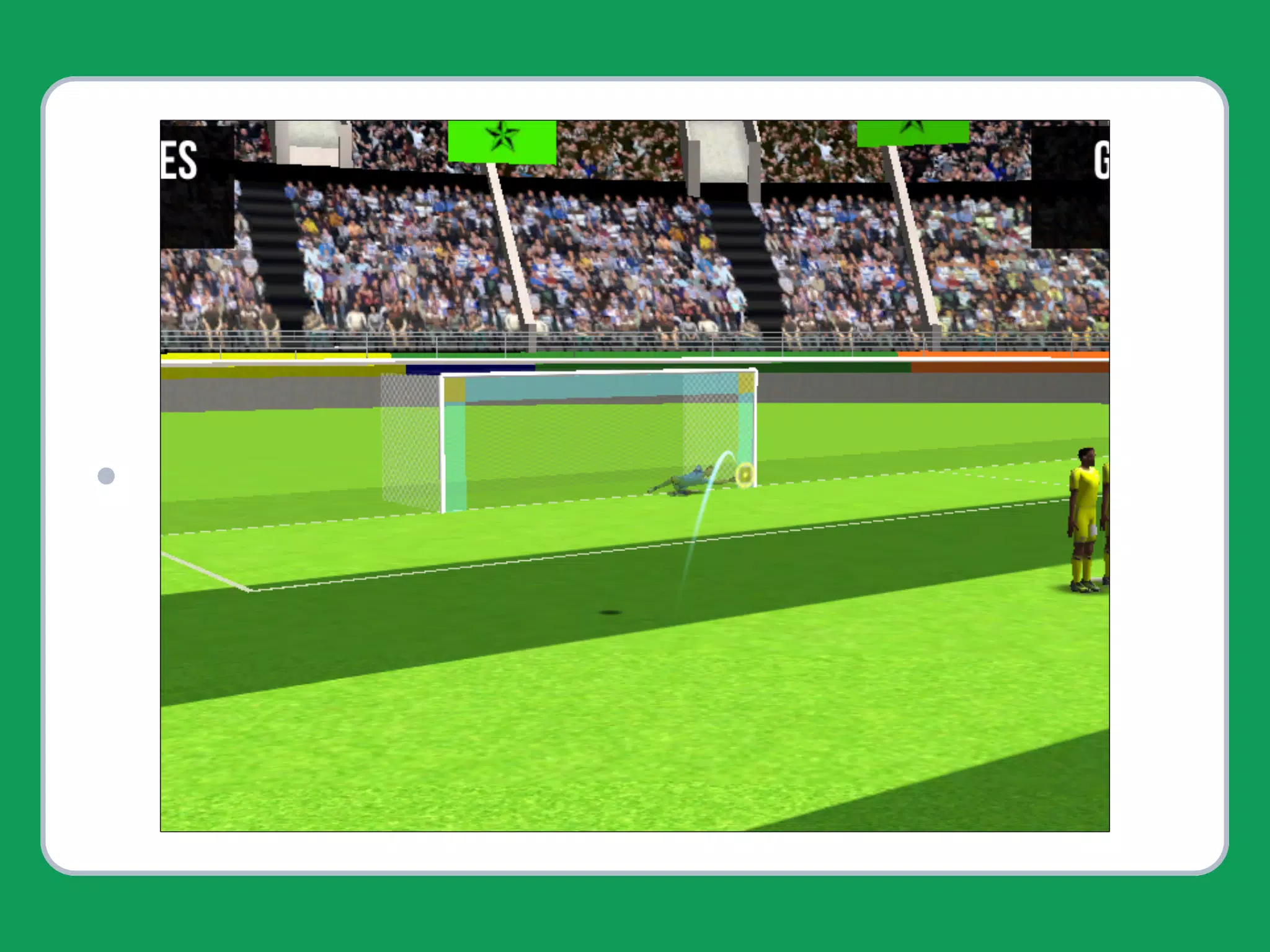
Visually, the app uses streamlined 3D graphics that prioritize clarity and performance over photorealism. Player models, goalposts and stadium lighting provide depth and atmosphere while remaining optimized to conserve memory and battery life. The result is an engaging presentation that runs well on older and mid-range hardware without sacrificing the visual cues that matter most for timing and aiming.
Custom settings let you tailor the experience to your skill level and device constraints. Adjustable options include difficulty scaling, input sensitivity, and toggles for visual aids such as aiming guides and ghost trajectories. Accessibility considerations include a clear color palette for contrast, large touch targets, and options to simplify animations for players who prefer reduced motion. These choices make the app approachable for a wide range of users.
Replay value comes from the combination of incremental challenge, score chasing, and scenario variation. High-score mode encourages repeat attempts to perfect technique and beat personal bests, while the challenge ladder introduces specialized rounds that focus on different aspects of shootout play. Because each round is short, players can practice targeted skills repeatedly until improvement is evident, which keeps the experience rewarding without relying on time-consuming progression loops.
The user experience emphasizes fast startup, clear feedback after each attempt, and straightforward menus that keep you in the action. SHOOTOUT COSMOS FOOTBALL is designed to be fully playable offline, so you can train and practice without a persistent network connection. Local score records and session histories provide a simple way to track progress on-device and encourage steady improvement over time.
Because the interface and resource requirements are lightweight, the app is a practical choice for players who want short, focused training sessions on a variety of hardware. There are no obligatory online accounts or persistent connections required to enjoy the core features, and the balanced learning curve makes the game suitable for newcomers who want a gentle introduction as well as more experienced players seeking to refine specific skills.
File size: 36.40 M Latest Version: 1.2
Requirements: Android Language: English
Votes: 142 Package ID: com.bestfootballgames.shootoutcosmosfootball
Developer: Pterosaur Services

Empower learning and research with our innovative reference apps. Access dictionaries, thesauruses, encyclopedias, and more with our comprehensive databases. Get homework help, study tips, and writing guides from our academic resources. Learn new skills by browsing how-to videos and manuals. Stay up-to-date with latest news, data, and facts curated by our editors.






LIVE A HERO
Retro Hero Mr Kim
Empire of Passion
Arcane Quest Legends
Magic Snap: Momotaro
AllStar Manga Heroes
Lunescape
ONE PIECE Thousand Storm JP
Tap Titans 2










































