Scan to Download
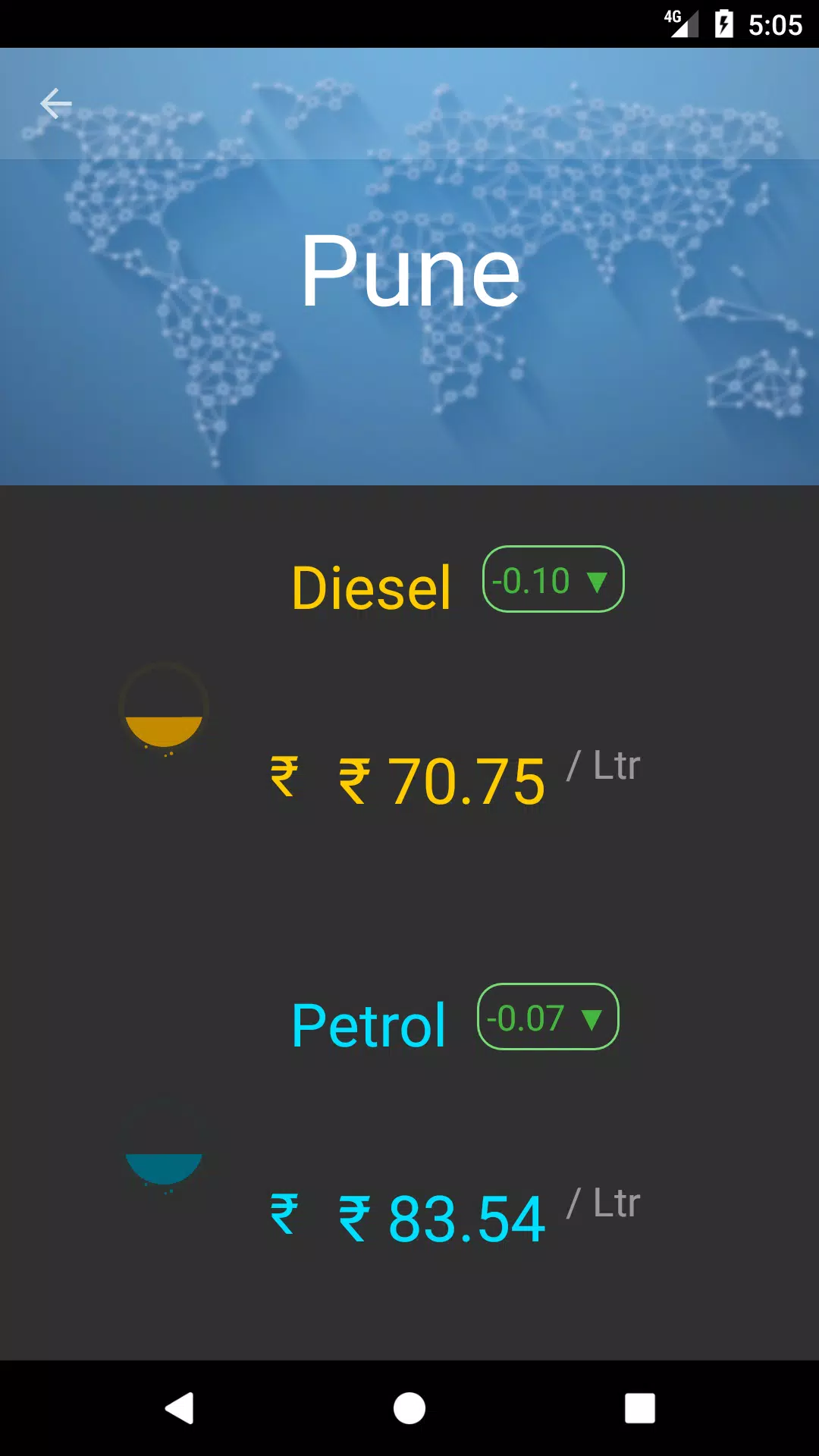
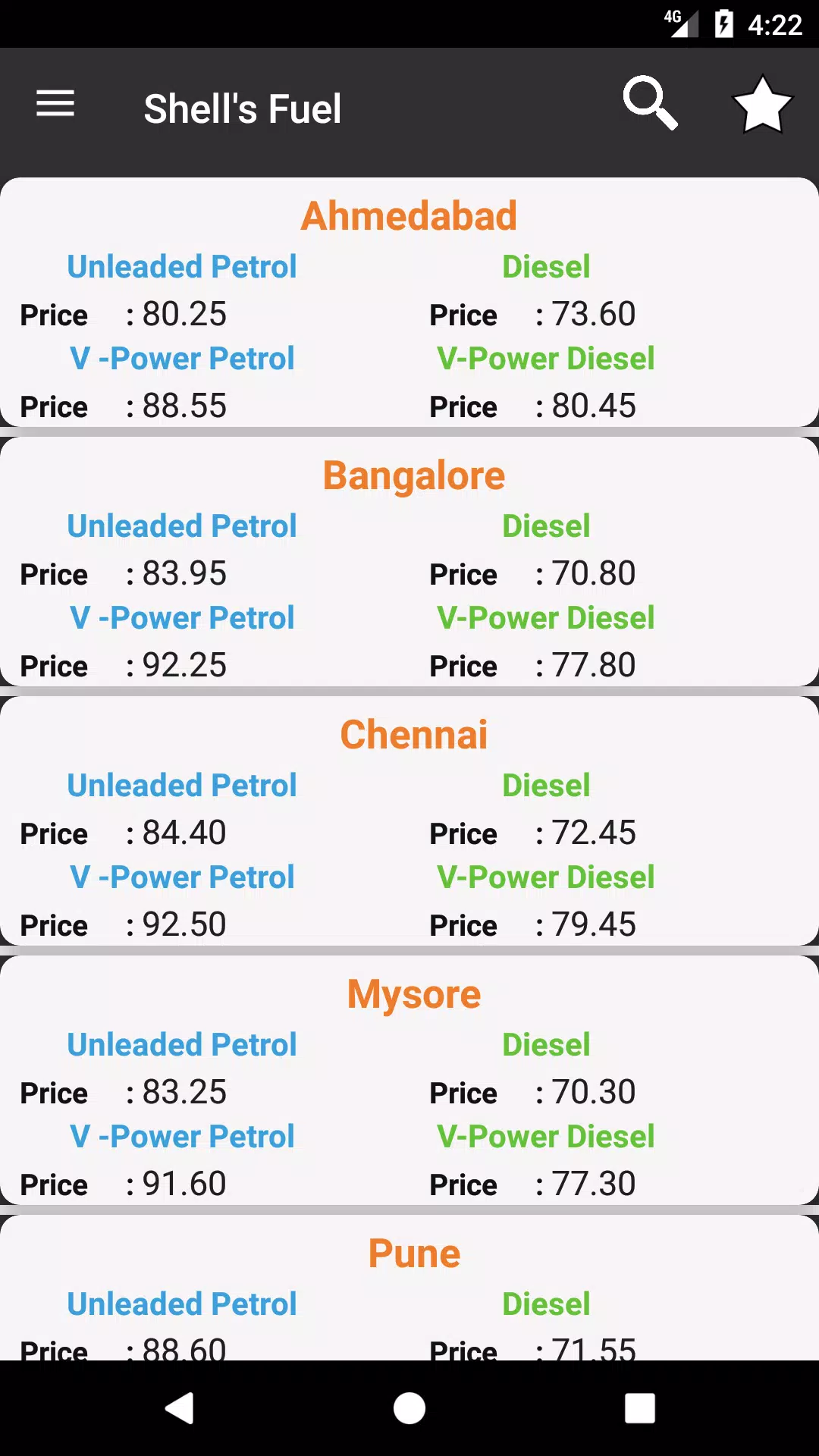
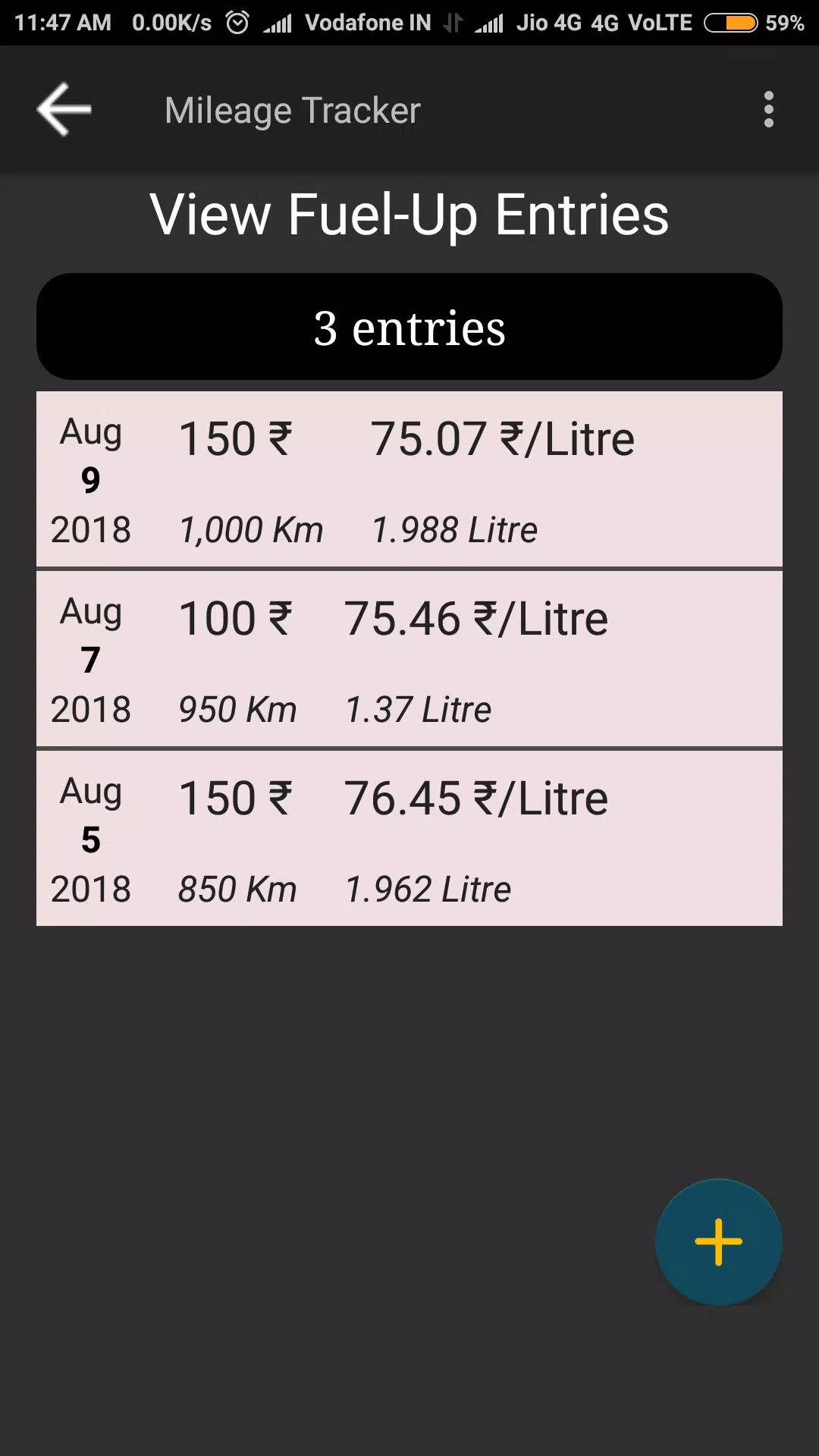
Daily Petrol , Diesel Price : provides a straightforward way to check current petrol and diesel rates in your neighborhood and on planned routes, combining live station pricing, time-stamped updates, and simple calculators so drivers can make informed refuelling choices without extra friction.
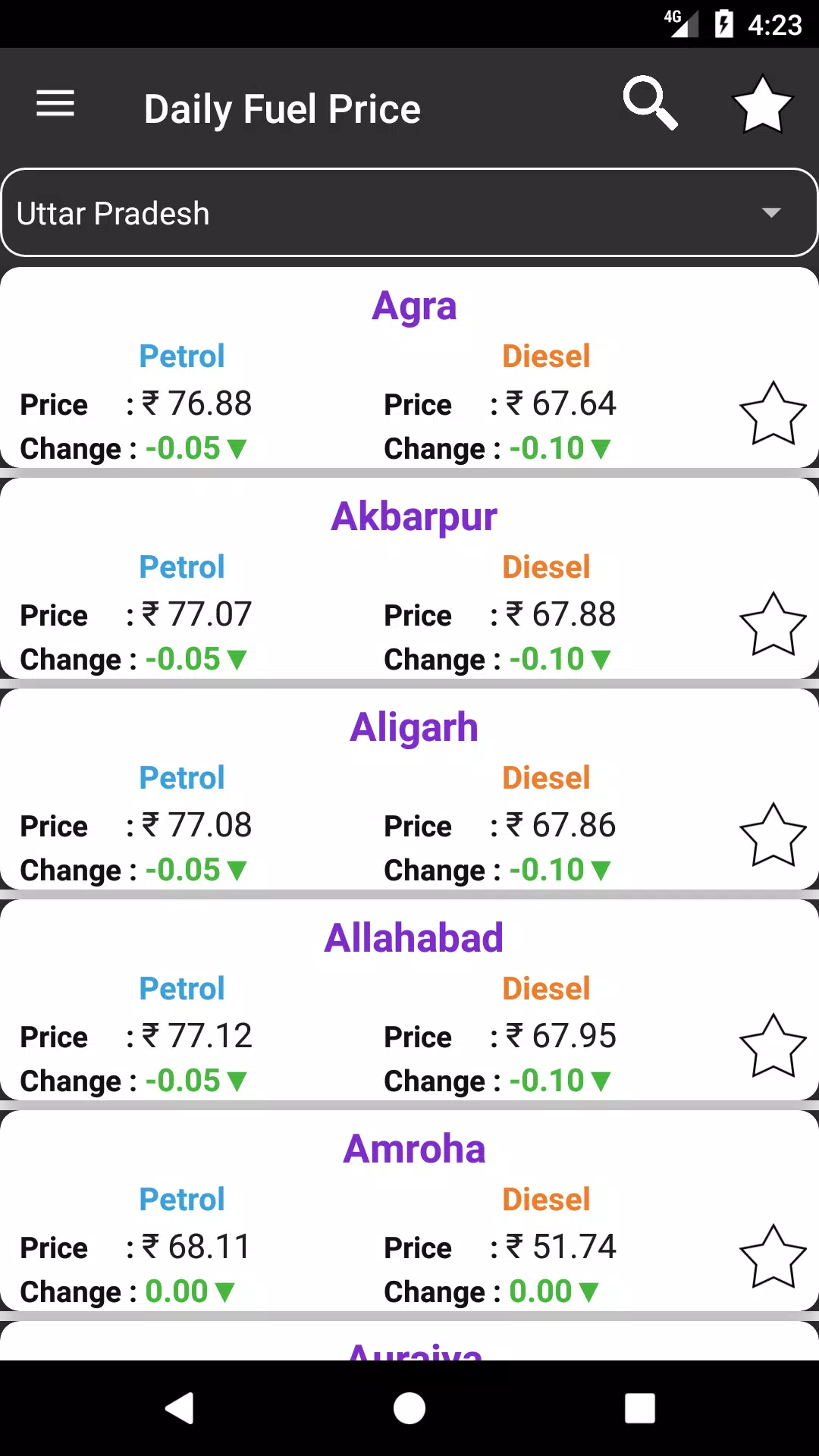
This app focuses on clarity and speed. Open it to see the latest price per litre for petrol and diesel near you, with clear labels for fuel type, last update time, and distance to each station. The display emphasizes readable numbers and a compact layout so that commuters can make quick comparisons at a glance and fleet managers can assess costs across multiple stops.
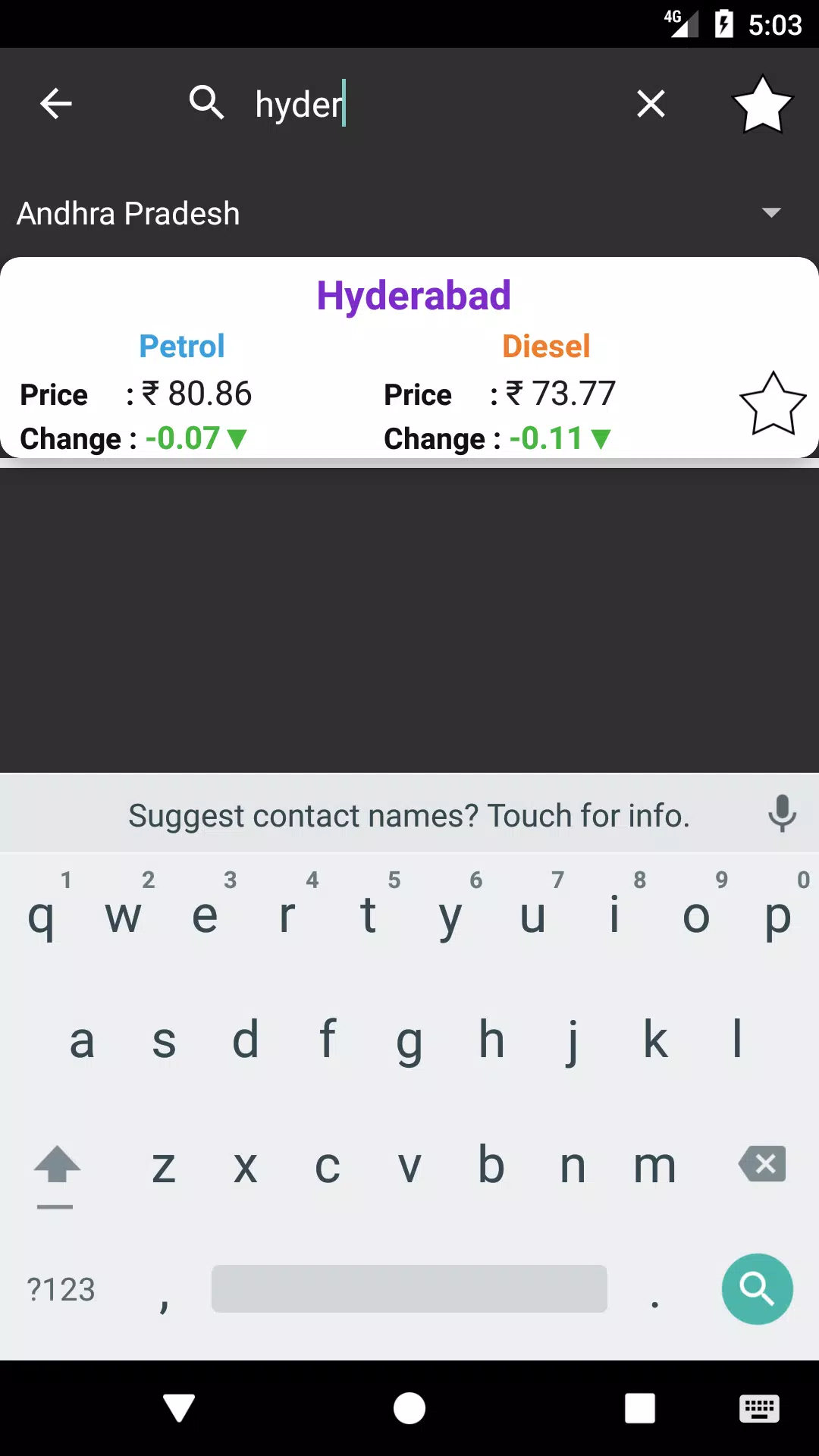
Live price updates come from public feeds and station reports, which the app normalizes into a uniform view. Search and filter tools let you focus on brand, price range, or distance when you need to decide where to stop. Price history for each station tracks recent changes so you can spot short-term trends, and optional alerts notify you when prices cross thresholds you set. A lightweight cache keeps the last known values available when you lose connectivity.
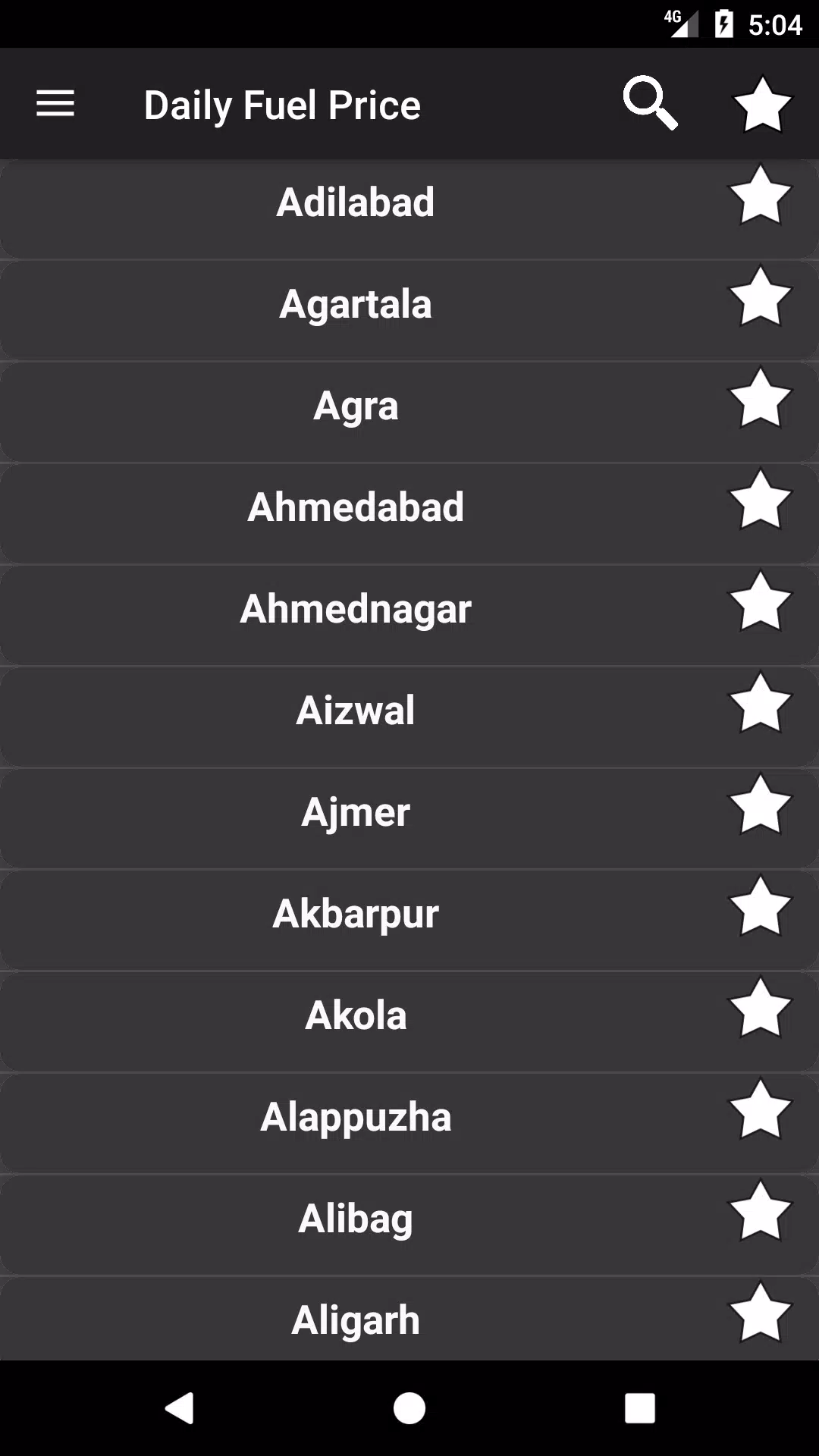
Interaction follows common mobile patterns to keep the learning curve low. The main screen lists nearby stations with tappable rows to reveal details; swipe gestures clear lists or reveal sorting options depending on context. A bottom navigation bar or a slide-out menu provides one-tap access to search, saved favourites, alerts, and settings. Controls are large enough for quick use while stopped, and common actions are reachable with a single thumb press.
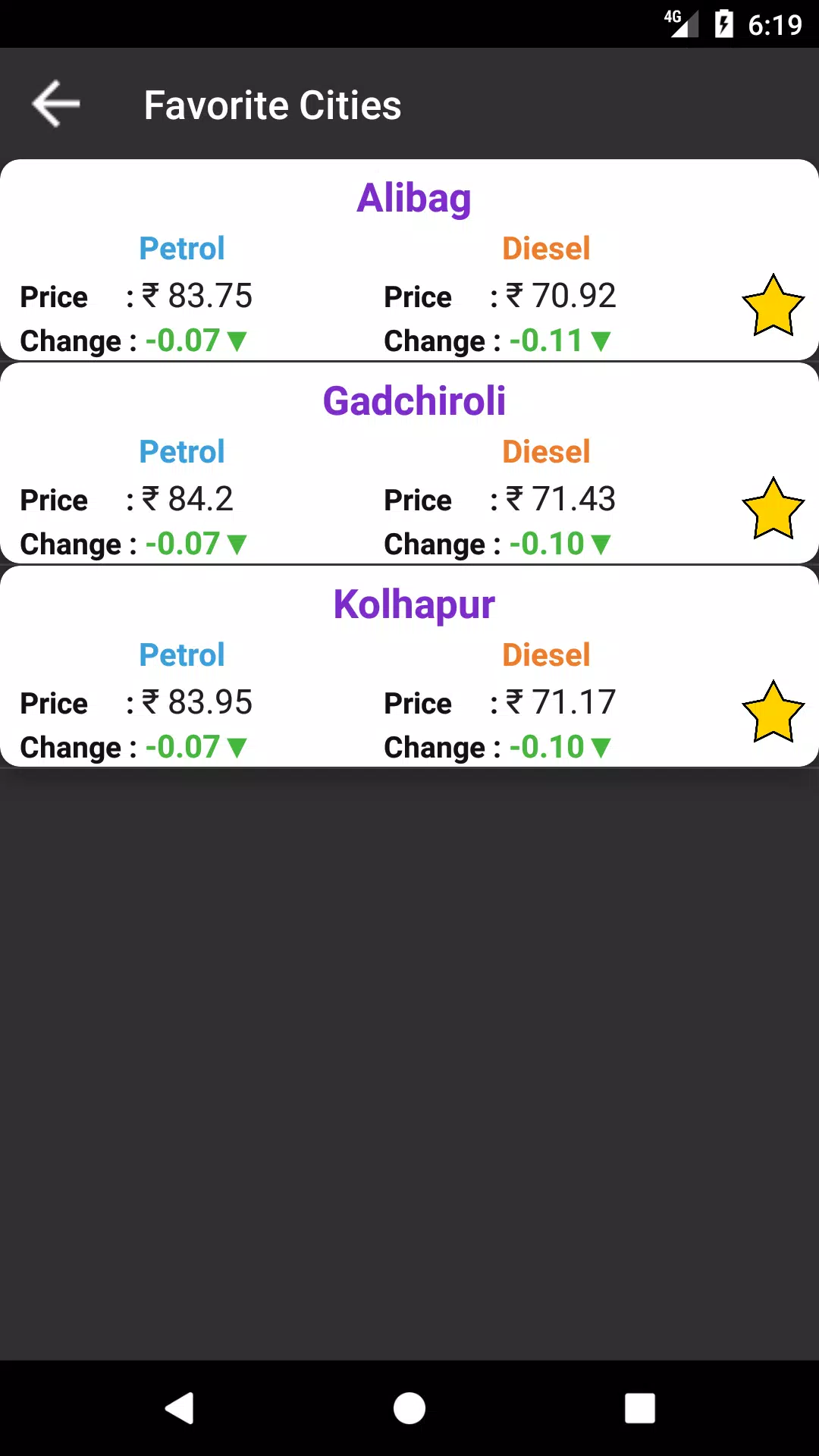
Rather than game-like levels, progression here means increased efficiency as you tailor the app. Save favourite stations to build a personal shortlist for faster comparisons, set alert thresholds that reflect your budget, and choose a preferred fuel type so the app highlights the most relevant rates. Creating an optional account preserves these preferences across devices, so the app feels progressively more useful the longer you use it.
The design uses a high-contrast palette and readable typography to stay legible in bright conditions. Map views show stations as clearly labeled pins with price badges, and zoom levels reveal additional detail such as station services and exact address as you zoom in. Lightweight animations are limited to transitions and map movement to keep the interface responsive on mid-range phones.
Offline caching stores the most recent pricing snapshots so you can view last known values without a network connection. Background synchronization is configurable to balance freshness with battery and data costs; you can select update intervals or restrict sync to Wi-Fi. The app compresses downloaded data and avoids heavy media, limiting routine mobile data use.
Labels are concise and controls support system font scaling to assist users with visual needs. Contrast settings and large tap targets improve usability while stationary, and the app prioritizes fast list rendering and map performance to keep interactions snappy on older devices. Background location requests are optional and can be replaced by manual city or ZIP code input to limit continuous location access.
Enable notifications only for fuel types you actually use to reduce noise, and save two or three frequently visited stations to speed decision making. Use price history before long trips to anticipate budget changes along your route, and adjust alert thresholds seasonally if your local market is volatile. Switching to manual location input is a simple way to preserve privacy while still receiving accurate price lists for a chosen area.
Installing Daily Petrol , Diesel Price : is quick. Grant location permission if you want automatic proximity sorting, or skip it and set a default city or postal code for manual lookups. Create an optional account to sync favourites and alert settings across devices, then fine-tune alerts, preferred fuel type, and distance radius in settings to match how you drive. The first sync is modest in size and subsequent updates are tuned to minimize battery impact.
Users appreciate the app for its straightforward presentation of facts and consistent update cadence. In everyday use it becomes a compact planning tool for quick pre-commute checks, mid-trip lookups, and budget-aware refuelling decisions. Daily Petrol , Diesel Price : aims to reduce uncertainty at the pump by keeping crucial price information accessible, accurate, and easy to act on whenever you need it.
File size: 5.90 M Latest Version: 17
Requirements: Android Language: English
Votes: 328 Package ID: tools.useful.dailyfuelprice
Developer: Buzz Soft Inc.

Must Have Tools Apps for Android
Equip yourself with our all-in-one toolbox app for everyday tasks and projects. Instantly convert between units, calculate tips, scan documents, manage files, and more with handy productivity tools. Includes a level, compass, QR code reader, ruler, speedometer, decibel meter, and flashlight. Save frequently used tools to your customizable dashboard for one-tap access. Track billable hours, wages, budgets, and invoices. Annotate screenshots, magnify labels, and sign PDFs on the go.






LIVE A HERO
Retro Hero Mr Kim
Empire of Passion
Arcane Quest Legends
Magic Snap: Momotaro
AllStar Manga Heroes
Lunescape
ONE PIECE Thousand Storm JP
Tap Titans 2










































