
Scan to Download
Sahifah Sajjadiyyah brings a curated digital edition of classical supplications and devotional texts to Android devices, combining readable layout with audio playback, bookmarking, and search. This app aims to make recitation and study easier by offering clear navigation, contextual notes, and tools for daily practice in both online and offline environments.
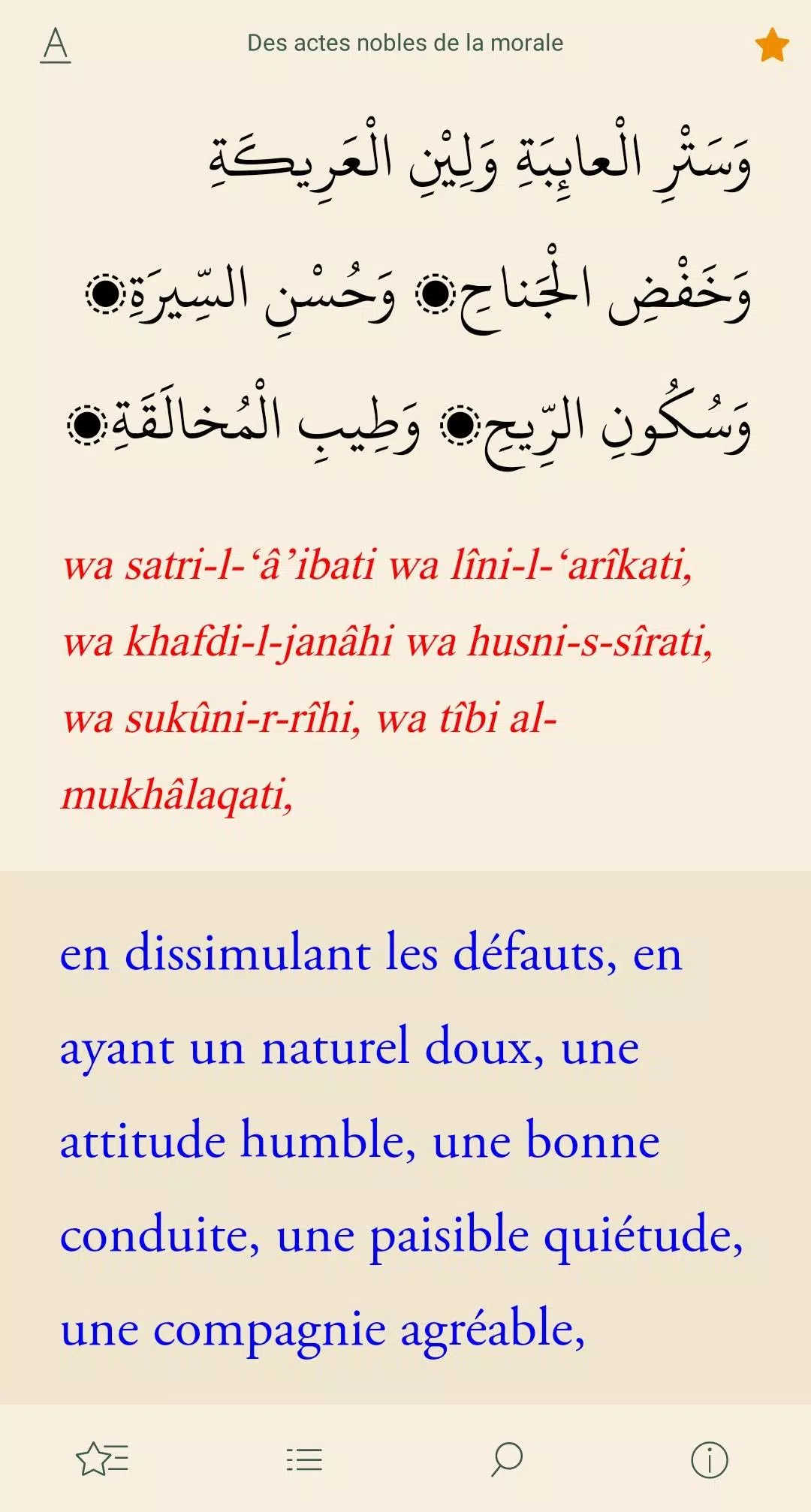
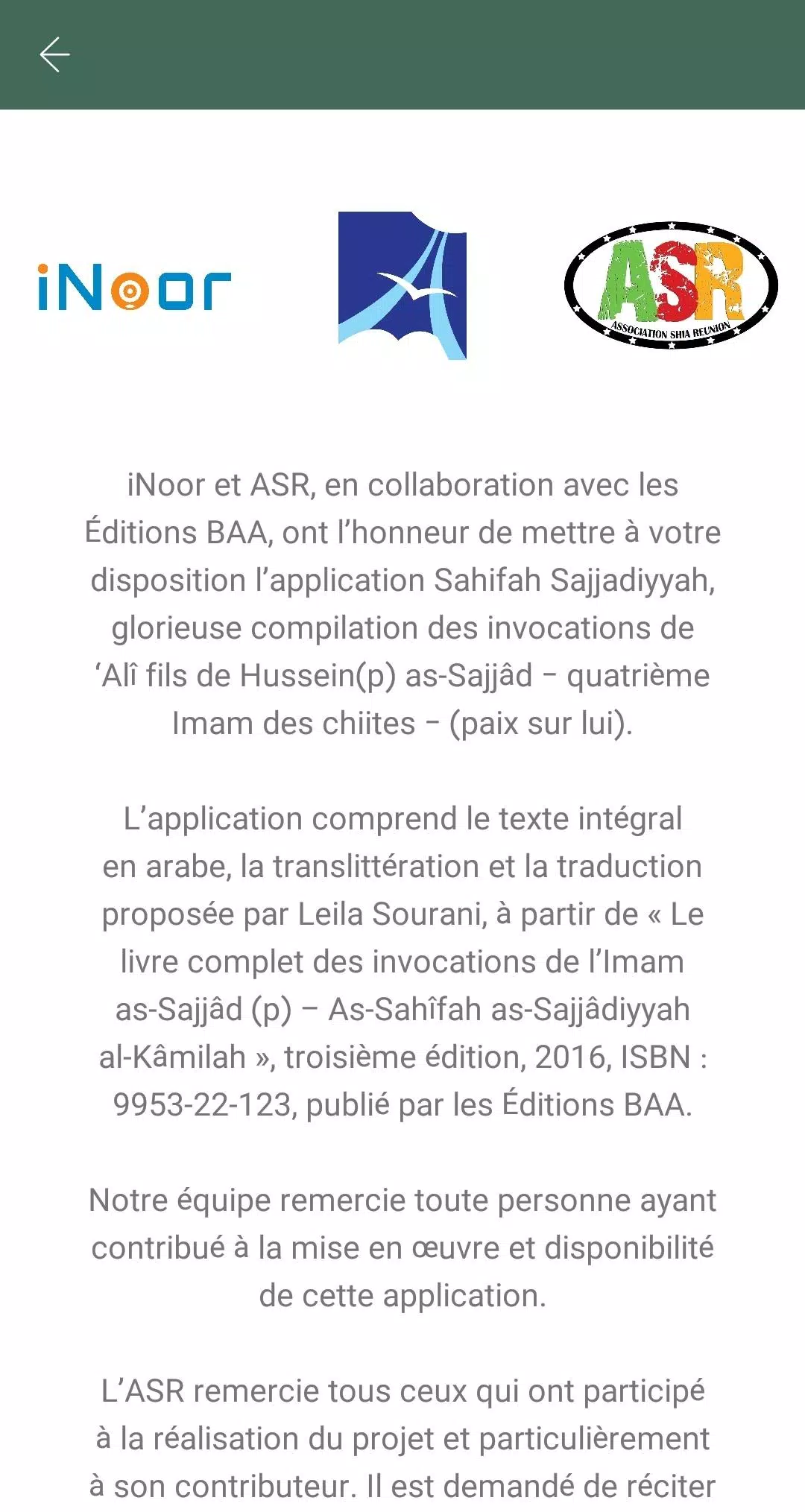
Designed for users who want a focused, respectful presentation of the Sahifah Sajjadiyyah material, this application turns an important devotional collection into a practical study and recitation tool. It organizes prayers by theme, preserves original Arabic scripts alongside translations and transliteration, and includes auxiliary material such as brief introductions and historical context to aid comprehension.
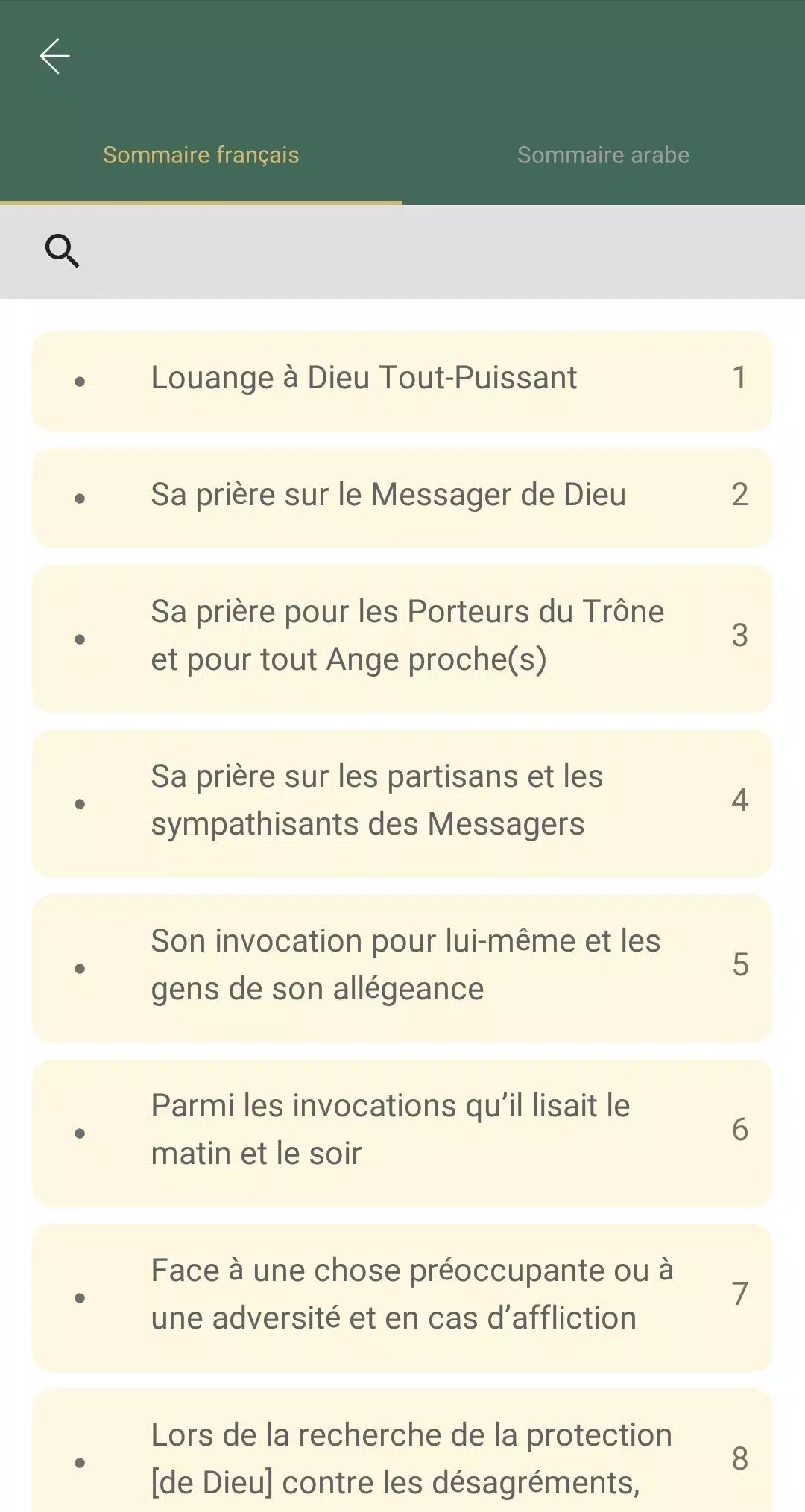
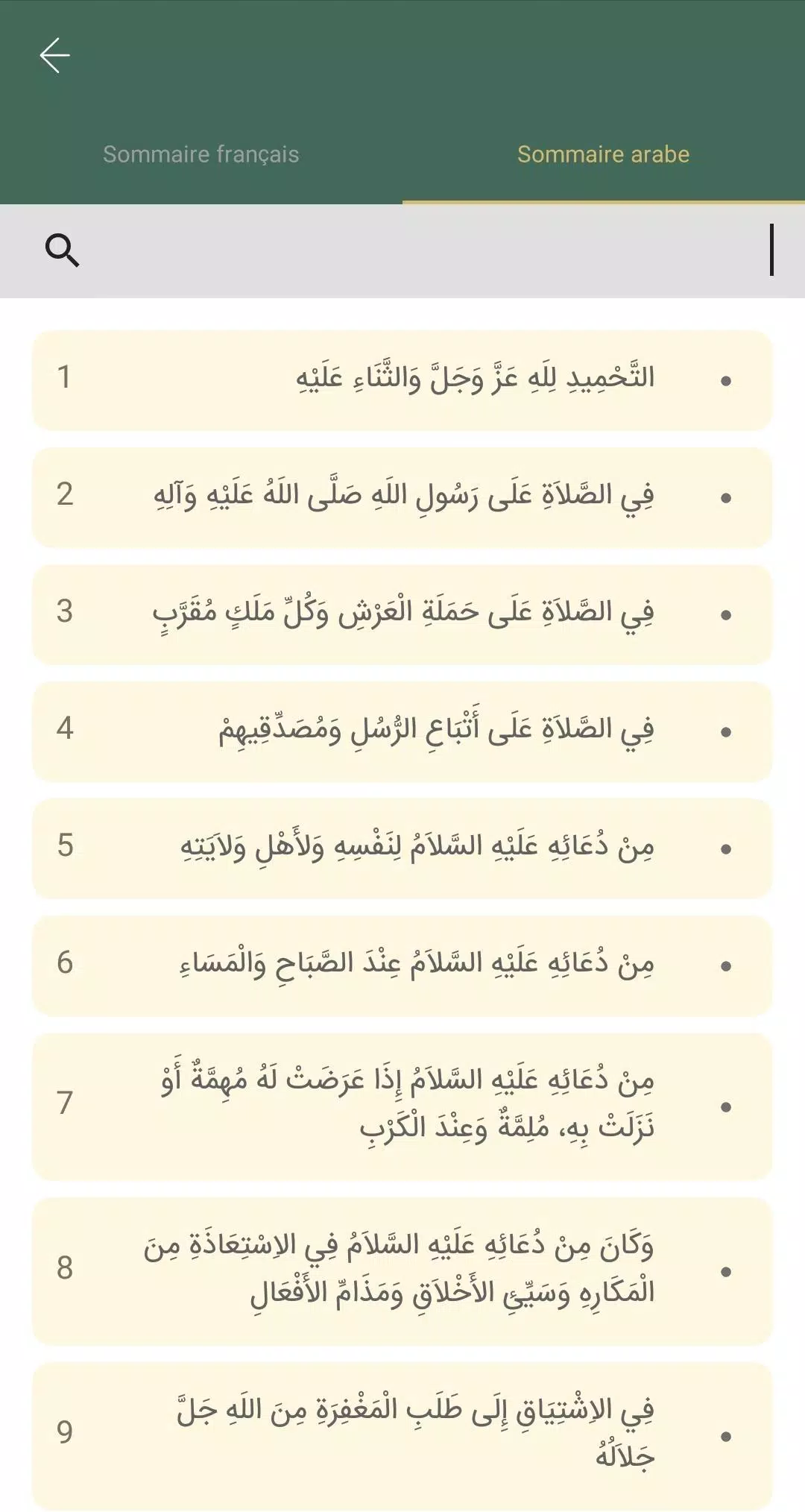
The app presents a main contents index that groups supplications by topic and sequence. Tap any entry to open the full text, where controls for audio and translation appear at the top. Use the built-in search field to jump to passages, or filter entries by keywords. The note system attaches annotations to specific sections so study sessions remain organized and easily revisited.
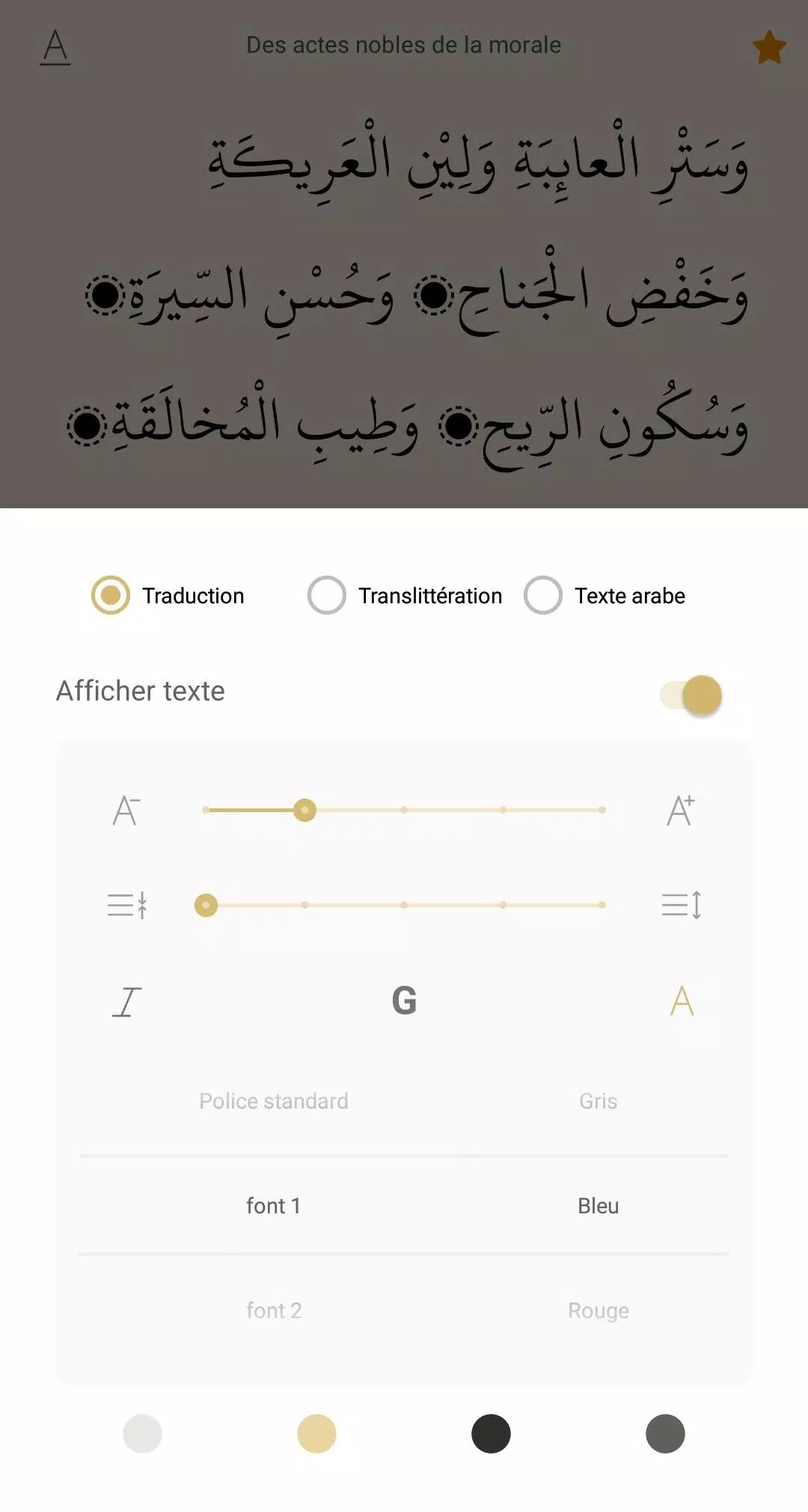
Navigation follows modern Android patterns: a bottom or side menu provides quick access to Home, Bookmarks, Downloads, and Settings. The layout emphasizes legibility with adjustable line spacing and responsive font scaling. Performance is optimized for low memory overhead; caching strategies keep recently used texts available while minimizing background CPU usage. Audio buffering reduces stutter on slower connections.
Installation is straightforward through the Android store. After installing, grant optional storage permission to enable offline downloads. On first launch, a short setup guide shows how to download audio packs and configure display preferences. Users can import custom bookmarks or export their notes for backup. Sahifah Sajjadiyyah keeps the initial setup minimal so you can begin reading or listening within minutes.
Set up a daily reminder to encourage consistent recitation and use the app's playback loop for repetitive memorization. Use the transliteration view to learn pronunciation, then switch to Arabic when comfortable. Back up bookmarks periodically to cloud storage or local files to prevent data loss during device changes. For longer sessions, enable night mode and enlarge the font to reduce eye strain.
Personalize notifications for specific prayers, create themed collections (for example, morning, evening, or healing supplications), and group notes by topic. The app supports creating a running practice list so users can mark progress and set the next passage to study. Such small workflow tools help turn reading into a sustainable habit.
Many users appreciate the respectful presentation and the balance between scholarly notes and straightforward reading tools. Regular updates add features like improved search filters and new audio recordings. The combination of readability, offline capability, and simple study aids makes Sahifah Sajjadiyyah a practical resource for both newcomers and those familiar with the text.
If you want a focused digital companion for study and recitation, this app provides the core utilities expected for devotional practice while keeping the interface uncluttered and reliable.
File size: 9.70 M Latest Version: 1.0.5
Requirements: Android Language: English
Votes: 435 Package ID: com.mehdok.amorph.ketub.alsahife
Developer: Association Shia Reunion



Must Have Home Apps for Android
Make your house a home with our suite of helpful home apps. Discover clever tools to organize closets, streamline chores, and simplify cooking. Take the stress out of cleaning and maintenance with handy checklists and schedules. Enhance security and control appliances and lighting with our smart home integrations. Design, visualize, and renovate like a pro using our 3D planning software.






LIVE A HERO
Retro Hero Mr Kim
Empire of Passion
Arcane Quest Legends
Magic Snap: Momotaro
AllStar Manga Heroes
Lunescape
ONE PIECE Thousand Storm JP
Tap Titans 2










































