
Scan to Download
Vitrola Gospel delivers a focused streaming and playback experience for gospel music lovers, combining curated stations, offline listening, and easy playlist creation. The app simplifies access to hymns, praise, and contemporary worship tracks with a clean interface, strong audio controls, and tools tailored for devotional and everyday listening.
Vitrola Gospel is built around a simple promise: make gospel music easy to find, organize, and enjoy. It brings curated radio channels, a searchable library, and personalized recommendations so users can move from quiet reflection to energetic praise in seconds. Whether you want background music for a gathering or a set of songs for personal devotion, the app provides the essentials without clutter.
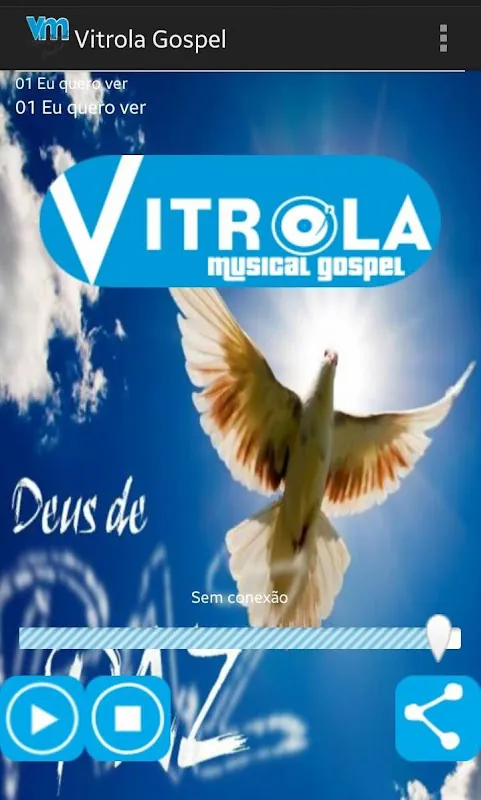
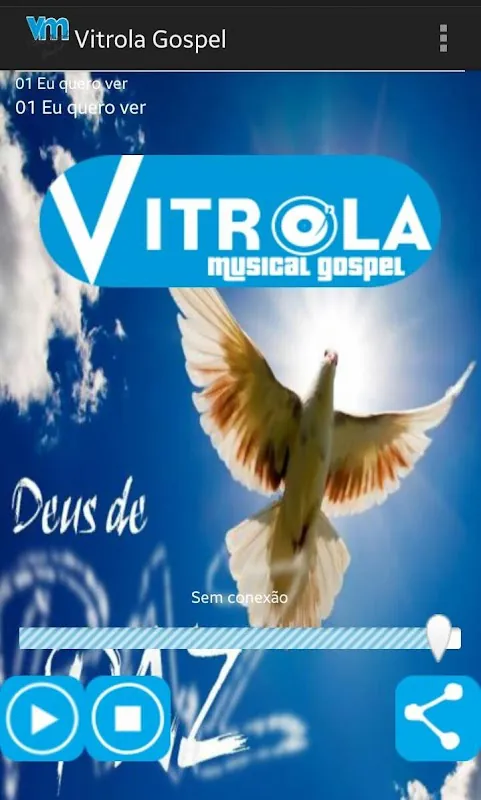
The app interface prioritizes clarity: a bottom navigation bar keeps Home, Search, Library, and Player controls within reach. Album art and track metadata are prominently displayed on the player screen, and contextual buttons offer one-tap bookmarking, sharing, or download. The UI uses readable typography and high-contrast elements to stay accessible across devices.
Organizing music in Vitrola Gospel is straightforward. Import tracks into the library or follow artist pages to receive new-release notifications. The app supports tags and folders so you can separate worship sets from choir rehearsals or sermon soundbites. Smart folders automatically group songs by tempo, language, or theme for quick playlist building.
Audio quality and responsiveness are central to the app. Vitrola Gospel supports adaptive streaming that adjusts bitrate based on connection strength, plus options for high-fidelity downloads when you want maximum clarity. The player includes gapless playback, replay controls, and a sleep timer for evening devotionals.
Share songs or playlists with friends and congregations using direct links or social media integration. The app also supports collaborative playlists so small groups can add songs for events or services. Community-curated lists and staff picks provide fresh listening ideas and expose users to emerging gospel artists.
Vitrola Gospel is optimized to run smoothly on a wide range of Android devices. Background playback is efficient on battery, and the app minimizes data usage through smart caching. It also integrates with common casting protocols for easy connection to speakers and smart TVs.
Account features include secure login, profile settings, and control over data sync. Users can choose to keep listening activity private or opt into personalized recommendations. Downloaded content is stored locally and can be cleared at any time to free up space.
Getting up and running with Vitrola Gospel is quick: install the app, sign in or create a free account, and explore curated stations. Add songs to a new playlist, enable offline downloads for key tracks, and adjust audio settings to match your listening environment. The app also offers brief onboarding tips to highlight useful features.
With focused tools for discovery, playback, and sharing, Vitrola Gospel aims to be a reliable companion for worship leaders, casual listeners, and anyone seeking uplifting gospel music. Its combination of performance features and thoughtful organization helps users build the right soundtrack for every moment.
File size: 1.10 M Latest Version: 0x7f060017
Requirements: Android Language: English
Votes: 155 Package ID: br.com.vitrolamusical.gospel
Developer: Alliance Softwares

Must Have Home Apps for Android
Make your house a home with our suite of helpful home apps. Discover clever tools to organize closets, streamline chores, and simplify cooking. Take the stress out of cleaning and maintenance with handy checklists and schedules. Enhance security and control appliances and lighting with our smart home integrations. Design, visualize, and renovate like a pro using our 3D planning software.






LIVE A HERO
Retro Hero Mr Kim
Empire of Passion
Arcane Quest Legends
Magic Snap: Momotaro
AllStar Manga Heroes
Lunescape
ONE PIECE Thousand Storm JP
Tap Titans 2










































