
Scan to Download
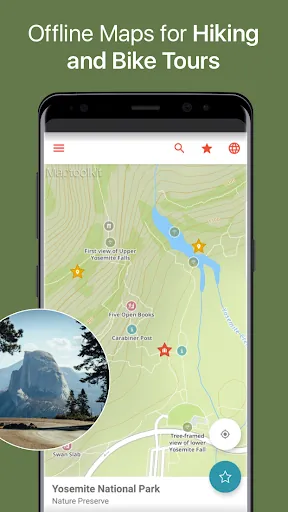
CityMaps2Go Offline maps puts detailed maps, points of interest, and route planning in your pocket without a constant internet connection. It allows travelers to download entire regions, search addresses offline, bookmark favorite spots, and get turn-by-turn guidance when online — a practical companion for travel, hiking, and everyday navigation.
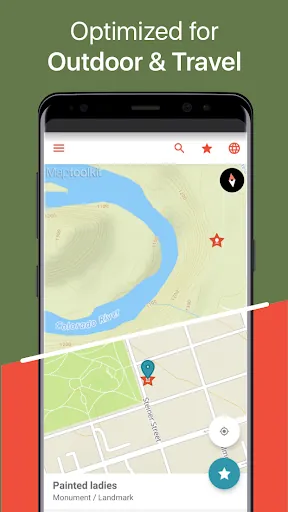
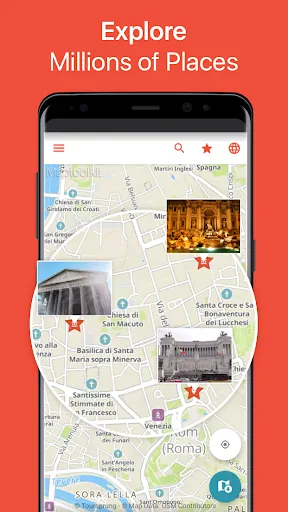
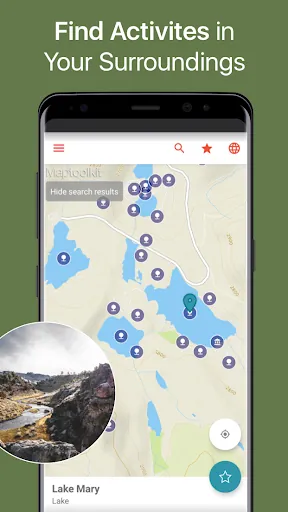
This Android utility focuses on delivering reliable offline map access with an emphasis on ease of use and compact storage. The app caches maps at multiple zoom levels, highlights POIs such as restaurants and transit stops, and integrates with your device's GPS so location services work even when cellular data is unavailable. It’s designed for people who need map access in airplanes, rural areas, or when avoiding roaming charges.
After installing the app and selecting a region, maps download to your device and remain accessible even when airplane mode is on. The interface shows your current GPS position, lets you tap to create markers, and supports offline searches for saved entries and POIs. When you do reconnect, the app can refresh map tiles and sync changes to bookmarks or notes.
CityMaps2Go Offline maps keeps a toolbox of features geared toward travelers and commuters. You’ll find a simple measuring tool for distances, import/export of GPX files for hiking routes, and options to attach notes or photos to bookmarks. Integration with external navigation apps can hand off routing when live navigation is required.
The design emphasizes clarity: large icons, readable labels, and a map-first layout. Tile rendering is optimized to minimize lag while panning, and downloads are queued so you can continue using the app while new areas are saved. Performance varies with device hardware and selected map detail, but picking lower-resolution tiles helps preserve storage and memory.
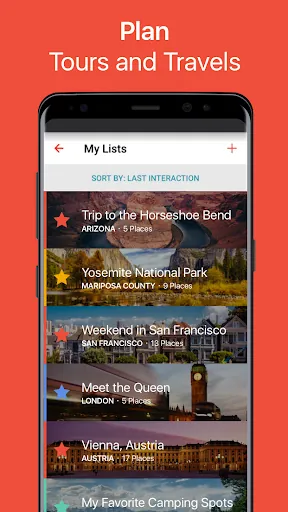
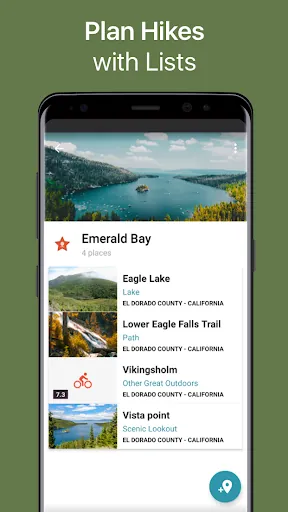
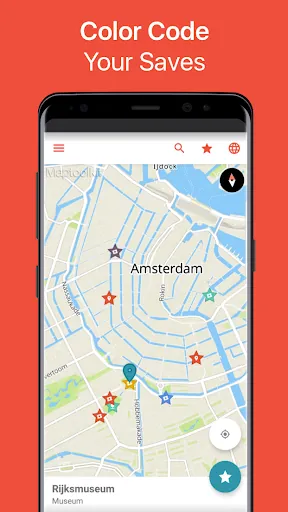
Users can tailor map content by toggling layers for transit, terrain, or cycling routes. Create personalized folders for different trips and color-code markers for quick visual sorting. The app’s settings also let you decide whether maps update automatically on Wi‑Fi or only on demand.
For photographers and field workers, enabling GPS logging (where supported) preserves a simple timeline of visited locations. Families and groups can create shared collections by exporting bookmarks and sending them via email or messaging apps.
Install from the Android store, then open the app and allow location permissions for best results. Tap the download icon to pick a region, adjust quality settings if needed, and wait for tiles to finish downloading. Once offline, test a few searches and save a landmark or two to ensure bookmarks sync properly when you reconnect.
CityMaps2Go Offline maps balances functionality with portability: it gives you the essential mapping tools without requiring always-on connectivity. Whether you’re navigating unfamiliar cities, trekking off the beaten path, or conserving mobile data, the app provides an approachable and dependable offline mapping experience.
File size: 102.90 M Latest Version: 13.0.0 (Play)
Requirements: Android Language: English
Votes: 150 Package ID: com.ulmon.android.citymaps2go
Developer: CityMaps2Go


Top Free Business Necessary Apps for Android
Streamline operations and maximize productivity with our innovative business apps. Manage contacts, schedule meetings, and route calls seamlessly. Collaborate on documents and projects in real-time. Track inventory, finances, and analytics to inform smart decisions. Build customized proposals, invoices, and contracts to win clients. Stay on top of emails, tasks, and passwords for efficient work.






LIVE A HERO
Retro Hero Mr Kim
Empire of Passion
Arcane Quest Legends
Magic Snap: Momotaro
AllStar Manga Heroes
Lunescape
ONE PIECE Thousand Storm JP
Tap Titans 2










































