
Scan to Download
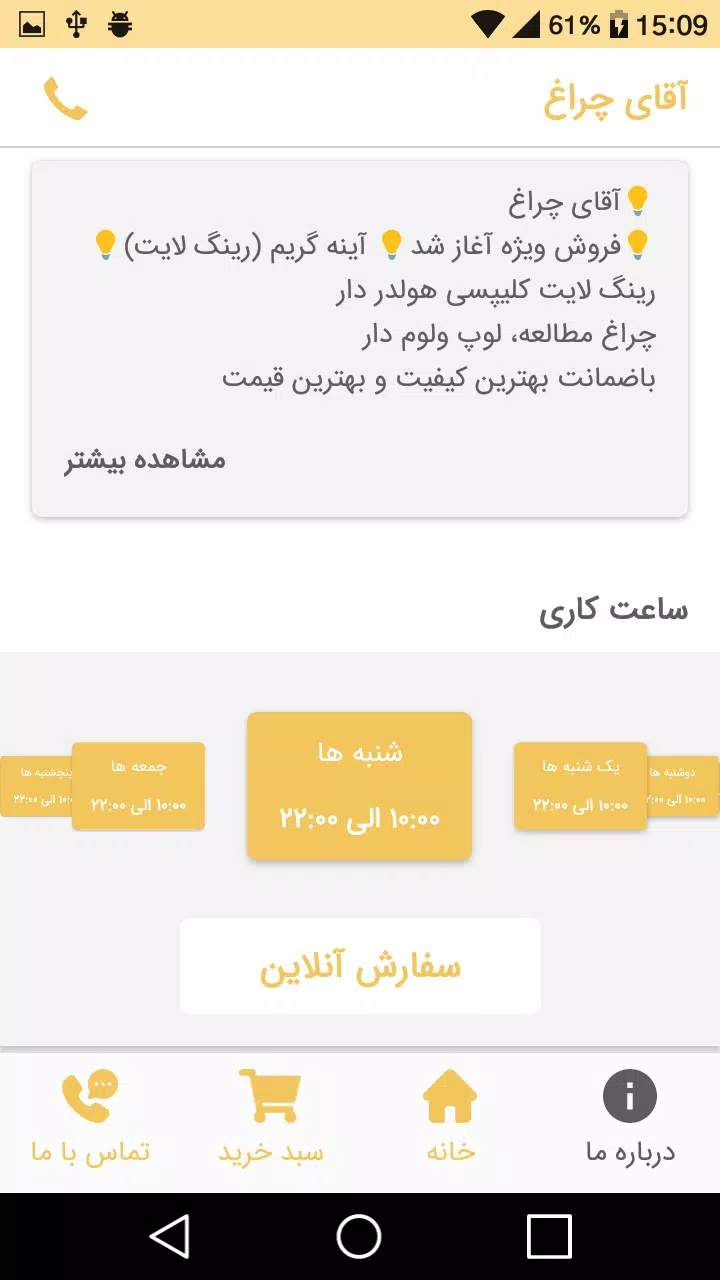
آقای چراغ is a compact utility that transforms an Android phone into a reliable lighting and signaling tool. Designed for quick access, it combines flashlight control, adjustable color modes, and safety features into a single app, making routine tasks and emergencies easier to handle with minimal setup.
Many users look for a simple, dependable flashlight app without clutter. آقای چراغ targets that need with a focused feature set and a lightweight footprint. It launches fast, responds to physical buttons, and keeps essential controls on one screen so you can get a light source instantly when you need it.
The app emphasizes straightforward tools. At its core you will find instant torch control, screen illumination modes for lower brightness, and strobe options for attention signals. Each mode is accessible from the main interface and toggles smoothly, minimizing battery drain while delivering consistent output.
آقای چراغ blends practical extras with its main purpose. Highlights include:
The interface steers clear of visual clutter. Large, clearly labeled buttons make mode selection intuitive. Icons use high-contrast colors so they remain visible in low light, and the app supports three layout sizes to suit phones of different screen dimensions. Transitions are fast, and options are grouped logically to reduce accidental taps.
Performance is a priority. The app keeps background activity to a minimum and disables unnecessary services while the light is off. When using the camera LED at high intensity, the app recommends short bursts to avoid overheating. Screen-based light modes consume less power and offer a softer alternative when preserving battery is important.
آقای چراغ includes simple safety measures: a timeout option to prevent prolonged use and a lock feature that avoids accidental toggle during transport. Accessibility settings scale button sizes and support screen reader labels so users with different needs can operate the app comfortably.
Install, grant camera and system permissions when prompted, and place a widget on the home screen for instant access. First-time users can run the guided setup to test brightness levels and select a default mode. The app keeps settings persistent, so your preferred configuration is ready each time you open it.
Begin with the screen light for reading instead of the camera LED to save battery. Use the strobe only in emergencies to avoid drawing unnecessary attention. If you frequently need a medium glow, set a home-screen shortcut that activates that exact intensity with one tap.
Feedback often highlights the app’s reliability and minimal learning curve. People who need a quick, no-nonsense lighting tool value the way آقای چراغ balances useful extras with a clean interface. Power users also like the customizable patterns and the ability to fine-tune brightness without hunting through nested menus.
Regular updates keep the app compatible with recent Android releases and add small refinements to controls. The developer focuses on stability and battery optimization rather than feature bloat, so users get steady improvements over time without invasive changes to the core experience.
For anyone who wants a dependable, easy-to-use lighting utility on their phone, آقای چراغ provides the essentials with a few thoughtful enhancements. It’s a practical choice for daily tasks, travel, and emergency preparedness without unnecessary extras getting in the way.
File size: 5.70 M Latest Version: 2.0
Requirements: Android Language: English
Votes: 384 Package ID: com.bartarinha80803.app
Developer: Bartarinha



Best Free Travel Apps for Your Android Phone
Make travel planning effortless with our all-in-one trip companion app! Get insider tips from locals on top attractions, hidden gems, restaurants, and accommodations at your destination. Book flights, rental cars, and hotels at the lowest prices. Access maps offline; track bookings, itineraries, and reservations; create shared group trips; and auto-translate menus, signs, and conversations abroad. Our clever algorithms surface personalized recommendations everywhere you go.






LIVE A HERO
Retro Hero Mr Kim
Empire of Passion
Arcane Quest Legends
Magic Snap: Momotaro
AllStar Manga Heroes
Lunescape
ONE PIECE Thousand Storm JP
Tap Titans 2










































