Scan to Download
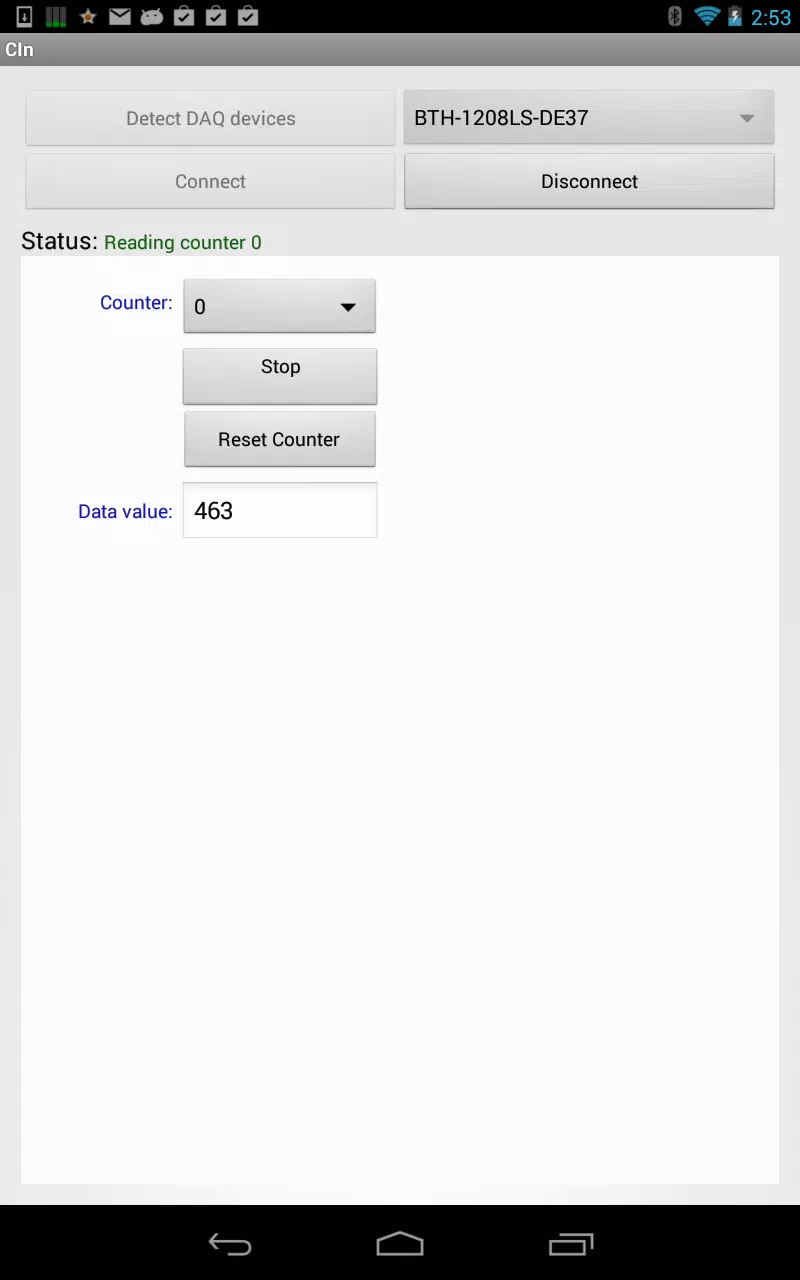
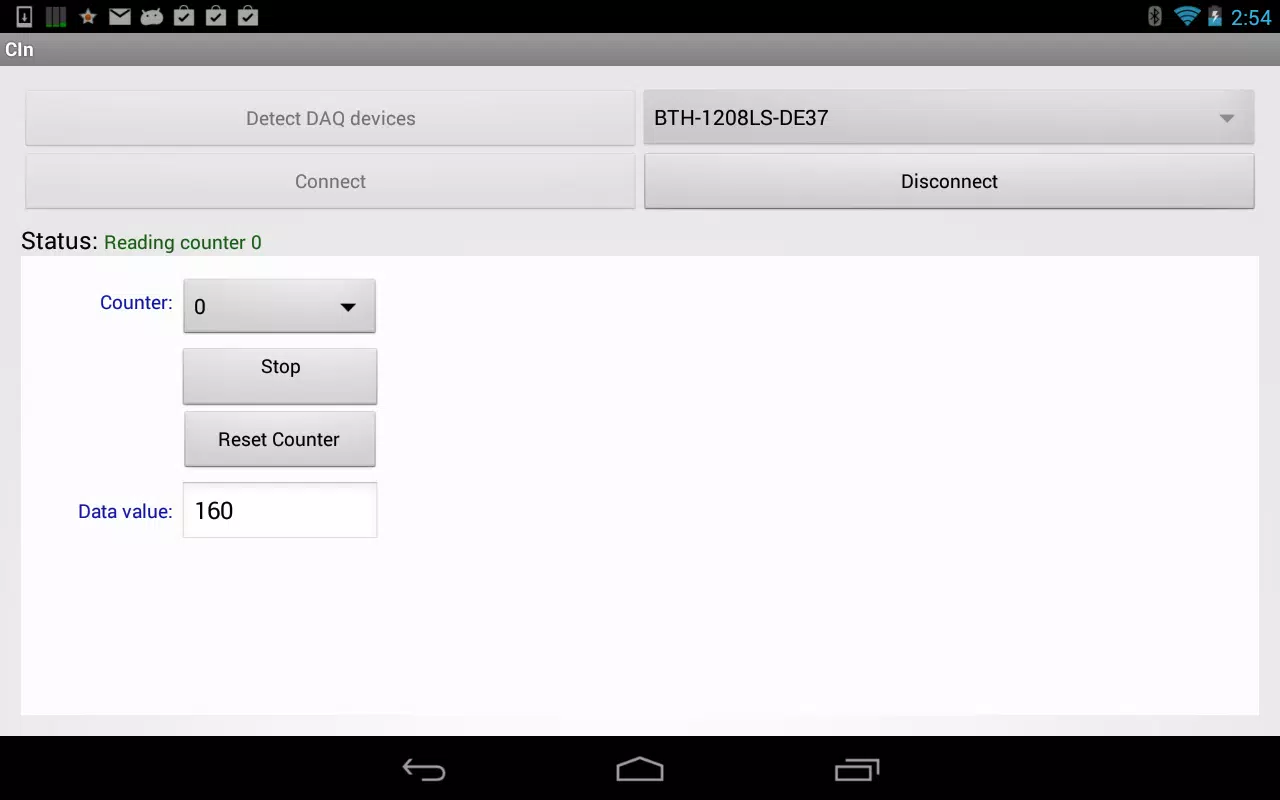
Counter Input Demo is a compact utility that showcases flexible numeric input controls for Android developers and testers. It provides interactive counter widgets, validation scenarios, and accessibility options to model how incremental input behaves in real apps, helping teams prototype, debug, and fine tune user interactions quickly.
The Counter Input Demo focuses on practical, developer-friendly features rather than full consumer functionality. The app presents multiple counter types: stepper controls for small increments, long-press acceleration for rapid changes, and bounded inputs that enforce minimum and maximum values. Real-time validation highlights invalid states while preserving user context, and built-in accessibility attributes make it straightforward to evaluate screen reader behavior and focus navigation.
Designers will appreciate the simple, responsive layout. Controls are grouped with clear labels and active state feedback. Each counter combines tactile buttons and editable numeric fields so you can test both direct typing and incremental adjustments. Visual cues such as color shifts and transient messages indicate when values reach limits or when validation fails. The interface adapts to different screen sizes, preserving touch targets and spacing.
Counter Input Demo is intended as a sandbox for testing and iterating on input logic before production. It supports export of sample configurations so teams can reproduce an input scenario across devices. Developers can simulate edge cases like rapid repeated taps, simultaneous keyboard and touch input, and locale-specific number formats. The app also logs actions in a concise format that helps developers recreate bugs and compare behavior between builds.
Customization is a central theme. You can change step sizes, delimiter rules, and whether negative values are allowed. Theme controls demonstrate how counters behave under different typographic scales and color palettes. This makes Counter Input Demo a useful reference for UI libraries and design systems: it quickly shows the interaction implications of a style choice and helps teams align visual design with functional requirements.
Performance remains lightweight by design. Animations are modest and prioritized to avoid consuming CPU on older devices. The demo runs smoothly across a wide range of Android API levels and preserves consistent timing for long-press acceleration and debounce logic. Compatibility checks include keyboard navigation, hardware buttons, and multi-window mode to ensure consistent behavior across diverse device configurations.
Install the Counter Input Demo and open the main screen to explore presets. Start with a basic stepper to familiarize yourself with immediate feedback and then move to the advanced tab to configure acceleration, clamping, and validation messages. Use the logging panel to capture sequences of actions; exported logs can be attached to bug reports or shared with teammates for faster troubleshooting.
When using Counter Input Demo, try a mix of interaction patterns. Test alternating input methods, such as switching between manual keyboard entry and repeated taps. Change locale settings to observe formatting differences like decimal separators. If you manage a design system, save configurations that reflect your component library to use as a regression test when updating styles or behavior.
Teams pick Counter Input Demo for its focused approach: it isolates numeric input behavior so developers, testers, and designers can iterate without distraction. The app reduces guesswork by making interactions explicit and measurable. Whether refining step logic, validating accessibility, or documenting expected behavior, Counter Input Demo serves as a practical reference that speeds development cycles and improves input reliability across projects.
File size: 0.50 M Latest Version: 1.62
Requirements: Android Language: English
Votes: 182 Package ID: com.mcc.ul.example.cin.demo
Developer: Measurement Computing

Discover meaningful connections with our personalized dating apps. Built with modern singles in mind, our software simplifies making authentic romantic matches. Get recommended profiles based on your preferences for streamlined browsing. Showcase your personality through engaging prompts and questions. Safely video chat to pre-screen potential partners. Meet up at curated events with other relationship-minded locals.






LIVE A HERO
Retro Hero Mr Kim
Empire of Passion
Arcane Quest Legends
Magic Snap: Momotaro
AllStar Manga Heroes
Lunescape
ONE PIECE Thousand Storm JP
Tap Titans 2










































