
Scan to Download
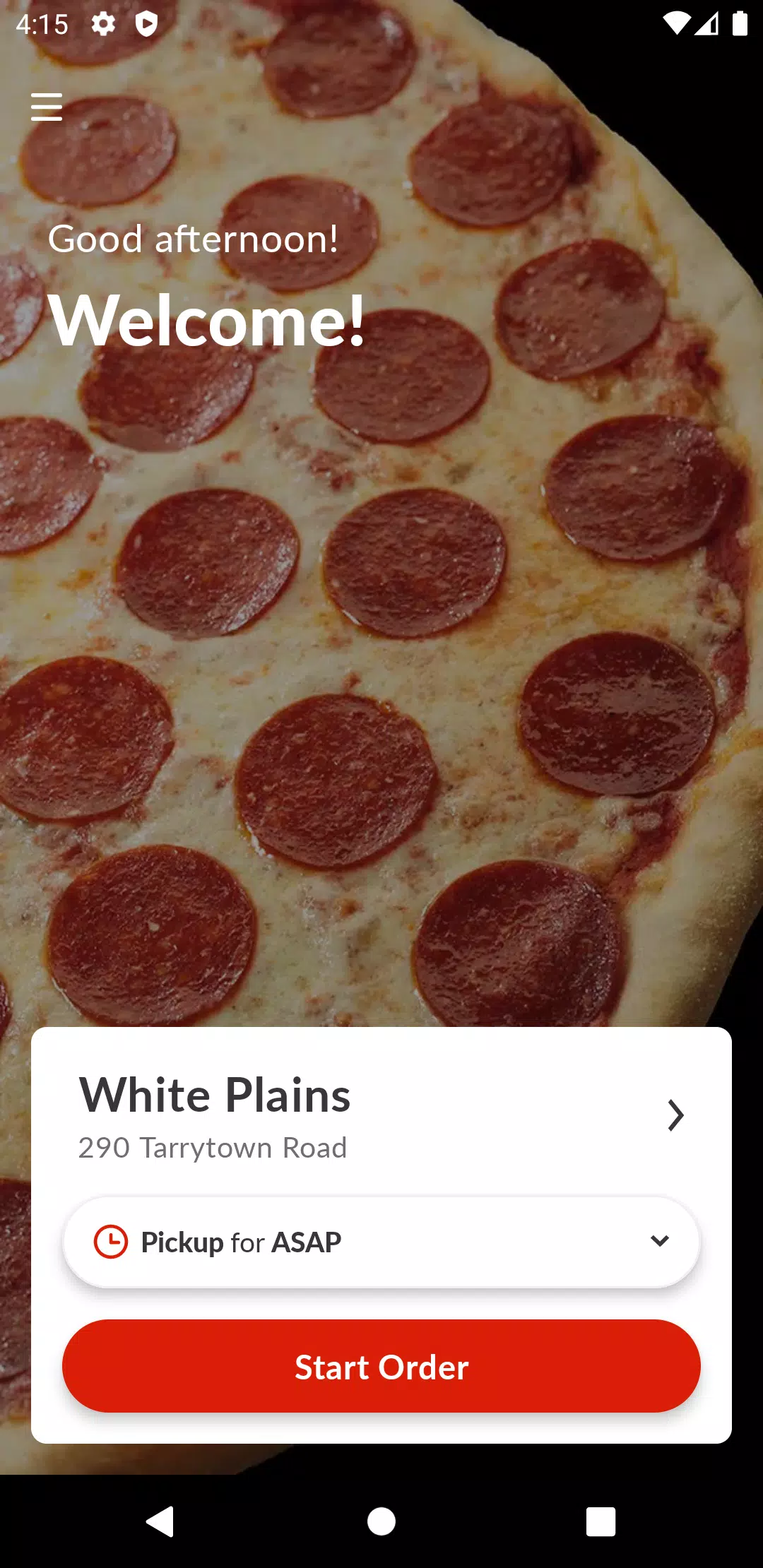
Planet Pizza To Go is a streamlined mobile ordering app built to make picking up or getting a meal as straightforward as possible. From the moment you open Planet Pizza To Go the interface focuses on speed: menu browsing, topping customization and checkout are all designed around simple taps so you can complete an order without lengthy forms or phone waits. The app supports both pickup and delivery where available, and it places convenient controls and confirmations at each step of the process so you always know what to expect.
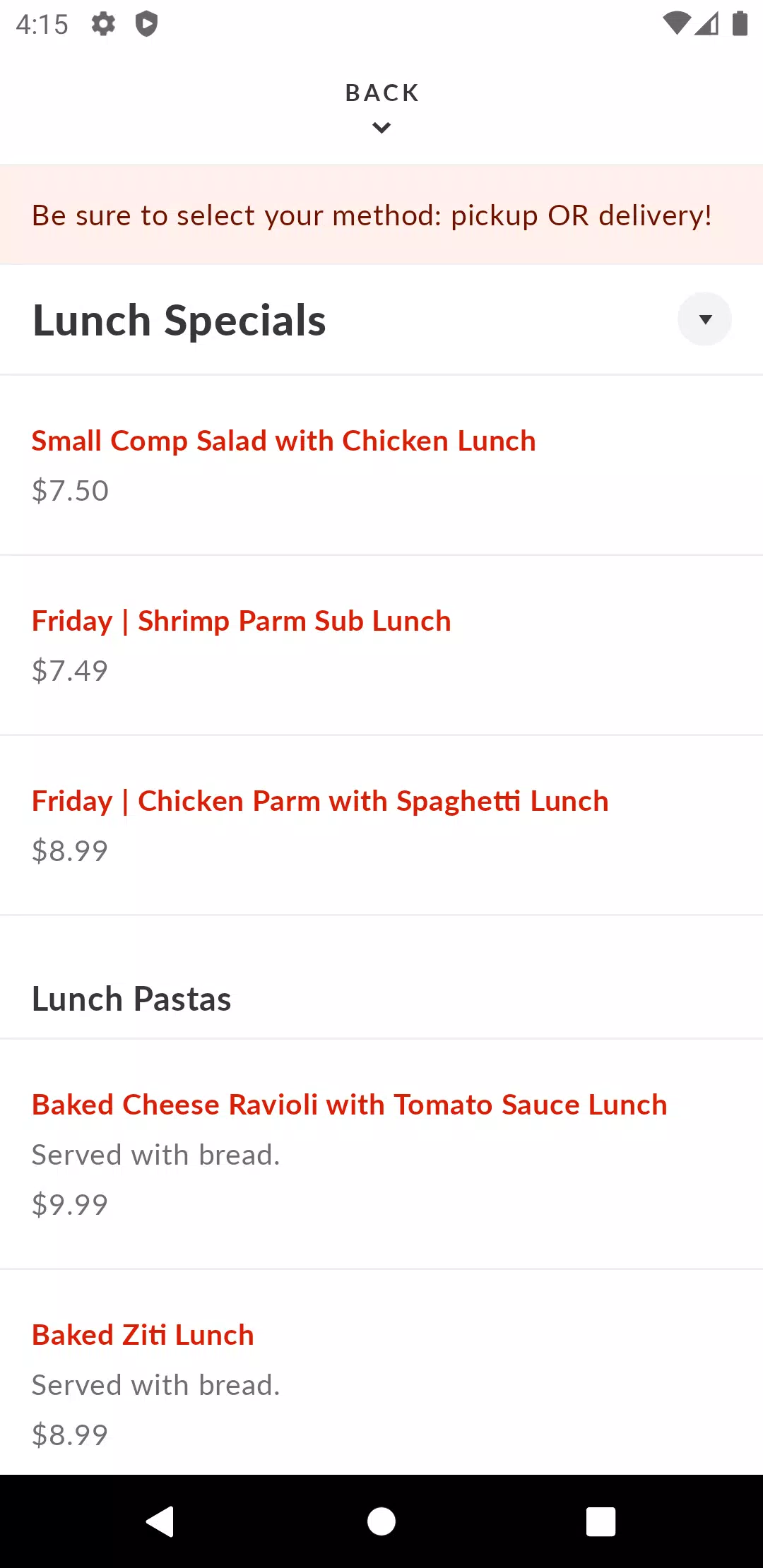
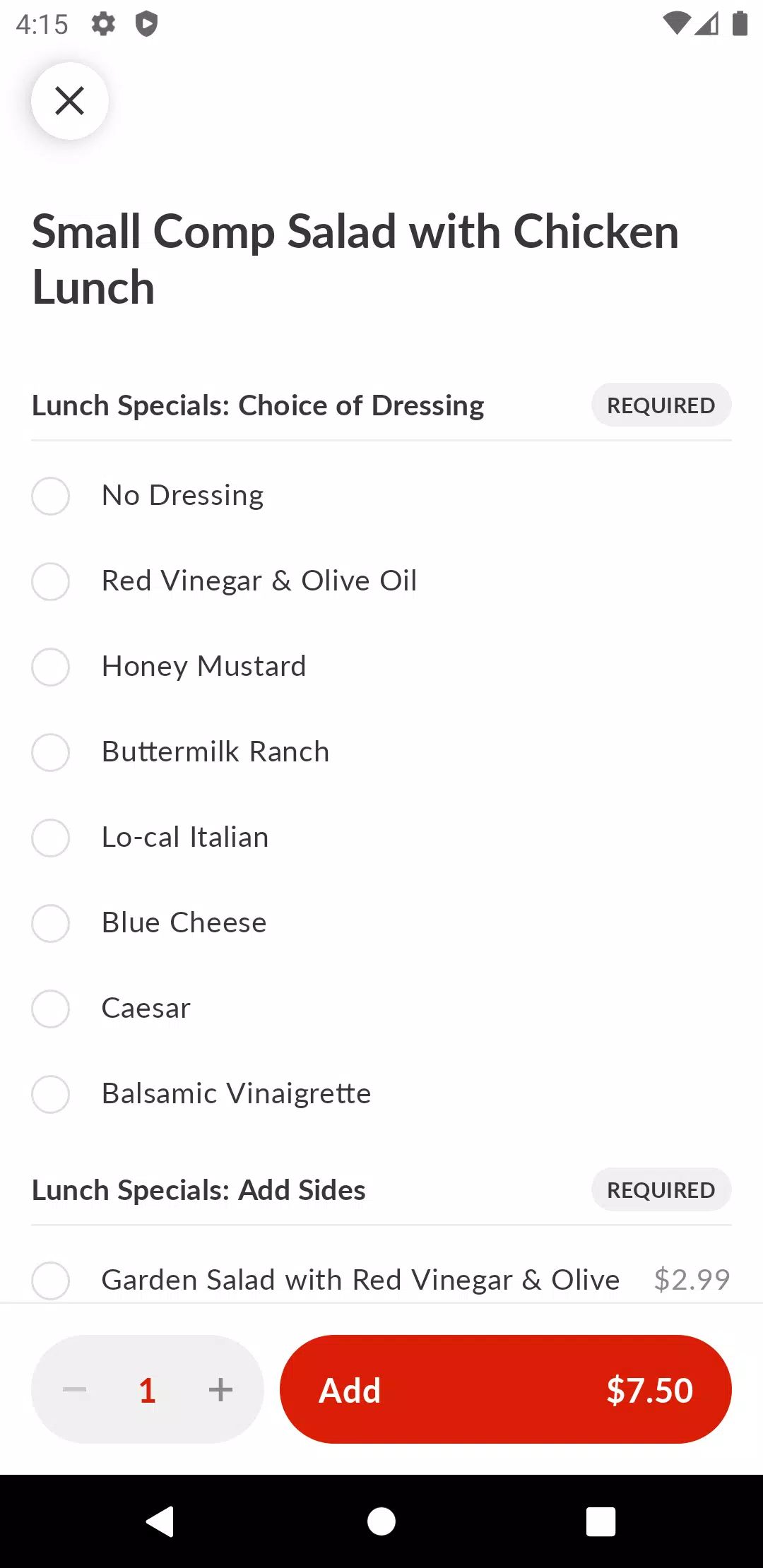
The app presents a full menu with clear item descriptions, portion sizes and optional sides. Selecting a pizza or dish guides you through a compact customization screen where you can choose crust type, number and style of toppings, sauces and add-ons. Each selection updates the price and a visual summary so you can review before checkout. The checkout flow collects or confirms a delivery address, offers saved addresses for repeat orders and accepts multiple secure payment methods so payment is completed in a few taps. You can also schedule an order up to seven days ahead and receive push notifications when your meal is ready, keeping the entire order lifecycle visible without needing to call the restaurant.
Navigation emphasizes thumb-friendly controls and clear progression steps: browse, customize, review, pay and confirm. Menus are grouped by category to reduce scrolling and the app remembers recent choices to speed up repeat orders. Progression in the app is practical rather than gamified: as you use the app it learns your saved addresses and preferred payment methods to shorten future checkouts, and a visible order history makes it simple to reorder a previous selection without rebuilding it from scratch.
Planet Pizza To Go balances functional design with appetizing visuals. Photos of key menu items help you decide, while concise descriptions list ingredients and allergy-notes when available. The customization panel is intentionally compact so complex orders remain manageable—topping selections, quantity adjustments and special instructions are presented in a single view that updates your order total in real time. The app uses consistent typography and contrast to keep controls distinct and to make important information, like estimated pickup windows and order totals, easy to spot.
Store listings include location maps, operating hours and direct contact numbers so you can confirm options before ordering. When a nearby branch does not support delivery, that choice is clearly indicated and pickup becomes the default. Operating hours shown in the app reflect the restaurant’s schedule and are used to validate scheduled orders, helping you avoid placing orders for closed times. Contact details are integrated so you can quickly call a store with questions about a specific order.
The app relies on push notifications to deliver ready-for-pickup alerts and important order updates; enabling notifications improves the experience. Because placing orders requires network connectivity, the app will prompt you if a connection is lost, but it also preserves critical data such as saved addresses and your most recent order summary so you can review or retry when a connection returns. This approach reduces the risk of losing progress mid-checkout while making clear that active network access is required to submit and confirm new orders.
Accessibility is considered through large-touch targets, clear labels and adjustable text sizes to help users with varying needs navigate and complete orders. Visual cues and readable contrast levels help users scan menus quickly, and in-app contact options make it straightforward to report issues or request assistance with an order. The app aims to reduce friction for first-time users by offering tooltips and confirmation screens at critical steps of the ordering process.
Planet Pizza To Go offers a faster, more convenient ordering experience than calling in, with time-saving features like saved addresses, secure payments and scheduled orders. The app’s compact customization tools and visible order summary reduce mistakes and make repeat purchases simple. Limitations include the seven-day scheduling cap and the dependence on push notifications for timely pickup alerts, which requires that notifications be enabled to receive immediate updates. Availability and delivery options may vary by location, and active internet access is needed to place or confirm new orders.
Overall, Planet Pizza To Go focuses on practical convenience and predictable order management rather than extra features; it’s designed for users who want to browse a menu, build a meal to their preference, and complete pickup or delivery with minimal steps and clear confirmation at every stage.
File size: 43.50 M Latest Version: 3.16.0
Requirements: Android Language: English
Votes: 483 Package ID: com.chownow.planetpizzatogo
Developer: ChowNow

Must Have Tools Apps for Android
Equip yourself with our all-in-one toolbox app for everyday tasks and projects. Instantly convert between units, calculate tips, scan documents, manage files, and more with handy productivity tools. Includes a level, compass, QR code reader, ruler, speedometer, decibel meter, and flashlight. Save frequently used tools to your customizable dashboard for one-tap access. Track billable hours, wages, budgets, and invoices. Annotate screenshots, magnify labels, and sign PDFs on the go.






LIVE A HERO
Retro Hero Mr Kim
Empire of Passion
Arcane Quest Legends
Magic Snap: Momotaro
AllStar Manga Heroes
Lunescape
ONE PIECE Thousand Storm JP
Tap Titans 2