
Scan to Download
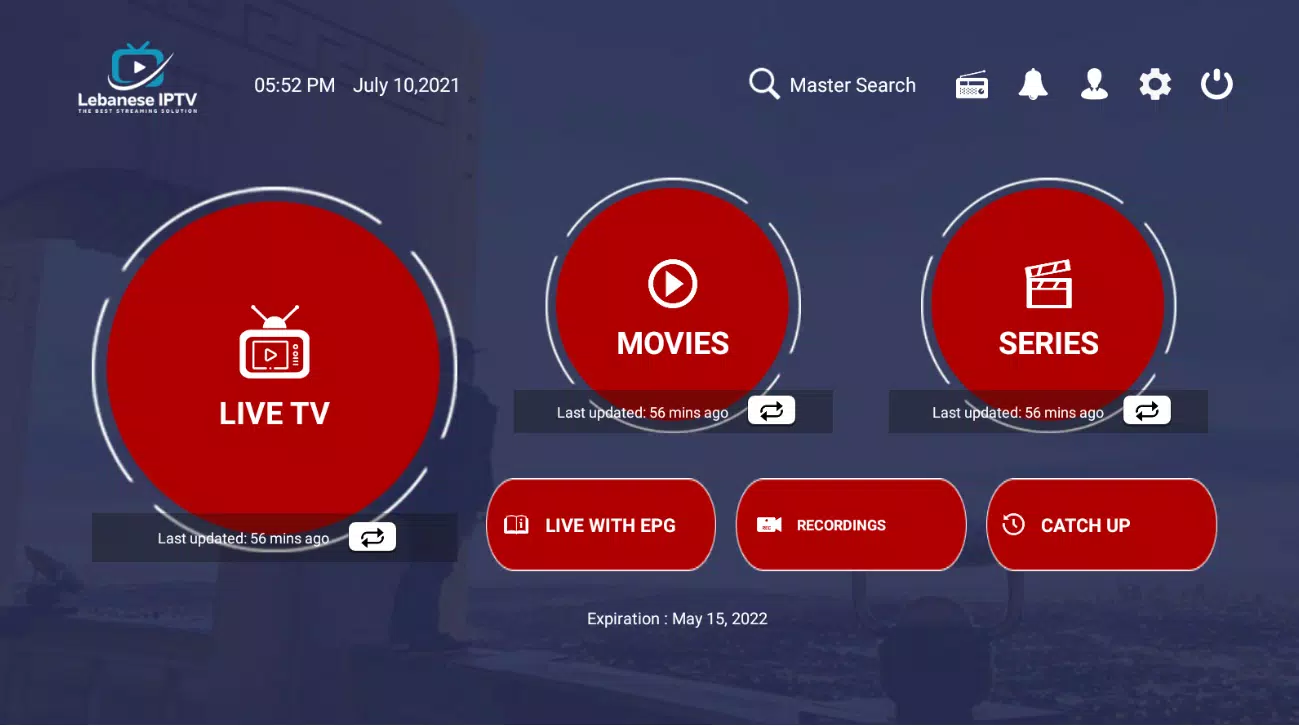
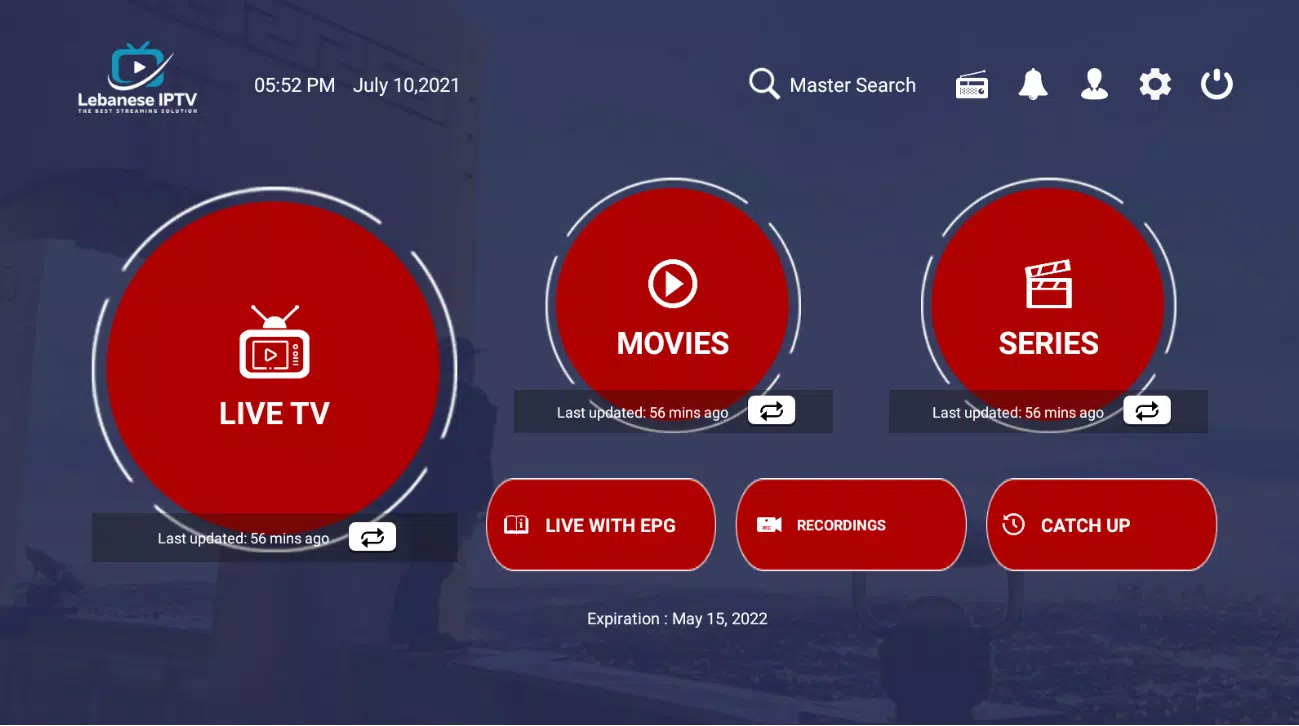
LebaneseIPTV delivers a focused mobile experience for watching live television and on-demand channels from Lebanon and the wider Middle East. The app organizes streams into tidy categories, offers electronic program guide support, and makes it easy to bookmark favorite channels for quick access across devices.
LebaneseIPTV brings together a broad selection of linear TV channels and VOD content in one place. Users can browse national networks, regional broadcasters, news feeds, sports channels and specialty stations. The app supports playlist imports, channel grouping, and an integrated EPG so that scheduling and reminders are available without switching tools.
The interface is designed for fast navigation: left-hand menus, searchable channel lists and thumbnail previews make finding content painless. Playback supports adjustable quality settings to accommodate different bandwidths and device capabilities. Built-in controls include pause, rewind, and catch-up where streams and sources provide that functionality.
Channel management is a core strength. LebaneseIPTV lets you create custom lists, reorder channels, hide unwanted entries, and mark favorites for one-tap access. For advanced users, the app accepts M3U and other common playlist formats and can retain multiple lists for personal, family or travel profiles.
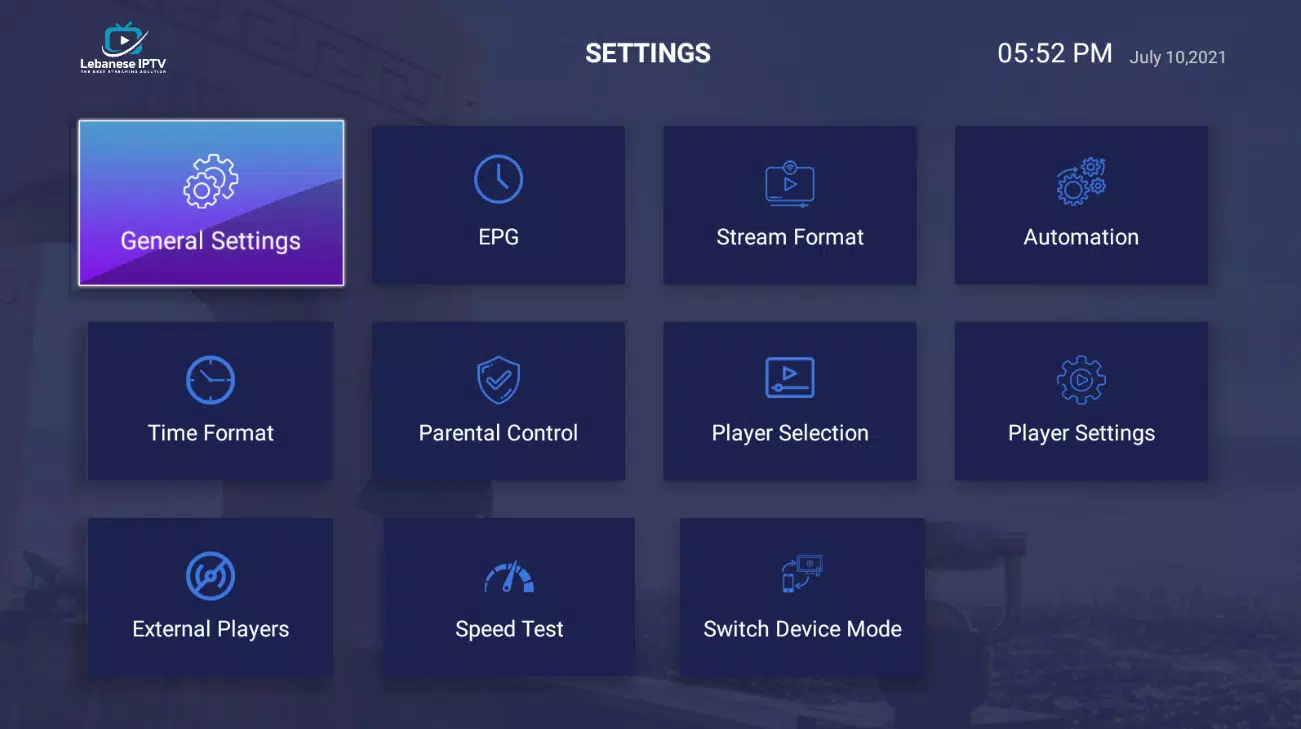
Customizable elements include default video resolution, subtitle preferences, and audio track selection when available. The app offers basic accessibility features such as adjustable font sizes and clear contrast for better readability. You can also set a default start screen so the app opens directly to Live TV, Favorites, or EPG.
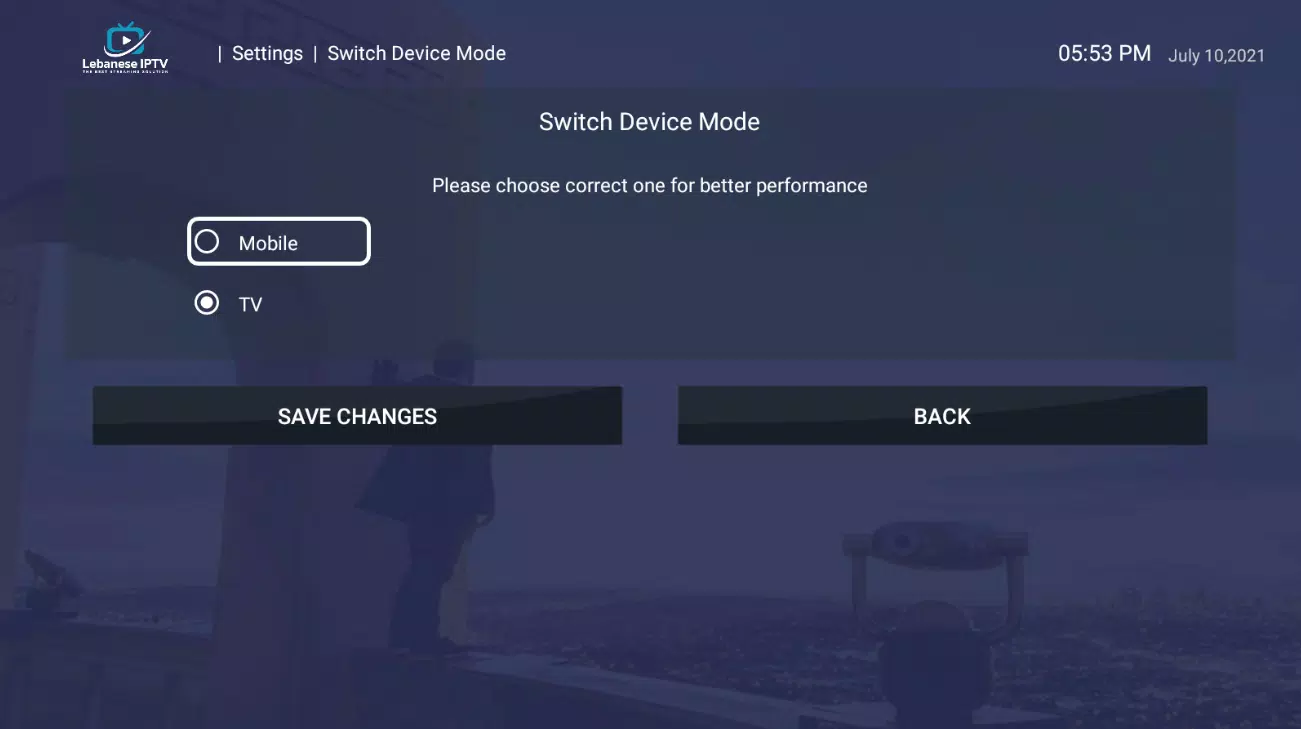
LebaneseIPTV is optimized to run smoothly on a wide range of Android devices, from phones to Android TV boxes. The app uses low-overhead decoders and adaptive streaming where supported to minimize buffering. In practice, performance will depend on the quality of the source stream and the stability of your internet connection, so wired or strong Wi‑Fi connections are recommended for HD channels.
The app requests only standard permissions needed for network access and storage when you import playlists. It does not require unnecessary background access. Developers provide periodic updates to address compatibility and add new playlist parsing options. Review the privacy settings and change permissions if you prefer more restricted access.
LebaneseIPTV is suitable for expatriates staying connected with home broadcasts, viewers who prefer curated lists over individual player apps, and households that want an easy way to organize multiple channel sources. The combination of playlist flexibility and straightforward playback makes it a practical companion for daily viewing.
To begin, download and open LebaneseIPTV, grant network permission, and either browse preloaded channels or import your own playlist. Add channels to Favorites and explore the EPG to set reminders. For Android TV setups, enable the app in the launcher and test HDMI output to ensure resolution settings match your display.
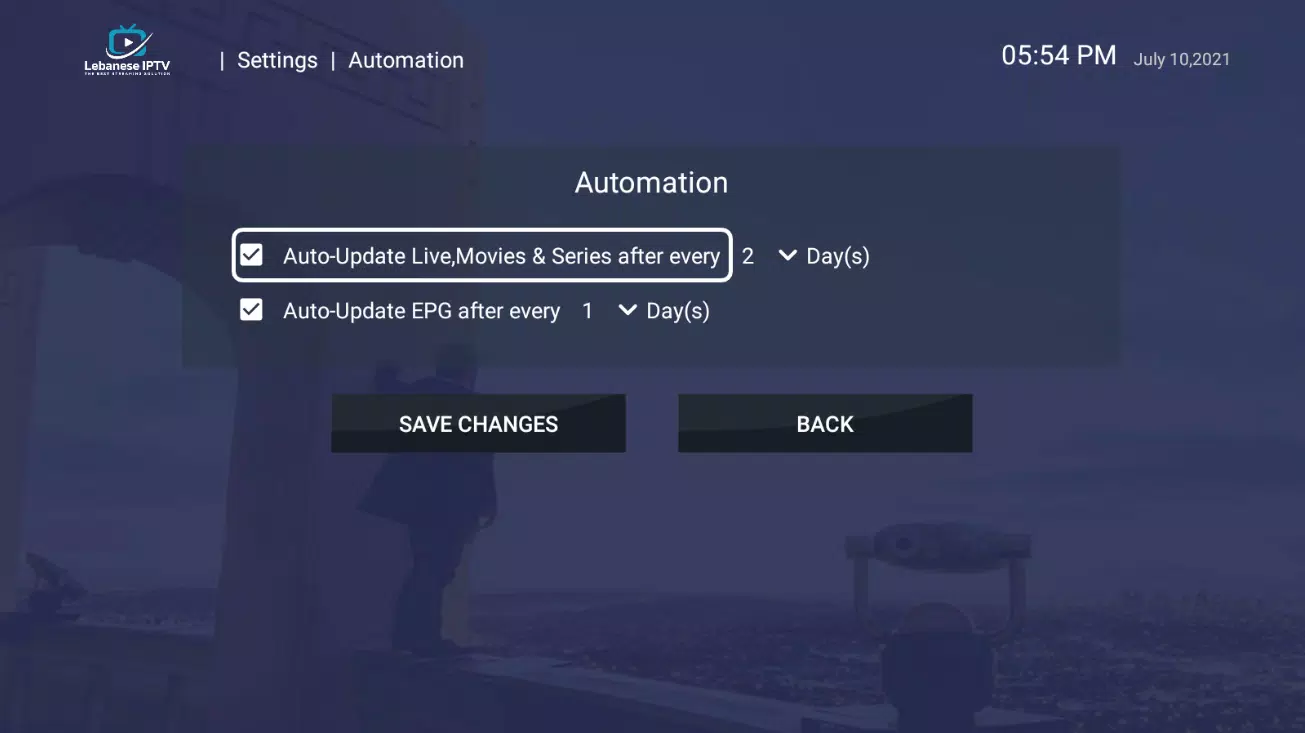
Keep the app and its playlists updated. When sources change, refresh or replace lists to restore missing channels. Regular updates from the developer will improve parsing and compatibility, while simple housekeeping—managing favorites and clearing cache—keeps the app responsive and reliable for everyday streaming.
File size: 29.40 M Latest Version: 3.0.5
Requirements: Android Language: English
Votes: 124 Package ID: com.lebaneseiptvnew.lebaneseiptviptviptviptvboxnew
Developer: LebServices



Make your house a home with our selection of innovative apps. Discover programs to simplify cleaning, organize closets, and manage home maintenance. Take the hassle out of chores and keep your space running smoothly. Design, visualize, and renovate like a pro using our augmented reality and 3D modeling tools. Enhance security and monitor your property 24/7 with our connected home tech.






LIVE A HERO
Retro Hero Mr Kim
Empire of Passion
Arcane Quest Legends
Magic Snap: Momotaro
AllStar Manga Heroes
Lunescape
ONE PIECE Thousand Storm JP
Tap Titans 2