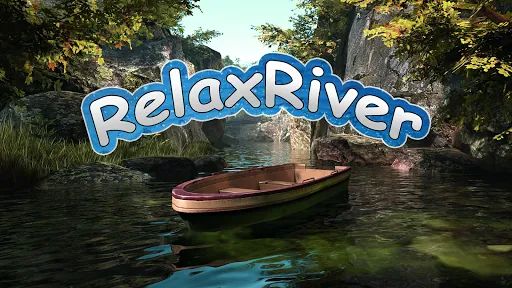
Relax River VR delivers a tranquil virtual escape where users glide along a serene waterway, listen to ambient nature sounds, and interact with calming elements. Designed for short relaxation sessions or extended mindfulness, the experience focuses on slow exploration, breathing cues, and visually soothing environments to reduce stress and restore focus.
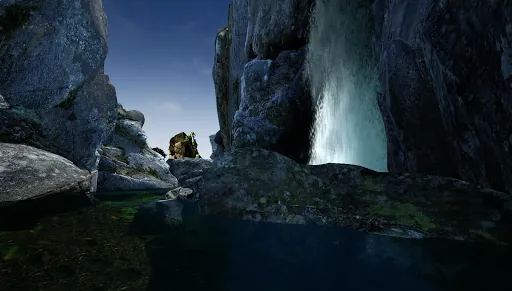
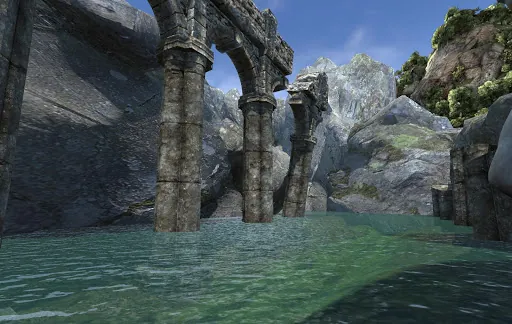
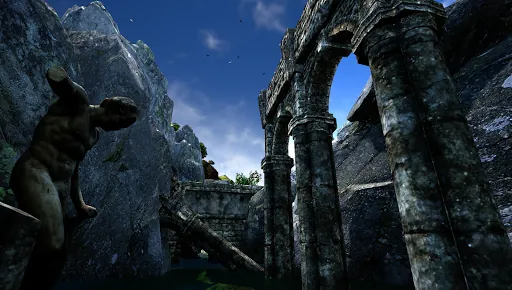
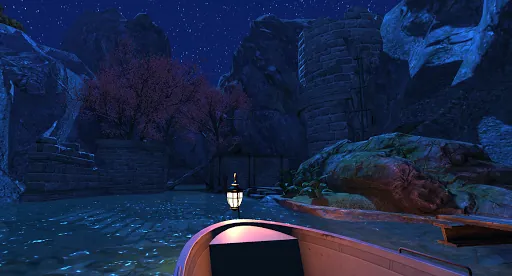
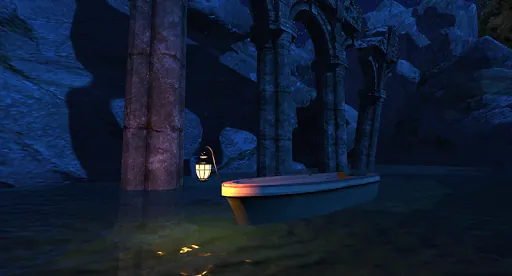
Relax River VR invites players to slow down. Rather than action-packed objectives, the app emphasizes atmosphere: gentle currents, soft lighting at dawn or dusk, and pockets of interactive life—fish that scatter, lanterns that respond to touch, and wind-carved reeds that whisper. The environment is crafted to promote a meditative state while still offering subtle discovery for repeat visits.
Movement in Relax River VR is intentionally measured. Players pilot a small craft or float on a guided current, choosing when to drift or pause. Interaction mechanics are simple and tactile: reach out to stroke plants, rotate a lantern, or tap stones to create ripples. Those mechanics are designed to reduce cognitive load and encourage presence rather than challenge.
The app focuses on a few high-quality systems rather than a long feature list. These aspects make it useful for quick decompression sessions or for longer relaxation rituals.
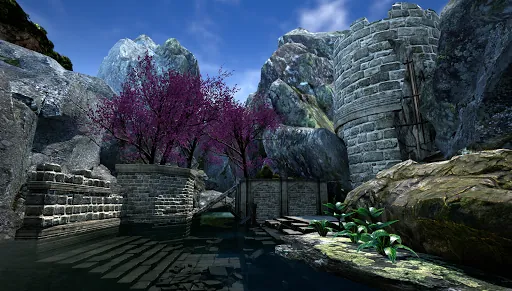
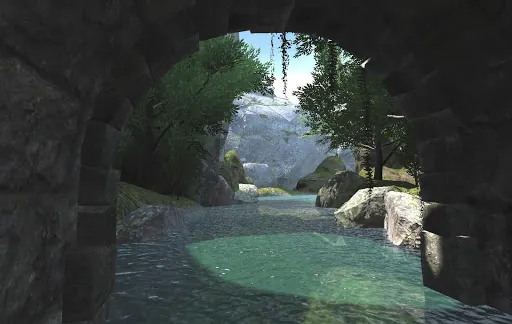
Relax River VR uses stylized visuals with high-quality shaders to create water reflections without demanding top-tier hardware. Plants and terrain employ optimization tricks so frame rates remain stable across a wide range of headsets. The color design prioritizes low-contrast palettes that are easy on the eyes during extended use.
A standard session begins at a dock where players choose a route. As the river carries you, small tasks—like lighting a lantern or collecting drifting petals—offer gentle goals without pressure. Background audio shifts to match exploration pace, and occasional guided breathing exercises can be enabled to help center attention. Sessions can last from five minutes to half an hour depending on your settings.
Relax River VR offers several customization options to accommodate different comfort levels. Locomotion can be toggled between smooth and snap movement. Visual bloom, motion blur, and vignette settings are adjustable or can be disabled entirely. Audio levels are separable for music, environmental sounds, and guided narration, making it easy to tailor the experience.
Performance varies by hardware, but the title is optimized for steady frame rates on mid-range VR headsets. Options to reduce particle density and lower texture quality are available for older devices. Developers included a comfort mode that minimizes sudden visual shifts to reduce the risk of simulator sickness.
Relax River VR stands out for its focused design: it doesn’t try to be everything. The app succeeds as a tool for intentional downtime, offering calm pacing, clear audio design, and thoughtful interaction. Whether you need a break between tasks or a daily wind-down ritual, the river provides a consistent, low-effort way to recharge.
Installing Relax River VR is straightforward: download, adjust the comfort and audio settings on first run, and pick a session length that fits your schedule. With minimal learning curve and clear controls, the app is approachable for newcomers and beneficial for regular users seeking a portable relaxation routine.
File size: 53.70 M Latest Version: 4.0
Requirements: Android Language: English
Votes: 94 Package ID: com.sfera.relaxrivercb
Developer: Polyrawdevelopment

Must Have Music Apps for Android
Embark on an extraordinary musical journey with our sensational music app downloads! Immerse yourself in a symphony of melodies, beats, and rhythms that will ignite your soul. Discover an extensive collection of genres, from chart-topping hits to indie gems and everything in between. Create personalized playlists, explore curated recommendations, and enjoy high-quality audio streaming.





LIVE A HERO
Retro Hero Mr Kim
Empire of Passion
Arcane Quest Legends
Magic Snap: Momotaro
AllStar Manga Heroes
Lunescape
ONE PIECE Thousand Storm JP
Tap Titans 2