Scan to Download
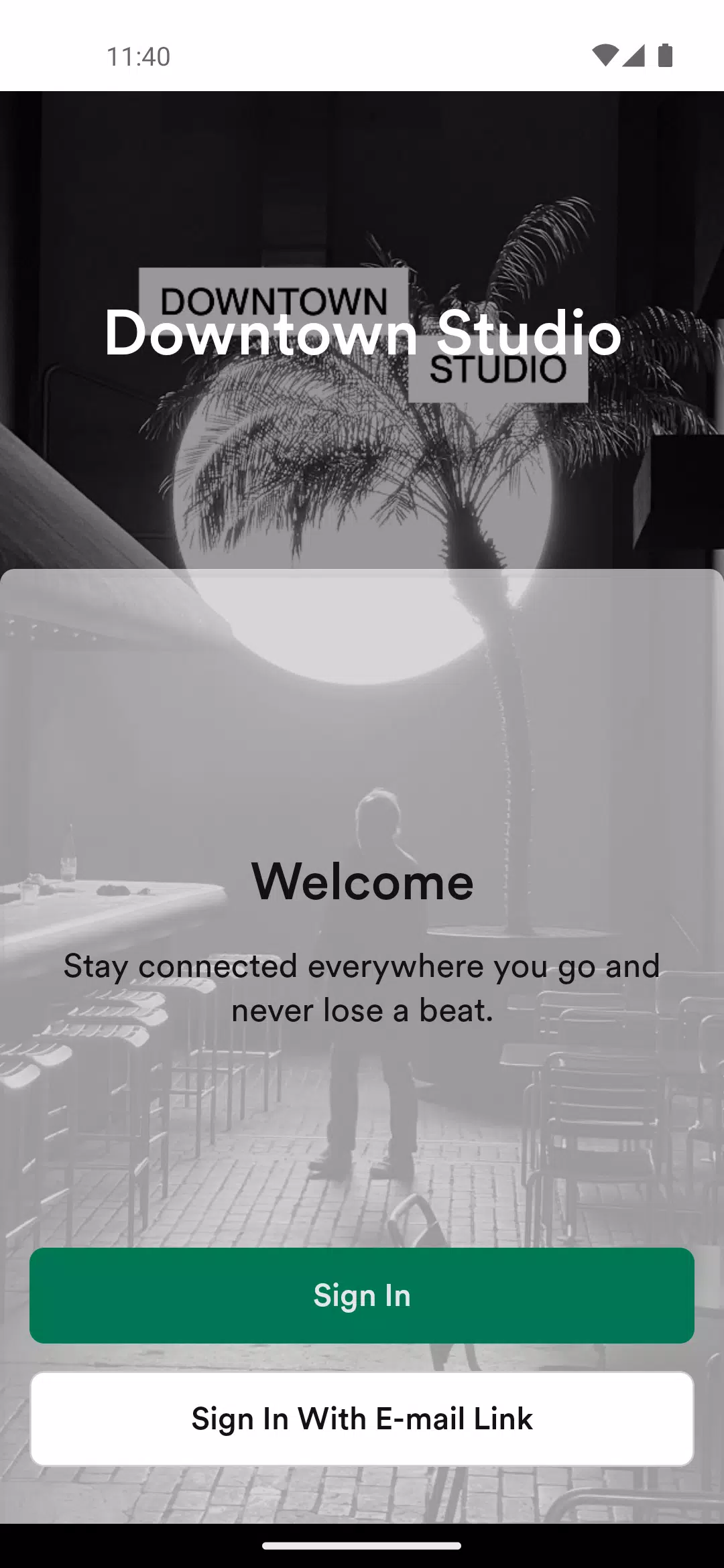
Downtown Studio is a mobile creative suite that brings photo and video editing, layered composition, and fast sharing into a single, intuitive app. Designed for urban creators and anyone seeking polished results on the go, it balances quick templates with advanced controls for color grading, masking, and multi-track audio.
At its heart, Downtown Studio offers a compact but powerful toolset for editing images, trimming clips, and combining media into finished projects. The app focuses on speed without sacrificing precision: smart presets and one-tap corrections get most jobs started, while deeper controls let you refine exposure, curves, and tonal balance to professional standards.
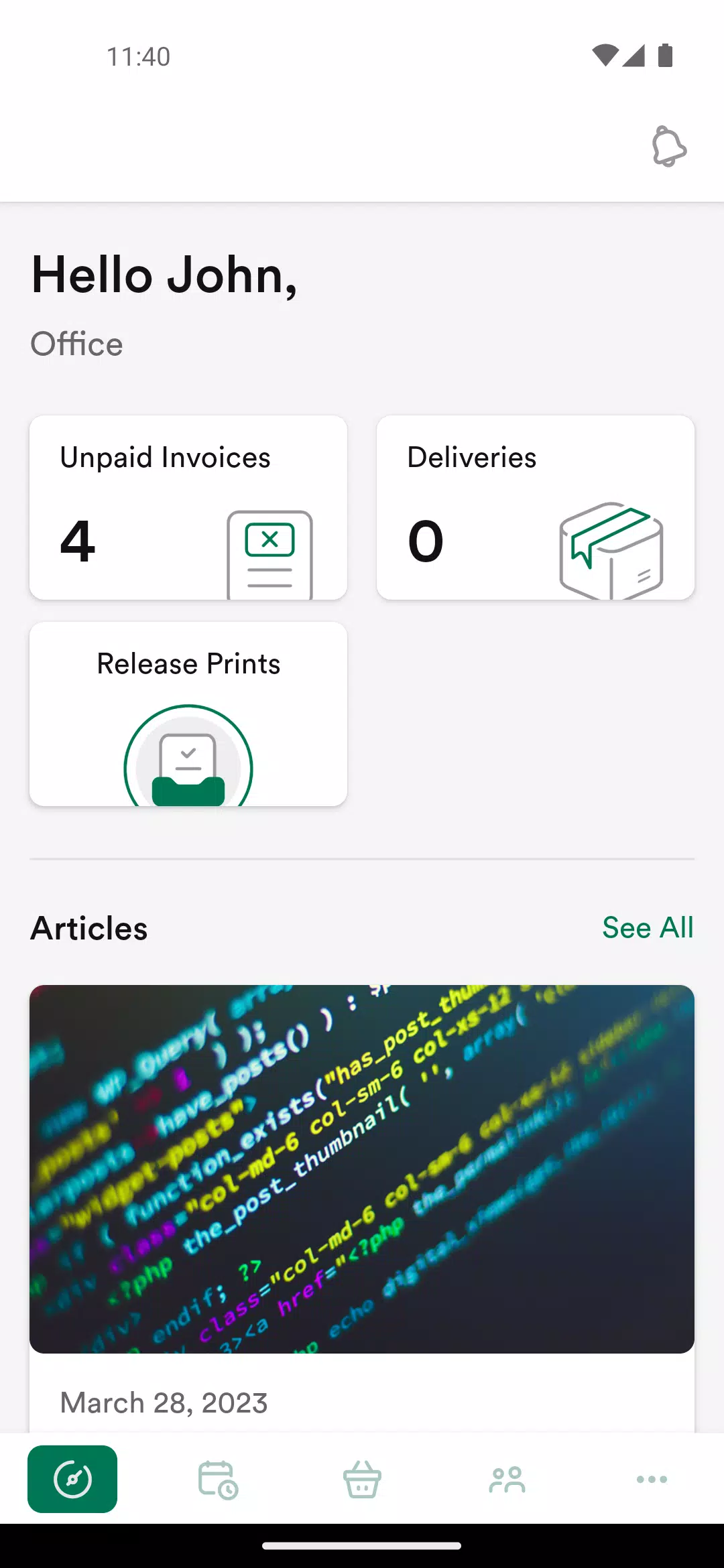
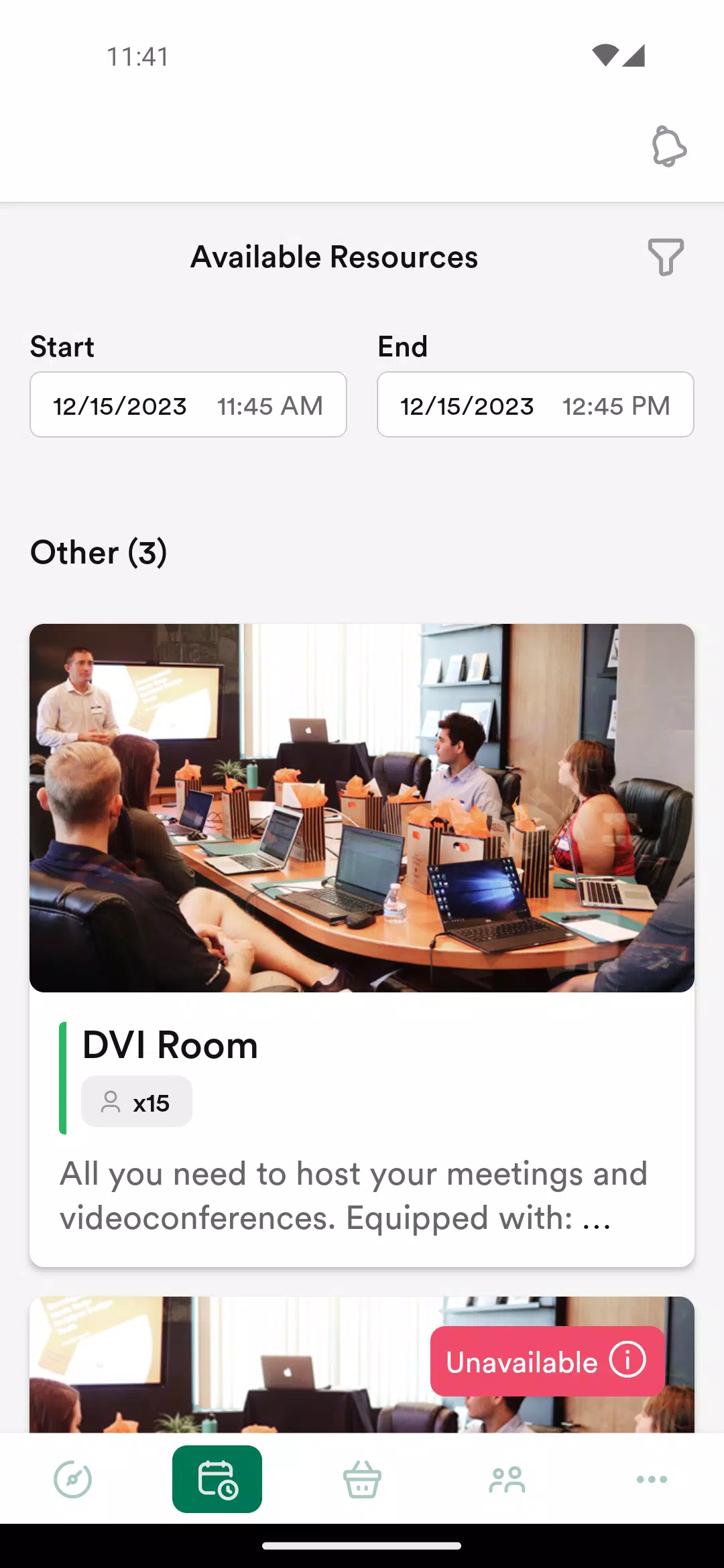
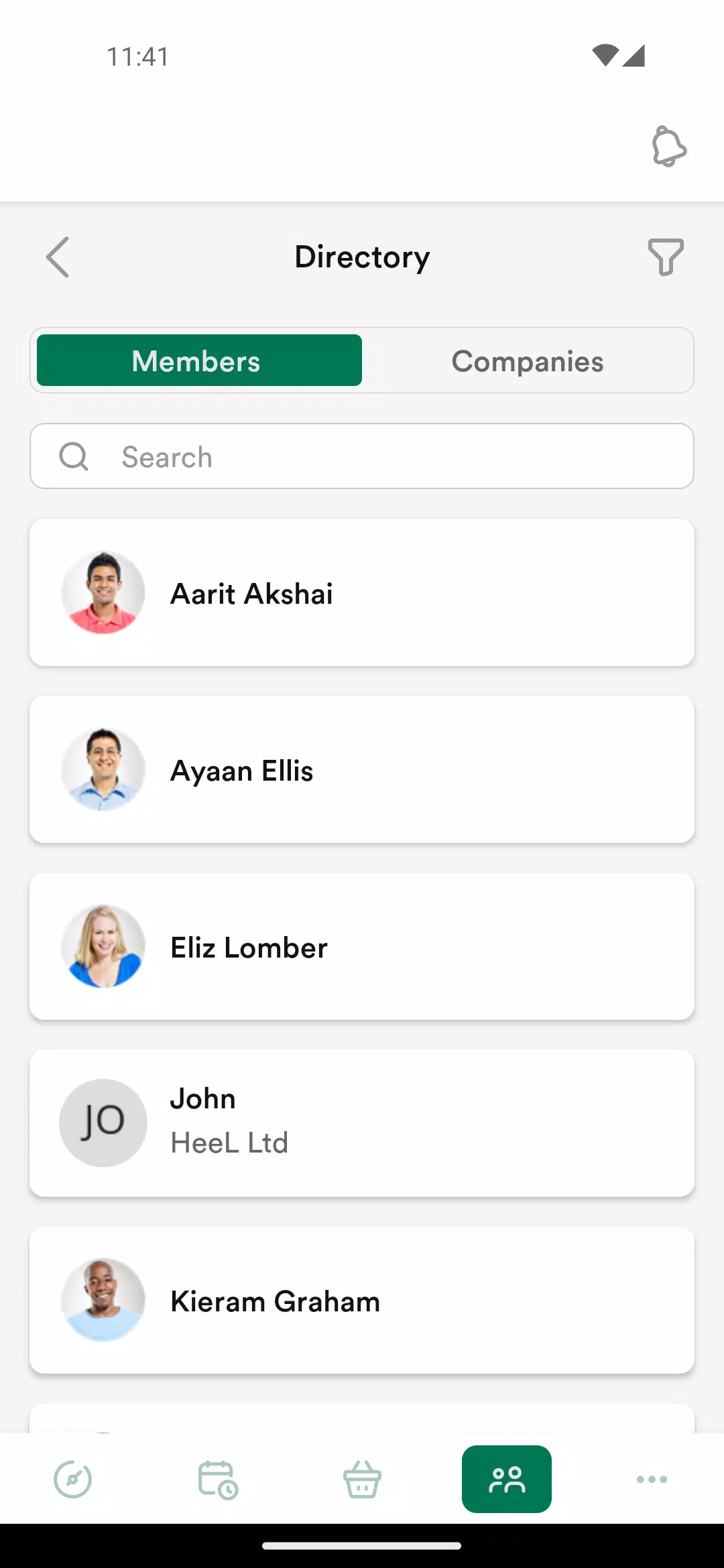
Navigation emphasizes a clean workspace. Layers are accessible from a single swipe, timelines expand when you need fine control, and contextual toolbars adapt to whatever media is selected. Frequent actions are grouped in a customizable quick bar, so routine tasks can be completed in fewer taps. Downtown Studio’s interface minimizes clutter while keeping advanced features within reach.
The editing suite combines familiar tools with a few standout extras. You’ll find precise cropping and transform controls, a powerful color grading module, and non-destructive masks that support brushes and shapes. Key features include:
Downtown Studio includes a library of templates for social posts, short promos, and cinematic intros. Presets speed up color grading and stylization, and a built-in asset store supplies overlays, transitions, and royalty-free music. Templates are adaptable: you can swap media and tweak timing without rebuilding the whole project.
Export settings cover the most common needs: multiple resolutions, frame rates, and codecs are supported, along with adjustable bitrate controls for file size optimization. Direct sharing integrates with popular social platforms and cloud services. Batch export can process multiple timelines in sequence, saving time when preparing content for different channels.
Optimized for mobile hardware, Downtown Studio scales performance according to device capabilities. On modern phones, real-time playback remains smooth with several layers active; older devices rely more on background rendering to preserve responsiveness. The app supports hardware acceleration where available and can offload heavy effects to background export to keep the UI fluid.
File compatibility is broad: common image, video, and audio formats are supported, and project files can be exported for desktop editing in standard interchange formats. Cloud sync preserves project versions so you can switch devices without losing work. Import and export dialogs offer clear metadata info to help troubleshoot codec or resolution mismatches.
Local project files are stored in a user-accessible folder so backup and transfer are straightforward. The app requests only necessary permissions for media access and network operations, and cloud features include optional encryption for project archives. Storage management tools identify large files and unused assets to free space when required.
For faster exports, pre-render complex segments and use proxy files when working with high-resolution footage. Use the app’s histogram and waveform displays to avoid clipped highlights or crushed shadows. When building social clips, design templates with safe margins to prevent important content from being cropped on different platforms.
Downtown Studio is well suited to creators who need a compact, capable editing environment on a mobile device. It serves independents producing social content, students experimenting with motion and sound, and professionals who want a reliable companion for quick edits and client-ready proofs. The balance of presets and deep controls allows users to work quickly or dive into detail as projects demand.
With regular updates and a focused toolbox, Downtown Studio positions itself as a practical and flexible mobile studio for visual storytellers seeking control, efficiency, and strong export quality.
File size: 48.40 M Latest Version: 3.6.4
Requirements: Android Language: English
Votes: 387 Package ID: com.nexudusspaces.downtown
Developer: Nexudus Ltd

Must Have Tools Apps for Android
Equip yourself with our all-in-one toolbox app for everyday tasks and projects. Instantly convert between units, calculate tips, scan documents, manage files, and more with handy productivity tools. Includes a level, compass, QR code reader, ruler, speedometer, decibel meter, and flashlight. Save frequently used tools to your customizable dashboard for one-tap access. Track billable hours, wages, budgets, and invoices. Annotate screenshots, magnify labels, and sign PDFs on the go.






LIVE A HERO
Retro Hero Mr Kim
Empire of Passion
Arcane Quest Legends
Magic Snap: Momotaro
AllStar Manga Heroes
Lunescape
ONE PIECE Thousand Storm JP
Tap Titans 2