Scan to Download
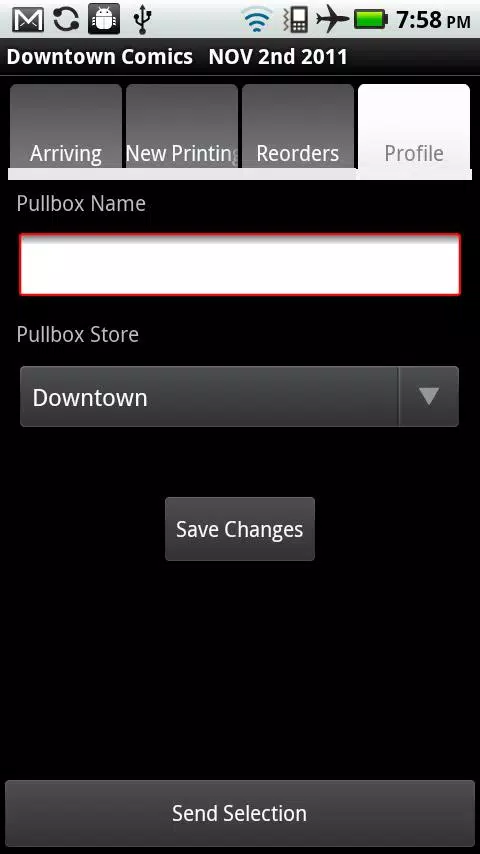
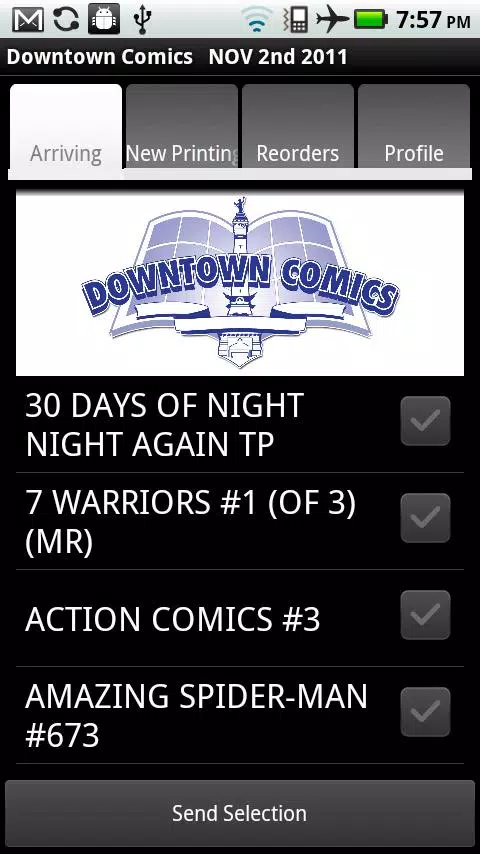
Downtown Comics is a streamlined mobile reader designed for collecting, organizing, and enjoying digital comic books on Android devices. It combines an intuitive library with fast rendering, customizable reading modes, and cloud sync options to keep your collection accessible, well-organized, and optimized for comfortable reading sessions anywhere.
At its heart, Downtown Comics focuses on simplicity and speed. The app supports common archive formats and single-image files, auto-detects metadata, and provides quick thumbnails for browsing. Built-in tools let you tag series, rate issues, and create reading queues so you can prioritize what to read next without leaving the main view.
Downtown Comics offers several viewing options to match different reading preferences. Choose single-page or double-page layouts, enable automatic cropping to remove borders, and switch orientation to landscape or portrait. The reader supports continuous scroll and two-page spread viewing, with pinch-to-zoom and a smart-fit feature that centers artwork for an immersive experience.
Additional viewer tools include adjustable brightness, a night mode for low-light reading, and customizable gestures for page navigation. These options reduce eye strain and make long reading sessions more comfortable on varied screen sizes.
Keeping a growing comic collection organized is a core strength of Downtown Comics. Collections can be arranged by series, publisher, or custom tags. Smart folders automatically group issues by metadata such as release year or artist, while a powerful search bar filters by title, tag, or file name in seconds.
The interface is designed for efficient browsing. A compact navigation bar keeps key actions within thumb reach, while a split-view layout on tablets shows both library and reader simultaneously. Tooltips and subtle animations guide new users without getting in the way of experienced readers who prefer quick taps and gestures.
Performance remains smooth even with large archives or high-resolution artwork. The app uses background indexing to avoid delays when loading large libraries, and memory usage is optimized to prevent slowdowns on mid-range devices. Compatibility extends across a wide range of Android versions, and settings let you tune cache size and image quality to match your device capabilities.
Personalization is extensive in Downtown Comics. Choose from multiple themes, adjust font sizes for menus, and set default reading modes per series. You can also define swipe behavior, assign double-tap actions, and save layout presets for different contexts like commuting or relaxed home reading.
File safety is handled with optional encrypted backups and local export. If you enable cloud sync, transfers are encrypted and you can select which folders to back up. The app also provides versioned backups so you can restore an earlier state of your library if needed.
Begin by importing a few issues from local storage or a connected cloud account. Use the automatic tagging on import or apply your own tags to test smart folders. Spend a few minutes exploring reader settings—adjust crop and zoom preferences, then create a reading queue to try the quick-skip gestures.
With a clean interface, fast rendering, and extensive organizational tools, Downtown Comics is a solid choice for anyone who wants a reliable, customizable comic reader on Android. It balances performance and convenience so your comics collection remains ready to read wherever you go.
File size: 2.50 M Latest Version: 2.0
Requirements: Android Language: English
Votes: 389 Package ID: com.downtowncomics
Developer: Vince Kennedy

Must Have Home Apps for Android
Make your house a home with our suite of helpful home apps. Discover clever tools to organize closets, streamline chores, and simplify cooking. Take the stress out of cleaning and maintenance with handy checklists and schedules. Enhance security and control appliances and lighting with our smart home integrations. Design, visualize, and renovate like a pro using our 3D planning software.






LIVE A HERO
Retro Hero Mr Kim
Empire of Passion
Arcane Quest Legends
Magic Snap: Momotaro
AllStar Manga Heroes
Lunescape
ONE PIECE Thousand Storm JP
Tap Titans 2