
Scan to Download
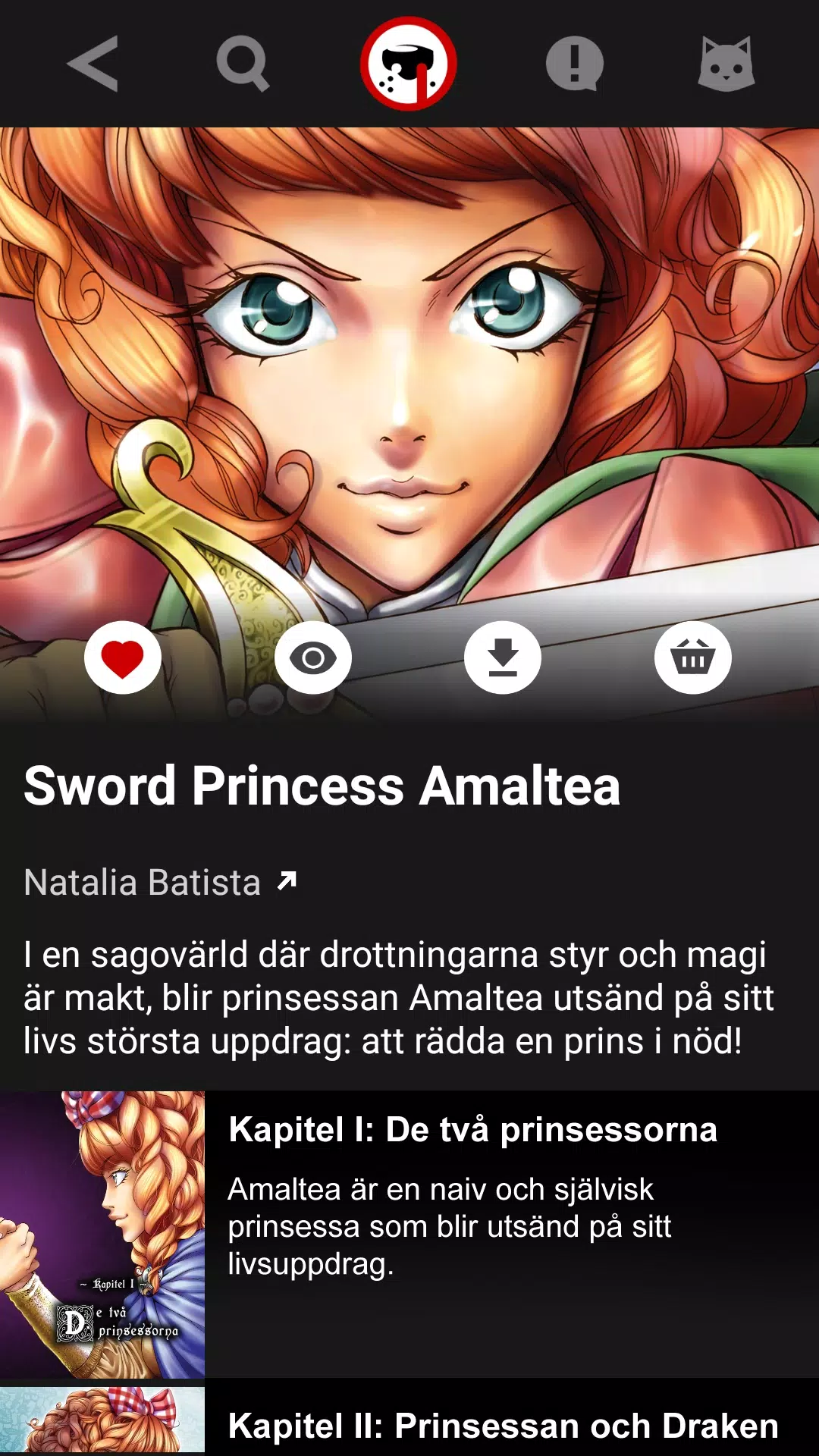
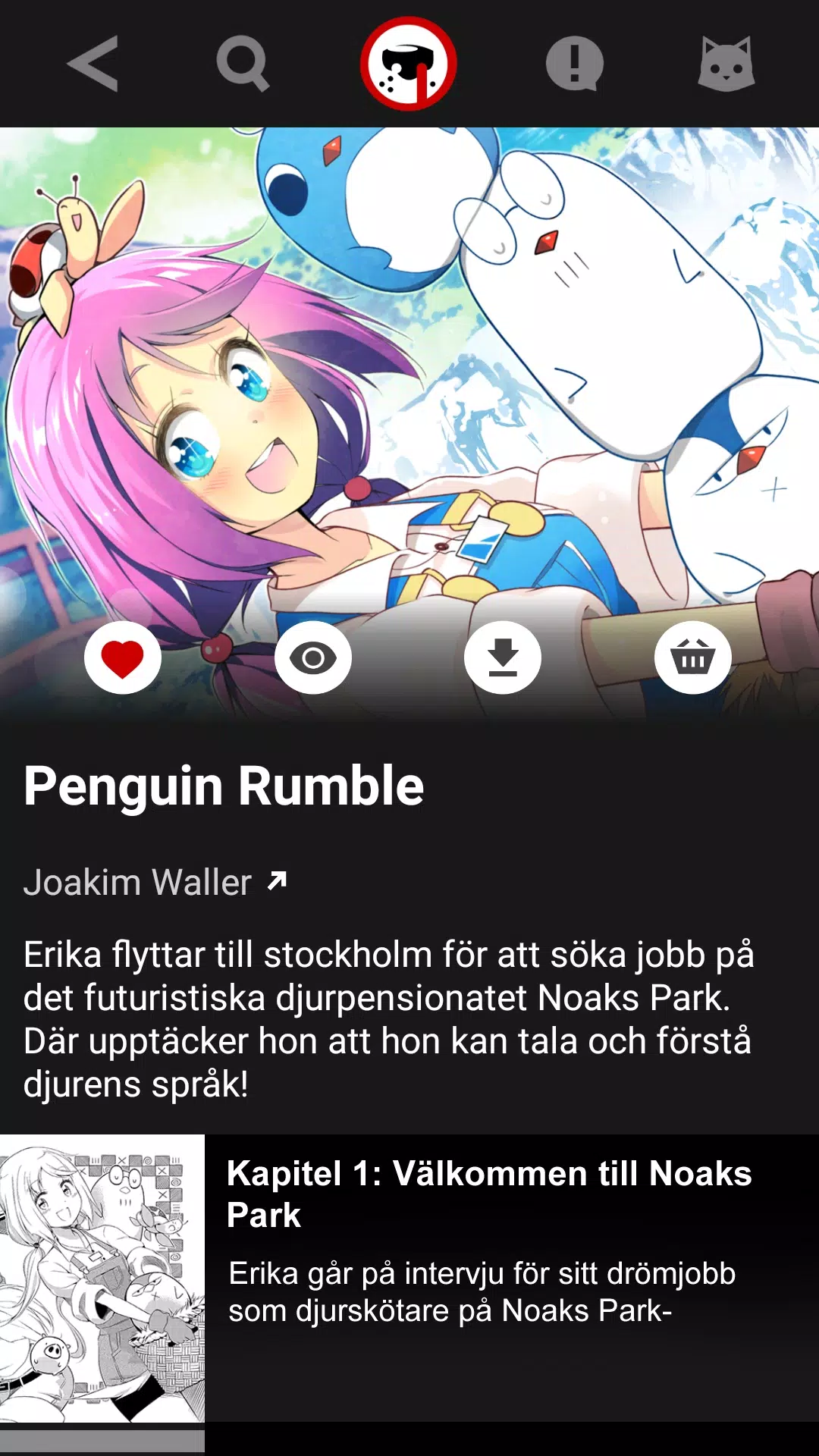
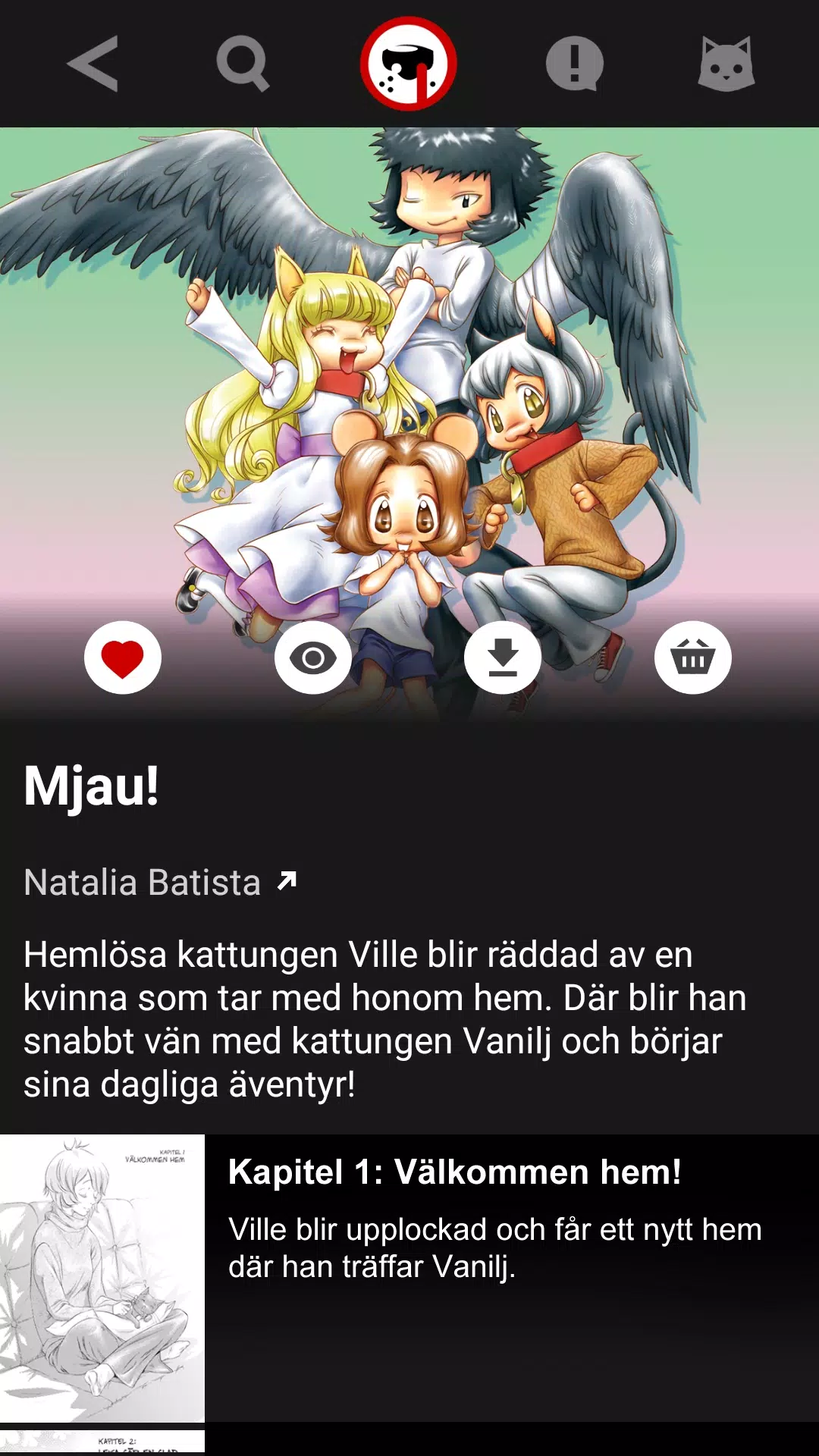
Nosebleed Manga is a Swedish-language manga reader created for people who want a curated, easy-to-use mobile experience. Nosebleed Manga brings together work from original Swedish creators alongside translated international series, offering weekly serialized releases and rotating free titles so there is always fresh reading material on your device. The interface focuses on quick discovery, straightforward progress tracking and family-aware controls that make the app a good fit for casual readers and long-term followers of serialized comics.
The catalog in Nosebleed Manga updates on a predictable schedule: a new serialized chapter appears every week and additional free titles are added monthly. Titles are grouped into curated collections that highlight Swedish-drawn works, themed bundles and translated series, and each entry includes concise metadata—author, language, chapter list and an age indicator—so you can judge suitability at a glance. Editorial picks and freshly translated volumes are showcased in dedicated sections to reduce browsing friction and make it easier to find standout series without deep searching.
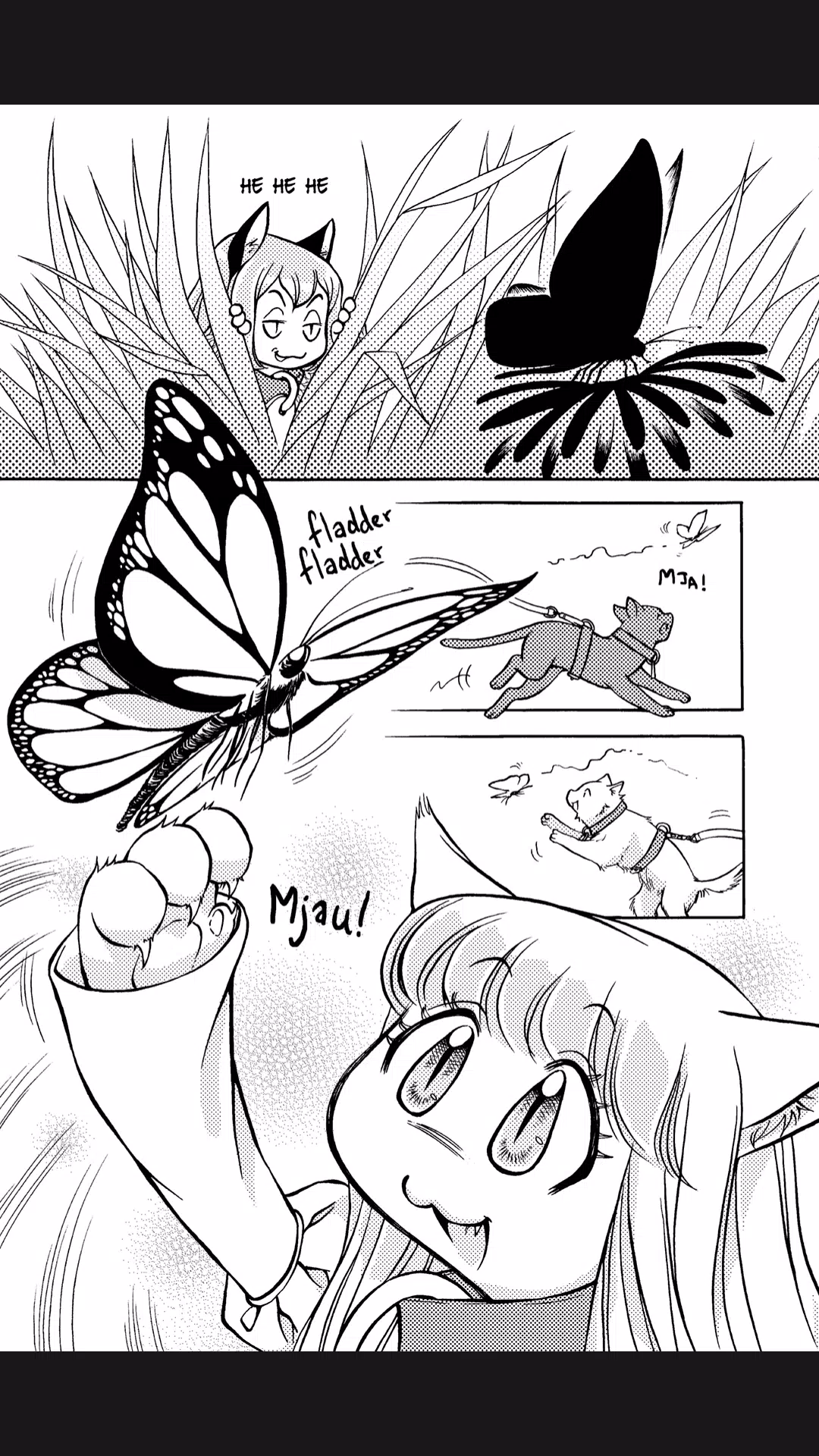
The reading experience is built around simple, responsive interactions rather than game-like mechanics. Page flow is preserved to respect an artist’s intended layout while providing reader controls such as single-page advance, continuous scroll and panel-by-panel navigation for denser pages. Tap and swipe gestures are optimized to avoid accidental page flips, and pinch-to-zoom temporarily enlarges artwork while maintaining image clarity. These choices prioritize comfortable consumption of sequential art rather than introducing forced game elements.
Controls are designed for touch-first use: swipe or tap to move through pages, use an on-screen quick-jump menu to skip between chapters or volumes, and rotate your device to switch between portrait and landscape orientations. The app treats series as level-like units—chapters and volumes form the basic structure—so you can navigate by chapter list, jump to a bookmarked position within a volume, or move forward and backward through a serialized run with predictable behavior that mirrors reading a physical edition.
Progression is lightweight and focused on helping you resume reading reliably. The app records the exact chapter and page you last viewed, stores a history of recently read items, and lets multiple personal profiles coexist on a single device so family members can keep separate libraries. Following a series adds it to a personalized feed and enables targeted notifications for new chapters. Optional themed reading lists and editorial collections act like non-competitive challenges if you want to work through a curated set of titles over time.
The visual presentation emphasizes clean page borders, high-contrast images and readable type on metadata screens. Image rendering is consistent across devices so line work and tones remain intact, and interface chrome is kept minimal to keep attention on the artwork. For long chapters, the app preserves pacing by delivering smooth transitions and by avoiding abrupt cropping, providing either full-page viewing or a continuous-scroll experience that maintains artistic flow.
Customization options include selectable viewing modes, adjustable text size for descriptions and a bookmarks system for marking favorite scenes or chapters. Replay value comes from serialized storytelling, monthly content rotations and editorial series recommendations that encourage revisiting titles you enjoy. For readers who like structure, optional themed reading lists provide gentle, non-competitive challenges—complete a curated collection, follow monthly free releases or work through a creator spotlight over several weeks.
Accessibility features include scalable interface text, clear contrast and simple navigation to support assistive technologies. Parental age filters enable guardians to restrict access to mature material and configure separate profiles for younger readers, while clear content descriptions and age indicators are shown on title pages so adults can make informed decisions about what to share with children. These controls allow families to use a shared device while maintaining appropriate boundaries.
The app caches recently viewed chapters so short-term offline reading is possible for content you have opened, and storage settings let you control how much space cached images occupy. Reading progress, bookmarks and follow lists are stored per profile so your library remains intact across app updates and device restarts. For users on limited data plans, the app offers options to limit auto-downloads and to clear caches manually to reclaim storage.
Some premium content and early-release chapters are offered behind a subscription tier, while a core free catalog and weekly releases remain accessible without payment. Account setup is intentionally low-friction, with clear subscription information and straightforward notification settings. Whether you use Nosebleed Manga to follow Swedish creators or to explore translated works, the app aims to provide a dependable, family-aware environment for reading serialized comics on the go.
File size: 21.70 M Latest Version: 0.38
Requirements: Android Language: English
Votes: 417 Package ID: com.nosebleed.club
Developer: Nosebleed Studio




Top Comics Free Apps for Android
Enter imaginative worlds and escape into legendary stories with our comics apps. Discover new series, stay current with new issues, and revisit timeless classics. Take advantage of exclusive deals, previews, and bundles. Build and manage your dream collection across digital and print. Dive deeper through character bios, fan forums, and behind-the-scenes content. Learn to draw your favorite heroes through our step-by-step video tutorials.






LIVE A HERO
Retro Hero Mr Kim
Empire of Passion
Arcane Quest Legends
Magic Snap: Momotaro
AllStar Manga Heroes
Lunescape
ONE PIECE Thousand Storm JP
Tap Titans 2










































