Adobe Express is a compact, fast creative app that helps you design graphics, edit photos, and produce polished social media content on the go. Adobe Express balances simple drag-and-drop controls with intelligent templates and basic photo retouching so individuals and small teams can finish banners, stories, and posts without a steep learning curve.
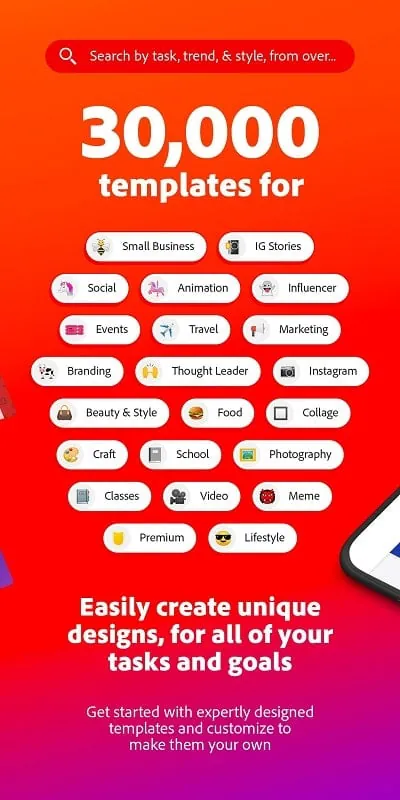
This editor focuses on practical outcomes and predictable workflows. With Adobe Express you can assemble page layouts, replace or remove backgrounds in one tap, apply quick color and exposure corrections, and export assets sized for different social platforms. The app reduces repetitive tasks through preset dimensions, curated color palettes, and adaptable templates so routine design work becomes faster and more consistent.
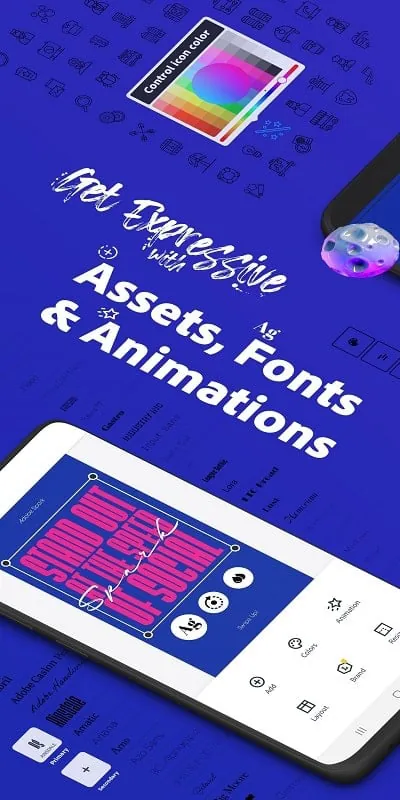
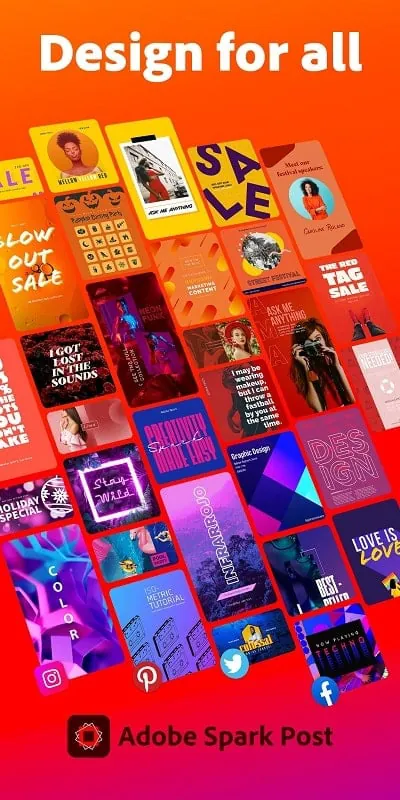
The toolset includes template-driven layouts for social posts, flyers, and web banners, plus straightforward photo-editing tools such as crop, exposure, color adjustments, and filters. Vector-like shapes and text layers retain clarity at multiple sizes, while brand asset management lets you save logos, fonts, and palettes for reuse. Export options cover high-resolution images and optimized files for web or social sharing, and the interface makes it obvious which format suits each purpose.
Controls are deliberately simple: drag-and-drop placement, pinch and rotate gestures, and clearly labeled panels make most tasks two or three taps away on mobile. If you prefer keyboard shortcuts and fine control, the same projects can be edited more precisely on a desktop browser. The canvas responds to touch quickly, alignment guides and snap-to-grid help keep elements consistent, and duplication and grouping reduce repetitive steps when building complex layouts.
Projects progress naturally from templates or blank canvases into layered compositions. There is an informal progression system: start with a template close to your goal, replace images and text, then refine spacing, color, and effects. As projects grow, you can organize designs into folders or save reusable templates that accelerate future work—this creates a practical workflow for recurring campaigns or series of posts where each new file is a small iteration on a previous one.
Although templates speed production, customization remains straightforward. Swap fonts, tweak letter spacing, recolor elements, and layer graphics to produce a distinctive look. The app supports precise alignment, opacity controls, and layer order adjustments that let creators craft either crisp, minimalist visuals or richer, textured compositions. Designers can preserve brand consistency by locking or saving elements and applying a shared palette across multiple assets.
Adobe Express performs smoothly on most mid-range devices for standard editing tasks; very large layered projects or high-resolution exports may take longer but background processing keeps the interface responsive. Many core editing features work locally without a continuous network connection, while syncing projects and shared templates requires internet access. Integration with cloud storage and the ability to open the same projects on other devices make it easy to switch between phone and desktop work sessions.
Collaboration is built into the workflow: you can share project files and templates with teammates, invite others to view or edit designs, and attach comments to specific elements to simplify feedback cycles. Export options include formats appropriate for social platforms, transparent PNGs, JPGs for photos, and PDF for print-ready layouts. Naming and versioning within project folders help track iterations when multiple contributors are involved.
The interface favors clarity: large, well-labeled controls and predictable gestures make basic tasks approachable for new users. For those who rely on keyboard input, desktop editing supports shortcuts that speed repetitive actions. Guided prompts and short tutorials are included to demonstrate common workflows, and the consistency of templates reduces the need to learn complex toolsets, improving accessibility for users who prefer straightforward, repeatable steps.
To begin, install the app, sign in with an existing account or create a free profile, and open a template similar to the content you plan to produce. Import one of your images to experiment with layers, filters, and text styles, then save a branded template after your first finished project so future work follows the same visual rules. Adobe Express is designed so small teams and solo creators can quickly produce clean visuals for social media, presentations, and small print runs while keeping brand assets and collaboration simple and reliable.
File size: 107.80 M Latest Version: 26.3.0
Requirements: Android Language: English
Votes: 436 Package ID: com.adobe.spark.post
Developer: Adobe


Must Have Tools Apps for Android
Equip yourself with our all-in-one toolbox app for everyday tasks and projects. Instantly convert between units, calculate tips, scan documents, manage files, and more with handy productivity tools. Includes a level, compass, QR code reader, ruler, speedometer, decibel meter, and flashlight. Save frequently used tools to your customizable dashboard for one-tap access. Track billable hours, wages, budgets, and invoices. Annotate screenshots, magnify labels, and sign PDFs on the go.






LIVE A HERO
Retro Hero Mr Kim
Empire of Passion
Arcane Quest Legends
Magic Snap: Momotaro
AllStar Manga Heroes
Lunescape
ONE PIECE Thousand Storm JP
Tap Titans 2