
Scan to Download
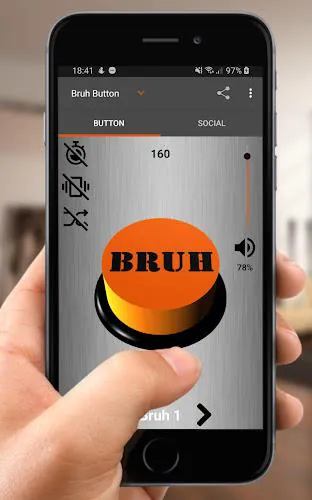
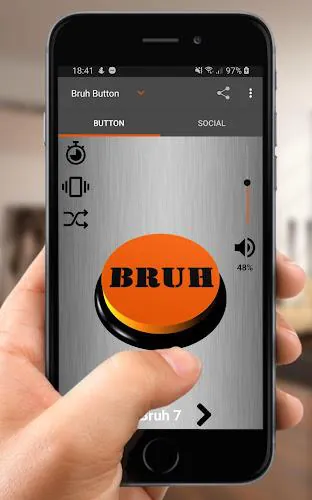
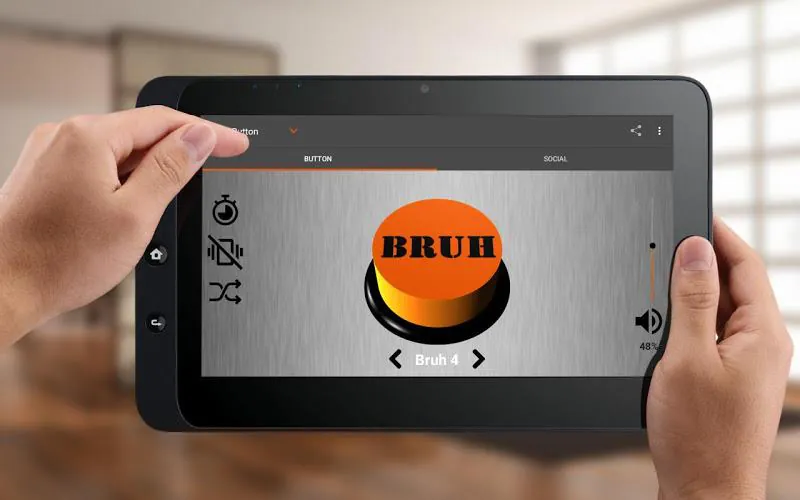
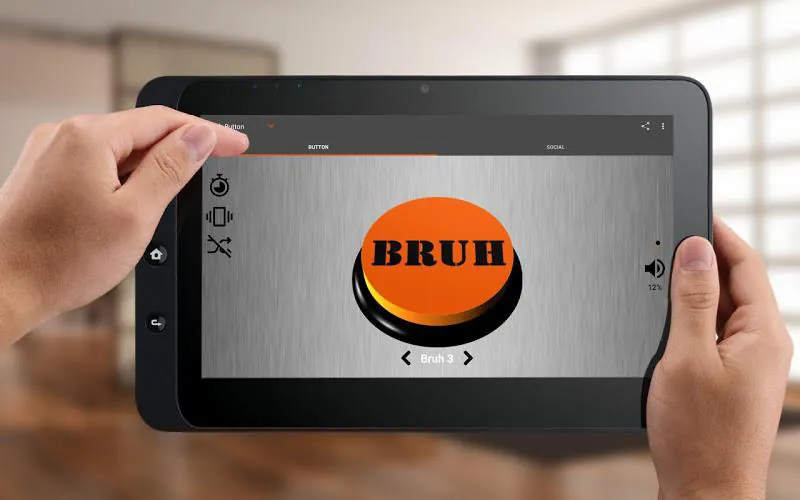
Bruh Sound Button puts the iconic "bruh" sound and a collection of meme effects at your fingertips, delivering quick laughs and live reactions. The app offers an uncluttered interface, instant playback, and easy sharing options, making it ideal for pranks, streaming, messaging, or customizing alerts on your Android device.
The primary draw of Bruh Sound Button is its simplicity: large, responsive buttons trigger short, high-quality sound clips with almost no latency. Included features emphasize speed and convenience: a scrollable grid of sounds, volume normalization to prevent spikes, and a persistent playback option for repeated use. Several bonus effects and alternate "bruh" variations give the soundboard personality beyond the original meme.
An efficient layout keeps interaction intuitive. Each sound occupies a clearly labeled tile that responds to single taps for immediate play and long presses for additional options like sharing or assigning to a contact. The interface supports light and dark themes to match system preferences. Navigation is minimal — there’s no nested menu structure — so accessing your favorite clip takes one or two gestures.
Personalization is straightforward. You can set a sound as a ringtone, notification tone, or alarm directly from the app. The sound editor lets you trim clips, set loop points for continuous playback, and adjust fade-in or fade-out timing. For users who like to tailor their devices, Bruh Sound Button supports assigning different sounds to individual contacts and creating small playlists of favorite effects.
When you want to send a quick laugh, the app provides built-in sharing to messaging platforms and social apps. Exported files are small and compatible with common Android players. Streamers and content creators can route audio via local virtual cables or Bluetooth to integrate clips into live broadcasts. The straightforward export options make it easy to include sounds in short videos or social posts.
Bruh Sound Button is optimized for low CPU and memory use so it runs well on older phones as well as modern devices. Sounds are compressed efficiently without noticeable drops in quality. The app supports most Android versions still in wide circulation and adapts to different screen sizes. Background playback is supported, and the app gracefully handles incoming calls or other interruptions by pausing and resuming audio appropriately.
To function fully, the app requests only a small set of permissions: storage access for exporting custom clips and system settings to apply ringtones or notifications. It does not collect personal information or track analytics beyond optional crash reports. Clear permission prompts explain why each access is needed, and users can revoke settings through the Android settings panel at any time.
Install the app, grant the minimal permissions requested, and scroll through the default sound grid to find the main "bruh" and other effects. Tap a tile to play, long-press to reveal options like setting as ringtone or sharing, and explore the editor to trim or loop clips. A simple settings panel allows you to adjust playback preferences and theme.
Keep your favorites near the top by using the app’s pin or favorites function. If you plan to use clips during live streams, test audio routing beforehand to avoid echo or feedback. Regularly back up custom clips if you change devices. For quieter environments, lower the playback volume before triggering sounds to avoid startling others.
Bruh Sound Button packs meme-ready sounds into a compact, usable package. Its design focuses on fast access, easy customization, and reliable playback so you can add a humorous sonic accent to conversations, content, or daily notifications with minimal setup.
File size: 13.67 M Latest Version: 02.24.g
Requirements: Android Language: English
Votes: 318 Package ID: com.dpcorp.bruhbutton
Top Personalization Free Apps for Android
Explore the real potential of personalization with our exceptional mobile software downloads! Set your imagination free and customize your smartphone to perfectly reflect your unique personality. Our amazing assortment of options caters to a diverse range of tastes. Choose from trendy themes, exclusive wallpapers, inventive widgets, and personalized ringtones to truly make your phone your own. Elevate your mobile experience and make a statement.






LIVE A HERO
Retro Hero Mr Kim
Empire of Passion
Arcane Quest Legends
Magic Snap: Momotaro
AllStar Manga Heroes
Lunescape
ONE PIECE Thousand Storm JP
Tap Titans 2