Scan to Download
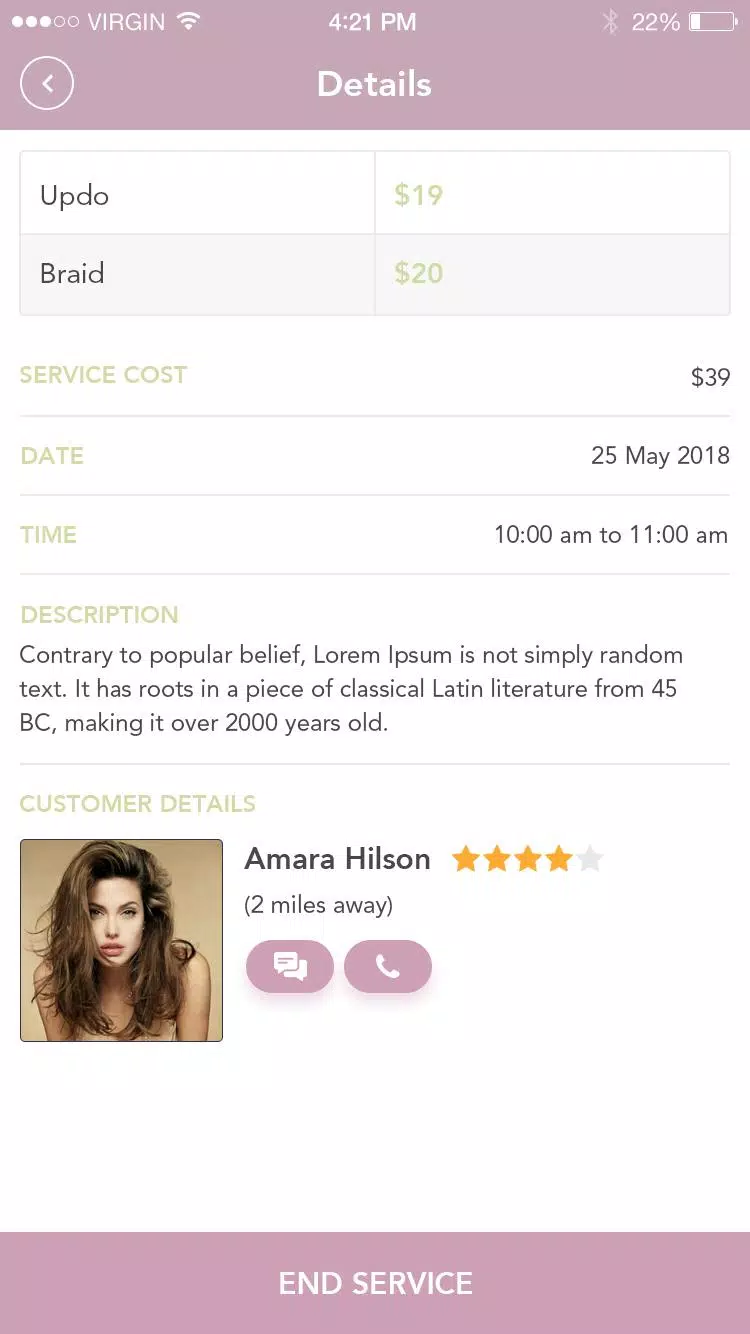
Curah Pro is a mobile productivity app designed to collect, organize, and surface your most important notes, links, and files across devices. Its streamlined interface lets you capture ideas quickly, tag and search content, and sync securely to the cloud for fast access whether you’re on a phone, tablet, or desktop.
At its heart, Curah Pro acts as a unified inbox for your digital life. You can clip web pages, save images, jot down text notes, record voice memos, and attach documents. The app automatically extracts key metadata — titles, dates, and source links — so items are ready to find without manual editing. Curah Pro’s smart categorization suggests tags and folders based on content, reducing the time spent organizing while keeping everything discoverable.
The design emphasizes clarity and speed. A persistent floating capture button enables one-tap saving from any screen, while a compact dashboard displays recent captures, pinned items, and suggested actions. Swipe gestures reveal quick options like archive, share, or add a tag. Visual previews and customizable list density help you choose a view that fits your workflow, whether you prefer compact lists or larger card-based layouts.
Curah Pro provides multiple ways to structure information. Create collections for projects, add nested tags for context, and bookmark items for offline reading. The search engine supports natural language queries and filters by file type, date range, and source. An advanced search mode allows boolean operators and saved searches, letting power users build reusable queries for frequent tasks.
Integration is a key strength. Curah Pro connects with popular cloud services, email providers, and note-taking platforms so you can import content automatically or push items outward. Built-in share extensions and a browser widget make clipping simple, while scheduled exports and webhooks support automation for team workflows. The app also includes a lightweight editor for quick formatting and markdown support for users who prefer plain text control.
For shared projects, Curah Pro offers controlled collaboration. Invite colleagues to collections with role-based permissions, comment on specific items, and track changes through a concise activity feed. Shared links can be set to read-only, time-limited, or password-protected, giving you flexible ways to distribute information without losing control over access.
Security features are built into every layer of Curah Pro. Items sync over encrypted channels and can be stored with optional device-level encryption. Two-factor authentication and biometric unlocking help protect accounts from unauthorized access. The offline mode caches recent captures and allows full-text search without a network connection, so you can keep working when you travel or when connectivity is unreliable.
Curah Pro is optimized for modern Android devices and maintains smooth performance even with large libraries. Background sync minimizes interruption while conserving battery, and selective sync lets you choose which collections to keep locally. The app supports a wide range of file types and integrates efficiently with system share menus, making it straightforward to send captured content to other apps or services.
Customization options let you tailor the experience. Change the theme between light, dark, and auto modes; adjust font sizes and list spacing; and create custom quick actions for frequently used tasks. Accessibility features such as screen reader compatibility and high-contrast mode ensure Curah Pro works well for varied needs.
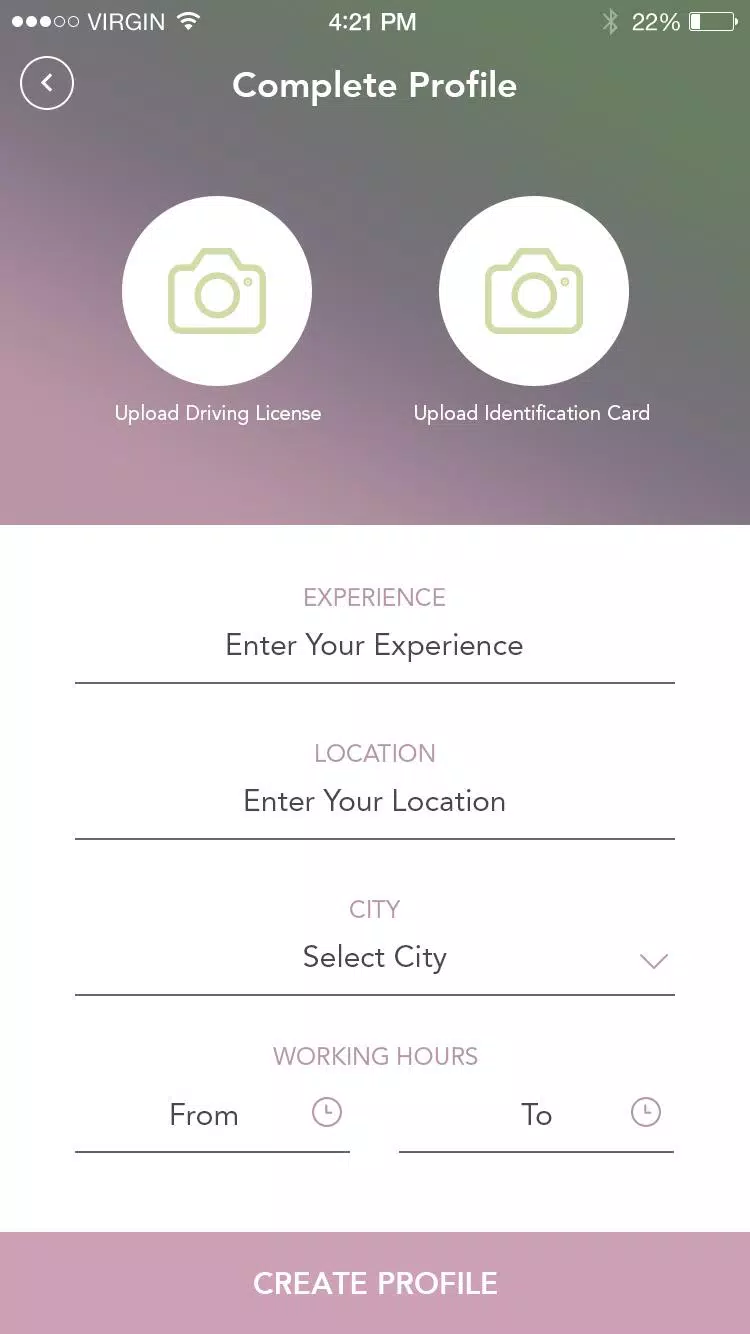
Setting up Curah Pro is quick: create an account, authorize preferred cloud connections, and perform a trial capture to see suggested tags in action. The onboarding walkthrough highlights capture methods, search tips, and sharing controls. For users migrating from other services, import tools simplify the transition by mapping existing tags and collections into Curah Pro’s structure.
Whether you need a personal vault for research, a lightweight project hub, or a shared information center for small teams, Curah Pro provides a flexible, fast, and secure way to gather and use your digital content.
File size: 10.30 M Latest Version: 1.0.0
Requirements: Android Language: English
Votes: 201 Package ID: com.curahservice.netset
Developer: Ikram Mansori



Best Free Books Apps for Your Android Phone
Discover your next great read with our innovative book apps. Access millions of ebooks, audiobooks, and comics on any device. Get personalized recommendations from our advanced algorithms so you always have your next great story lined up. Track your reading habits and browse curated lists for inspiration. Join online book clubs to connect with fellow bibliophiles. Listen to samples and download seamlessly with our integrated stores.






LIVE A HERO
Retro Hero Mr Kim
Empire of Passion
Arcane Quest Legends
Magic Snap: Momotaro
AllStar Manga Heroes
Lunescape
ONE PIECE Thousand Storm JP
Tap Titans 2










































