
Scan to Download
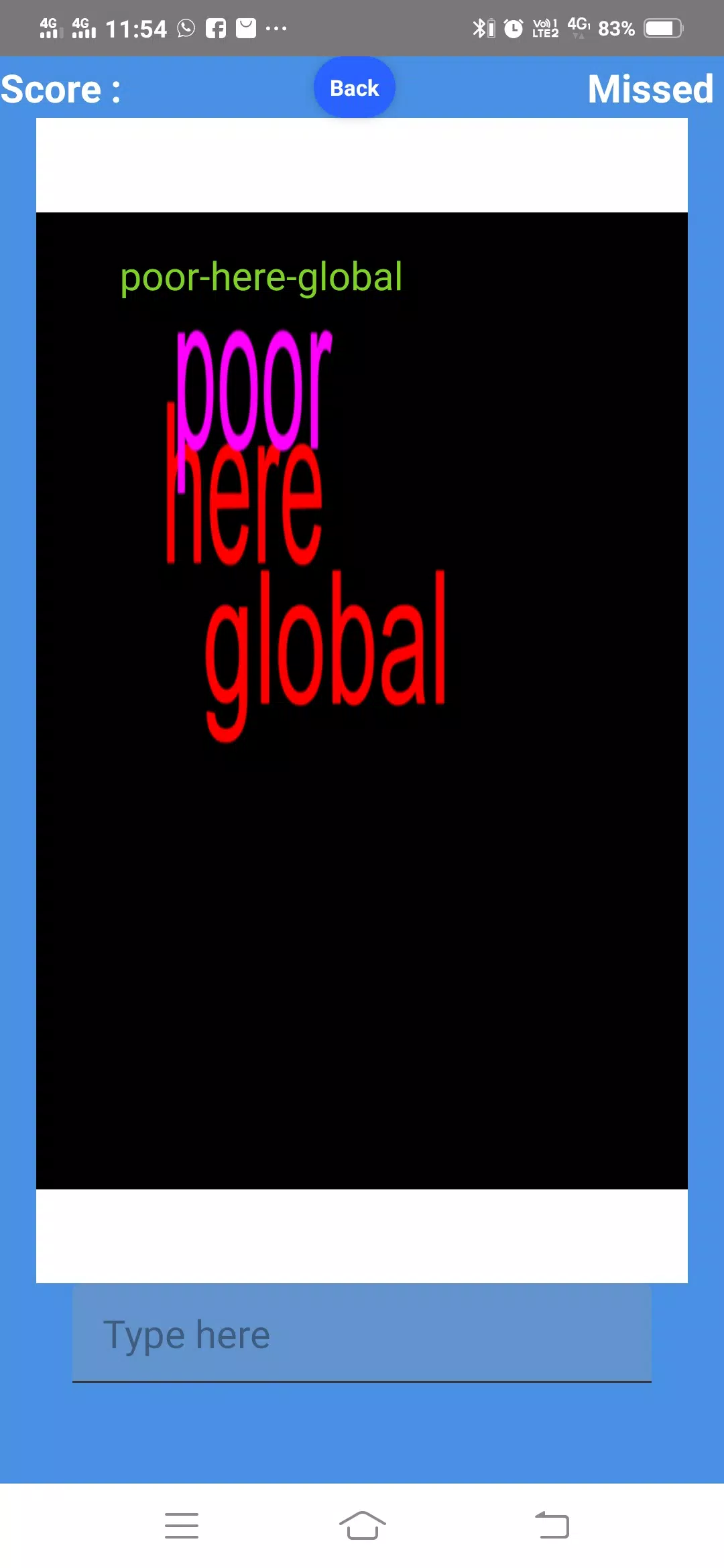
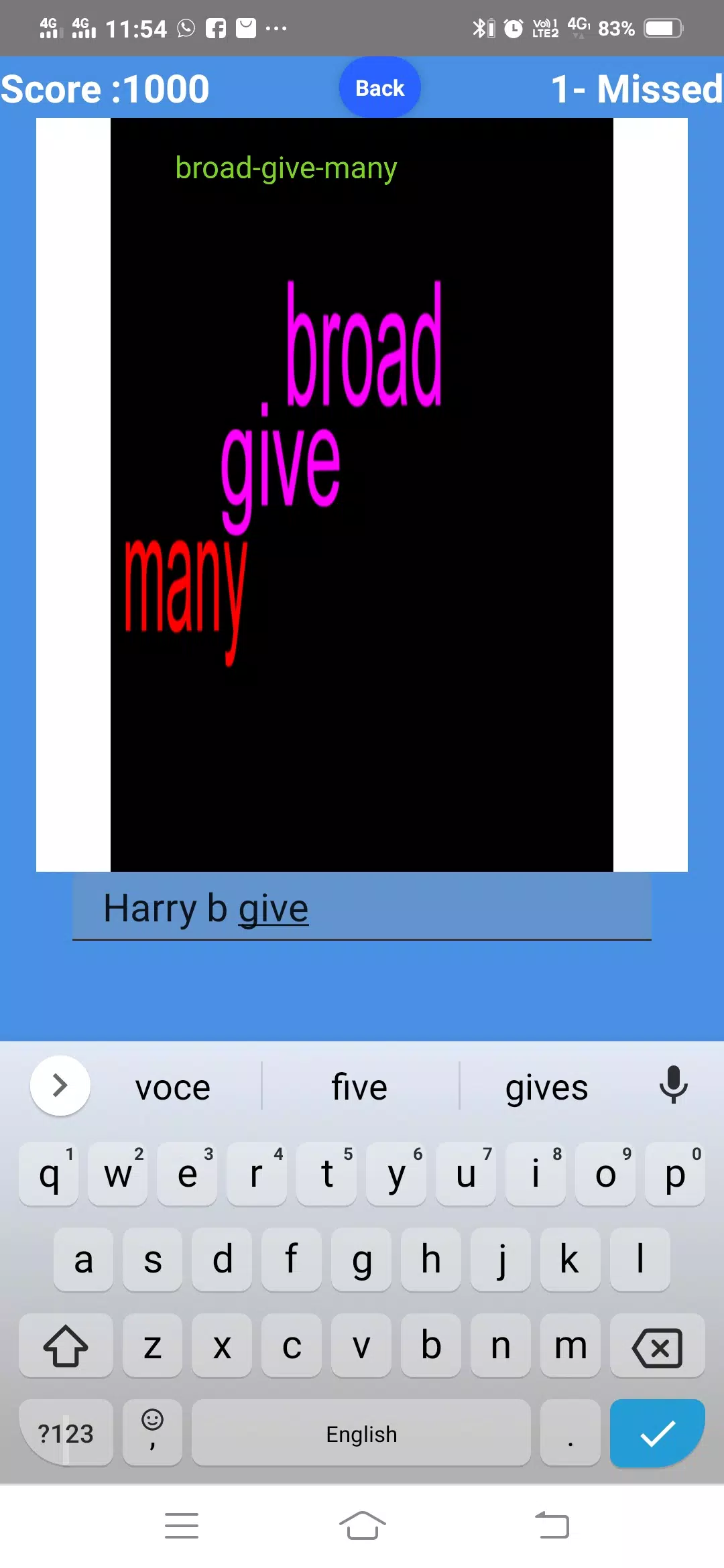
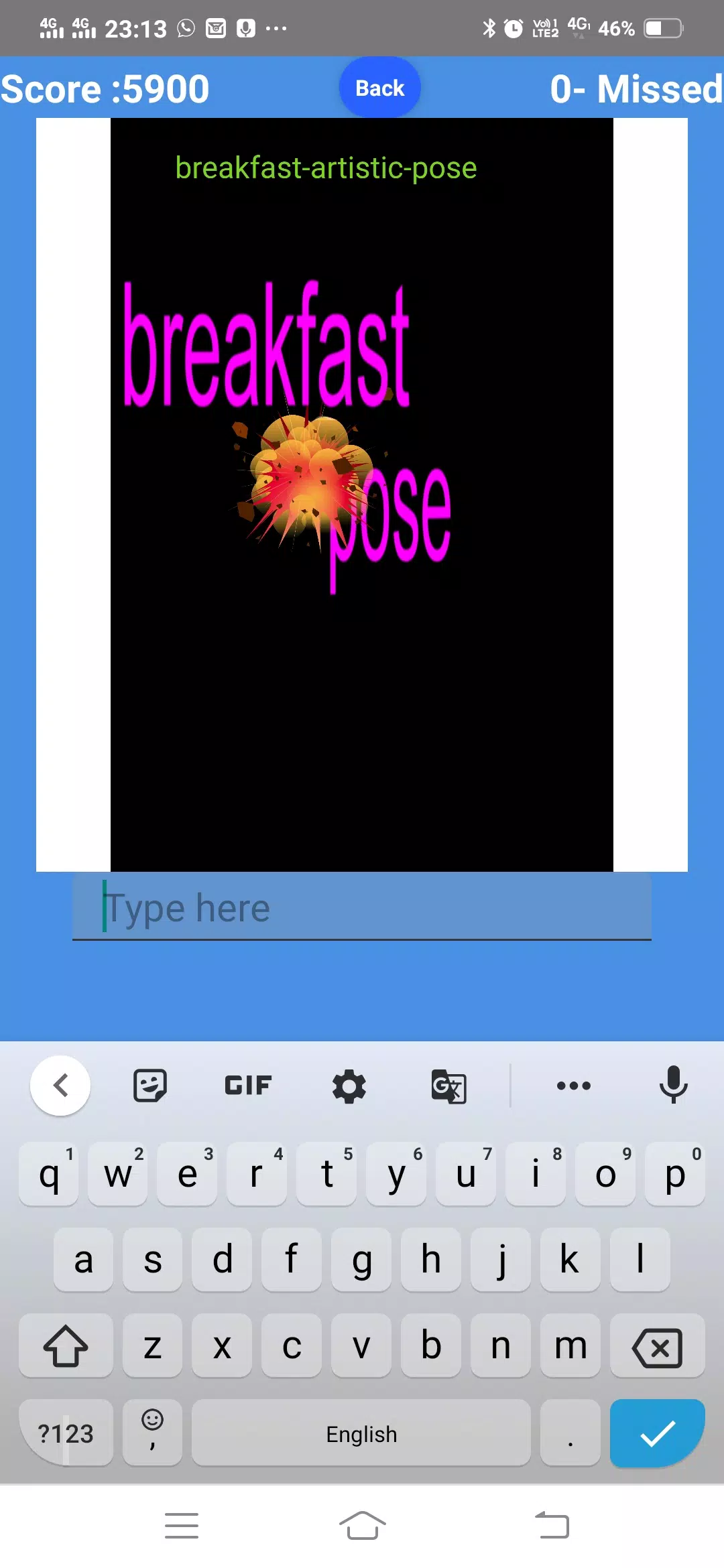
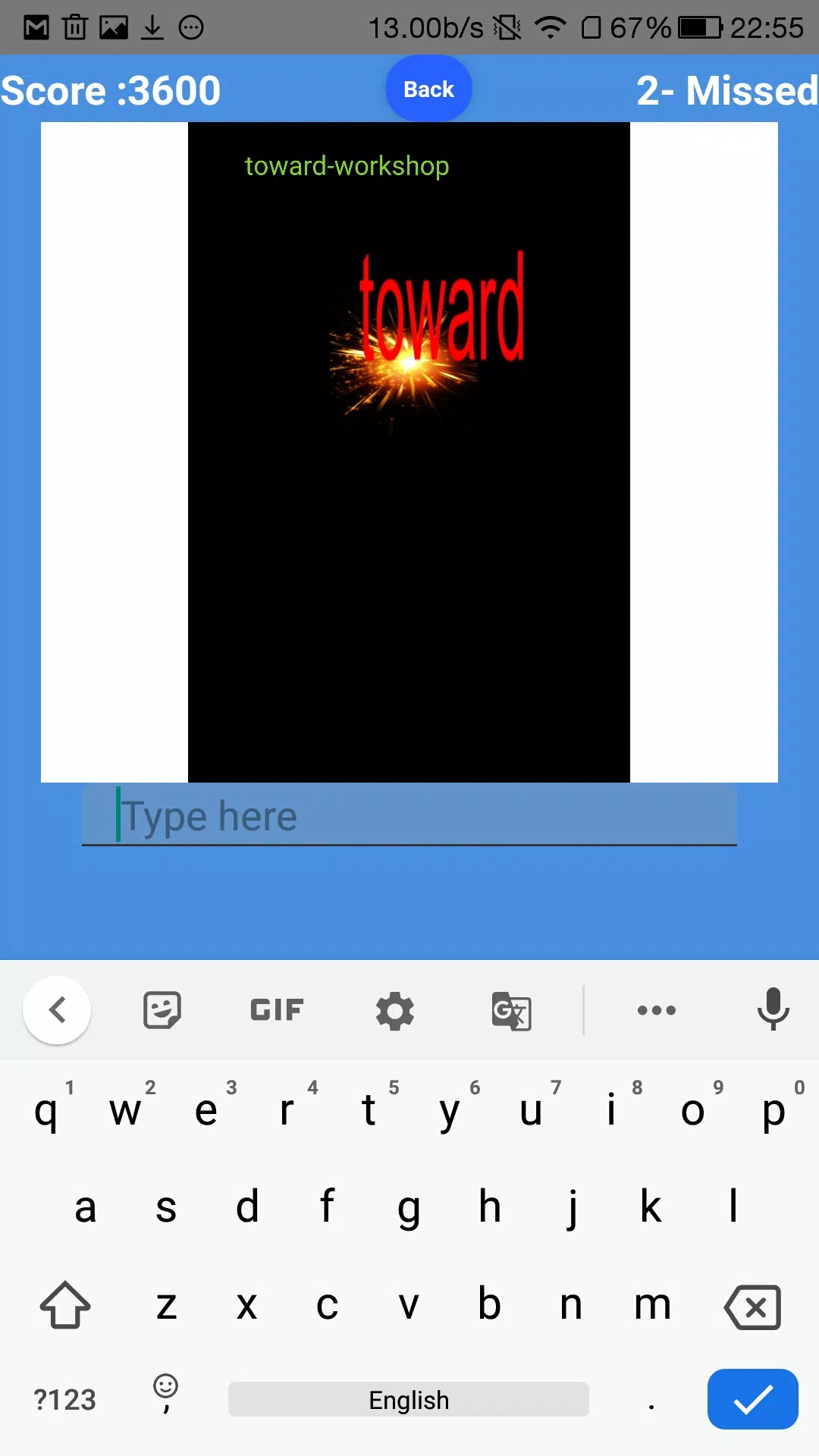
Glider Typing turns swipe typing practice into an engaging, arcade-style trainer that helps you learn and refine glide input on touch keyboards. Glider Typing presents short practice sessions in which words appear and must be glided into a text field; correct swipes earn points, longer words score higher, and a simple fail condition keeps sessions focused and repeatable.
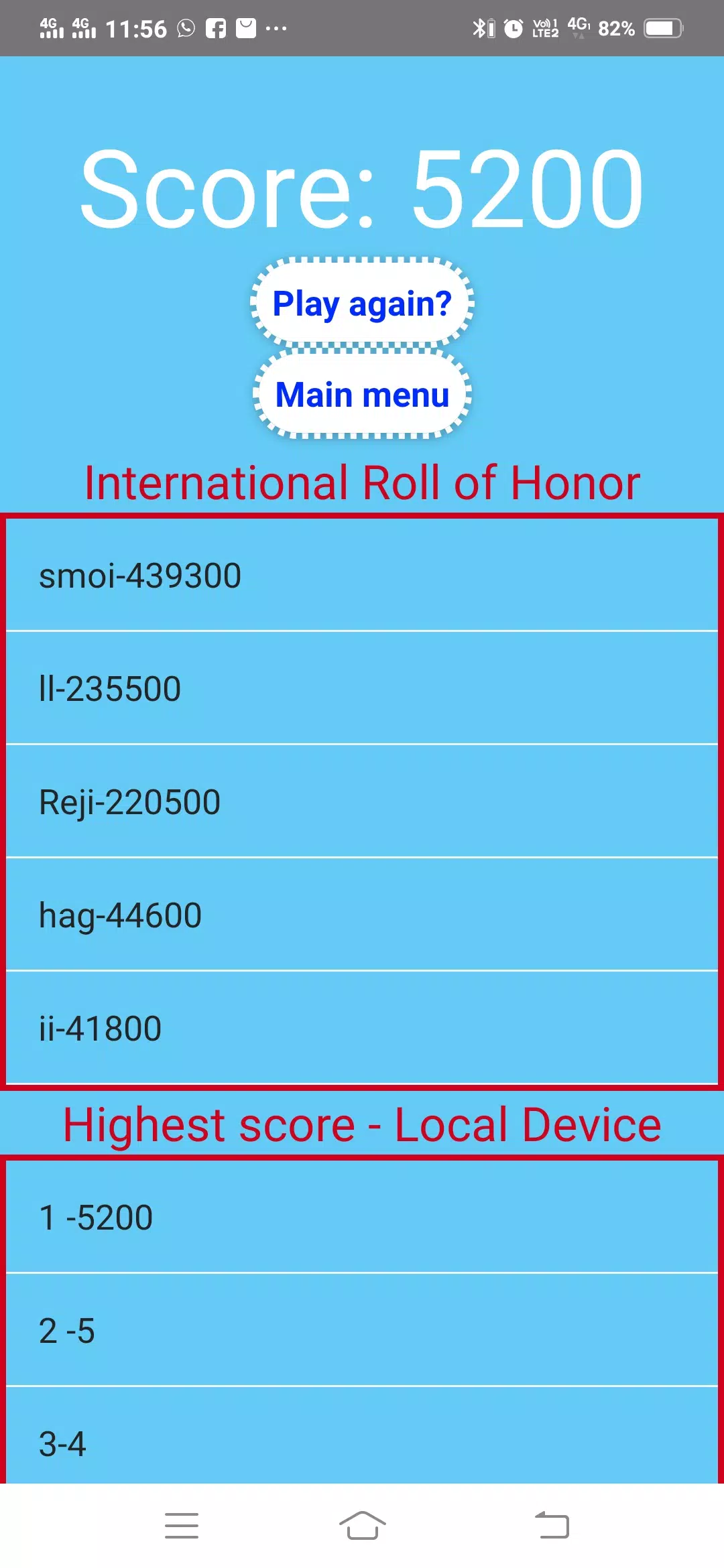
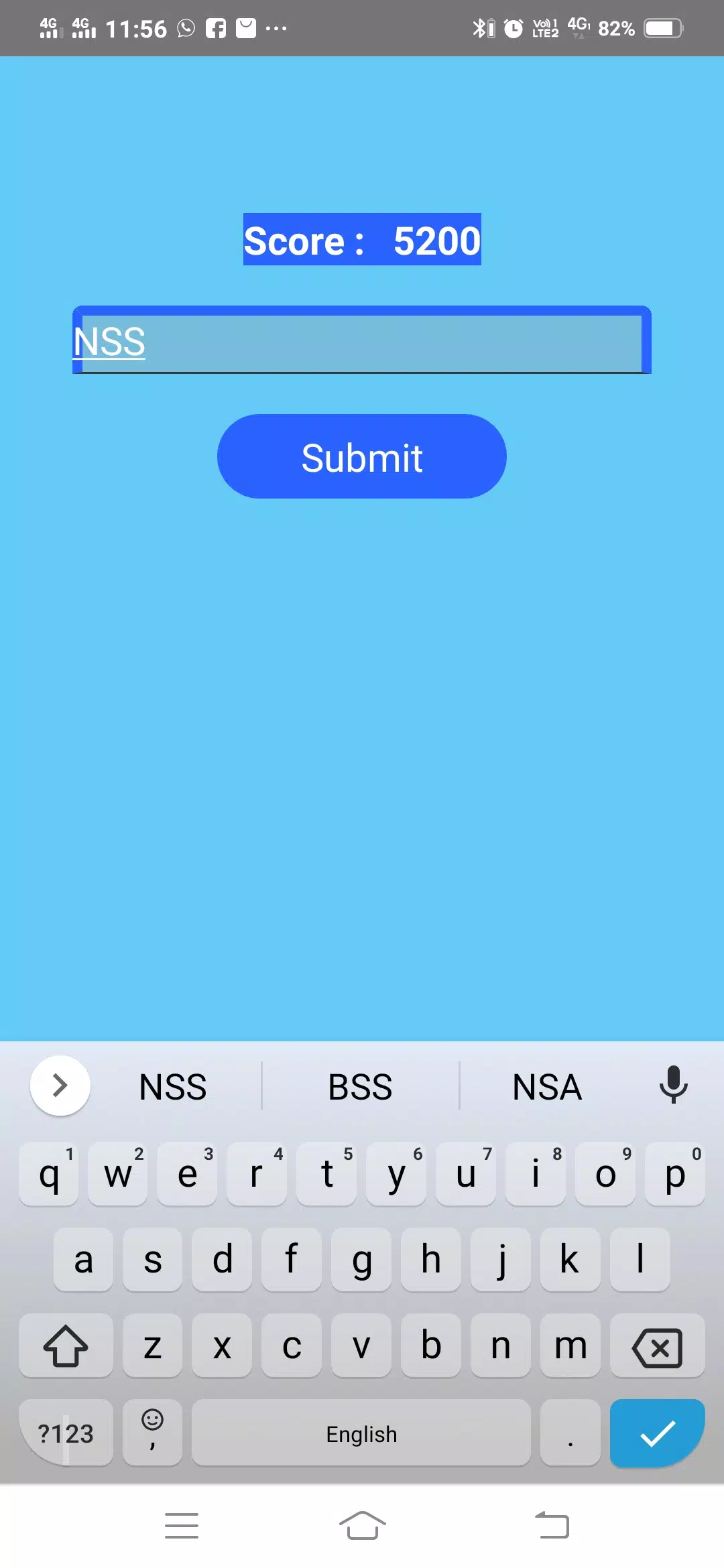
The app combines targeted drills with lightweight gamification: words descend toward the bottom of the screen and each successful glide scores points while five missed words end the current run. Built-in AI suggestions offer one-tap completions to reduce friction and encourage continued motion, while a local high-score table records your best runs. When you choose to enable cloud sync, a Roll of Honor uploads achievements so you can see where your best scores stand among other users.
Gameplay is centered on glide (swipe) input rather than tapping individual letters. To play, slide your finger across the on-screen keyboard to trace each word and release when the intended word is formed; the engine recognizes common swipe paths and corrects minor deviations. AI-powered suggestions appear as optional one-tap completions when the gesture is ambiguous, and a quick-restart control lets you jump back into practice immediately after a failed session.
Progression is measured through points and session performance rather than levels. Words are chosen to encourage a mix of short and longer vocabulary so that accuracy and speed improve together: longer, correctly swiped words yield more points and help build momentum. Over time runs become more demanding as the system presents denser word patterns and faster pacing, while the Roll of Honor and local leaderboards provide concrete targets to beat on subsequent attempts.
The visual approach leans on a minimalist arcade aesthetic with clear typography and a clean playfield so words are easy to focus on. Sessions are short and self-contained rather than split into traditional levels: each run is a compact practice bout defined by the five-miss fail condition, which makes it easy to fit a quick drill into a short break or expand into longer practice by restarting immediately.
Settings allow you to tailor the experience: adjust suggestion sensitivity to favor more or fewer AI completions, choose a comfortable pacing, and scale interface text for readability. The design emphasizes clarity and predictable behavior so new learners can build correct swipe patterns, while adjustable options help more experienced users fine-tune difficulty and feedback to match their goals.
The combination of brief sessions, point-based feedback, and the incentive of recorded top scores encourages repeated play. Because runs are intentionally short, Glider Typing is suited to daily micro-practice that compounds over time: repeated, focused drills improve both recognition of word shapes and the muscle memory needed for smooth glide input.
The core trainer works offline — words are generated and progress is tracked locally so you can practice without a network connection. Local high-score storage keeps your best runs on the device, and cloud sync for the Roll of Honor is optional: when enabled, it uploads summary achievements so you can compare scores globally, but the app continues to function fully without that feature.
This app is aimed at anyone who wants to learn or sharpen swipe typing skills, from newcomers who prefer guided one-tap suggestions to experienced users seeking efficient glide practice. The interface minimizes distractions and focuses on repeated, measurable exercises to help users develop faster, more accurate input on touch keyboards.
Glider Typing is designed to work with standard touch keyboards that support swipe input and adapts to different screen sizes and orientations. The lightweight visual style and short-session design make it suitable for phones and tablets, including lower-end devices, and support materials explain how to set up your keyboard for best glide recognition.
File size: 59.00 M Latest Version: 15
Requirements: Android Language: English
Votes: 486 Package ID: com.gmail.naturalsilksarees.glidetypingwithgametri
Developer: NaSiSa

Best Free Media Apps for Your Android Phone
Explore an immersive world of entertainment with our media software. Watch, listen, and engage with your favorite shows, music, movies, and more. Access exclusive content, personalized recommendations, and innovative formats. Enhance your experience with our suite of cutting-edge applications. Discover hidden gems tailored to your unique tastes. Create, share, and connect over personalized playlists, reviews, and forums.






LIVE A HERO
Retro Hero Mr Kim
Empire of Passion
Arcane Quest Legends
Magic Snap: Momotaro
AllStar Manga Heroes
Lunescape
ONE PIECE Thousand Storm JP
Tap Titans 2










































