
Scan to Download
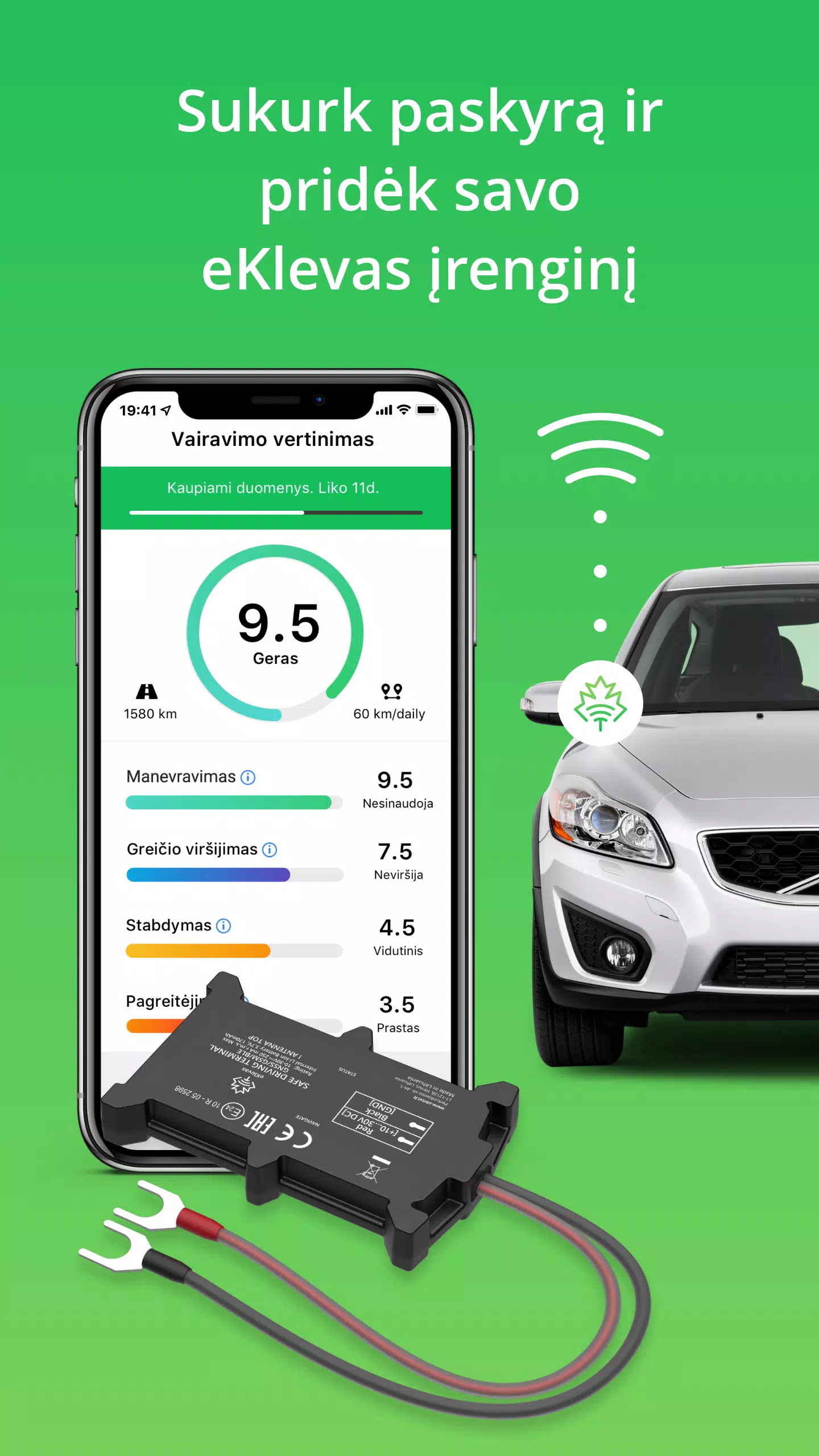
eKlevas is a streamlined productivity app that centralizes file management, notes, and workflow automation into one mobile workspace. It organizes documents, syncs across cloud services, and adds quick automation for recurring tasks, making routine work faster and keeping important information accessible on Android devices.
Designed for professionals and power users, eKlevas blends document organization with task automation. The core idea is to reduce context switching: open the app to find a document, update a note, trigger an automated routine, or share a file with colleagues in a few taps. Its modular feature set adapts to individual workflows rather than imposing a rigid structure.
Start by connecting the cloud accounts you use most. eKlevas indexes files and builds a searchable catalog without moving your data. Tap any result to preview or open in the built-in editor. Automation templates help with repetitive tasks: for example, create a template that renames exported reports, compresses them, uploads to a shared folder, and notifies team members.
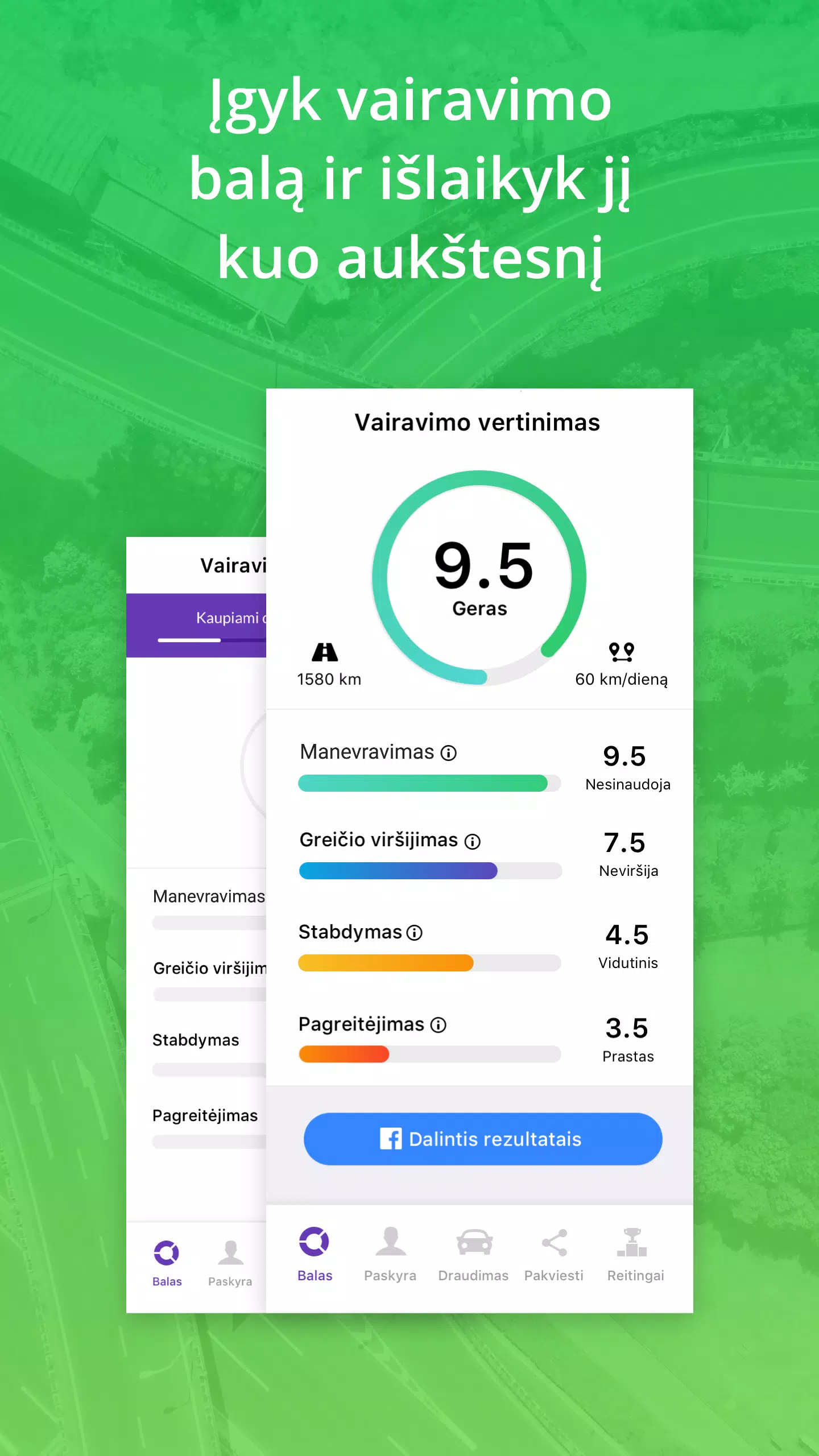
eKlevas favors a clean, responsive interface with minimal visual clutter. The navigation bar keeps primary tools accessible while contextual menus expose advanced options. Indexing runs in the background and offers configurable schedules to conserve battery. Performance remains smooth on mid-range devices, though initial indexing may take time depending on data volume.
Users can tailor eKlevas to match their routines. Choose between compact and expanded list modes, decide which cloud services to show, and define default file handling behaviors. Themes include a dark mode for low-light environments and a focused reading mode for long documents.
Security is a practical focus: files are not centrally stored by the app unless explicitly moved. End-to-end encryption covers sync traffic, and local passcode locks prevent casual access. For enterprise environments, eKlevas supports managed accounts and remote wipe capabilities through an admin console.
Feedback often highlights the app's speed in locating content and the convenience of combining tasks into single actions. Some users request deeper integrations with specific productivity suites; the developer roadmap addresses plugin-style extensions to accommodate those needs. New users appreciate the guided setup that presents key features without overwhelming them.
eKlevas suits freelancers, small teams, and mobile professionals who juggle documents and repetitive processes. If you rely on multiple cloud providers, need quick automation of mundane tasks, or want a compact but capable editor on your phone, this app is worth exploring.
Install from the Play Store, grant necessary permissions for file access and notifications, and follow the onboarding flow to connect cloud accounts. The initial index will run automatically; performance improves after that stage. The app includes an in-app help center with short walkthroughs and example automations to get productive fast.
File size: 15.00 M Latest Version: 1.6.1
Requirements: Android Language: English
Votes: 420 Package ID: com.eklevas
Developer: Klevas telematics

Must Have Tools Apps for Android
Equip yourself with our all-in-one toolbox app for everyday tasks and projects. Instantly convert between units, calculate tips, scan documents, manage files, and more with handy productivity tools. Includes a level, compass, QR code reader, ruler, speedometer, decibel meter, and flashlight. Save frequently used tools to your customizable dashboard for one-tap access. Track billable hours, wages, budgets, and invoices. Annotate screenshots, magnify labels, and sign PDFs on the go.






LIVE A HERO
Retro Hero Mr Kim
Empire of Passion
Arcane Quest Legends
Magic Snap: Momotaro
AllStar Manga Heroes
Lunescape
ONE PIECE Thousand Storm JP
Tap Titans 2










































