Scan to Download
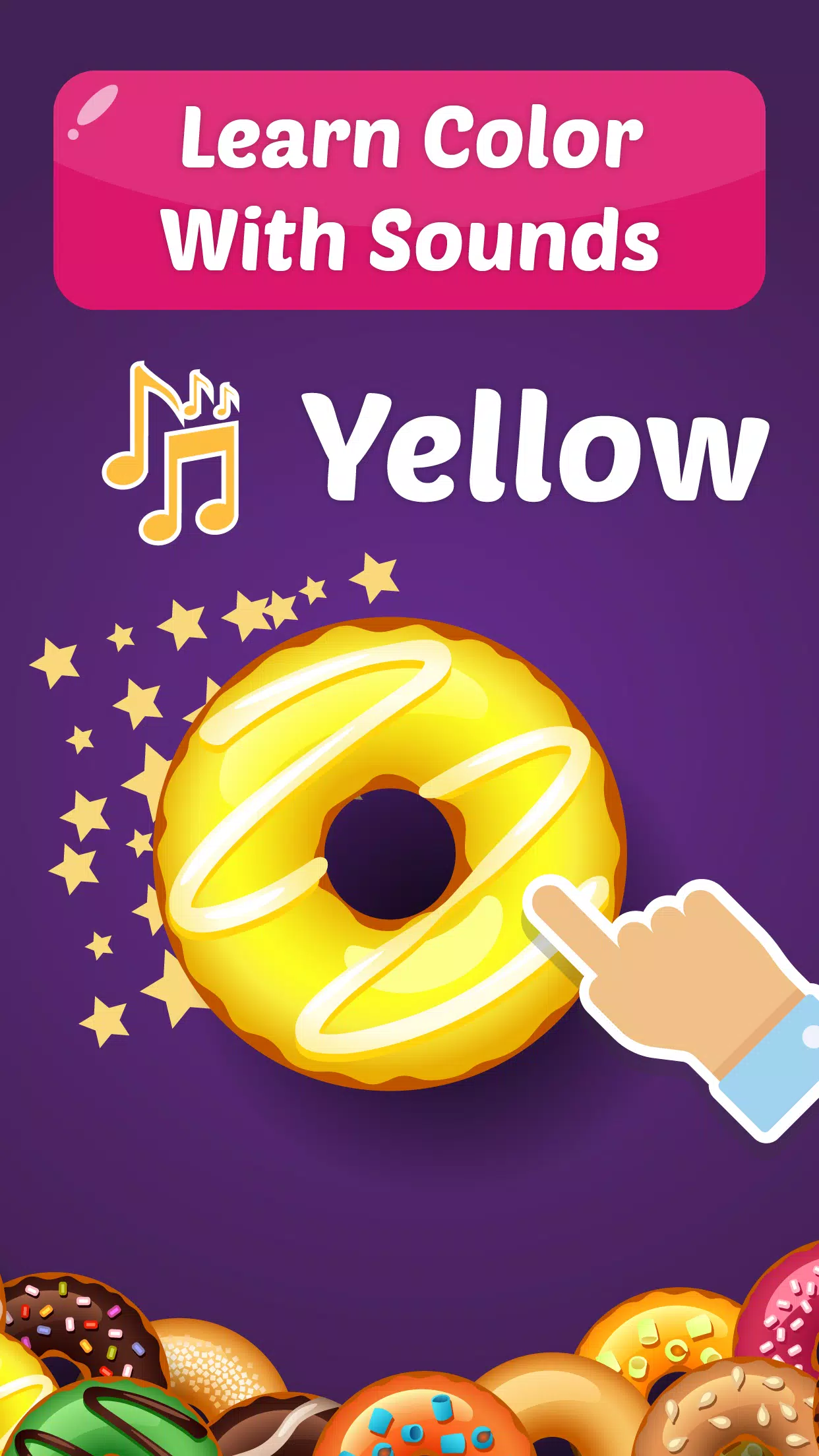
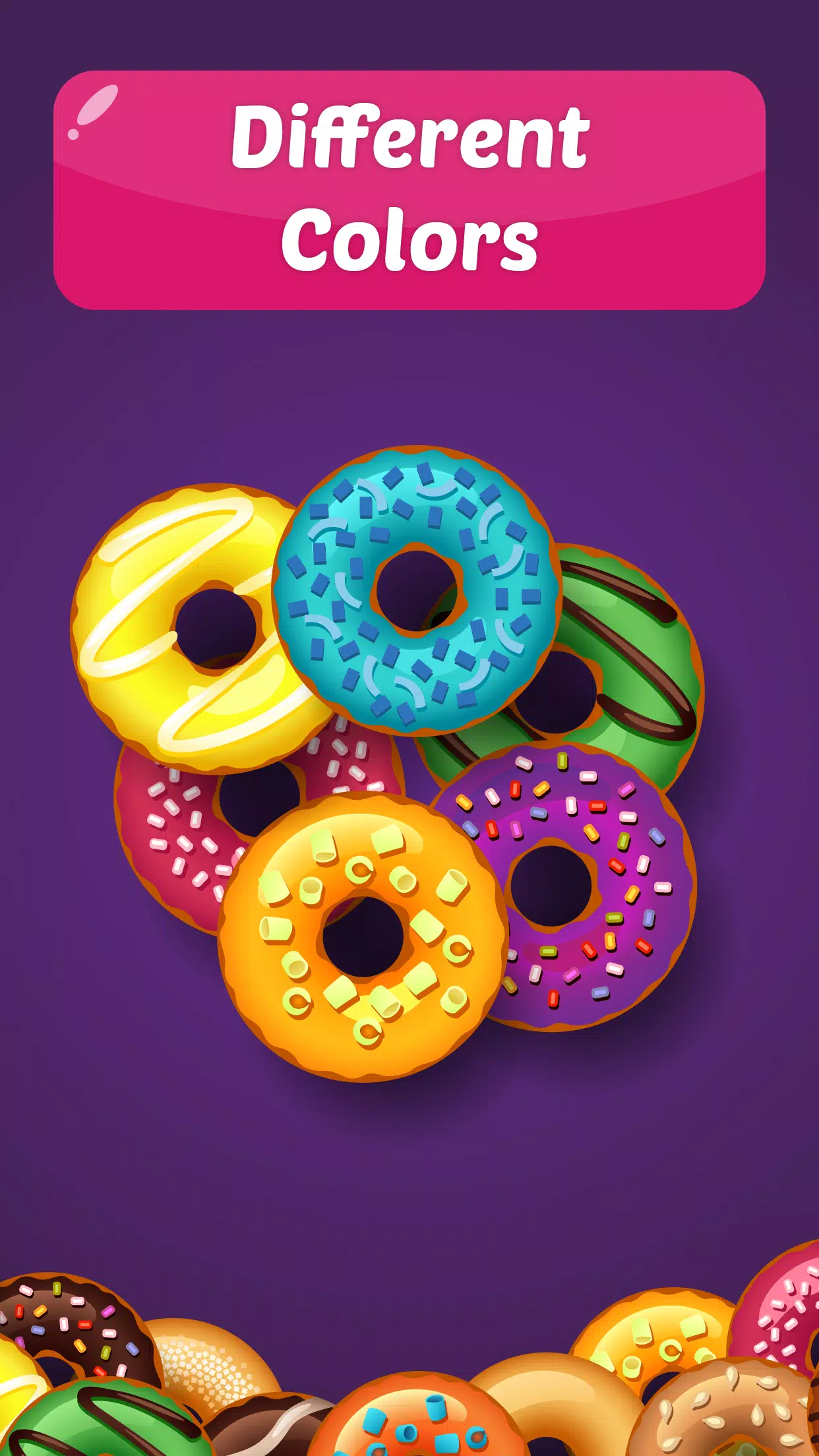
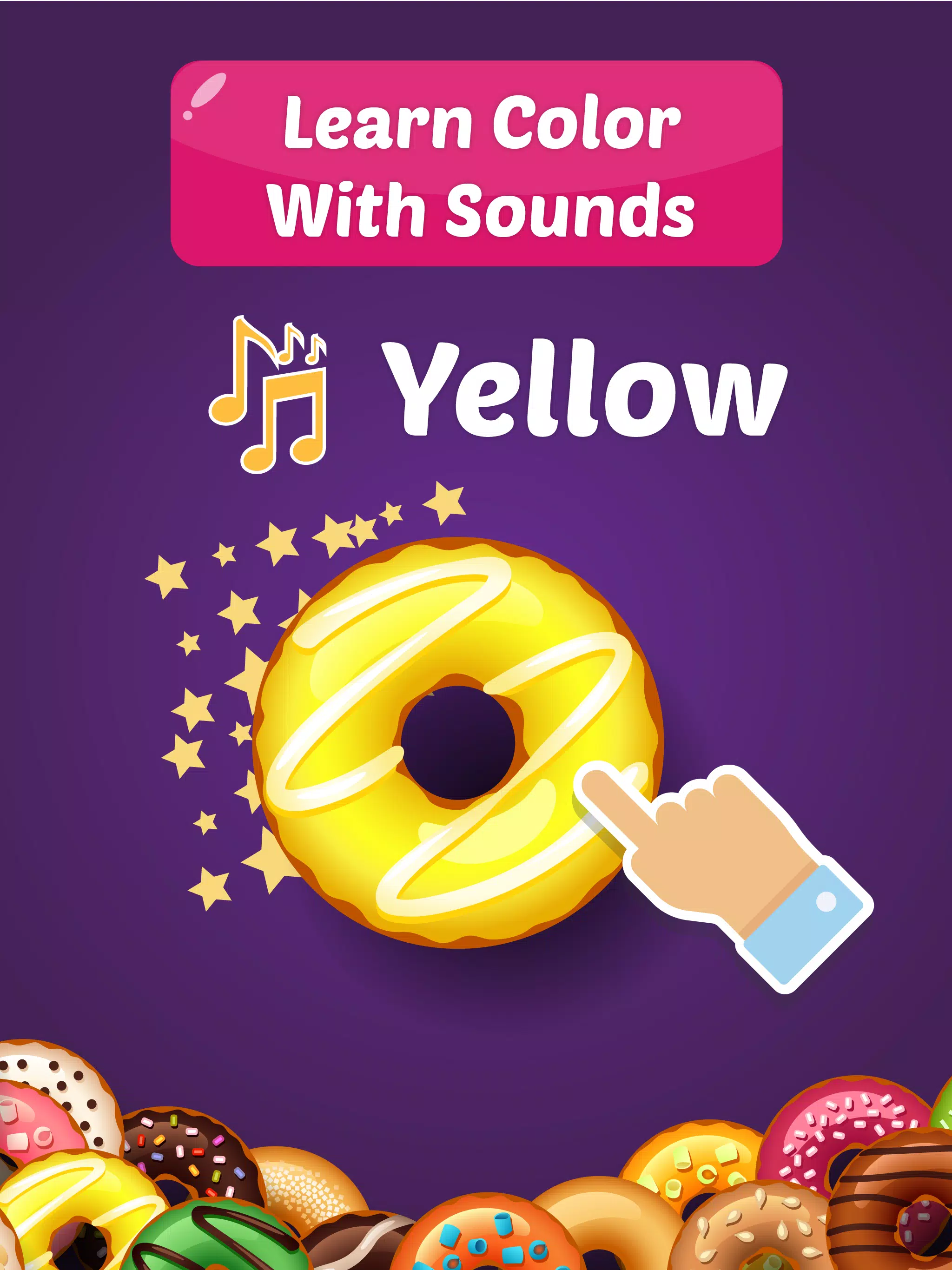
Learn Color With Donuts is a bright, child-friendly educational app that helps toddlers and preschoolers explore basic colors through playful donut-themed activities and simple interactive tasks. Learn Color With Donuts puts colorful visuals, friendly sound cues and touch-friendly controls at the center of the experience so young learners can practice recognizing, matching and naming colors in short, engaging sessions. Parents will find the app's progress tracking and customizable settings useful for monitoring development and adjusting difficulty to match each child's pace.
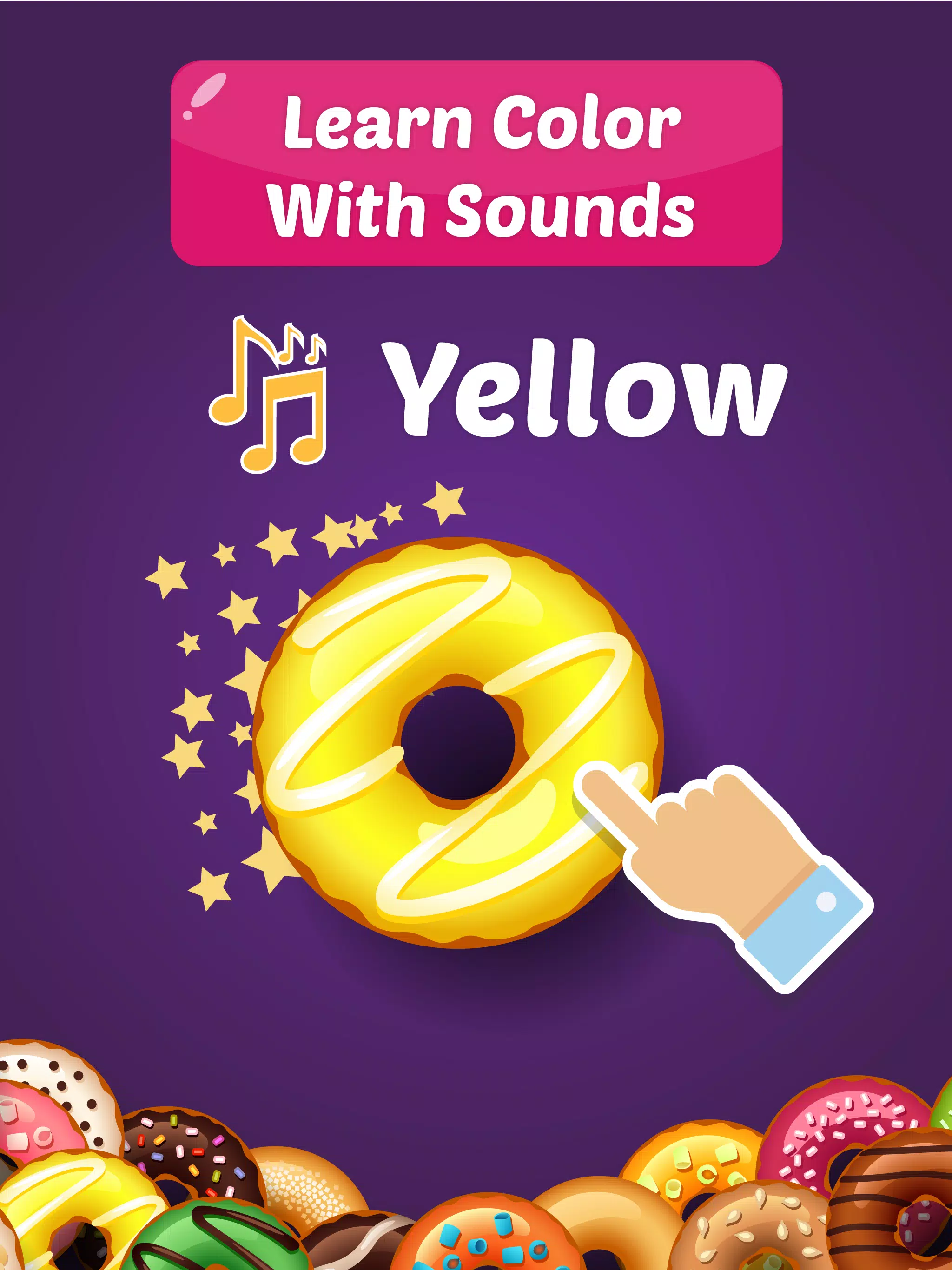
The core gameplay is designed for young hands and short attention spans: children tap, drag and drop or match colorful donuts to corresponding targets. Controls are intentionally simple — single taps to select a color, dragging to match, and large targets to reduce accidental input. Audio prompts and clear visual feedback guide the child through each task so even pre-readers can play independently while building vocabulary and color recognition. Interaction is paced to avoid frustration, with instant feedback for correct and incorrect choices that encourages repeated practice without punitive penalties.
Levels progress gradually from single-color identification to multi-color matching, with increasing variety in shapes, backgrounds and distractors to gently raise the challenge. Sessions are broken into short rounds suitable for toddlers and preschoolers, and the difficulty can be tuned through the settings so caregivers can introduce new colors and combinations when their child is ready. The app records simple progress markers that indicate which color groups have been practiced more often, allowing caregivers to focus on areas that need reinforcement while preserving a relaxed, play-first learning style.
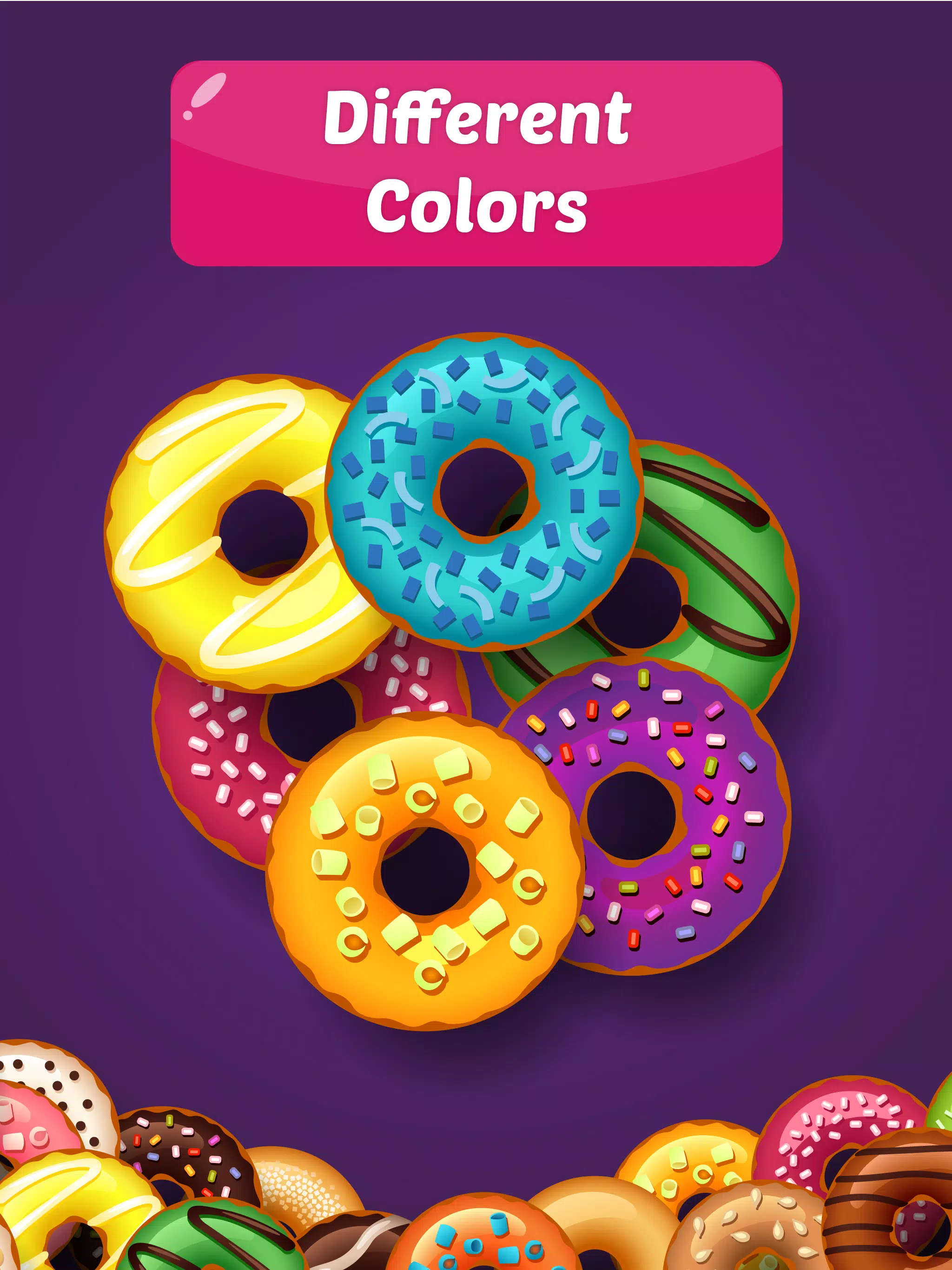
The visual design centers on clear, high-contrast donut illustrations and uncluttered screens to keep attention on the learning task. Colors are vivid but not overwhelming, and visual elements are large enough for easy recognition on small screens. Animations are gentle and purposeful, reinforcing correct matches and celebrating milestones without causing distractions. Overall the user experience prioritizes calm, focused interaction that parents can trust to be age-appropriate and predictable during short play sessions.
Parents can personalize the app to match their child's developmental stage by adjusting difficulty, session length and the presence of audio cues. Built-in progress tracking provides a straightforward view of practiced color groups and recent activity so caregivers can monitor improvement over time. Settings are accessible through a parent-only area to prevent unintended changes during play, and the app's simple layout makes it easy for caregivers to hand the device to a child with confidence.
Accessibility is considered through large touch targets, clear audio narration of color names and minimized on-screen clutter to aid attention and comprehension. Audio cues reinforce visual information for children who are still developing reading skills, and the interface avoids fast-moving elements that can be confusing for some learners. These design choices support a wider range of preschool abilities without relying on complex menus or instructions.
The app is suitable for use during short trips and situations without internet access after initial download, making it a practical option for on-the-go learning. The interface is built to enable focused play with minimal distractions, and parental controls keep progress information accessible to caregivers. The design avoids unnecessary external links during play so that children remain within the learning environment unless a parent chooses otherwise.
Replay value comes from randomized color combinations, incremental difficulty and short rounds that encourage daily practice. Repetition in varied contexts helps reinforce recognition and naming, while the gentle progression keeps tasks achievable and rewarding. Because it concentrates on foundational color skills for ages 2–6, the app is best used regularly in short bursts — at home, in preschool settings or while traveling — to build confidence and fluency over time.
Learn Color With Donuts is aimed at toddlers and preschoolers who are beginning to learn color names and matching skills. Caregivers looking for a simple, focused learning tool will appreciate the balance of playful visuals, intuitive controls and basic progress tracking. The app works well as a supplemental activity alongside other early-learning resources and is designed to fit into everyday routines where short, structured play supports steady development.
File size: 24.90 M Latest Version: 2
Requirements: Android Language: English
Votes: 231 Package ID: com.foxgames.learn.colors.donuts
Developer: Fox Game Dev.

Best Free Travel Apps for Your Android Phone
Make travel planning effortless with our all-in-one trip companion app! Get insider tips from locals on top attractions, hidden gems, restaurants, and accommodations at your destination. Book flights, rental cars, and hotels at the lowest prices. Access maps offline; track bookings, itineraries, and reservations; create shared group trips; and auto-translate menus, signs, and conversations abroad. Our clever algorithms surface personalized recommendations everywhere you go.






LIVE A HERO
Retro Hero Mr Kim
Empire of Passion
Arcane Quest Legends
Magic Snap: Momotaro
AllStar Manga Heroes
Lunescape
ONE PIECE Thousand Storm JP
Tap Titans 2