
Scan to Download
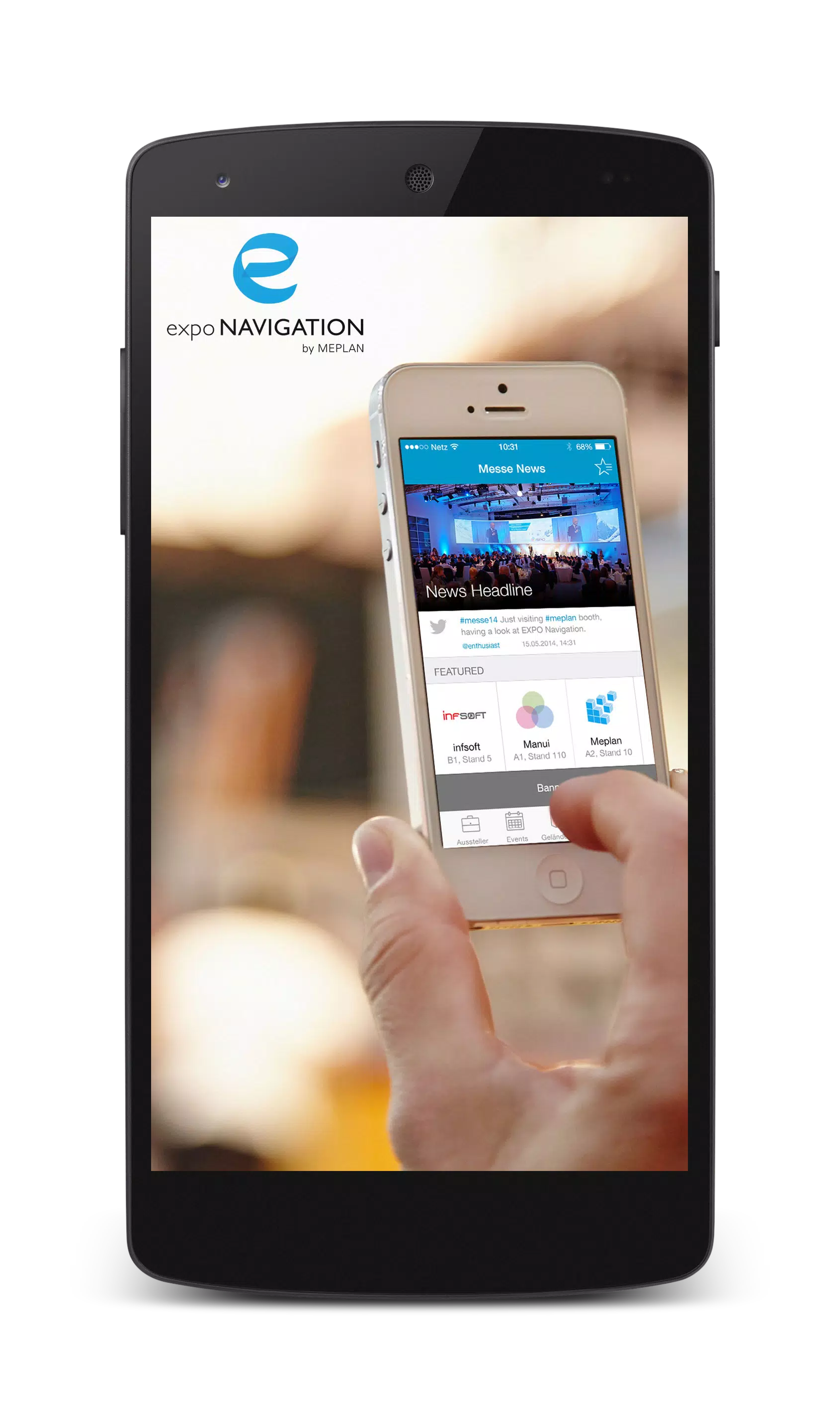
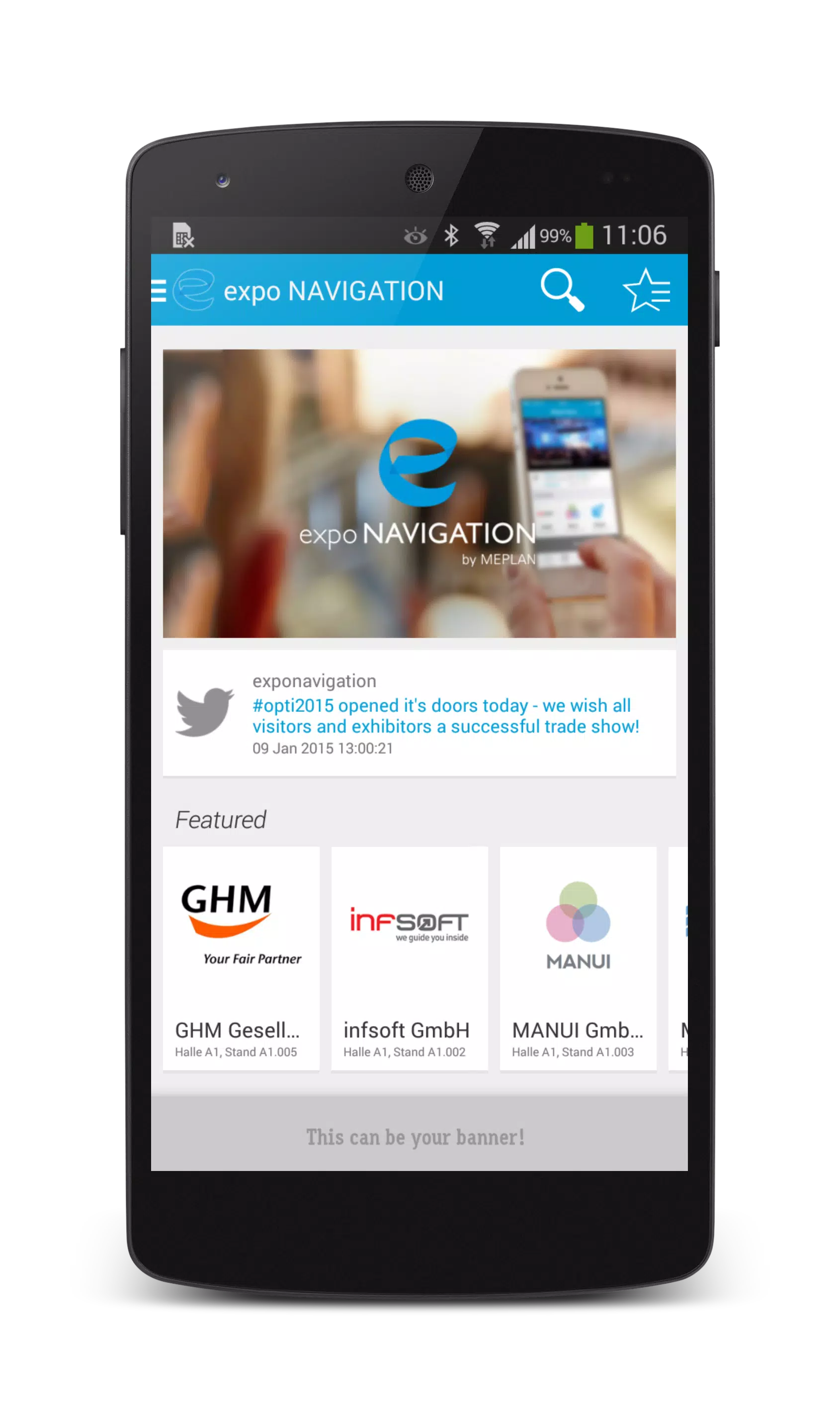
expo NAVIGATION is a smart wayfinding app tailored for large events and trade shows, combining indoor maps, live route guidance, and exhibitor directories into one interface. It helps attendees find booths, sessions, and amenities quickly while event organizers can update layouts and announcements in real time.
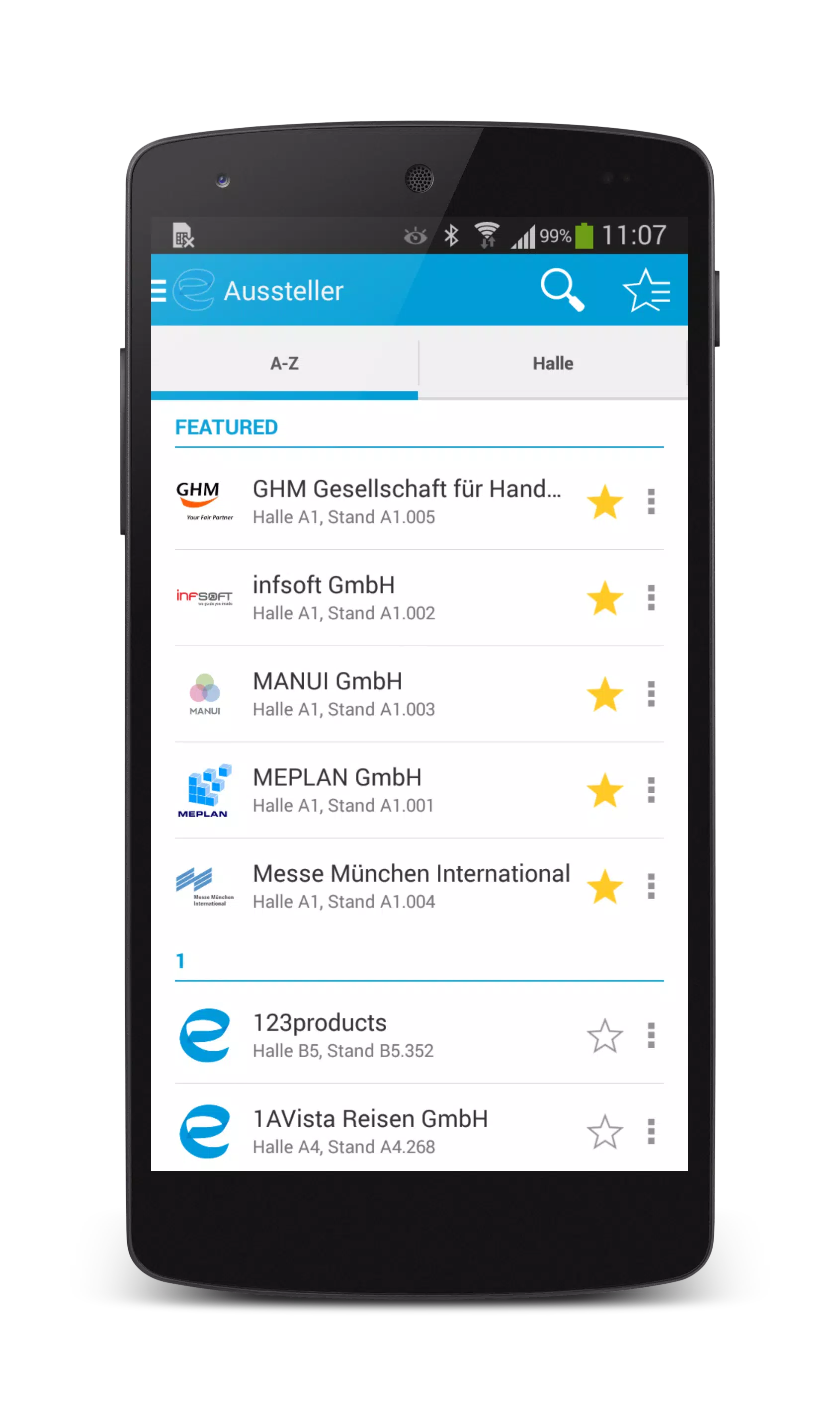
At its core, expo NAVIGATION turns complex venue floor plans into an easy-to-navigate experience. Attendees can search for exhibitors, session rooms, restrooms, and food vendors using an intuitive search bar. Routes are calculated to minimize walking time and can be adjusted for accessibility needs. Event hosts receive a cloud-based dashboard to upload maps, assign booth numbers, and broadcast alerts to visitors.
The app brings together several practical features for both visitors and planners. Offline map caching ensures basic navigation without a continuous connection, while live updates reflect last-minute changes such as relocated booths or schedule shifts. Interactive booth pages include company descriptions, contact details, and meeting scheduling. A built-in QR scanner helps users check in at sessions or collect digital brochures without paper. For organizers, analytics provide heatmaps of traffic and dwell times so future layouts can be optimized.
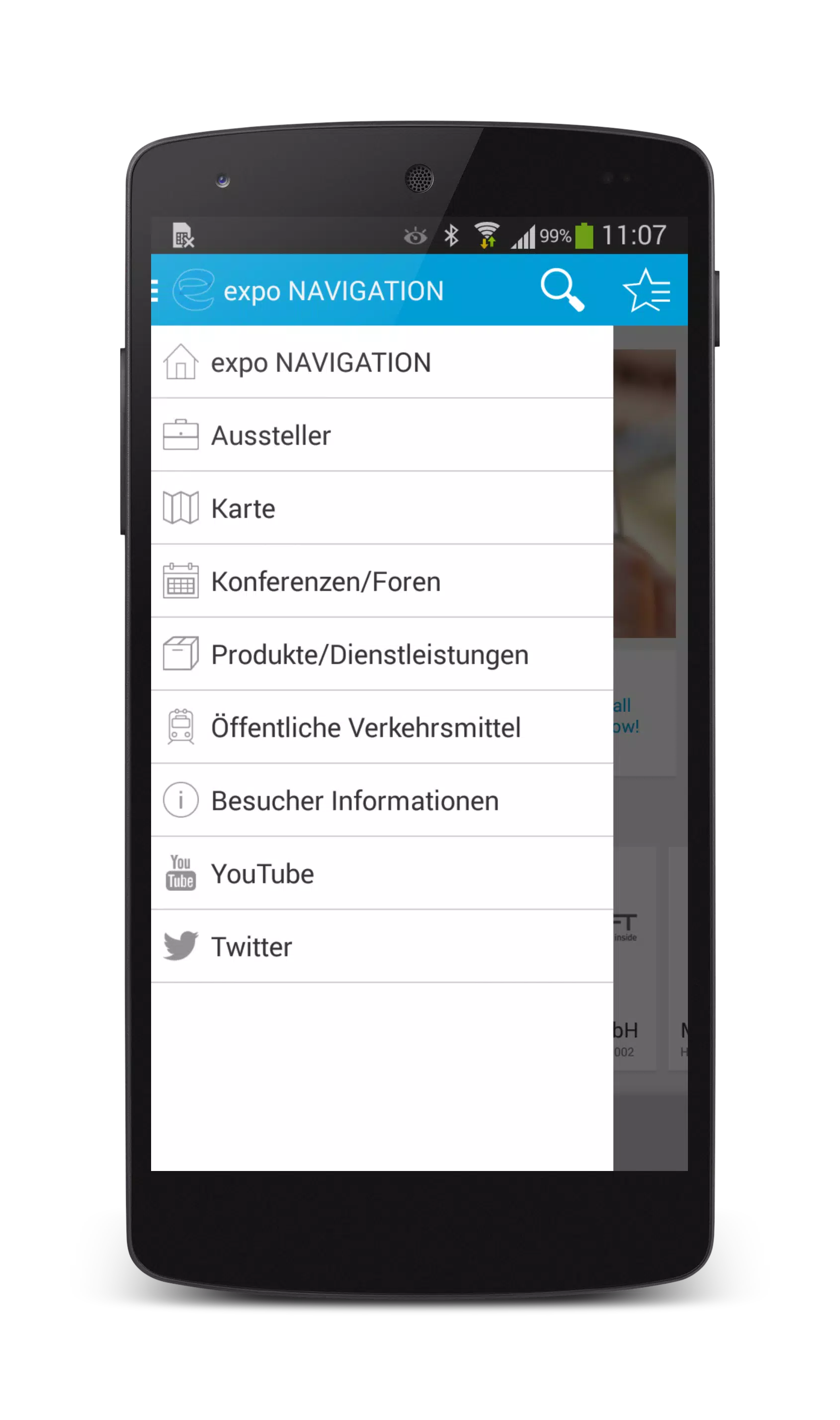
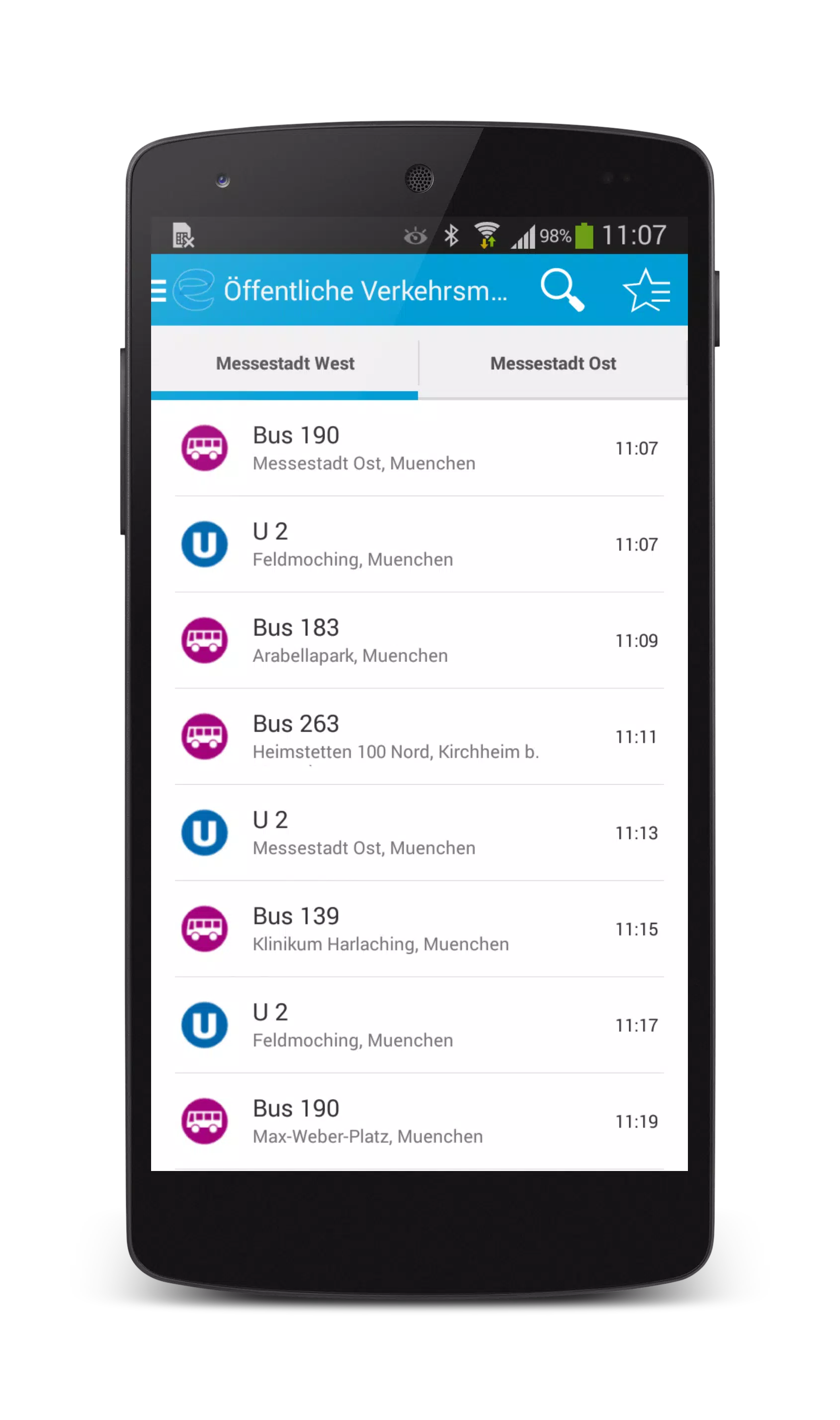
expo NAVIGATION is designed with straightforward screens and minimal taps. The main view displays a searchable map with layered filters to show only sessions, exhibitors, or amenities. A persistent action button lets users set their current destination and receive turn-by-turn guidance. For busy attendees, a quick-schedule feature syncs selected sessions with the device calendar and issues reminders before start times. Organizers access a separate console where map edits propagate instantly to all connected devices, simplifying last-minute operational work.
The app supports multiple mapping inputs: architectural blueprints, uploaded PDFs, or venue-provided digital maps. Positioning can use Wi-Fi fingerprinting, Bluetooth beacons, or GPS near building perimeters. Pathfinding accounts for ramps and elevators, offering accessible routes when needed. Visual cues and optional voice prompts guide users through large halls and multi-level venues. When paired with augmented reality mode, directional arrows overlay the camera feed to make locating distant booths more intuitive.
Built for event-scale traffic, expo NAVIGATION optimizes resource use to limit battery drain while maintaining responsive map interactions. The app runs on a wide range of Android devices and adapts to different screen sizes. Data is encrypted in transit and organizers can choose to collect only anonymized movement data for analytics. Permission prompts are limited to essential services such as location and camera, and users can revoke access at any time without losing basic functionality.
Getting started with expo NAVIGATION is designed to be quick. Attendees download the app, pick the event from a curated list, and either sign in or continue as a guest. Organizers begin with a guided setup that walks through map upload, booth assignment, and push-notification templates. Tutorials and in-app help reduce setup time, and a support channel connects event teams to technical assistance during live events.
By reducing the friction of moving through crowded spaces, expo NAVIGATION enhances the visitor experience and drives more meaningful interactions between attendees and exhibitors. Organizers gain visibility into traffic patterns and communication tools to keep attendees informed. The combined capabilities make it a useful tool for trade shows, conferences, and multi-venue festivals where clarity and quick information access matter most.
File size: 26.70 M Latest Version: 1.8
Requirements: Android Language: English
Votes: 338 Package ID: com.infsoft.android.meplan.exponavigation
Developer: MEPLAN
Best Free Food Apps for Your Android Phone
Discover the joy of cooking with our revolutionary food apps. Find and save recipes for every taste and diet with our intuitive recipe managers. Meal plan for the week ahead using our meal calendar planners. Streamline grocery shopping with synced shopping lists. Develop skills in the kitchen through step-by-step video tutorials. Enhance flavor with our database of spices and aromatics. Learn fun food facts and wine pairings.






LIVE A HERO
Retro Hero Mr Kim
Empire of Passion
Arcane Quest Legends
Magic Snap: Momotaro
AllStar Manga Heroes
Lunescape
ONE PIECE Thousand Storm JP
Tap Titans 2










































