
Scan to Download
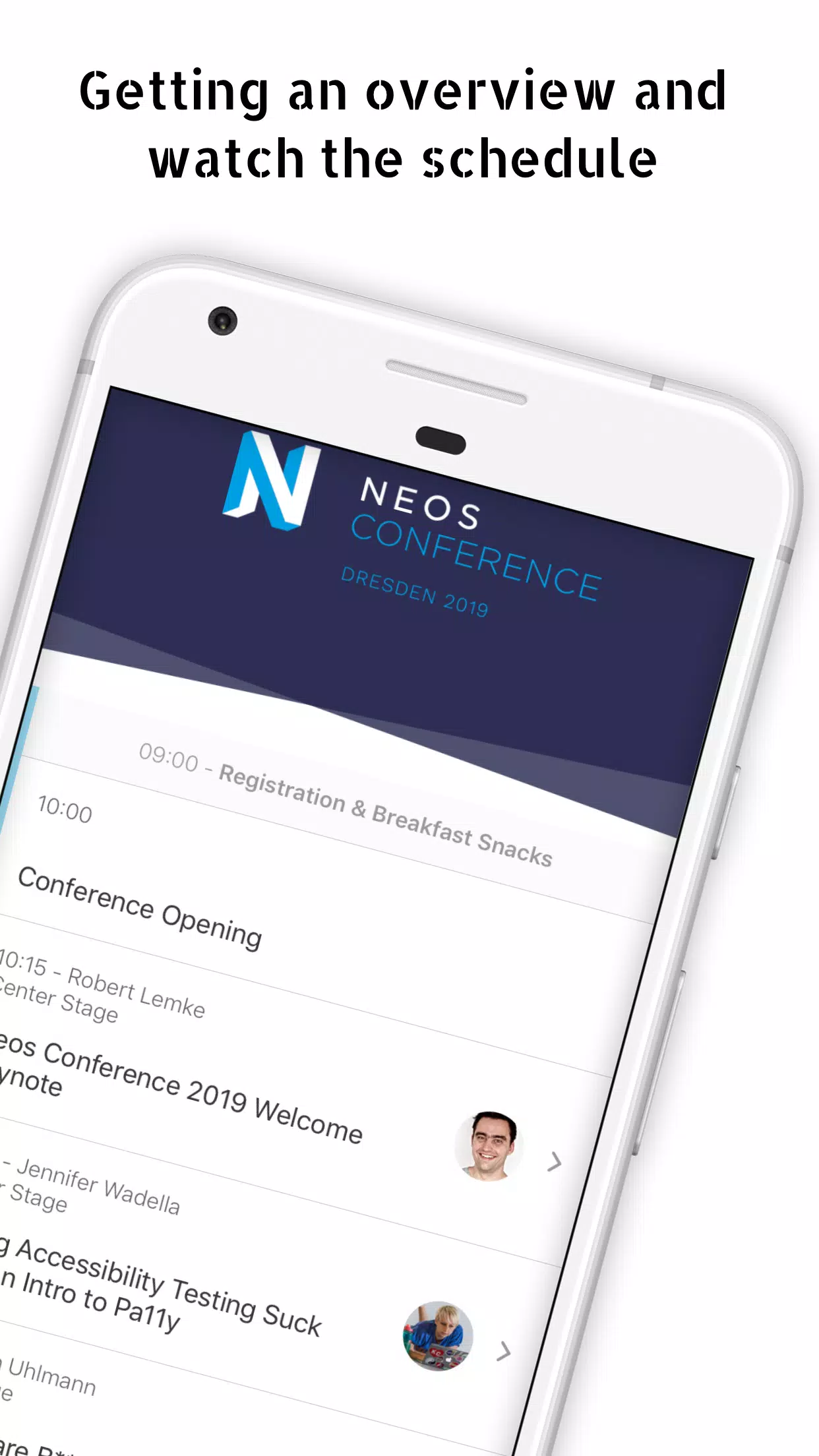
Neos Con is a versatile conference and event management app designed to simplify schedules, networking, and session tracking for attendees and organizers alike. It centralizes agendas, speaker profiles, and real-time updates while offering intuitive tools to manage personal itineraries and discover relevant sessions at a glance.
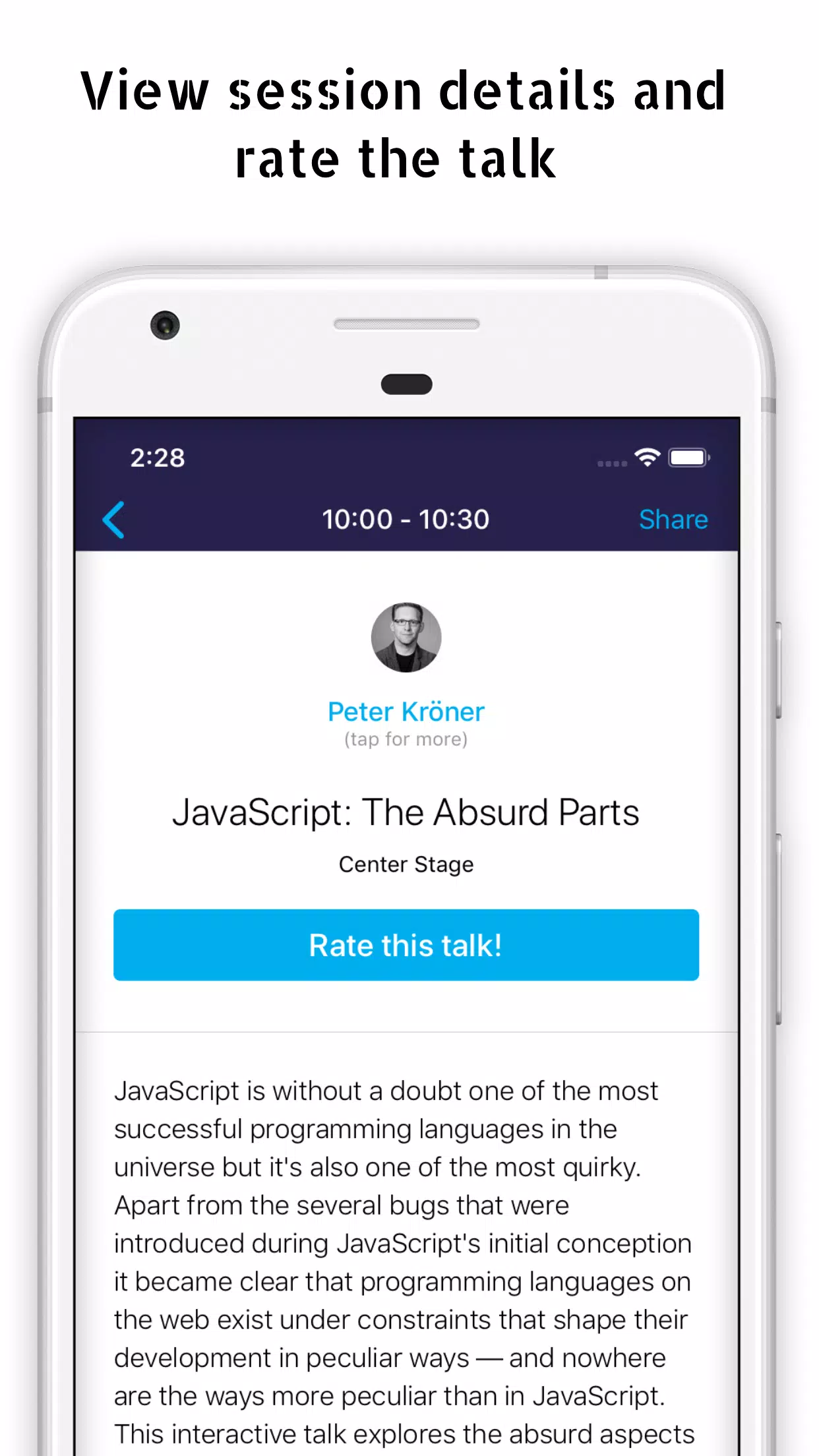
Neos Con streamlines the logistics of in-person and hybrid events with a compact suite of features. Users can browse event programs, bookmark talks, and receive push notifications for last-minute changes. Organizers gain access to attendee analytics and scheduling controls that reduce friction when sessions shift or rooms change.
After installing Neos Con, users create a profile and select events they plan to attend. The app syncs with the event’s central schedule and downloads content for offline access. Custom calendars and reminders ensure attendees won’t miss must-see talks. Organizers can push changes instantly, and the app resolves conflicts by suggesting alternate sessions to affected participants.
Neos Con’s interface is built for clarity. Navigation relies on a simple bottom bar with clear icons for Agenda, Speakers, Map, and Messages. Load times are short thanks to optimized caching. During large events, the app prioritizes critical updates so users receive urgent alerts first while background tasks fetch supplementary content.
The app supports several personalization options. Attendees can tag sessions as "priority," add private notes, or share their itinerary with colleagues. For organizers, theme settings, branded colors, and custom push templates help tailor the event experience. Integration options include calendar sync, badge scanning, and QR-based check-ins to speed registration.
Privacy controls let users manage visibility of their profiles and shared contact information. Neos Con stores minimal personal data and provides opt-in choices for networking features. Event hosts receive anonymized engagement analytics to measure session popularity without exposing personal details.
Event planners and venue managers value Neos Con for its real-time orchestration capabilities. The app reduces the workload of manual schedule changes and keeps attendees informed, which improves event flow and reduces confusion. Built-in analytics inform decisions about room allocation and popular content, helping teams iterate faster between events.
Neos Con suits a wide range of gatherings: industry conferences, academic symposia, trade shows, and corporate offsites. Small meetups benefit from simple RSVP and messaging tools, while large conventions leverage the full stack of agenda management, multi-track navigation, and crowd analytics.
Download the app, sign in with an email or SSO account, and join your event using the provided code or public listing. Explore the agenda, mark favorites, and connect with speakers. Organizers can import schedules via CSV or the platform’s dashboard and push live updates without rebuilding event pages from scratch.
Neos Con balances practical utility with a focused interface, making it a practical choice for attendees who want minimal friction and for planners seeking reliable, data-driven event operations. With thoughtful onboarding and a feature set aligned to real-world needs, it keeps conference logistics under control while enhancing attendee engagement.
File size: 15.20 M Latest Version: 1.1.3
Requirements: Android Language: English
Votes: 323 Package ID: de.sandstorm.neosconference

Top Events Free Apps for Android
Discover and share the hottest events around with our intuitive apps. Find local concerts, festivals, shows, and more based on your unique interests. Create customizable calendars of upcoming events to coordinate schedules with friends. Purchase tickets seamlessly from our integrated platforms. Check real-time transit schedules to plan your trip. Access maps, directions, and parking information for any venue.






LIVE A HERO
Retro Hero Mr Kim
Empire of Passion
Arcane Quest Legends
Magic Snap: Momotaro
AllStar Manga Heroes
Lunescape
ONE PIECE Thousand Storm JP
Tap Titans 2