
Scan to Download
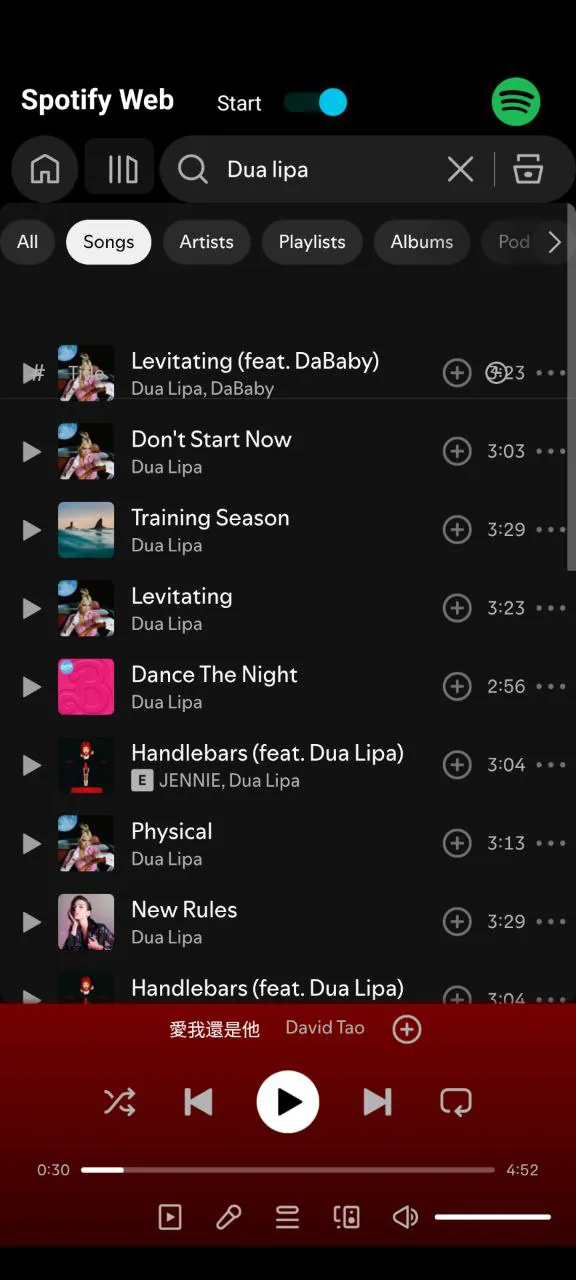
Spotify Web delivers full-featured Spotify access directly in your browser, enabling high-quality streaming, playlist management, and seamless playback control without a desktop install. It syncs with your account across devices, supports search and recommendations, and offers quick access to liked tracks, albums, and collaborative playlists for instant listening.
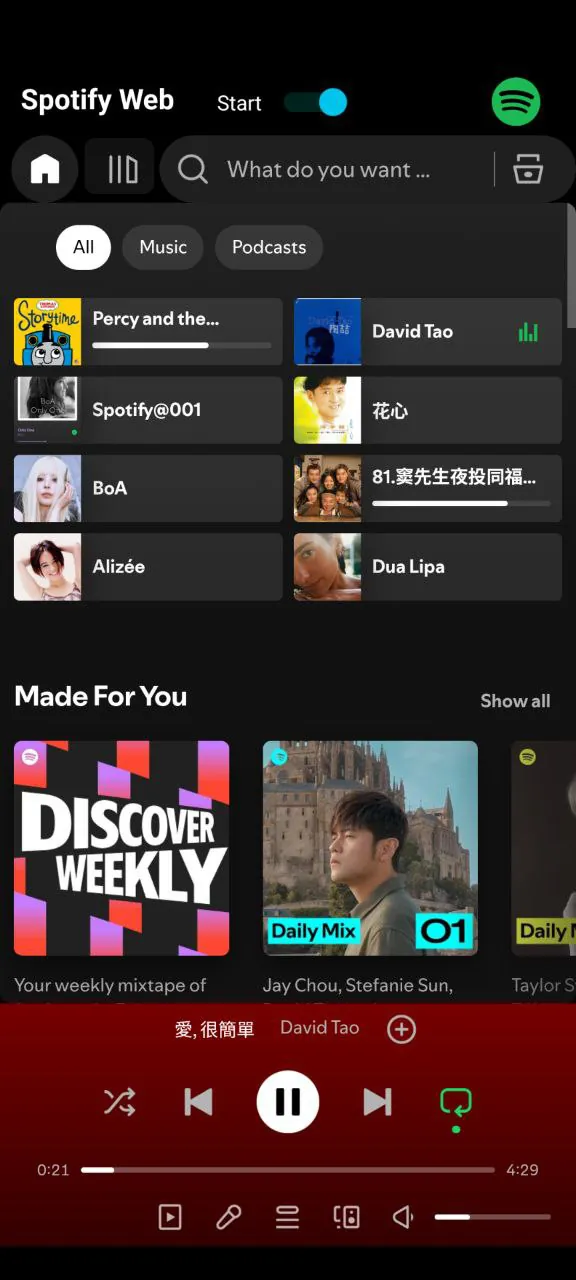
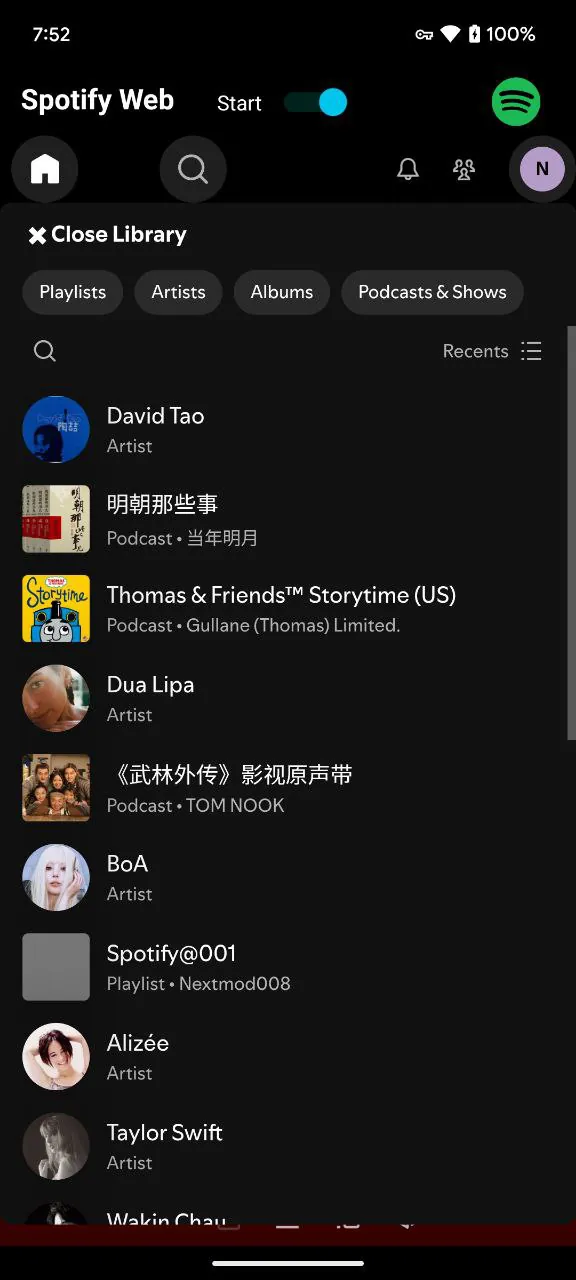
As a web-based player, Spotify Web focuses on speed and simplicity. The interface is trimmed for quick navigation: a left-hand library column, central content area, and a persistent mini player. Because it runs in modern browsers, updates arrive without manual downloads, making feature rollouts fast for everyday users and power listeners alike.
The design is optimized for clarity. Larger album artwork and contextual menus reduce clicks when queuing tracks or accessing artist pages. Performance depends on browser and system resources — Spotify Web performs well on Chrome, Edge, and Firefox, while devices with limited RAM may notice higher memory usage during heavy browsing sessions. Audio timing and gapless playback are reliable, but offline access remains limited to the native apps.
Within Spotify Web, you can adjust audio quality for streaming, change crossfade duration, and manage explicit content filters. Account settings let you switch devices, view connected apps, and control social features like follower visibility and collaborative playlist invites. The web player also respects account-level preferences such as explicit content filters and paired devices.
For users who work in a browser-heavy environment, Spotify Web integrates smoothly with productivity habits. Use keyboard shortcuts to skip tracks without leaving your document, or pin the tab for one-click access. The player supports casting to connected devices, enabling easy handoff from laptop to smart speaker or TV. Content creators can preview tracks quickly while editing, and DJs often use the web interface for rapid queue adjustments.
Spotify Web excels for streaming but has trade-offs. Offline listening requires the mobile or desktop apps and some advanced audio integrations—like certain high-resolution outputs—are restricted to native clients. Ads appear for free-tier users, and some DRM-restricted content may behave differently in browsers. Privacy-conscious listeners should review connected apps and third-party scrobblers in account settings.
Security features such as two-factor authentication, session management, and password change alerts are available from your account page. When using Spotify Web on public devices, remember to sign out and revoke active sessions if you suspect unauthorized access.
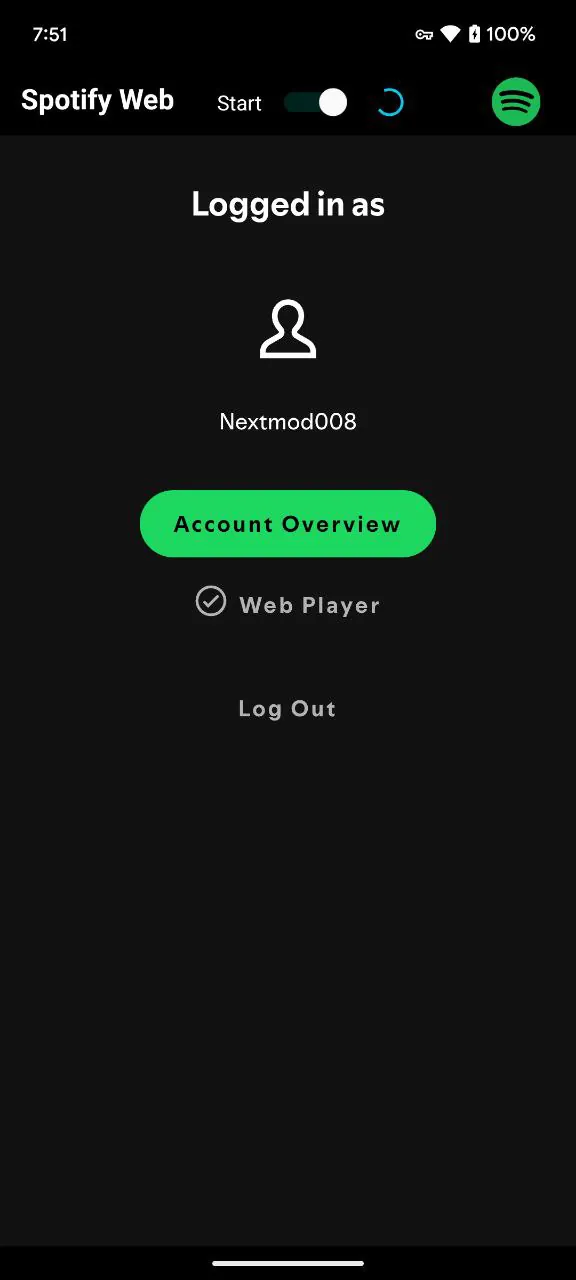
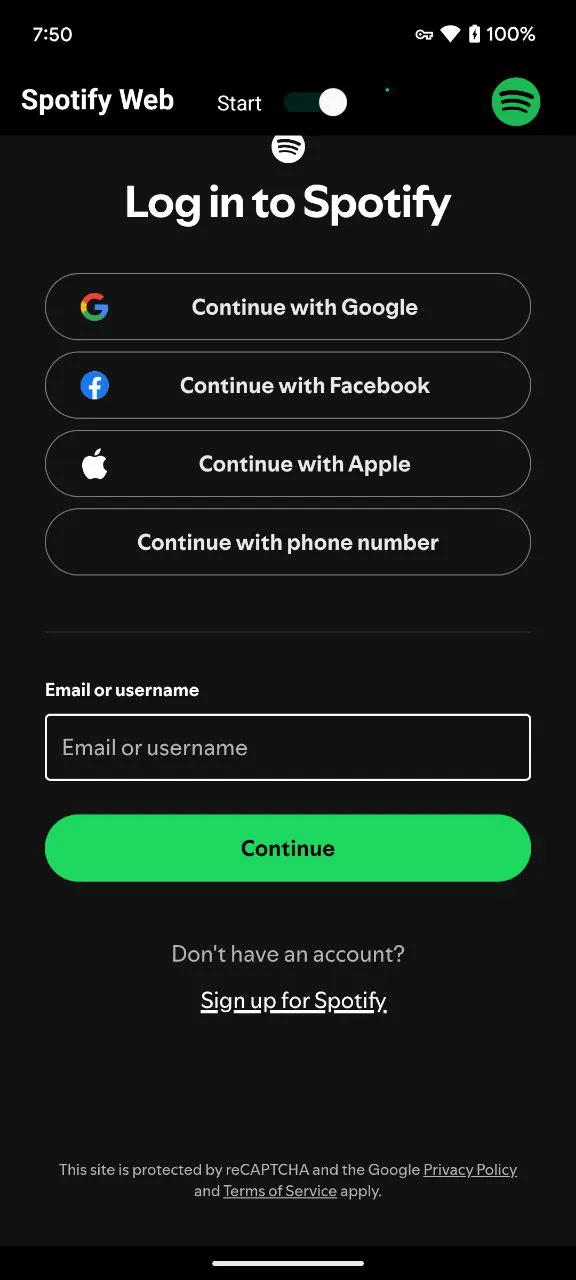
To begin with Spotify Web, sign in at the web player URL with your existing credentials or create an account. Link your Spotify subscriptions and follow a few artists to populate personalized playlists. Adding the web player to your browser’s apps or creating a desktop shortcut turns the web interface into a near-native experience fast.
Spotify Web makes browser-based listening practical for commuters, students, and professionals who prefer not to install extra software. With synchronized libraries, easy sharing, and responsive playback controls, it covers most day-to-day listening needs while keeping your music collection accessible anywhere you have a browser.
File size: 4.70 M Latest Version: 1.6.9
Requirements: Android Language: English
Votes: 304 Package ID: com.spotify.music.web
Developer: nextmod

Best Free Books Apps for Your Android Phone
Discover your next great read with our innovative book apps. Access millions of ebooks, audiobooks, and comics on any device. Get personalized recommendations from our advanced algorithms so you always have your next great story lined up. Track your reading habits and browse curated lists for inspiration. Join online book clubs to connect with fellow bibliophiles. Listen to samples and download seamlessly with our integrated stores.






LIVE A HERO
Retro Hero Mr Kim
Empire of Passion
Arcane Quest Legends
Magic Snap: Momotaro
AllStar Manga Heroes
Lunescape
ONE PIECE Thousand Storm JP
Tap Titans 2