Category: Productivity Date:2026-10-12 22:15:01
Rating: 4.4 Tags: Personalization
Scan to Download
Romanian for AnySoftKeyboard brings a full Romanian language pack to your Android device, delivering accurate word suggestions, relevant completions and reliable spell checking for anyone who types in Romanian. Romanian for AnySoftKeyboard installs as an add-on dictionary that uses the official Romanian word list sourced from the Android Open Source Project, so prediction quality stays current while leaving your preferred keyboard interface unchanged. To start using the pack you need the compatible AnySoftKeyboard companion app installed; then simply enable Romanian from the keyboard's language settings and select the layout that matches your typing habits.
The Romanian for AnySoftKeyboard add-on includes the official AOSP Romanian dictionary for precise suggestions and spelling corrections tailored to Romanian orthography and common usage. Predictions are contextual, adapting as you type to offer more relevant completions that reduce errors and speed up composition. This language pack integrates with the host keyboard's advanced features such as gesture typing, multi-layout support and personalized prediction engines, so it works seamlessly with custom input methods you already use. The dictionary operates offline once installed, protecting privacy by keeping language data on your device, and the package receives periodic updates to align the word list with recent language changes and compatibility improvements.
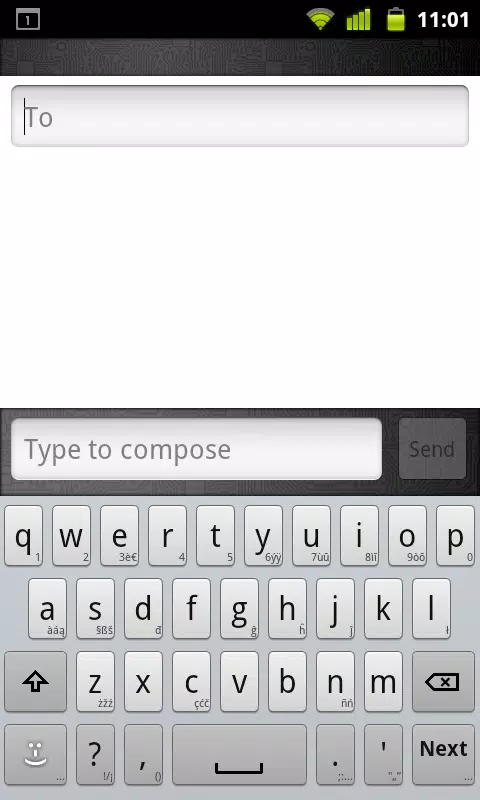
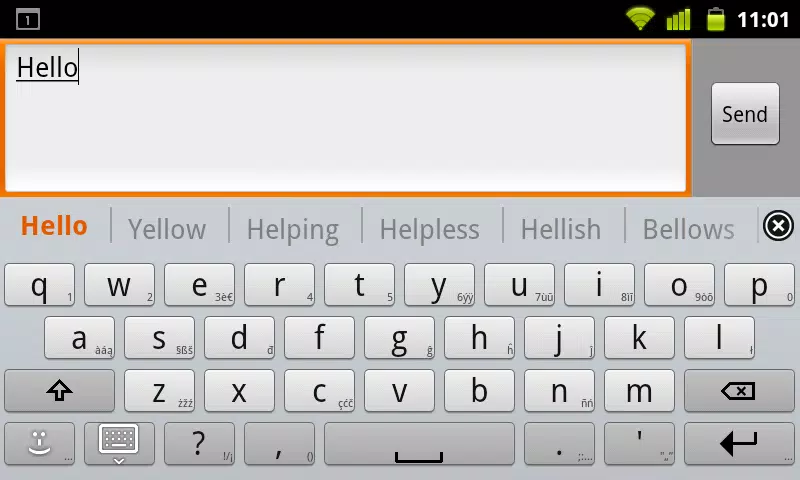
Using Romanian for AnySoftKeyboard is straightforward: install the add-on from this APK and open your AnySoftKeyboard app to enable Romanian under input languages. Switch between languages by tapping the globe or language key on your keyboard, and choose between layouts that include standard Romanian diacritics or compact arrangements suited for small screens. Long-pressing character keys reveals accented variants when supported by your keyboard, and gesture input or swipe typing remains available if enabled in your keyboard settings. Punctuation behavior, autocorrect thresholds and suggestion visibility are controlled from the host keyboard, so you can fine-tune how Romanian predictions appear while you type in apps, emails and messaging services.
The add-on works with the keyboard's personalization features to improve suggestions over time: words you use frequently will surface higher in predictions, and the keyboard can learn new names or local terms you add to its user dictionary. This progression is implicit and continuous rather than gamified — your typing speed and accuracy typically improve as the prediction model becomes familiar with your vocabulary and writing style. You can manually add or remove entries from the user dictionary to shape future suggestions and ensure uncommon words appear when you need them.
Romanian for AnySoftKeyboard focuses on language content rather than a visual theme, but it is fully compatible with the host keyboard's appearance settings. If your AnySoftKeyboard installation supports themes, high-contrast modes, or custom key sizes, the Romanian vocabulary integrates without altering those visuals. Layouts available for Romanian include keys for diacritics and common punctuation used in Romanian writing; depending on your keyboard setup, you can adjust key height, label size and hint characters to improve readability and comfort.
This language pack is designed to function offline after installation, which is useful in low-connectivity situations and helps preserve privacy since lookups and suggestions are processed locally. Accessibility features such as screen reader support or enlarged keys depend largely on the capabilities of the host keyboard, but because Romanian for AnySoftKeyboard only supplies language data, it remains compatible with accessibility settings provided by AnySoftKeyboard and Android. The offline dictionary also reduces latency when composing long messages, notes or documents in Romanian.
Romanian for AnySoftKeyboard is intended specifically as an add-on for AnySoftKeyboard and similar compatible keyboards that accept external dictionaries. Regular updates are published to keep the Romanian word list aligned with linguistic changes and to ensure compatibility with newer Android releases and host keyboard improvements. If you rely on gesture input, personalized predictions or custom layouts, this add-on is built to work alongside those features without replacing them.
For the best experience enable Romanian in your keyboard languages list, allow the keyboard to learn from your typing, and add uncommon names or technical terms to the user dictionary when needed. Keep both the host keyboard and the Romanian for AnySoftKeyboard add-on updated so you benefit from dictionary refinements and compatibility fixes. If you encounter unexpected suggestions, clear learned words in the keyboard settings or adjust autocorrect sensitivity to match your preferred balance between assistance and manual control.
Romanian for AnySoftKeyboard provides a native Romanian typing experience that reduces typos and improves composition with contextual suggestions while preserving your chosen keyboard interface. It does not supply its own keyboard UI, voice input, or visual themes — those input services remain the responsibility of the host keyboard app. Because the package is focused on language data, installation requires a compatible keyboard and the functionality is concentrated on Romanian dictionary, prediction and spellcheck support rather than additional input modalities.
File size: 5.60 M Latest Version: 5.0.28
Requirements: Android Language: English
Votes: 425 Package ID: com.anysoftkeyboard.languagepack.romanian
Developer: AnySoftKeyboard

Top Personalization Free Apps for Android
Explore the real potential of personalization with our exceptional mobile software downloads! Set your imagination free and customize your smartphone to perfectly reflect your unique personality. Our amazing assortment of options caters to a diverse range of tastes. Choose from trendy themes, exclusive wallpapers, inventive widgets, and personalized ringtones to truly make your phone your own. Elevate your mobile experience and make a statement.






LIVE A HERO
Retro Hero Mr Kim
Empire of Passion
Arcane Quest Legends
Magic Snap: Momotaro
AllStar Manga Heroes
Lunescape
ONE PIECE Thousand Storm JP
Tap Titans 2










































